You want your home to keep a loved one safe while they stay independent. Fall detection sensors do just that. They quietly watch for sudden movements and call for help when it’s needed.
These sensors are a key part of a bigger safety plan. When used with smart door locks and keyless entry, they offer controlled access and quick emergency help. Places like assisted living facilities and home-care services use them to avoid risks from lost keys and slow help.
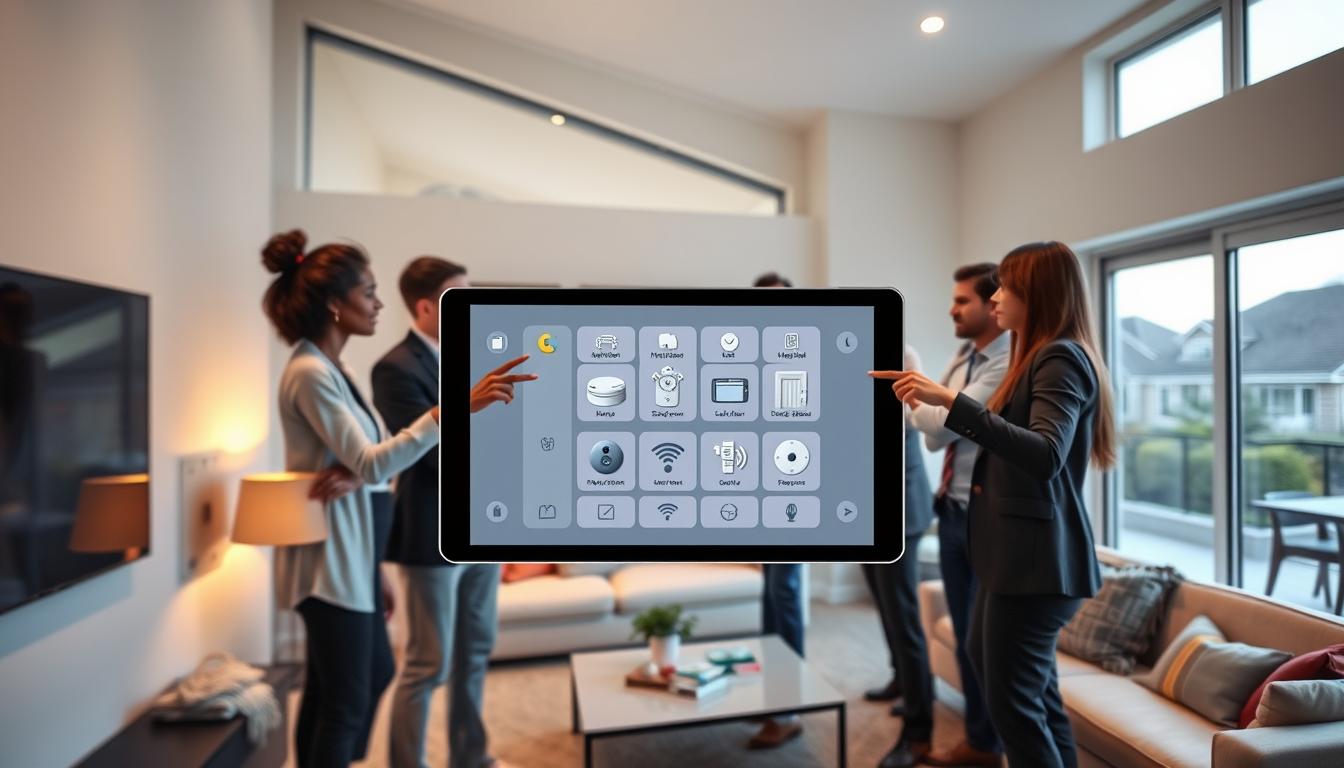
Connected home technology brings sensors, cameras, and smart locks together with apps and voice assistants. This means a fall can send alerts on phones, unlock doors for responders, or adjust the temperature. These steps make your home more responsive and easier to manage for seniors with mobility issues.
In the next sections, you’ll discover how fall detection sensors work, what features to look for, and how they work with smart door locks and other devices. Together, they create a safer home environment.
What Are Fall Detection Sensors?
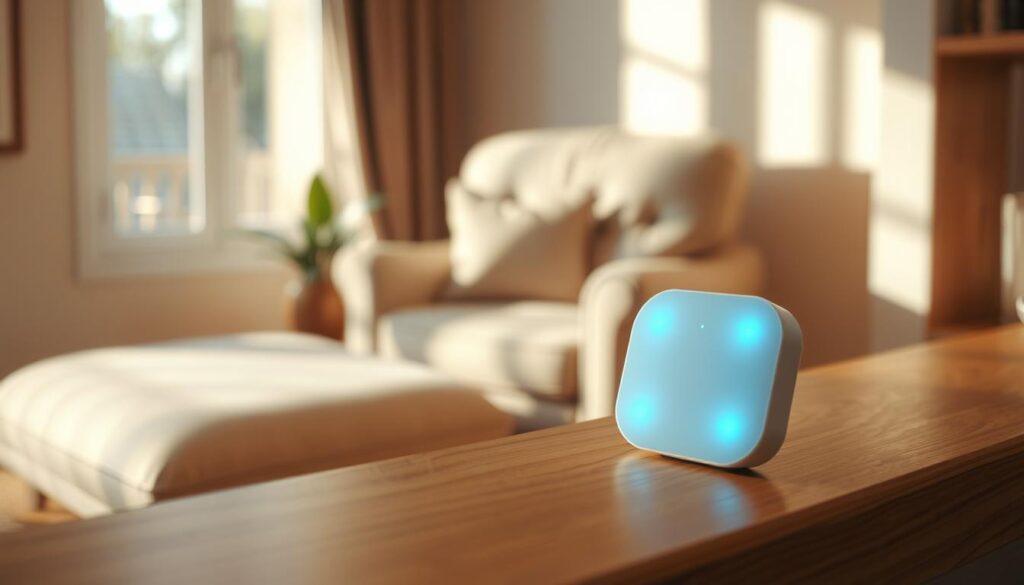
Fall detection sensors are devices that spot sudden changes in position or impact. They are often found in pendants or wristbands. You can also find them in bed and chair sensors that detect unusual pressure changes.
Room-based options include depth cameras, radar-based sensors, and floor vibration mats. These are great for seniors who might forget to wear a device. Each type aims to quickly alert help after a fall.
The main goals of these sensors are clear. First, they detect falls right away. Second, they send alerts to caregivers or monitoring centers. Third, they log events to help plan better safety measures.
- Wearable accelerometer/gyroscope devices for motion and impact sensing
- Pendant-style SOS buttons for manual calls for help
- Bed and chair sensors to track sudden exits or long immobility
- Depth-camera and radar room sensors for hands-free monitoring
- Floor vibration or mat sensors to detect footfall and falls
Modern systems offer automatic alerts and smartphone integration. This means you can get push notifications and check activity from anywhere. It’s a big step up from older methods.
Many systems connect to smart home technology. This allows sensors to work with smart locks, lights, and voice assistants. It can make getting help faster and safer.
When choosing, look at detection accuracy, battery life, and alert systems. Data logging helps spot risks and guide safety improvements. These features are key for keeping seniors safe.
How Do Fall Detection Sensors Work?
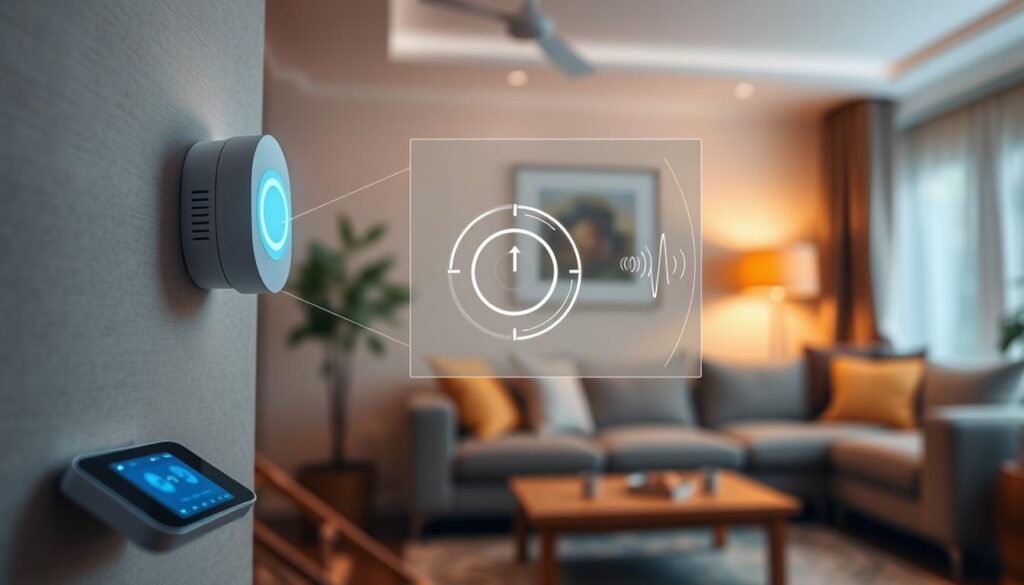
Fall detection sensors help by noticing unusual movements and sending help fast. Wearable devices use special tools to feel sudden stops and falls. Non-wearable systems can spot falls without needing you to wear anything.
These sensors send data to a hub or cloud service. They use algorithms to check the data in real time. If they see a fall, they log it and send alerts with exact times.
- Automatic alarm: the device can sound a local alert or activate a two-way speaker so you can speak with a responder.
- Smartphone notifications: the system sends push alerts, text messages, or calls to designated contacts.
- Professional monitoring: some setups forward incidents to a monitoring center for faster dispatch.
Designers make sure false alarms are rare. They use many sensors and ask you to confirm alerts. This way, your normal movements won’t set off alarms.
Connecting these sensors to your home systems is very useful. For example, if there’s a fall, the system can unlock your door for EMS. This shows how convenient and secure it can be.
Connected devices can also turn on lights or start camera recording when a fall is detected. These features improve home security and help responders know what to expect when they arrive.
Pairing fall sensors with monitoring services and smartphone apps offers quick help and a detailed record of incidents. The smartphone integration benefits include instant alerts, event logs, and the ability to call for help from anywhere.
Benefits of Using Fall Detection Sensors
Fall detection sensors alert caregivers and medical services quickly when a fall occurs. This fast response can prevent serious injuries and reduce the need for emergency-room visits.
These systems add to the safety of your home. They can unlock doors for emergency responders and keep a record of who enters your home after an incident.
Your family can receive updates and control devices through their smartphones. This constant information helps everyone stay calm and informed.
Fall detection also makes daily life easier. It can turn on lights, adjust the temperature, or unlock doors for emergency crews. This not only saves energy but also makes your home more secure.
With automated monitoring, seniors can move around more freely. This means caregivers can relax a bit, knowing their loved ones are safe. Seniors also enjoy more independence in their daily routines.
- Faster help and lower injury severity
- Reduced emergency visits and medical costs
- Remote alerts to family, caregivers, and monitoring centers
- Integration with smart door locks benefits for controlled access
- Data patterns that help flag rising fall risk for preventive care
Using fall detection with other security tech makes your home safer. It watches for unusual activity and falls. This creates a safer, smarter home environment.
The benefits of fall detection sensors are clear. They improve health and safety, reduce stress for caregivers, and give seniors confidence to live independently with dignity.
Key Features to Look for in Fall Detection Sensors
When looking for fall detection, focus on devices that are reliable and made for seniors. Look for an interface that’s easy to use and clear alerts that help in emergencies.
Make sure the device has automatic detection and a manual SOS button. Two-way voice lets you talk to responders. Also, look for multi-channel alerts that send calls, texts, and app notifications.
- Configurable sensitivity to lower false alarms and improve fall-detection accuracy.
- Ability to assign multiple emergency contacts and generate real-time activity logs for caregivers or clinicians.
- Non-wearable options for people who prefer not to wear a device.
Battery life is key. Choose devices with long battery life and alerts for low battery. Also, look for devices that are waterproof or weather-resistant.
Secure wireless protocols like Bluetooth Low Energy and AES encryption are important. Firmware updates keep the device safe and current.
Smart home compatibility is a plus. Devices that work with Apple HomeKit, Google Home, or Amazon Alexa offer extra features. These include emergency responder door-unlock integration, adding convenience for caregivers.
Smartphone features are also important. Instant alerts, live monitoring, and easy contact management are benefits. The right app makes reviewing activity reports and sharing with healthcare providers easy.
Professional monitoring adds extra protection. If you prefer a hands-off solution, choose a service with trained operators. They can contact emergency services and use smart-lock benefits for entry when needed.
Comfort and real-world performance are key. A lightweight wearable that fits well is less likely to be left off. Sensors that balance accuracy with low false positives provide reliable protection without constant interruptions.
The Technology Behind Fall Detection Sensors
Fall detection systems use sensors and smart processing to spot emergencies. They include accelerometers, gyroscopes, and barometers. Also, depth cameras, LiDAR, and mmWave radar are used. Pressure mats and wearable tags help seniors who sit or lie down.
Machine-learning algorithms classify motion patterns to avoid false alarms. Devices like Apple Watch or pendants use edge computing. This reduces latency and limits cloud data.
Cloud analytics run broader models and update software across fleets. Your home network is key for reliable alerts. Wearables use Bluetooth or LTE/5G, while hubs use Zigbee or Z‑Wave.
Wi‑Fi and cellular links connect your system to emergency responders and caregivers. Security and firmware maintenance protect your family. Manufacturers use TLS and AES encryption, two‑factor authentication, and signed firmware to reduce hacking risks.
Regular updates mirror smart‑lock makers’ practices to keep access points secure. Energy efficiency is important for everyday use. Low‑power sensors, duty‑cycling, and efficient radios extend battery life.
Systems that tie into home energy management cut unnecessary wake cycles. This highlights energy efficiency features that lower maintenance. When choosing a product, consider on‑device processing versus cloud features.
- Sensor types: accelerometer, gyroscope, barometer, depth camera, LiDAR, mmWave radar, pressure mat.
- Networks: Bluetooth, Wi‑Fi, LTE/4G/5G, Zigbee, Z‑Wave.
- Security: encrypted transmission (TLS/AES), secure authentication, signed firmware.
- Power: low‑power components, duty‑cycling, integration with home energy systems to support energy efficiency features.
Understanding the technology behind fall detection sensors helps you choose the right solution. Look for devices that balance on‑device intelligence, strong cyber protections, and seamless integration with your connected home technology and smartphone tools.
Comparing Fall Detection Systems
Start by thinking about what’s important to you when comparing fall detection systems. Consider the device type, monitoring options, and how it fits into your home technology.
Wearables like the Apple Watch and GreatCall Lively offer mobility and direct alerts. Non-wearables, such as Resideo motion sensors and camera-based solutions, monitor rooms without a device. Each option affects privacy, ease of use, and false positives.
Look at professional-monitored services from Philips Lifeline and August versus self-monitoring setups. Professional monitoring is more expensive but ensures quick emergency response. Self-monitoring is cheaper and gives you more control.
Compare the initial cost and installation complexity. Some systems connect to Wi-Fi, while others use cellular backup. Check battery life, maintenance needs, and compatibility with your smart-home system before buying.
- Accuracy and false positives: look for published sensitivity rates and trial periods.
- Emergency procedures: confirm how quickly responders are contacted and what verification steps occur.
- Privacy trade-offs: cameras provide rich data but raise more privacy concerns than radar or mats.
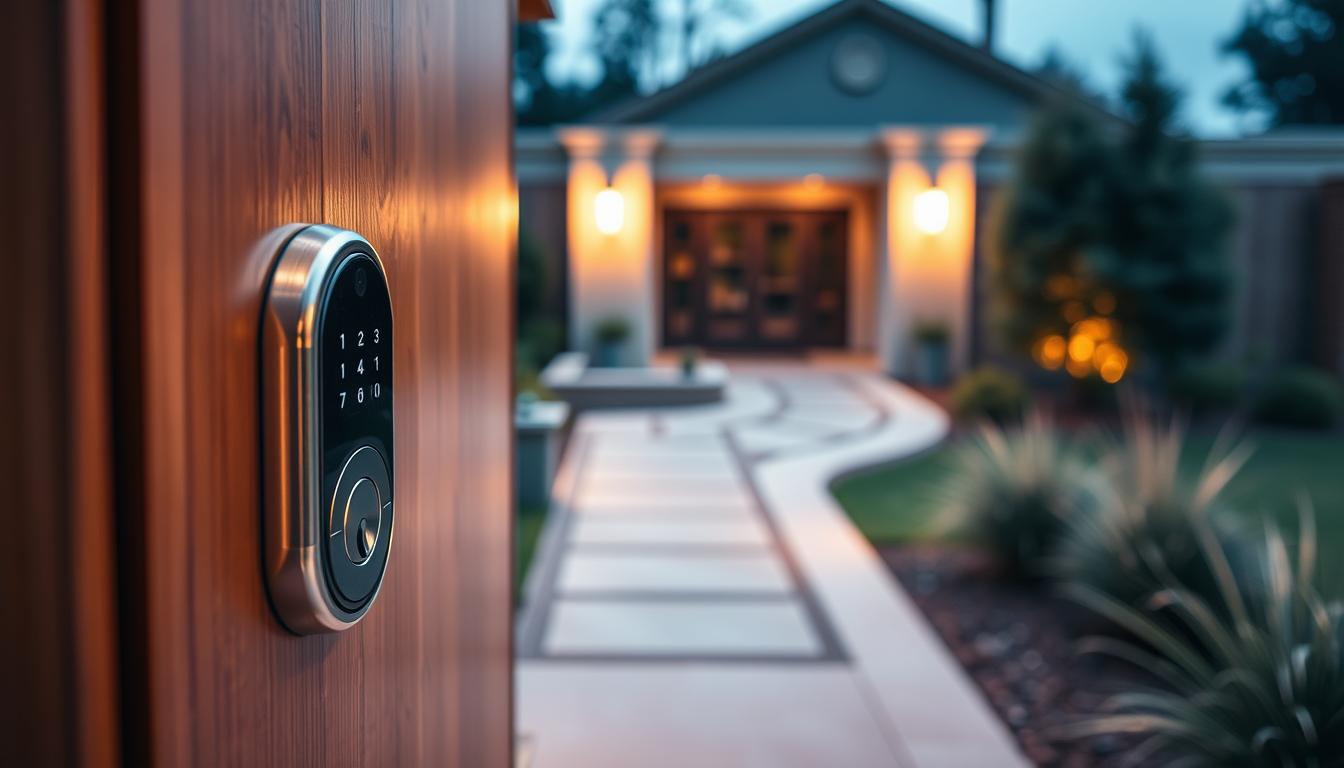
Think about smart door locks benefits when the system needs responder access. Keyless entry can let EMTs reach your loved one without forcing doors. But check if your fall detection provider supports secure auto-unlock functions.
Consider improved home security as you plan. Integrating fall detection with door sensors, smart locks, and motion detectors strengthens safety for seniors and caregivers.
Lastly, test compatibility with devices you already own. Systems that work with Alexa, Google Home, or a home automation hub simplify setup and reduce extra purchases. This practical comparison will help you pick a reliable system that fits your budget and lifestyle.
How to Choose the Right Fall Detection Sensor for You
First, match the device to the senior’s daily life and abilities. Bunny’s Home Care Baltimore suggests focusing on ease and practical support. Determine if the senior will wear a pendant or prefer a home unit. It’s more important to ensure they will use it than to have the latest technology.
Make a simple checklist to compare options. Think about the senior’s mobility, mental state, home layout, and internet or cellular access. Also, decide if you need professional monitoring and check response times during a trial.
- Prioritize detection accuracy and false-alarm rates.
- Verify battery life and maintenance needs for long-term reliability.
- Test the device in the actual home to confirm coverage across rooms and floors.
Consider how it integrates with other systems. Smartphones can send alerts and let caregivers see activity logs. If you need responders to enter, look at smart locks for remote access.
Check if it works with local standards and your existing smart home. Home-tech advice says to check door and house needs before buying smart locks or hubs. Make sure it fits your doors and network to avoid expensive changes later.
Think about the total cost of owning the device. Include the price, installation, monthly fees, repairs, and battery replacements. A trial can show hidden costs and help decide if professional monitoring is worth it.
- Evaluate detection performance and ease of use first.
- Check smartphone integration benefits and how alerts reach you or a caregiver.
- Confirm keyless entry advantages if you expect responders to need access.
- Verify data privacy, local compatibility, and service response times.
When you have a few options, ask for demos from brands like Philips Lifeline or GreatCall. Test them in real life. Look for clear privacy policies and encryption to keep personal info safe while ensuring safety.
Take your time to compare features, costs, and support. A careful choice helps find a balance between comfort, affordability, and reliable protection for your loved one.
Privacy and Data Security Concerns
When you add fall detection to your home, you need to know about data rules. Read privacy policies from companies like Philips, GreatCall, and ADT. This way, you’ll understand how they handle health alerts, logs, and video.
Make sure they use strong encryption like TLS and AES for communications. Also, ask for two-factor authentication on accounts that access monitoring logs. Choosing local processing or edge computing can help keep your data safer by reducing cloud exposure.
Camera-based features can make your home more secure but also raise privacy concerns. Check their video retention policies and ensure caregivers’ consent. Opt for on-device processing when possible to cut down on sensitive footage streaming.
Connected home tech needs regular updates to stay secure. Look for brands with a good track record and clear update policies. This helps avoid hacking or vulnerabilities in smart locks and sensors.
When health info goes to professionals or clinicians, check if they follow HIPAA. Demand restricted access lists so only approved users see logs and alerts.
- Require encrypted cloud storage and secure APIs.
- Use strong passwords and enable two-factor authentication.
- Limit sharing settings and review access logs regularly.
- Prefer devices that support on-device processing to minimize cloud transfer.
Finding the right balance is key to protect your privacy while enjoying home security and smartphone benefits. You have control over settings, permissions, and who sees your data. This way, privacy remains a top priority as you use connected home technology.
Cost Considerations of Fall Detection Sensors
When choosing fall detection, don’t just look at the price. Basic pendants can cost under $100. But, systems with advanced tech like radar or cameras might cost hundreds more. Think about whether you’ll install it yourself or hire a pro, as this can affect the total cost.
Monthly fees for monitoring are another cost. Prices vary from a few dollars for alerts to over $50 for 24/7 help. Make sure to check the contract terms, any trial periods, and how easy it is to cancel before signing up.
Don’t forget about ongoing costs. You’ll need to replace batteries and possibly update software. You might also need to pay for a hub or upgrade your Wi-Fi for compatibility. These costs can add up, but they can also bring benefits like better energy use and home automation.
Consider the long-term benefits, not just the upfront cost. Reliable fall detection can save on hospital visits and caregiver hours. These savings can make up for the costs of devices and subscriptions, making it worth it in the long run.
- Hardware: wearable devices, home units, radar or camera systems
- Installation: DIY setup or professional service
- Ongoing: monthly monitoring, batteries, software updates
- Integration: hub, Wi‑Fi upgrades, compatibility with smart door locks benefits
Look for financing options, Medicare coverage, or local programs that can help with costs. Check if you qualify and ask about trials. This way, you can try out the remote access and response without a long-term commitment.
Compare the total cost of ownership from different vendors. Read real customer reviews and understand the terms. Having a clear budget for hardware, monitoring, maintenance, and smart-home upgrades will help you see the true value and long-term benefits.
Real-Life Success Stories of Fall Detection Sensors
Senior-care providers like Bunny’s Home Care Baltimore share success stories. They talk about how fall detection sensors help. These sensors lead to quicker emergency responses and fewer problems.
When sensors alert family or emergency services, it makes a big difference. Seniors often have shorter hospital stays and recover better.
Assisted living communities see the benefits of fall detection systems and smart door locks. Staff can quickly find residents and plan care. Families feel safer without the need for cameras.
Home-tech providers and studies highlight the value of smartphone apps and connected devices. Caregivers get alerts and can check on seniors remotely. Even non-wearable radar systems help, keeping privacy intact.
These stories show a common theme: faster emergency responses, fewer hospital stays, and more independence for seniors. Adding smart door locks and other home tools boosts safety even more. It’s all about keeping the people you care about safe and happy.