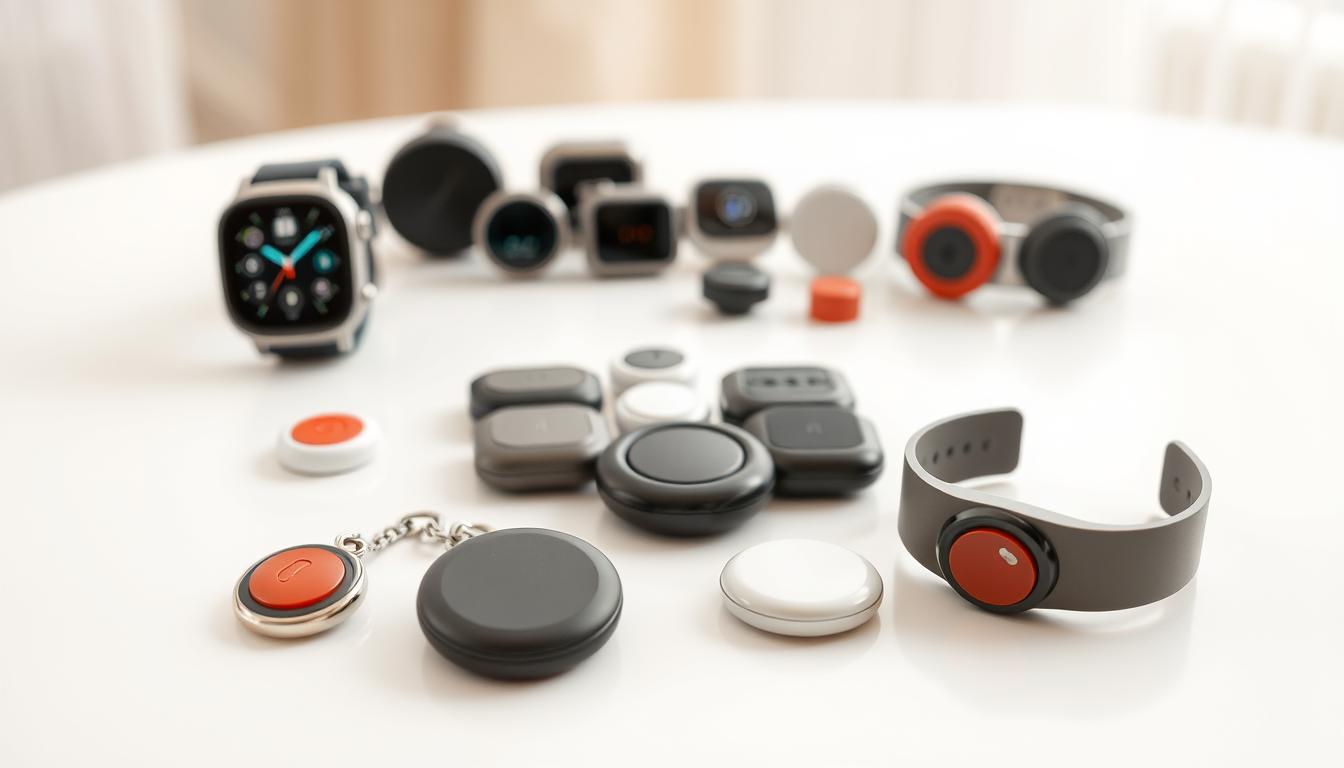
Smart home security makes life easier and safer. Wearable emergency call buttons are personal devices that call for help quickly. They connect to services, apps, or hubs, starting a response with just a press or voice command.
Voice interfaces and automation add convenience. With a wearable alert, you can control lights, unlock doors, or alert contacts without getting up. This automation also saves energy by linking alerts to lighting scenes and timed controls.
Smart assistive technology supports independence, whether aging in place or living with a disability. Wearable emergency call buttons work with smart thermostats, locks, lighting, and monitoring systems. They use Wi-Fi, Bluetooth, cellular, or special protocols, and some combine connections for reliability.
Cloud services and publish-subscribe networks enable real-world integrations. Developers use APIs and platforms like PubNub to link wearables to voice controlled door locks or send alerts to caregivers. This setup allows a wearable to trigger automations, send secure messages, or operate keyless entry when every second counts.
In short, wearable emergency call buttons connect personal safety with smart home features. They work with voice activation technology and keyless entry systems. This strengthens hands-free access control and emergency response in your home.
What Are Wearable Emergency Call Buttons?
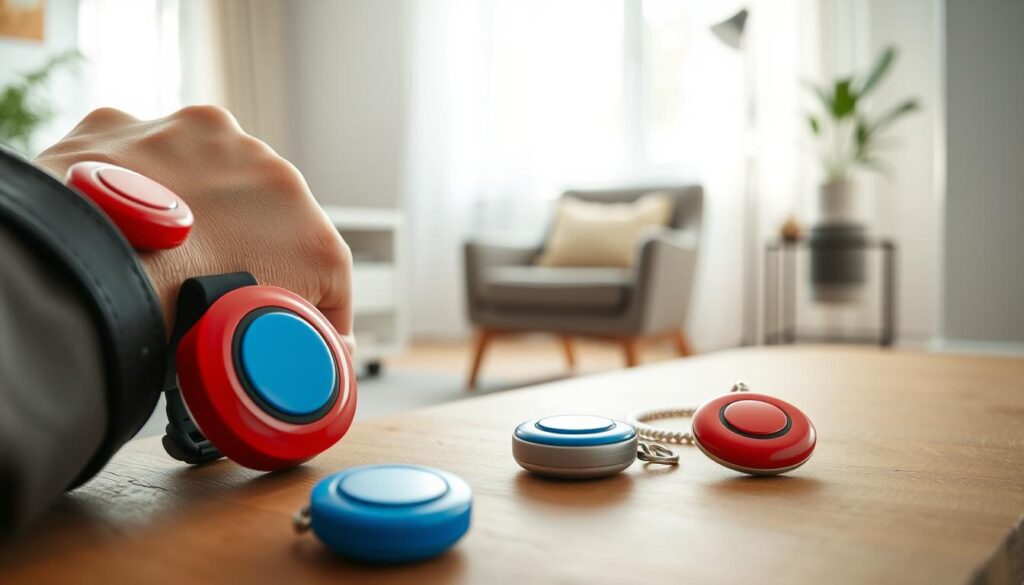
Wearable emergency call buttons are small devices you can wear. They come as pendants, wristbands, or clip-ons. With just a press or if you fall, they call for help, start conversations, and share your location.
They work like voice command gadgets, making it easy to get help without a phone. They pair with voice assistants like Amazon Alexa. This means you can use voice or a button to start actions, helping those with mobility or vision issues stay independent.
These devices are part of smart assistive technology and help with aging in place. They can connect to home monitoring systems. This way, caregivers, monitoring centers, or family members get alerts right away.
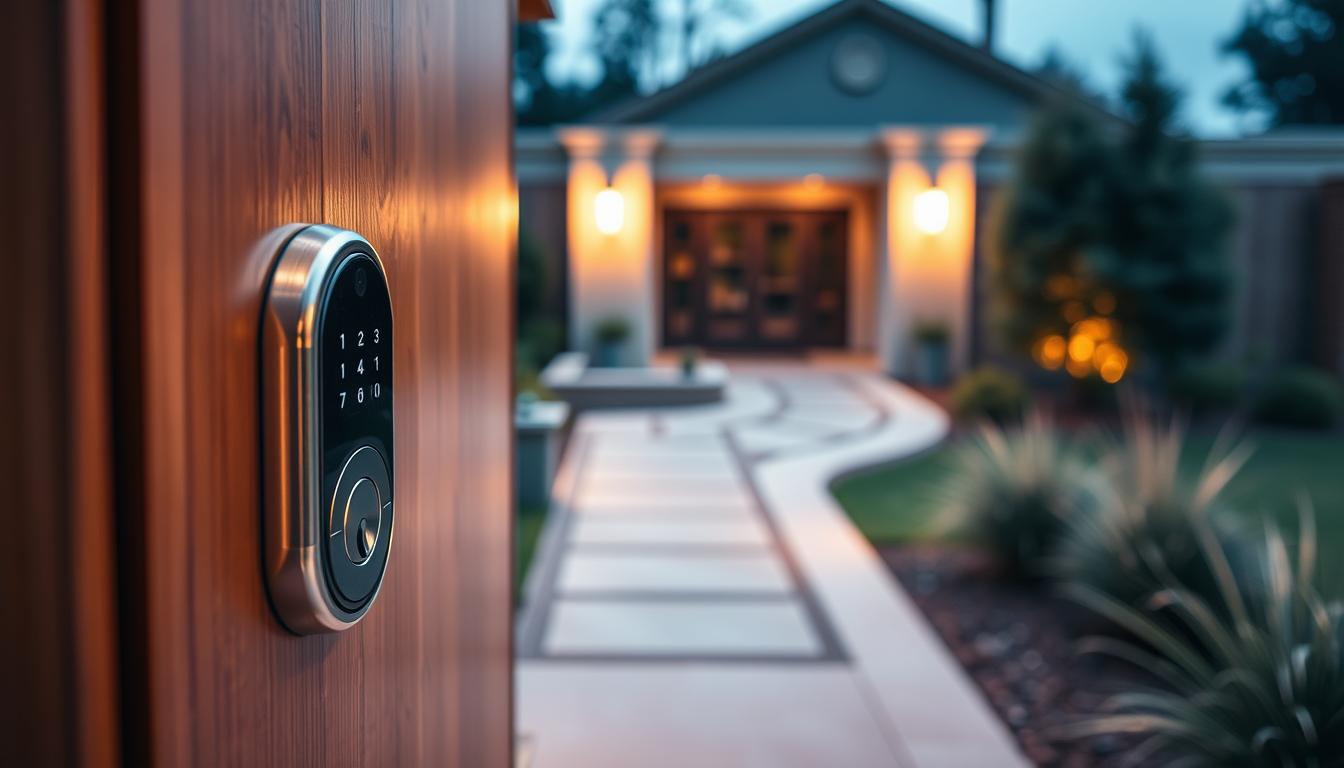
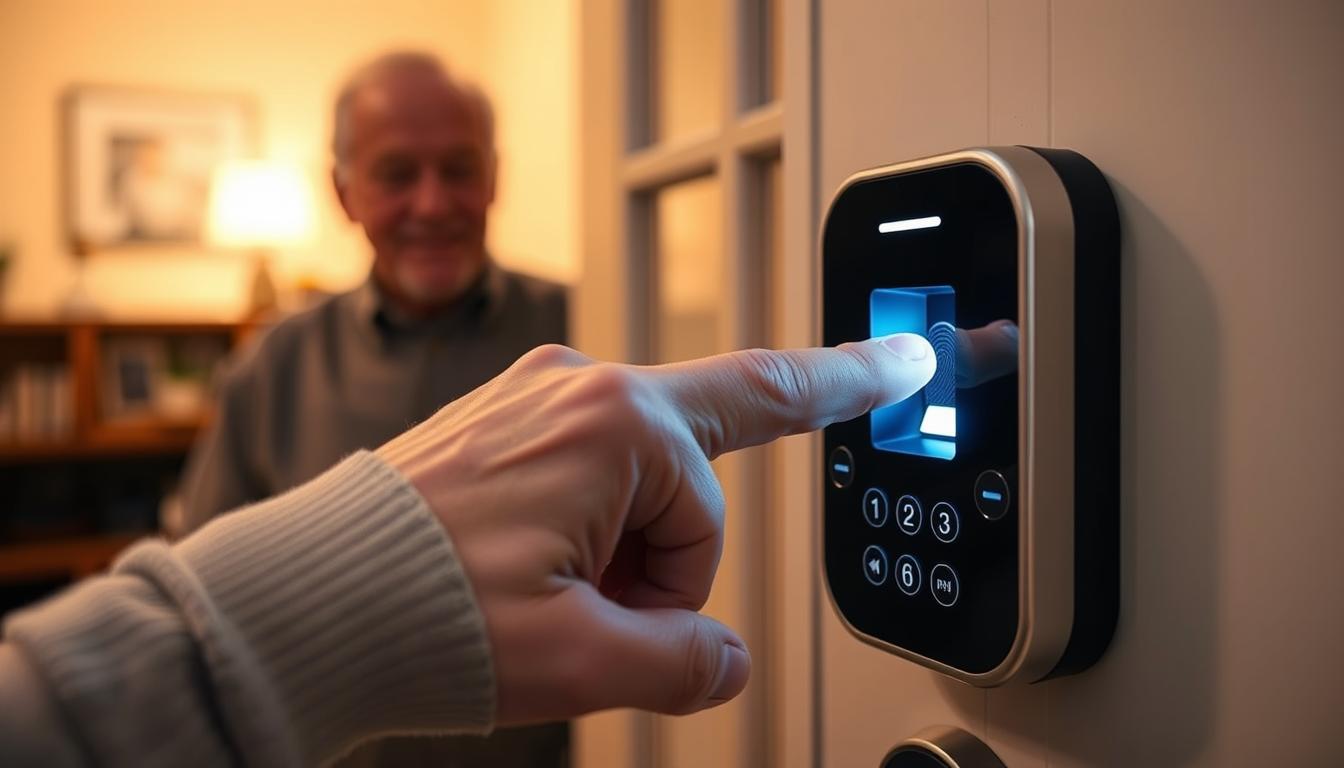
They also work with keyless entry systems. This means someone can unlock a door for you in an emergency, making it easier to get help.
Wearables use cloud services and messaging networks. They can send alerts, update dashboards, or control other smart devices. With voice recognition, they create a connected safety system.
Features include alerts with a single button, fall detection, GPS, two-way voice, and choices in connectivity. Battery life varies by model. Some work with cellular, others with Bluetooth, depending on your needs.
- Form factors: pendants, wristbands, clip-ons.
- Connectivity: cellular for outdoors, Bluetooth for nearby use.
- Smart features: GPS tracking, two-way voice, cloud integration.
- Compatibility: smartphone apps, monitoring centers, keyless entry system links.
Types of Wearable Emergency Call Buttons
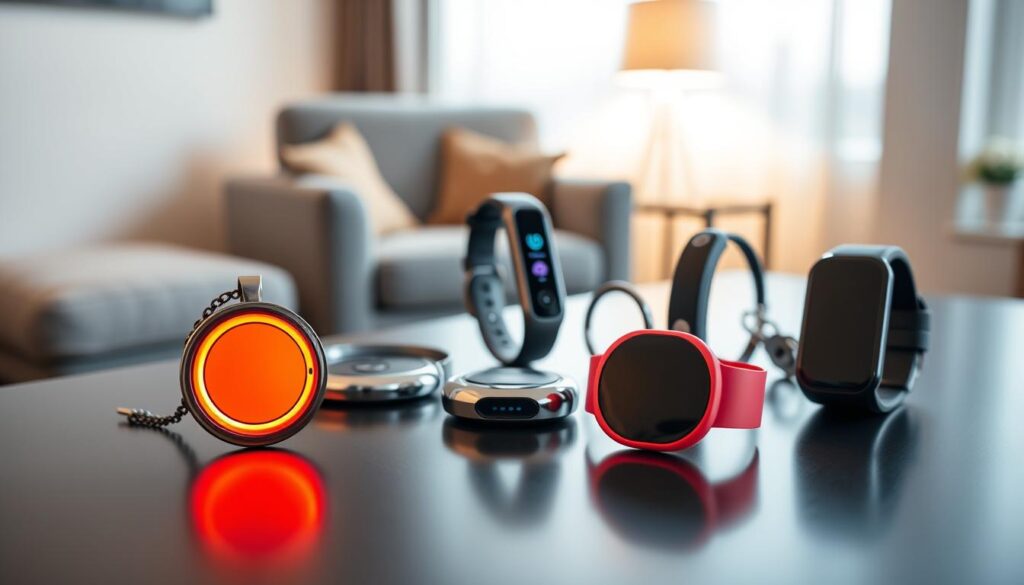
There are many types of wearable emergency call buttons to choose from. You can find pendants, wristbands, clip-ons, and even smartwatches with SOS features. Each type has its own benefits.
Pendants and wristbands are great for seniors and people with disabilities. They are easy to use and sit close to the body. This makes it quick and reliable to press the button in an emergency.
- Pendents (neck-worn): lightweight, easy to press, good for steady contact with the body.
- Wristbands/bracelets: familiar form factor, comfortable for continuous wear, ideal for limited hand mobility.
- Clip-ons/belt clips: discreet and practical when you don’t want something on your wrist or neck.
- Multi-function wearables: smartwatches with SOS add fall detection and health tracking to your emergency toolset.
When it comes to connectivity, Bluetooth models pair with your phone or a home hub. They work best when your phone is nearby. Wi‑Fi wearables connect directly to your home network, providing reliable coverage inside. But, they lose signal if you leave the house unless they have cellular backup.
Cellular or LTE devices offer the widest coverage and direct monitoring by emergency services. Hybrid models combine Bluetooth, Wi‑Fi, and cellular for flexible coverage and reliability.
Integration-ready wearables can connect to smart home security systems. Many devices link through apps or cloud APIs to platforms like Amazon Alexa or Google Home. This lets you trigger actions like turning on lights or unlocking doors when an alert happens.
This setup enhances smart home security. It links personal alerts to home responses and visibility. You can automate actions like turning on lights or unlocking doors through digital door locks.
Look for safety features beyond just a push button. Features like fall detection, automatic emergency calling, and geo-fencing add protection. Waterproof housings and panic modes that send alerts or flash lights are also important.
Features to Look for in Emergency Call Buttons
When looking for an emergency call button, focus on simple, reliable features. These should be practical in a real emergency.
- Single-button activation so you can call for help with one press.
- Reliable connectivity via cellular service or robust local pairing to avoid dropped alerts.
- Long battery life and clear battery-health notifications to prevent unexpected outages.
- Water resistance and a comfortable form factor for daily wear and bathroom safety.
- Easy-to-press design for limited dexterity and clear visual or audible feedback when a call is placed.
Accessibility and safety go beyond the button itself. Look for hands-free access control through voice assistants. Also, the ability to trigger lighting scenes to improve safety when you leave at night.
Consider caregiver features that support real-time alerts to family or professional monitoring centers. The option to call multiple contacts and compatibility with smart home monitoring ecosystems are important. They help in coordinated responses.
- Fall detection tuned to minimize false positives.
- Two-way voice to speak directly with responders.
- GPS and indoor positioning for accurate location during a response.
- Integration with smart locks for controlled entry and API/cloud support for developer tools.
Voice recognition technology and voice activation technology add a useful hands-free layer. But, you must configure privacy and security settings carefully before enabling them.
Security is key. Choose devices that use encrypted communications and strong account authentication. Options to limit sharing of voice or location data and regular firmware updates are also important. They help keep you protected.
Who Can Benefit from Wearable Emergency Call Buttons?
Wearable emergency call buttons offer freedom to you or a loved one. They help older adults get help quickly after a fall. People with mobility or dexterity issues can call for help without reaching for a phone.
Those with medical conditions like seizures or heart problems find these devices helpful. Caregivers can monitor at-risk family members or clients without constant stress.
Lone workers, delivery drivers, and outdoor enthusiasts enjoy peace of mind. They can call for help anytime, anywhere, thanks to cellular-enabled wearables.
Wearables make homes safer by linking to smart home security. An alert can turn on smart lights to guide responders. It also lets a verified helper enter through a keyless entry system after app confirmation.
Institutions like assisted living facilities and home health agencies use wearables. They speed up response times and improve care coordination. Occupational safety programs also use them to protect remote or isolated staff during dangerous tasks.
Choose a device that’s easy to use. Look for simple activation, tactile buttons, and voice-enabled fall confirmation. This way, you can use it even with limited strength or memory.
- Older adults aging in place
- People with mobility or dexterity limitations
- Individuals with seizures, cardiac issues, or chronic illness
- Caregivers and home health professionals
- Lone workers and outdoor enthusiasts
Integrating wearables with hands-free access control and a keyless entry system makes living safer and more independent. Smart home security features like smart locks and lighting make emergencies easier to handle. They also help caregivers manage their tasks more efficiently.
Key Providers of Wearable Emergency Call Buttons
Many well-known providers offer wearable emergency call buttons. Medical alert companies like Medical Guardian, Life Alert, and Bay Alarm Medical have cellular pendants. They also have 24/7 response centers and fall detection.
Consumer electronics brands add SOS features to devices. Apple Watch Emergency SOS and Samsung Galaxy Watch have fall detection and alerts. These devices work well with your phone and apps.
Telecare-focused brands like Philips Lifeline and Lively focus on aging-in-place solutions. They sell dedicated wearables and caregiver apps. Their plans include installation and ongoing support.
- Look at integration options. Some providers work with smart home platforms. This means alerts can trigger automations like lighting or digital door locks.
- Developer tools can extend functionality. With Amazon Alexa Skills Kit, PubNub messaging, or Heroku-hosted adapters, you can link wearable triggers to custom automations. This notifies multiple contacts.
When comparing providers, check response center quality and certifications. Also, look at cellular coverage, subscription pricing, and device battery life. Make sure alerts work with your smart home security setup.
If you’re setting up DIY or developer-driven setups, check if vendors allow third-party integrations. This lets you create automations like unlocking voice controlled door locks for first responders. You can also send secure messages to family and caregivers.
Costs of Wearable Emergency Call Buttons
When you look for wearable emergency call buttons, prices vary. Simple pendants and wristbands cost between $50 and $300. Some sellers offer rental plans that lower the initial cost but add monthly fees.
Professional monitoring costs extra each month. Fees range from $20 to $60 or more. These fees often include emergency dispatch through a certified center.
How the device connects affects its cost and range. Cellular-enabled wearables come with a cellular plan. Bluetooth-only devices need your phone for coverage, which can save money but limits range when you’re away.
Don’t forget about setup and activation fees. Some systems charge a one-time fee for setup or integration with a home hub. DIY setups save money but require your time and technical skills.
Adding smart home upgrades increases the total cost. Upgrades like smart locks and thermostats improve safety and comfort. These can be part of a broader accessibility retrofit.
Over time, hidden costs can add up. Replacement batteries, lost devices, and hardware refreshes increase the total cost. Yet, these devices can reduce caregiver visits and hospital stays by preventing emergencies.
- Device purchase or rental: $50–$300 upfront typical for pendants and wristbands.
- Monitoring subscription: $20–$60+ per month for professional response.
- Installation/activation: one-time fees vary by provider and complexity.
- Smart upgrades: smart home security items like smart locks and lighting carry separate costs.
Custom integrations come with different costs. Tools and hosting for projects that link wearables to home automation may use free tiers. Commercial deployment often requires paid plans. Hardware for local hubs can include Raspberry Pi or Arduino boards and sensors.
DIY setups require time and skill. Building an integrated system that links wearable emergency call buttons to smart home features needs planning and testing. Decide if saving on installation is worth your time.
Consider the value against the cost. A small monthly fee can bring peace of mind and faster response times. When you think about convenience, safety, and cost savings, the total cost may seem smaller compared to the benefits.
How to Choose the Right Emergency Call Button for You
Start by making a checklist to find the right features for you. First, think about your mobility and health needs. Decide if you need it at home or on the go. Choose a style you like: pendant, wristband, or smartwatch.
Next, check how it connects. Look at cellular, Bluetooth, and Wi‑Fi for range and reliability. Test it in your home and favorite places. Make sure it has a good battery life and tells you when it’s low.
- Evaluate monitoring: professional services versus self-monitoring with trusted contacts.
- Check accessibility features like easy activation and clear feedback tones or vibrations.
- Look for caregiver notification options for faster help when you need it.
If you use smart home devices, look for devices that work with voice assistants and home automation. This lets responders or family trigger automations like lighting or unlocking doors during an emergency.
Tech-savvy users should seek systems that offer developer integrations. This includes cloud messaging, Alexa Skills, or custom web services. These options can connect wearable alerts to advanced workflows, including hands-free access control for responders.
Test how the system works before you rely on it. Make sure calls go through quickly and that signals don’t drop. Check the vendor’s policies for support, returns, and updates.
- Confirm compatibility with existing smart home devices and voice assistants.
- Try activation methods and accessibility features in real situations.
- Review monitoring plans and choose professional monitoring if you are at higher risk.
- Ensure the vendor offers clear battery and device health notifications.
Use this checklist to compare models and brands. Pick a device you’ll wear all the time. This ensures your wearable emergency call buttons and linked systems keep you safe and give you peace of mind.
Maintenance and Usage Tips
Always keep your wearable emergency call buttons charged or have fresh batteries ready. Every month, test the device by making a call and checking the GPS. Also, update the firmware and apps when new versions come out.
Ensure strong connectivity where you use the device most. Use a reliable router and keep its firmware up to date. If your home has weak spots, think about using mesh Wi‑Fi or range extenders for better coverage.
Make sure caregivers and first responders know how to use the alert system. Give them access to the companion apps or monitoring portals. Keep your contact lists and emergency instructions updated. Practice alerts so everyone knows what happens after pressing the button.
Use strong, unique passwords for your wearable and smart home accounts. Turn on any available two‑factor authentication. Put IoT devices on a separate guest network to protect your main systems and limit data collection.
Regularly check how your integrations work. Make sure alerts trigger the right actions, like lighting scenes or locking doors. But, always require verification before unlocking digital door locks to keep things safe.
- When alerts fail, check the battery level and connectivity: cellular, Wi‑Fi, or Bluetooth.
- Verify account status and that the wearable is within range of its paired hub or phone.
- For custom integrations, review cloud service logs and any platform configurations used for notifications.
Write down troubleshooting steps and share them with caregivers. A quick checklist helps you act fast if the wearable doesn’t work right.
Keep your privacy settings strict and check them often. This protects your personal data while your system supports smart home security, automated door locking, and digital door locks.
Future Trends in Emergency Alert Technology
Wearable emergency call buttons will soon work with voice controlled door locks and smart home systems. This is thanks to unified standards and open APIs. Your device can trigger digital door locks and work with home sensors easily.
Local processing and edge computing will become more reliable. This means alerts and actions will keep working even when the internet is down. It makes fall detection and immediate actions more dependable during emergencies.
Health-monitoring sensors and routines for aging in place will be integrated into single apps. Tools like Alexa Skills and low-cost computers will help create custom solutions. This makes hands-free access control tailored to your needs possible.
Voice recognition and AI will reduce false alarms and make responses smarter. But, we need stronger privacy controls and secure data practices. With voice activation, keyless entry, and wearables, you’ll have more options for hands-free access control and smart home security.