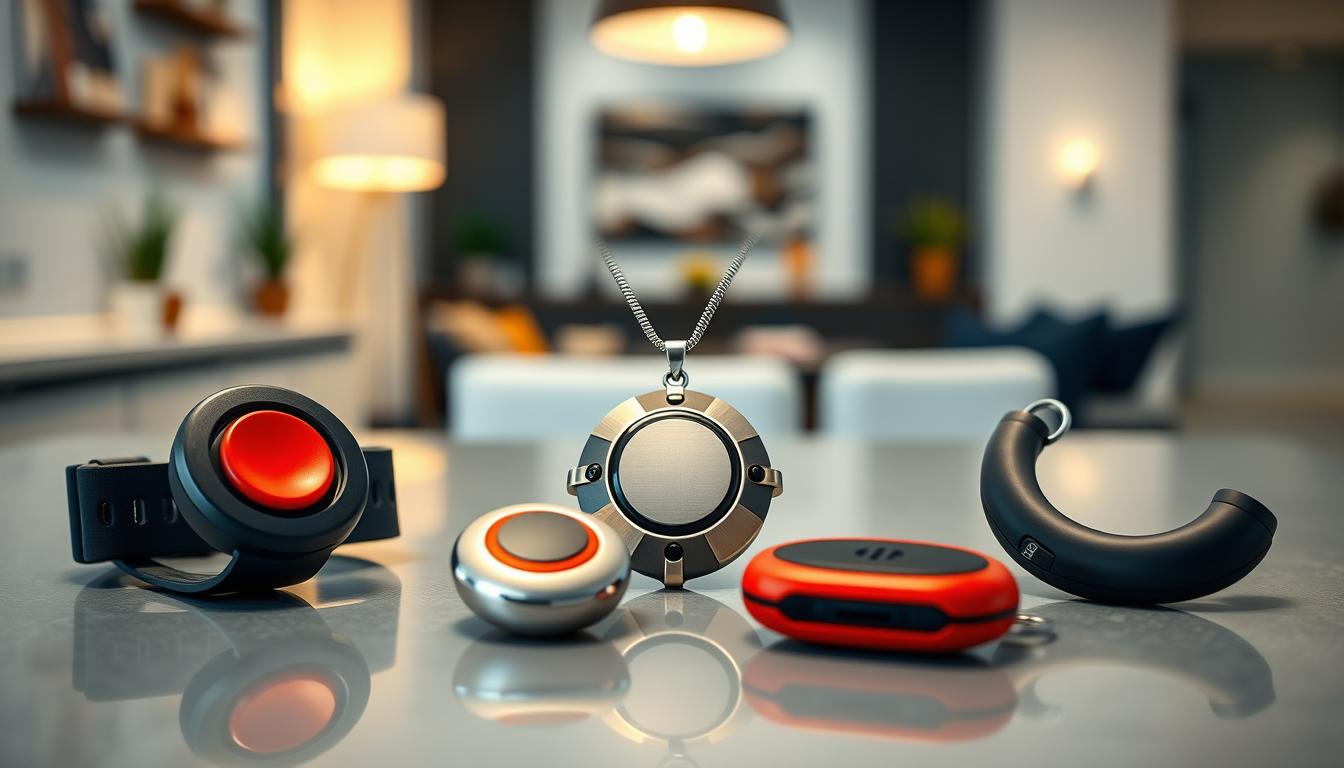
Wearable emergency call buttons are small devices you wear to get help quickly. You can press a button or use automatic detection, like fall or man-down sensing. These devices are part of larger emergency alert systems and come in monitored and unmonitored types.
Monitored systems connect you to a professional response center, like those from Philips Lifeline, Medical Guardian, or MobileHelp. This connection ensures the right response. Unmonitored options send alerts directly to emergency services or your contacts, often being simpler and less expensive.
Wearable call buttons come in many forms: pendants, bracelets, watches, belt clips, and institutional duress devices like Guard1. Many offer GPS/location reporting and two-way communication, so you can talk with a monitoring agent.
These devices also work with caregiver apps from providers like Great Call (Lively), Bay Alarm, Life Alert, Life Station, and Connect America. This integration lets caregivers track activity, receive alerts, and confirm responses in real time.
Your wearable alert can be part of a larger home safety system. For example, stove safety technology and smart stove shut-off systems work with personal panic buttons to lower fire and gas risks at home.
Overall, wearable emergency call buttons and medical alert systems provide quick emergency response, caregiver monitoring, fall detection, and peace of mind. They support independent living.
Overview of Wearable Emergency Call Buttons
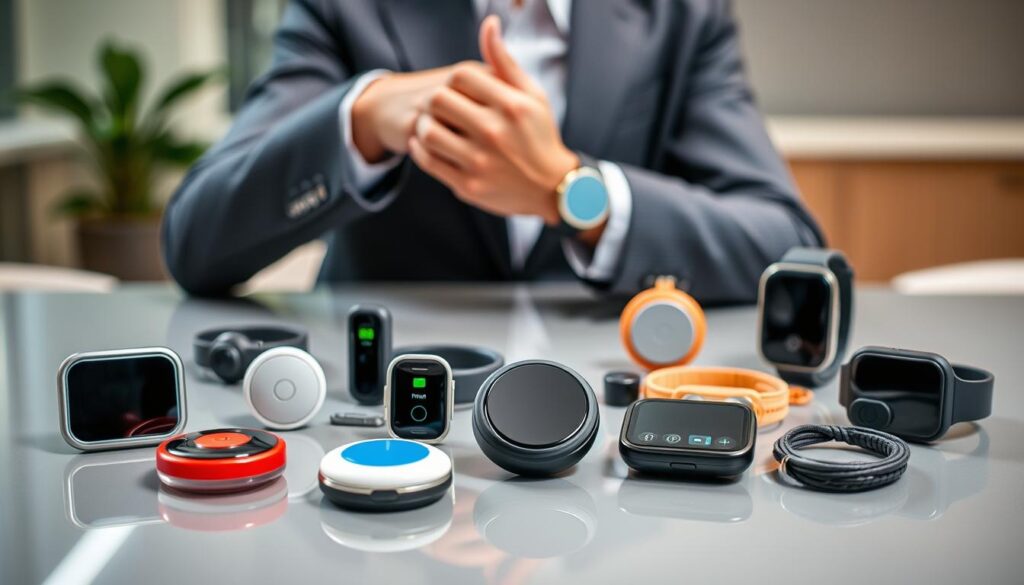
When you need help quickly, you want simple, clear devices. A wearable emergency call button connects to a response center or emergency services. Pressing it starts a two-way conversation with a responder.
These systems come in two types. In-home setups use a base station with a two-way speaker. They connect via landline or cellular service. Mobile devices, like GPS-enabled necklaces or bracelets, are for use outside the house.
Your system should have button activation, two-way communication, and 24/7 monitoring. Look for features like water resistance and health information storage. Also, check for battery status updates and companion caregiver apps.
The range of your system is key for whole-home coverage. In-home devices usually have a range of 200 to 1,400 feet. Aim for at least 1,000 feet to cover every room and yard.
Wearables are best used with other safety measures. Pair them with stovetop safety devices or automatic shut-off. This combo helps prevent stove fires and medical emergencies.
- How it works: press the wearable, connect to a responder, get help.
- Coverage options: in-home base stations or GPS mobile devices.
- Key medical alert features: water resistance, tracking apps, health data, battery alerts.
- Kitchen safety: integrate wearables with stovetop safety device solutions for better stove fire prevention.
Types of Wearable Emergency Alert Systems
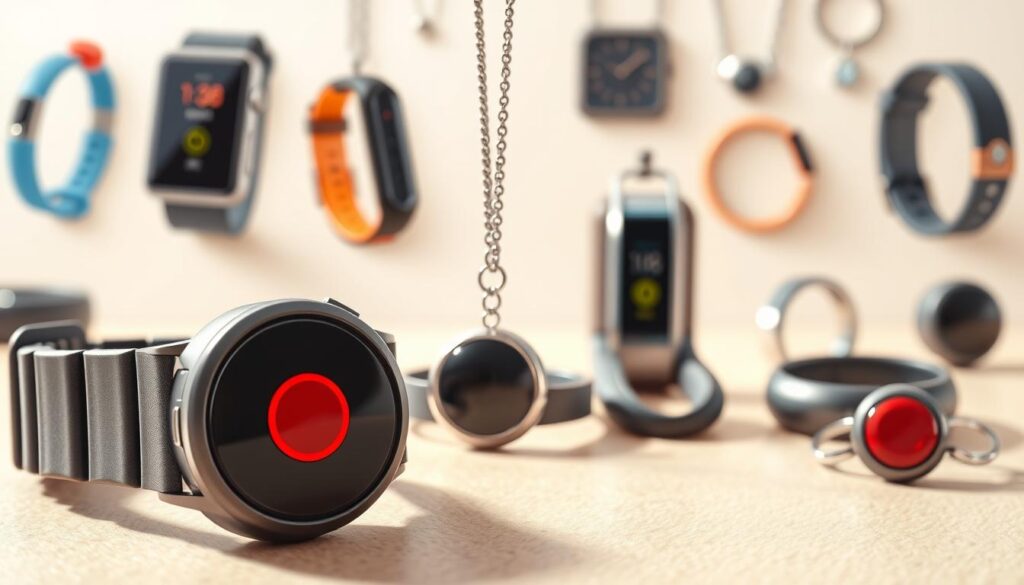
When looking for wearable emergency alert systems, you have many options. Each one suits different lifestyles and risk levels. It’s important to know what you need before making a choice.
In-home medical alert systems have a base station with a two-way speaker and a wearable button. They use landline or cellular service from providers like AT&T and Verizon. Make sure the landline works well in your area and the wearable can reach the base from any room.
Mobile GPS tracking devices are great for those who are always on the move. These GPS-enabled wearables come as necklaces, bracelets, or clips. They send your location to a monitoring center and to family apps, so caregivers can track you in real time.
Institutional options include correctional facility panic systems and other duress products for high-risk workplaces. These systems are designed for quick updates and include features like man-down detection and no-motion alerts.
- Man-down and no-motion alerts raise alarms if a worker falls or becomes immobile.
- Frequent location transmission helps responders find staff in large facilities.
- Devices from companies such as Guard1 can transmit location every second and support multiple alert types.
Personal panic buttons offer a simple way to call for help. Just press a button and a signal goes to your chosen contacts or a monitoring service. They are affordable and easy to use.
Hybrid systems combine in-home coverage with mobile GPS tracking. A base station handles home calls, while a GPS-enabled wearable covers travel. This setup reduces the need for multiple subscriptions.
Costs and monitoring vary by provider. Monthly fees depend on the plan, with fall detection adding about $10 per month. Some companies don’t require contracts, while others offer deals for long-term commitments.
Consider your daily routine, where you need coverage, and who will respond. This helps you choose between in-home systems, mobile GPS tracking, personal panic buttons, correctional facility systems, and hybrid solutions. Think about safety features like gas stove auto shut-off for home safety.
Wireless Technology in Emergency Call Buttons
Before picking a system, learn how wireless emergency call buttons work. At home, they might connect to a landline or use a cellular link. Check if carriers like AT&T and Verizon cover your area well.
Mobile devices use GPS for alerts, sending your exact location to help centers and caregivers. This is handy when you’re out, walking the dog, or on appointments.
In big buildings, panic systems are used. They cover large areas with specific setups. Thick walls and concrete might need more receivers for a strong signal.
Signal strength is key for both homes and big buildings. Some systems boost signals to fight off interference. Always test how well signals work in different places, like basements or far rooms.
Wearable devices can connect to more safety systems in your home or building. They can even shut off a stove if you’re cooking and an alarm goes off.
- Compare cellular vs landline medical alert pros and cons for your location.
- Confirm GPS tracking for alerts works where you spend time outdoors.
- Ask facility managers about the design of facility-wide panic systems and receiver placement.
- Explore smart stove shut-off integration if you cook independently and want added safety.
Choose a system that fits your daily life, travel, and home or building layout. Test devices in real spaces to ensure they work when you need them most.
Features to Look for in Emergency Call Buttons
When looking for a wearable or in-home unit, focus on key features. Look for a clear emergency button, reliable connectivity, and 24/7 monitoring. These ensure help arrives quickly.
Two-way communication is key. It lets you talk to a dispatcher right after pressing the button. Devices with loud speakers and noise suppression help when you’re stressed or injured.
Fall detection and man-down detection send alerts if you’re unable to press a button. These features use accelerometers and can add $10 a month. They reduce response time when you can’t call for help.
Location tracking and GPS are important for mobile units. If you travel, GPS helps responders find you fast.
Battery life varies. Some in-home buttons last years, while mobile units last days to weeks. Check for clear indicators and alerts for low battery.
Alerts and monitoring types should include no-motion warnings and device removal alerts. These help caregivers spot trouble early. Look for low battery and signal loss alerts too.
Durability and water resistance are key. A shower-safe device reduces risk in wet areas. Institutional units often use ABS plastic to withstand harsh environments.
Advanced features offer more protection. Health metrics, voice activation, messaging, and step trackers provide a fuller safety picture. Look for integration with smart-home gear and kitchen safety devices.
Certification and monitoring standards are important. Choose monitoring centers certified by UL, TMA Five Diamond, or International Academies of Emergency Dispatch. These standards ensure reliable performance and response.
Use this checklist to compare models: core emergency call button features, two-way communication, fall detection and man-down detection, GPS, battery life and alerts, water resistance, advanced integrations, and certified monitoring.
User Experience: How to Use These Devices
Learn how to activate your device before you need it. Most devices have a manual button on a pendant, bracelet, or belt clip. Some can be activated by voice, and others automatically when you fall or are in danger.
Practice using the button and speaking to the base station. This will help you know what to do. Test the fall detection by following the manufacturer’s steps. Regular tests ensure you trust the system and check battery life and signal strength.
- Wear devices all the time, even in the shower if they are water-resistant.
- Always have a wearable on you, not just your phone.
- Check cellular coverage maps from AT&T or Verizon for devices that use cellular.
Two-way communication is important when you call for help. Base stations and mobile units have speakers for talking with monitoring center staff. They ask questions to decide if they should send EMS or contact a family member or caregiver.
If your device doesn’t have monitoring, alerts may go to 911 or preset contacts. Know your service type so you can explain it to caregivers and emergency responders if needed.
Caregiver monitoring apps work with many systems to keep loved ones updated. These apps show location, battery status, call history, and medical data updates. Use the app to keep caregiver contact lists current and to share health or mobility changes.
Use wearable alerts with other kitchen safety equipment to make your home safer. For example, a stovetop safety device or automatic stove shut-off can prevent fires and reduce the need for emergency help. Using devices together makes your daily routine safer.
- Test devices monthly for signal, battery, and two-way communication.
- Update caregiver monitoring apps and contact details when plans change.
- Place backup chargers near common living areas to avoid dead batteries.
- Integrate a stovetop safety device with wearable alerts when cooking risks exist.
Using emergency systems correctly makes response faster and more accurate. Simple habits like wearing the unit, testing it regularly, and using caregiver monitoring apps improve outcomes. Good coverage and a paired stovetop safety device add layers of protection for daily life.
Target Users of Emergency Call Buttons
Wearable emergency call buttons are great for older adults or those caring for them. They quickly connect you to help, offer fall detection, and work with medical alert systems. This keeps seniors independent while being monitored 24/7.
People with chronic conditions or disabilities find these devices very helpful. They provide fast access to help, whether it’s for heart issues, mobility problems, or cognitive challenges. This means caregivers and remote monitoring are just a tap away.
Staff in risky places like hospitals or correctional facilities also benefit. They get man-down detection, location updates, and strong alerts with institutional duress systems and panic buttons. This keeps them safe during their shifts.
For active people who love to exercise, hike, or travel, GPS-enabled wearables are a must. They let you stay on the move while ensuring emergency services can find you fast, even when you’re far from home.
Homeowners looking to keep their kitchens and properties safe can use wearables with stove shut-off tech. These devices help with gas stove safety and fire prevention. This way, you can protect your family and home while keeping yourself safe.
Caregivers and family members get a lot out of these devices too. They can check on the wearer’s location, battery life, and history through companion apps. This lets them respond or send help when it’s needed.
- Older adults: daily living support and fall detection
- Chronic illness or disability: rapid access to care
- Care facility staff: panic buttons for staff and duress systems
- Active, mobile users: GPS-enabled devices for on-the-go safety
- Home safety advocates: integrate gas stove safety and stove fire prevention
- Caregivers: remote monitoring with companion apps
Comparison of Popular Brands
When comparing medical alert brands, look at price, monitoring, battery life, and extras like fall detection. Monthly fees vary from budget to premium. Activation fees and contract terms affect the first-year cost.
Bay Alarm and Medical Guardian have different plans and batteries. Bay Alarm’s in-home landline costs about $20/mo, while cellular is $30/mo. Mobile GPS is $25–$30. Fall detection adds $10/mo. Medical Guardian’s in-home plan is $30/mo, and mobile GPS is $40–$45/mo. Fall detection costs $10. Choose based on your needs for in-home battery life or mobile coverage.
Philips Lifeline is known for its plan variety and device fees. In-home plans are $30–$59/mo. Mobile GPS is near $50/mo, with a device fee of about $100. Fall detection costs $0–$15. This is important if you value device reliability and brand recognition.
Life Alert costs more for in-home monitoring at about $49/mo. Mobile GPS is lower at $19/mo. Contracts last 36 months. Life Alert does not offer fall detection. In-home batteries last many years, which can offset monthly costs for some.
Other brands offer options between extremes. Great Call (Lively) focuses on mobile plans at $25–$50/mo with fall detection around $15. MobileHelp, Connect America, Life Station, and Medical Guardian offer mixed pricing with fall detection add-ons near $10. Mobile battery life varies from 24 hours to several days. In-home buttons last years.
- Monitoring and certifications: Look for UL, TMA, or FMG monitoring to be confident in response standards.
- Network providers: AT&T and Verizon power most mobile plans. Coverage maps affect performance where you live.
- Battery trade-offs: Mobile units need frequent charging. In-home units often have multi-year batteries.
- Contracts and activation: Some companies require long-term contracts or charge activation fees that raise upfront cost.
Consider caregiver integration and device compatibility. Ask if systems work with smart stove shut-off options or other home-safety devices. This compatibility can reduce risk and simplify emergency response for caregivers.
Use a short checklist to guide your decision:
- Confirm monthly and activation costs for the plan you need.
- Compare battery life for in-home buttons and mobile devices.
- Check monitoring certifications and network providers.
- Decide if fall detection is worth the extra fee for your situation.
- Look for compatibility with smart stove shut-off options and caregiver tools.
Cost Considerations for Emergency Alert Systems
When looking for emergency alert systems, prices vary. Basic in-home monitoring costs about $20–$30 a month. Mobile GPS plans are pricier, at $25–$50 a month, depending on the features and network.
Think of the monthly cost as an investment. Look at the monitoring’s quality, customer service hours, and language support. These factors can make a higher monthly fee worth it.
Fall detection is often an extra feature. It usually costs around $10 a month. Some plans include fall detection for free or as part of a premium package.
Be aware of activation fees when comparing prices. Some companies, like Bay Alarm and Medical Guardian, don’t charge an activation fee. But, Great Call might charge $25–$35, so check the details before signing up.
Contracts and cancellation policies also impact the cost. Many providers offer no contract plans. But, some older plans, like Life Alert’s, might require longer commitments. Always check for any penalties for early cancellation.
Equipment and battery life can affect long-term costs. In-home devices might last 5–10 years without needing a battery change. Mobile devices, on the other hand, need regular charging and battery swaps, which can be inconvenient.
Think about adding safety technology to your alert system. The cost of stove safety technology and gas stove auto shut-off varies. Adding these devices can help prevent fires and gas incidents, which might change your overall costs.
Use a checklist when comparing options:
- Monthly fees and medical alert monthly cost tiers
- Fall detection cost or inclusion
- Any activation fee or contract length
- Battery lifespan and equipment replacement
- Bundling with stove safety technology cost or gas stove auto shut-off price
When comparing prices and features, focus on coverage, certifications, and customer support. This way, you can find a plan that fits your needs and budget without unexpected costs.
Maintenance and Battery Life
Keeping your emergency system reliable starts with routine maintenance. Understanding the battery life of emergency call buttons is key. In-home call buttons can last five to ten years, so replacements are rare.
Mobile unit battery life depends on the model and how often you use it. Some last 24 hours on a single charge. Others can go days or up to ten days in standby. Guard1’s institutional units need swapping every twelve to eighteen months.
Make a schedule for testing your devices. Check if they connect well, if the speaker and microphone work, and if fall detection is accurate. Test after any updates or incidents that might affect the device.
Use low-battery alerts and monitoring tools to avoid failures. Many systems alert users and monitoring centers automatically. Caregivers can check battery status in apps to plan for charging or replacement.
Follow charging and standby best practices. Charge mobile units as the maker suggests and use standby modes when not in use. Replace fixed unit batteries only when they show a decline.
- Confirm what the device warranty covers and its length before buying.
- Ask about extra protection plans for accidents and shipping; these can be valuable for frequent users.
- Plan for replacement timelines and accessory costs to avoid unexpected expenses.
Choose durable gear that fits your environment. Institutional devices are made tough to handle rough use. Consumer models are water-resistant, so you can wear them in the shower.
Don’t forget stove safety device maintenance if you have kitchen sensors. Clean sensors as directed and test them often to ensure alerts are accurate and timely.
Create a simple maintenance checklist for each month. Check battery indicators, test calls, look for damage, and record any updates. This keeps your system working well and extends the life of your hardware.
Security and Privacy Concerns
It’s important to check how wearable alert devices handle your location and personal info. Many use GPS and send your location to a monitoring center and caregiver apps. Make sure you know their rules on keeping, sharing, and using your data to protect your privacy.
Before you buy, ask about the monitoring center’s certification. Look for standards like Underwriters Laboratories (UL), The Monitoring Association (TMA) Five Diamond, or International Academies of Emergency Dispatch. Certified centers follow strict rules, which helps keep your data safe.
Find out who can see your data through caregiver apps. They might see battery status, live location, and call logs. Make sure they use strong passwords and two-factor authentication to keep your info safe.
Think about what happens if your device loses signal. Most systems send alerts to you and the monitoring center. This helps you spot any issues that could affect your safety or privacy.
Be careful when linking wearables to smart-home devices. While it can make things safer, like turning off your stove, make sure it’s done securely. Check that both vendors use safe ways to communicate to avoid privacy risks.
In places like schools or hospitals, look at tamper detection and alerts. Duress and tamper signals should start a clear response at the monitoring center. These features are key when safety is a big concern.
Read the vendor’s privacy policy carefully. Ask if they record calls, keep transcripts, or share data with others. Also, find out what encryption they use and how long they keep your data for better protection.
- Ask about monitoring center certification and auditing schedules.
- Confirm encryption standards for data in transit and at rest.
- Verify who can access caregiver apps and how access is granted.
- Ensure integrations with smart devices protect stove safety device privacy.
- Request policies on signal loss alerts and tamper detection.
Future Trends in Wearable Emergency Systems
Future wearable emergency systems will have longer battery life and smarter sensing. Batteries will last for days or even years. This means you’ll spend less time charging and more time safe.
Location tracking and detection will get better too. New GPS, Wi-Fi, and hybrid locating tech will help find you faster, even in big buildings. AI fall detection and better no-motion algorithms will also cut down on false alarms.
Wearables will work better with home safety systems. They’ll connect with automatic stove safety systems and smart stove shut-off. This means a detected emergency can turn off gas or alert centers. Innovations in gas stove safety and stove technology trends will help prevent fires and reduce risk at home.
Institutions will get stronger, more flexible systems that link to control rooms and incident workflows. You’ll get health monitoring like heart-rate tracking and arrhythmia alerts. These systems will also protect your privacy with strong encryption, keeping you safe at home and on the go.