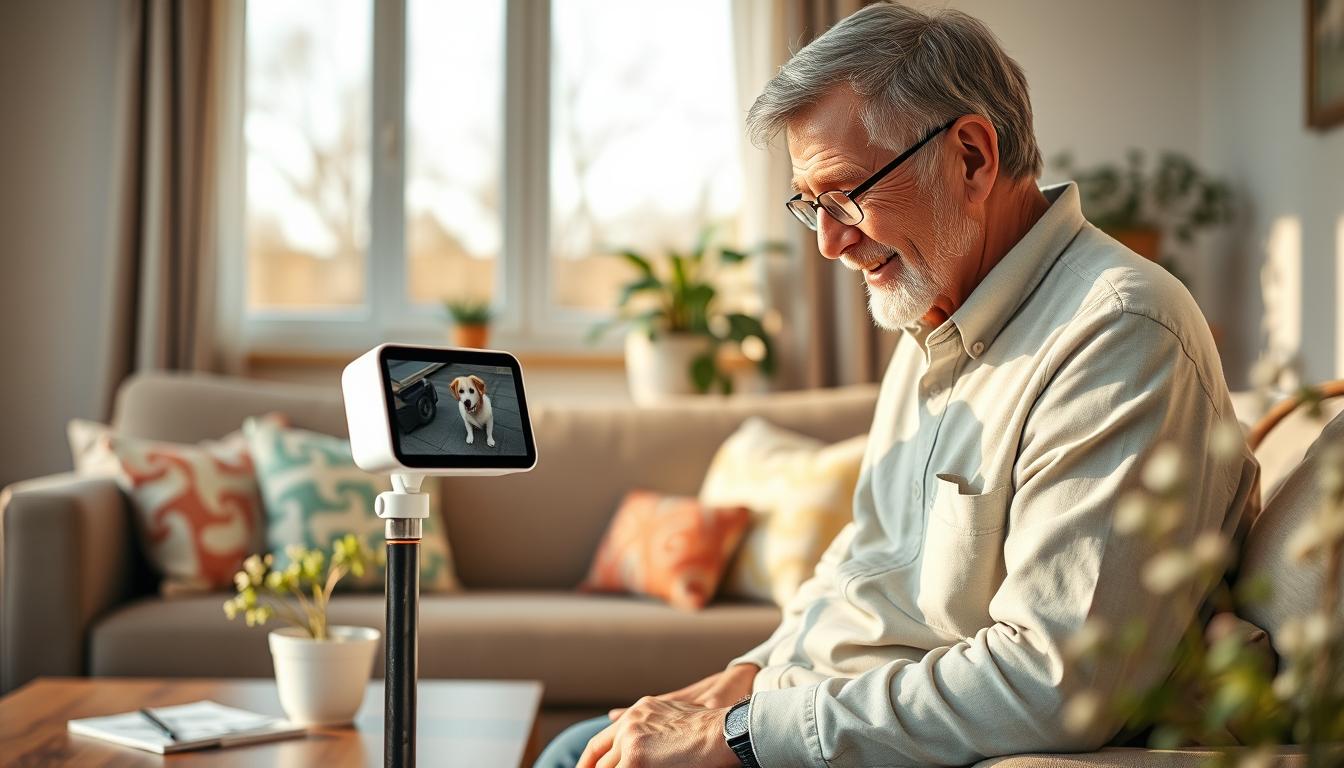
Pets offer real health benefits as you age. Studies from the Human Animal Bond Research Institute and the University of Michigan show benefits. Owners aged 50–80 often feel less lonely, have lower blood pressure, and better heart health when they care for dogs or cats.
Smart pet technology, like pet cameras for elderly owners, acts as a digital assistant. You can watch live video, use two-way audio, and get motion alerts. This helps you avoid bending and lifting while staying involved in daily care.
These systems also make senior citizen pet monitoring a family activity. Adult children and caregivers can share app access. They can review activity logs or recorded footage and confirm that both you and your pet are safe.
For those who can no longer care for a live animal, robotic companions like Ageless Innovation’s Joy for All Companion Pets offer comfort. They don’t have feeding or vet bills, but they don’t replace live interactions.
Your goal when using smart cameras should be to preserve the human-animal bond. It should also increase safety, hygiene, and independence. As part of an ecosystem with automatic feeders, smart litter boxes, and GPS collars, pet monitoring for seniors supports aging in place with pets.
The Importance of Pet Monitoring for Seniors
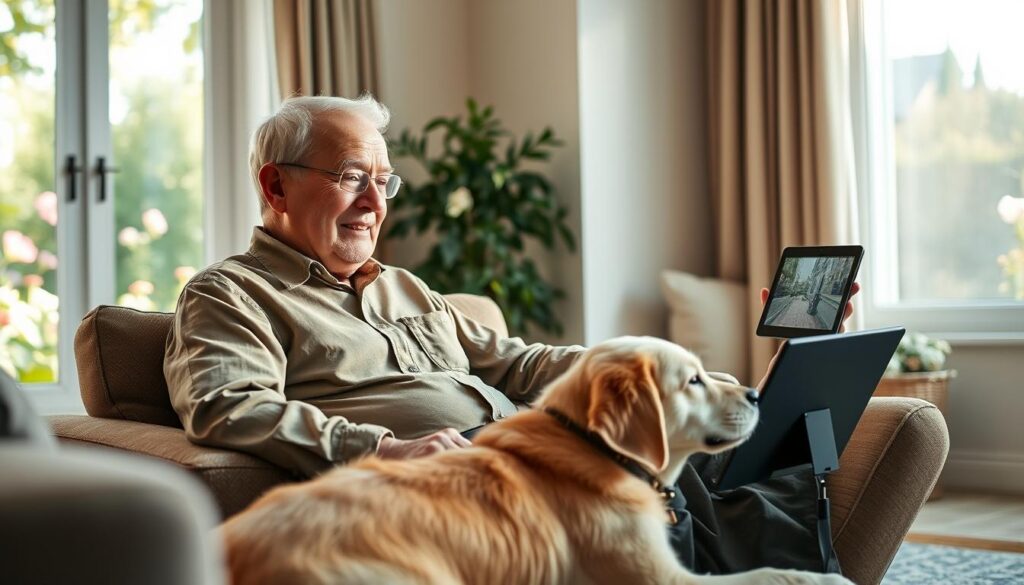
Keeping your pet healthy is all about routine. Elderly pet monitoring uses smart cameras, feeders, and sensors. It helps prevent missed meals and medication errors. Tools like ToolSmarts Pets let you see your pet’s behavior and location in real time.
Pet safety is key when your pet wanders or hides. GPS collars and camera alerts make finding them easier. They also reduce stress for you and your family. Motion detection can alert you to falls or odd behavior, which could mean health issues.
Senior pet care technology also improves hygiene and air quality. Self-cleaning litter boxes, like the Neakasa M1 or Litter-Robot, reduce allergens and parasites. Cameras let you check on litter and feeding areas without bending or making repeated trips.
Feeling connected to your pet improves your emotional wellbeing. Studies show animals help ease anxiety and agitation in older adults. Robotic pets, like Joy for All, are options for those who can’t care for a live pet. But reactions can vary, and some with advanced dementia may not respond well.
Monitoring your pet gives your family peace of mind. They can see activity logs and clips. This lets them verify care and step in if needed. It helps you stay independent while ensuring consistent care for your pet.
How Smart Cameras Work
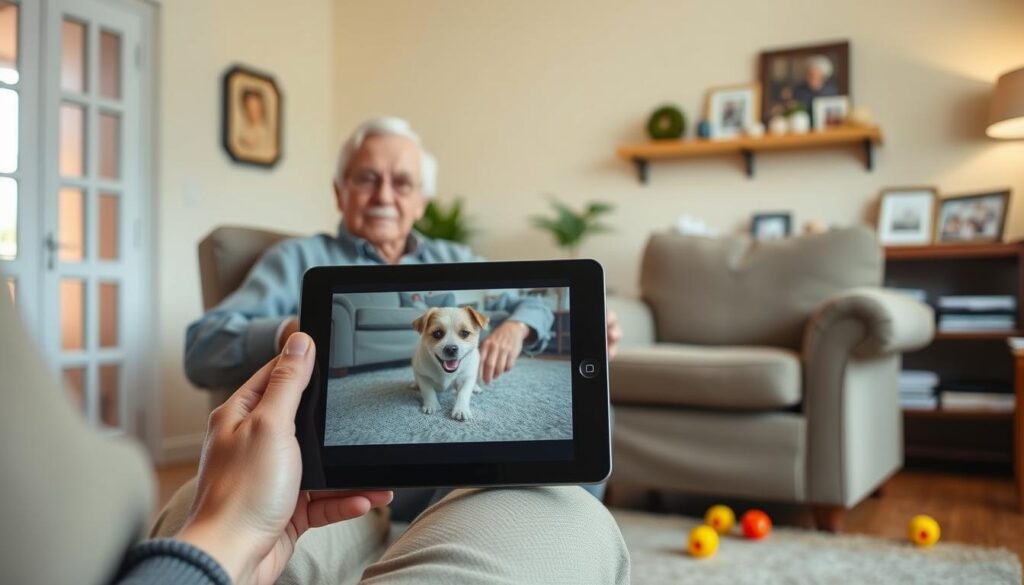
Smart cameras let you watch your pet live anytime. They often have two-way audio, so you can calm a scared dog or call a cat. This makes it easy for seniors to keep an eye on their pets from afar.
These cameras alert you when they see or hear something. They work well in the dark too. Brands like Arlo, Wyze, and Nest make sure you can easily check on your pets from your phone.
They use sensors to avoid sending false alerts. Some even connect with smart feeders and door sensors. This means you can set up routines for your pet’s care without lifting a finger.
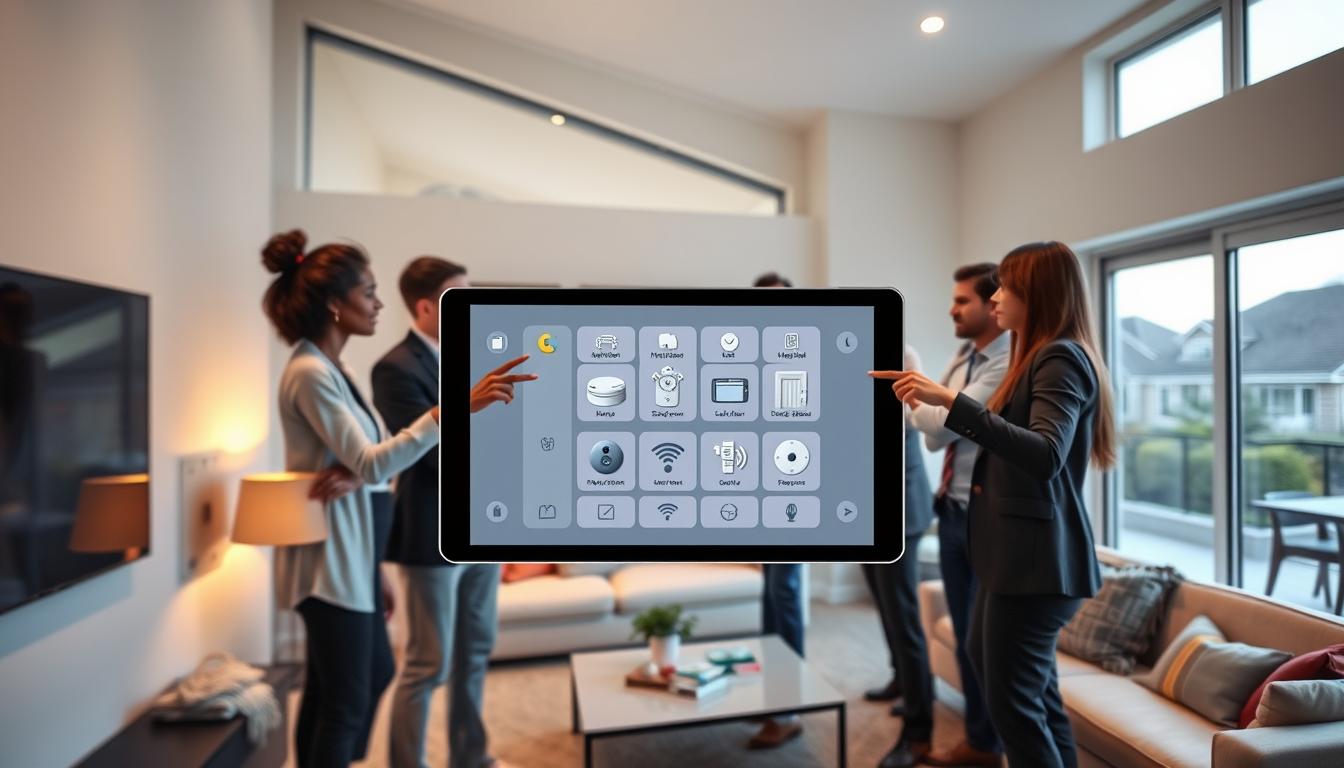
Setting up these cameras is easy. Just connect to Wi-Fi, download the app, and set up alerts. If you need help, a tech-savvy family member can assist.
You can store important moments in the cloud or on an SD card. Okasha Smart suggests a fast internet connection for smooth streaming. Also, consider a backup power source for when the lights go out.
Seniors do best with cameras that are easy to use. Look for ones with simple controls and big fonts. This way, you can focus on your pet, not the camera.
Benefits of Using Pet Monitoring Systems
Using smart cameras and automated gear like feeders and self-cleaning litter boxes reduces physical strain. You don’t have to bend or walk to find your pet. ToolSmarts Pets products work well with cameras to make chores easier.
Linked devices make health tracking easier. Cameras, feeders, and litter boxes record important details. Alerts about weight or frequency help catch issues early, keeping pets safe.
Family members can help with pet care through shared access. Senior citizen pet monitoring lets relatives get activity alerts and help when needed. This shared visibility lowers the risk of emergencies.
Behavioral benefits are key for cognitive care. For seniors with dementia, monitored interactions with pets can reduce agitation. Cameras help caregivers ensure pets get enough human contact, boosting emotional comfort.
Safety features offer practical protection for your home and pet. Motion alerts, two-way audio, and recorded clips provide evidence in case of incidents. These tools support long-term pet safety for seniors and enhance senior citizen pet monitoring.
Combining devices and clear alerts makes pet monitoring a reliable part of daily life. It leads to less strain for you, better health oversight for your pet, and more peace of mind for the family.
Selecting the Right Smart Camera
Look for a camera with a simple interface. It should have big buttons and easy-to-read fonts. This way, you can set it up quickly and use it without getting confused. Brands like ToolSmarts Pets offer great support and tutorials to help you learn.
Before you buy, check the camera’s main features. Make sure it has two-way audio, alerts for motion and sound, good night vision, and storage options. Decide if you prefer a battery-powered or wired model based on your home’s power and how often you can charge it.
Consider how easy the camera is to access and clean. Choose models with parts that are easy to remove and don’t need much upkeep. Also, think about how you’ll refill and empty feeders or smart litter boxes if you have them.
Ensure the camera allows for family sharing and has strong privacy settings. This way, family members or caregivers can see live feeds and get alerts. Look for brands that are clear about their data policies so you know how your video is stored and protected.
- Test compatibility with other devices in your home before committing.
- Confirm Wi‑Fi coverage throughout the house so pet tracking devices for older adults work in every room.
- Consider local brands such as Okasha Smart if they offer better regional support.
Balance your budget with what you need. Pet cameras for elderly users are usually affordable. If you can’t watch your pets live, consider robotic pets like Joy for All Companion Pets. They cost around $88–$180 and offer companionship without full monitoring features.
Try before you buy if you can. Use in-store demos or short trials to see if the device fits your life. Testing it at home shows how it works in real life and if it meets your needs.
Integrating Cameras into Daily Life
Begin with a simple setup. Ask a family member to set up Wi‑Fi and install the app for devices like ToolSmarts Pets. They should show you how to watch the live feed, use two‑way audio, and read alerts. Also, teach them about family sharing for pet monitoring.
Link cameras with smart devices for nutrition, hygiene, and safety. Use automatic feeders, self‑cleaning litter boxes, smart fountains, and GPS collars. Cameras help confirm that feeders work and pets adjust to new routines.
Make monitoring schedules that respect privacy and avoid too many alerts. Set up thresholds for inactivity or loud noises. Schedule regular check‑ins and review activity logs for health signs.
Organize caregiver roles to keep tasks clear. List who does what, like refilling food or responding to alerts. Define steps for emergencies in remote pet monitoring for seniors.
Protect privacy and dignity with camera placement. Aim cameras at shared areas, not bathrooms or bedrooms. Explain the purpose to the senior and get their consent. Use monitoring to support independence, not replace visits.
Plan for power outages with simple backups. Install an uninterruptible power supply for the camera and Wi‑Fi router. Send alerts to multiple family members for responses during outages or device failures.
- Setup checklist: Wi‑Fi, app, family sharing, basic demo.
- Device pairing: feeders, fountains, litter boxes, GPS collars.
- Monitoring routine: thresholds, check‑ins, activity review.
- Care coordination: assigned tasks and escalation steps.
- Privacy: shared spaces, consent, dignity.
- Backup: UPS and multi‑recipient alerts.
By following clear routines, coordinating caregivers, and having reliable backups, pet monitoring for seniors becomes a part of daily life. This way, you can age in place with pets safely and confidently.
Using Smart Cameras for Interaction
Two-way audio on pet cameras lets you calm a nervous pet when you’re away. Speak in a steady, familiar tone to ease their anxiety or stop bad behavior. This helps a lot when you’re not there.
Record short clips of fun or comforting moments to share. Saved videos become memory keepsakes. They keep distant relatives connected to the pet’s life.
Smart cameras help you see how a senior reacts to robotic pets like Joy for All Companion Pets. Footage shows if the robotic pet comforts or confuses them. This is important, as it matters when dementia is a concern.
Caregivers can guide tasks through live feeds, giving step-by-step coaching. This makes teaching easier without adding physical strain. It’s great for teaching without overexerting the caregiver.
- Use recorded behavior patterns to spot issues like excessive barking or nighttime pacing.
- Share clips with veterinarians or trainers for better remote advice and targeted plans.
- Track changes over time to adjust routines and reduce stress for both pet and owner.
Seeing a pet relaxed with its owner gives emotional support to family members far away. Remote reassurance encourages more calls and visits. This strengthens bonds through pet monitoring for seniors.
Addressing Concerns with Pet Monitoring
First, make sure the senior agrees to camera installation. Place cameras in common areas like living rooms and kitchens. This way, you respect their privacy and dignity.
Ensure your system is reliable. Aim for Wi-Fi speeds of at least 4 Mbps. Also, consider using a backup power source for areas prone to outages. Look for vendors with easy-to-use products and helpful customer support, like ToolSmarts Pets or Okasha Smart.
Keep data safe with strong encryption and a clear privacy policy. Choose cameras that allow you to control who sees what and for how long. Regularly check these settings to prevent unauthorized viewing and ensure pet safety.
Be mindful of how cameras might affect seniors with cognitive issues. Robotic pets, like Joy for All, can offer comfort. Yet, some seniors might get confused or upset. Use monitoring to watch their reactions and ensure they have regular human interaction.
Reduce false alarms to avoid getting tired of constant notifications. Adjust the camera’s sensitivity to motion and sound. Find a balance that alerts you to real issues without overwhelming you with unnecessary alerts.
Choose devices that are easy for your senior to use. Opt for apps and hardware that are straightforward and have local support. If technology becomes too much, consider in-home caregivers or companion robots. These alternatives can help with pet safety without adding stress.
- Privacy: obtain consent and respect private spaces for dignity.
- Reliability: secure Wi‑Fi and backup power keep monitoring active.
- Security: encrypt streams and manage cloud settings to prevent breaches.
- Emotional safety: monitor reactions to robotic companions and maintain human contact.
- Usability: choose simple, low-friction devices or alternate care when needed.
Comparing Smart Cameras and Traditional Monitoring
Smart cameras and in-person visits have their own strengths. Smart cameras offer constant, remote views and quick alerts from brands like ToolSmarts Pets and Okasha Smart. On the other hand, in-person visits provide hands-on care, help with mobility, and the warmth of human touch that cameras can’t match.
Think of cameras as a supplement to personal visits. Use remote feeds to check on your pet’s behavior between visits. If you see something odd, let caregivers step in. This way, you get the best of both worlds without losing the human touch.
Compare cameras to passive devices like GPS collars and automatic feeders. Cameras show you what’s happening visually. GPS collars track pets outside, and feeders manage their food. Together, they give a complete view of your pet’s life.
Robotic pets, like Joy for All, offer another option. They provide companionship without the need for live animals. They help with loneliness and reduce care duties. But, live animals offer something unique: their unpredictability and physical interaction, which cameras can’t replicate.
Cost and access are key when choosing a solution. Smart cameras are usually affordable. Robotic pets, like Joy for All, cost between $88 and $180. Clinical robots, like PARO, are pricier. Don’t forget the ongoing costs for cloud storage, battery replacements, and maintenance.
Choose the right tool for your needs. Opt for cameras for remote monitoring and interaction. Pick robotic pets for those with severe mobility issues or allergies who need comfort. Use a mix of smart cameras, feeders, and collars for the best care for your senior pet.
Future Trends in Pet Monitoring for Seniors
Senior pet care technology is getting better. Soon, devices like cameras and GPS collars will work together. This means you can watch your pet’s daily life from one place. Companies like ToolSmarts Pets are leading the way, making it easier for families to care for pets together.
AI will make it easier to spot health issues in pets and owners. Smart devices will notice changes in activity or eating habits. This could mean your pet or you might need to see a doctor sooner.
Systems will become easier for older adults to use. Look for bigger fonts, voice control, and simpler settings. There will also be better customer support and clear privacy options, so you can keep an eye on your pet without feeling overwhelmed.
Technology will also focus more on being reliable and respectful. Devices will store data locally and have backup power. This means less downtime and more peace of mind. Robotic pets will even help keep an eye on seniors, alerting caregivers if they seem upset. Assisted living places will use these systems more, and there will be stronger rules to protect everyone’s privacy and dignity. This means pet tracking devices will be safer and more supportive, helping you and your pet stay connected and safe.