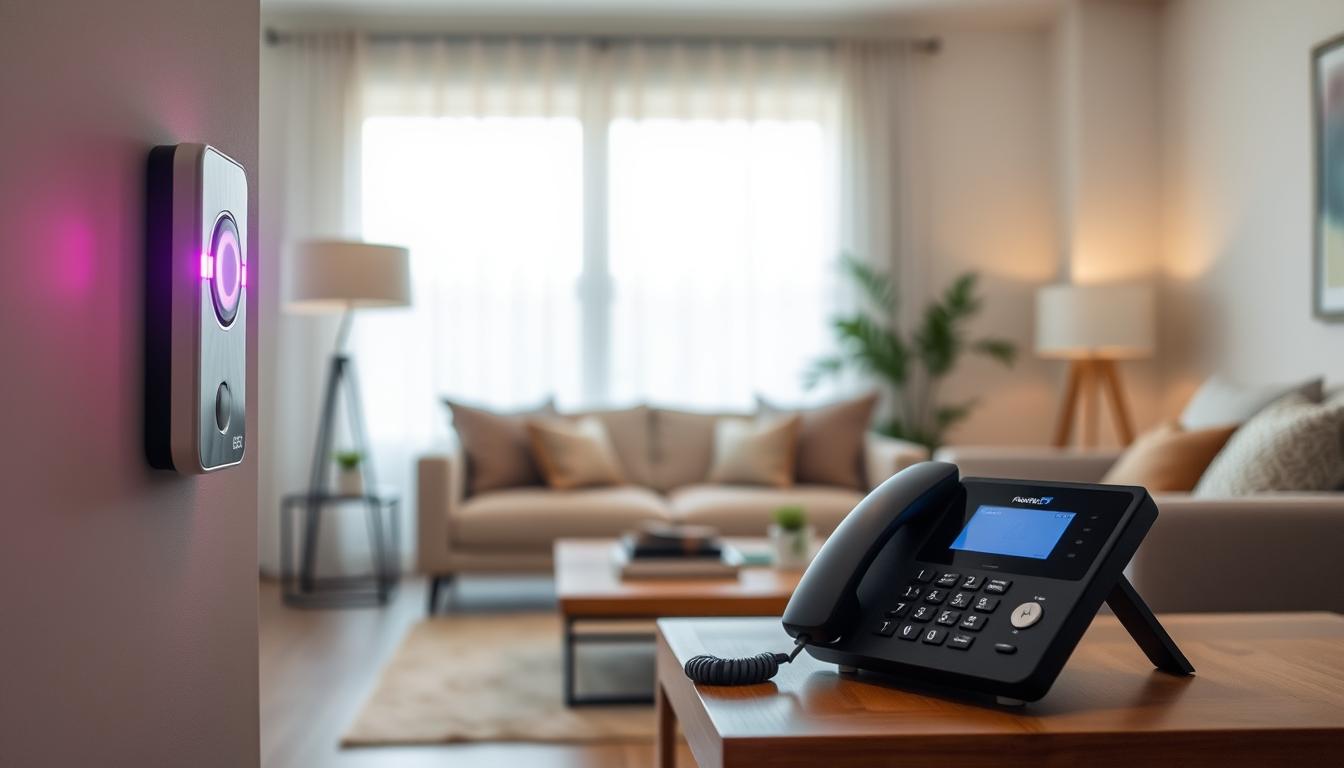
If you are deaf or hard of hearing, flashing lights can change how you know when someone is at the door or when the phone rings. Visual alert systems help you see alerts for doorbells, phones, or emergencies, no matter your hearing. This way, you can always see when someone is trying to reach you.
There are many options available. You can get flashing doorbells on their own, or systems that work with transmitters and receivers. Video doorbells like Ring send alerts to your phone or smartwatch. There are also units that show and sound alerts, great for families with different hearing needs.
These devices make your home safer by making alarms and calls visible. They also make life easier by sending notifications to different rooms. They help you stay independent and included in your family’s life. Plus, they let you respond quickly in emergencies and stay connected on your own terms.
You can find deaf-friendly doorbells and systems at places like Connevans, Health and Care, and Sarabec. In the U.S., you might also get help with the cost through assistive technology funding or programs.
This introduction prepares you for more details on how flashing lights work. We’ll also cover how to pick and set up systems, and how to use them with smart homes. Keep reading for more information.
Understanding Visual Alert Systems
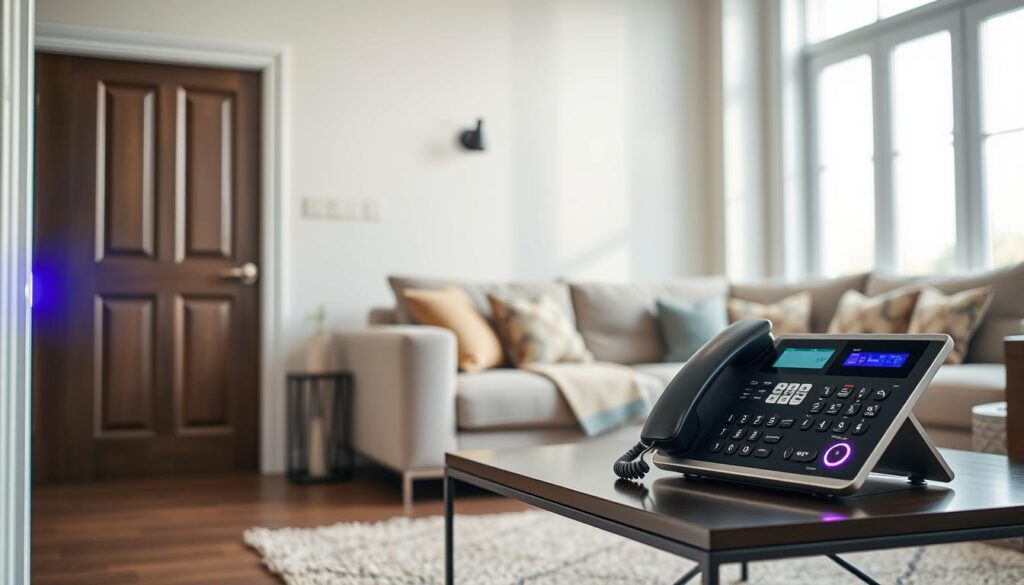
Visual alert systems turn sound or sensor events into clear visual cues. They use flashing LEDs, strobe lights, or color-changing indicators. These signals can show when someone rings the doorbell, calls on the phone, moves, or sets off an alarm.
These systems have transmitters like doorbell buttons, door sensors, and phone adapters. Receivers can be bedside pagers or wall-mounted flashing units. Some kits also include repeaters or extra receivers for better coverage in your home.
There are different setups based on your needs. A simple setup works for a small room. But if you need coverage for your whole house, you can use expandable systems. Some systems even connect to your home network or smart hub for more coordinated alerts.
- Large LED lights with multiple circulating colors, like a 7-color visual alert, are built to be impossible-to-miss.
- Bright strobe lights reflect off walls to grab attention across larger spaces.
- Smaller, colorful lights fit children’s bedrooms and compact rooms without overwhelming the space.
These systems are great for doorbell alerts, phone notifications, baby monitor signals, motion-sensor alerts, and personal call buttons. They help you notice important events when you can’t hear them.
How reliable a system is depends on its signal strength and range. Look for systems that can send signals over 100 meters (328 ft) in open areas. This ensures alerts reach every room in a typical home. Make sure the system has a strong wireless link and doesn’t drop signals often.
Think about what you need in a system. Visual warning systems range from simple plug-and-play kits to advanced networked solutions. Choose the one that fits your living space and daily routines.
How Flashing Lights Work

When a doorbell rings, a phone calls, motion is detected, or a wearable button is pressed, the system kicks in. A transmitter sends a wireless signal to one or more receivers. These receivers turn on flashing lights, strobe patterns, or color cycles to grab your attention.
Signal transmission uses special wireless protocols for long range and reliability. A good system can cover over 100 meters (328 ft) in open spaces. This ensures your whole home is covered by visual notification systems.
Different visual patterns meet different needs. You can choose a steady flash for calm alerts, a fast strobe for urgent events, or a 7-color LED cycle for unique notifications. You can also adjust brightness and intensity based on room size and visibility.
- Flash Only: visual-only silent mode for quiet environments.
- Flash + Chime: dual visual and audio alerts for mixed households.
- Chime Only: audio-only mode when sound is preferred.
Some units come with a portable pager feature. A transmitter with a lanyard hole lets you wear it. This way, family members can signal you when they need help. Systems are easy to expand, so you can add receivers or transmitters for more doors or rooms.
Working with video doorbells and smart devices adds more awareness. Motion detection or a doorbell press can send notifications to your phone, smartwatch, or tablet. These mobile alerts extend your visual alarms and help you respond quicker.
Visual alert technology, visual alarms, and visual notification systems offer more flexibility when used together. This creates a customizable setup that fits your home and routines perfectly.
Benefits of Flashing Lights for Alerts
Flashing lights alert you right away when someone visits or calls. You see a bright strobe or LED light when a doorbell or phone rings. This way, you won’t miss important knocks or calls.
They also make your home safer. Visual warning systems make emergency alarms clear across your home. This helps you respond quickly to smoke detectors or carbon monoxide alerts.
They also help you be more independent. You can manage your schedule and communications without needing others to tell you someone is at the door.
- Easier household communication: mix hearing and deaf family members and set modes that suit everyone.
- Customizable alert modes: Flash Only for quiet hours, Flash + Chime for multi-sensory cues, or Chime Only for hearing relatives.
- Portable placement: small receivers sit on tables or mount on walls with included bases and hooks.
Scalability is important for growing needs. You can add receivers to different rooms and extra transmitters for multiple doors or entry points.
Visual design improves attention in larger spaces. Bright strobes reflect off walls to increase visibility. Multi-color LEDs like 7-color cycling offer striking, easy-to-see signals.
These alerting solutions work well for children and teens. Colorful lights help younger users notice alerts in small bedrooms. Video doorbells that send notifications to phones or tablets let older deaf children monitor visitors safely.
Small hooks that come with many systems can double as key hangers. This adds convenience to placement. Visual notification systems are practical and user-friendly throughout your home.
Choosing the Right Visual Alert System
First, match the system’s specs to your space. Think about the room’s size and layout. Also, consider the number of entry points and if you need portable receivers.
For full coverage, choose devices with a wireless range of 100 meters (328 ft) or more.
Next, consider power and placement. Decide between battery and mains power based on where you’ll mount it. Look for units with easy mounting options like bases, hooks, or sticky pads.
Also, find fully portable receivers for easy room-to-room movement.
Think about the alert modes you need. Choose systems with multi-mode alerts: Flash Only, Flash + Chime, and Chime Only. This way, you can adjust alerts for different times of day and for family members who sleep.
Look at the visual performance for visibility and safety. Bright strobe lights are good for large rooms. Multi-color LEDs improve contrast in bright light. Adjustable brightness helps reduce glare at night while keeping alarms effective during the day.
- Wireless range: 100 meters / 328 ft or more for whole-home coverage.
- Expandability: easy pairing of extra receivers and transmitters.
- Power options: battery backup for mains units or long-life battery models.
- Alert modes: Flash Only, Flash + Chime, Chime Only.
Check if the system works with your current devices. Look for products that integrate with video doorbells like Ring. Make sure they can send notifications to phones or smartwatches if you need mobile alerts.
Also, confirm how many units you can pair before buying. This way, you can add more for extra doors or rooms.
Consider the installation effort and user support. Choose systems with clear setup guides and good customer service. Buying from specialty suppliers like Connevans, Health and Care, or Sarabec can offer better product range and technical help.
Think about the cost and your long-term needs. Check if you can get funding for assistive technology if cost is a concern. Pick systems that let you add more receivers or transmitters later, so they grow with your needs.
Installing Flashing Light Alerts
First, plan where to put the flashing lights for the best coverage. Choose spots like hallways, bedrooms, and the living room. Also, mark where you’ll place the transmitter, like the doorbell, phone base, and motion sensors.
Then, check how far the signal goes between the transmitter and receiver. Walk the path the signal will take and test for weak spots. If the signal gets weak, move the units closer to each other.
- Assess placement locations for maximum visibility.
- Confirm transmitter locations at entry points and phone bases.
- Test wireless range and reception before final mounting.
Choose how you want to mount the receivers. Use the bases to wall-mount them near doors. Place bedside or tabletop receivers where you sleep for easy access. Small hooks on the receiver base can hold keys or let you hang a unit in a high spot.
Decide between battery power and mains power. Battery-powered receivers are great for travel or temporary setups. Mains-powered units run all the time and don’t need battery checks as often. Make sure mains units are near an outlet.
- Wall-mount with bases for fixed placement.
- Use tabletop receivers for bedside alerting solutions.
- Consider hooks on bases for hanging or keys.
Pairing is usually easy. Just follow the instructions to connect receivers and transmitters. Test different modes like Flash Only, Flash + Chime, and Chime Only to see how they work in your home.
If a receiver doesn’t work, try a few things. Move units to get a better signal. Remove things that block the signal. Check batteries and power connections before getting new equipment.
Remember safety and local codes when installing near entrances or outdoors. Use weather-rated devices outside. Follow local building codes for doorbell wiring if you connect to an existing system.
By following these steps, you can set up visual notification systems that work well. Good placement and testing make them useful for everyday life and emergencies.
Integrating Visual Alerts with Smart Home Devices
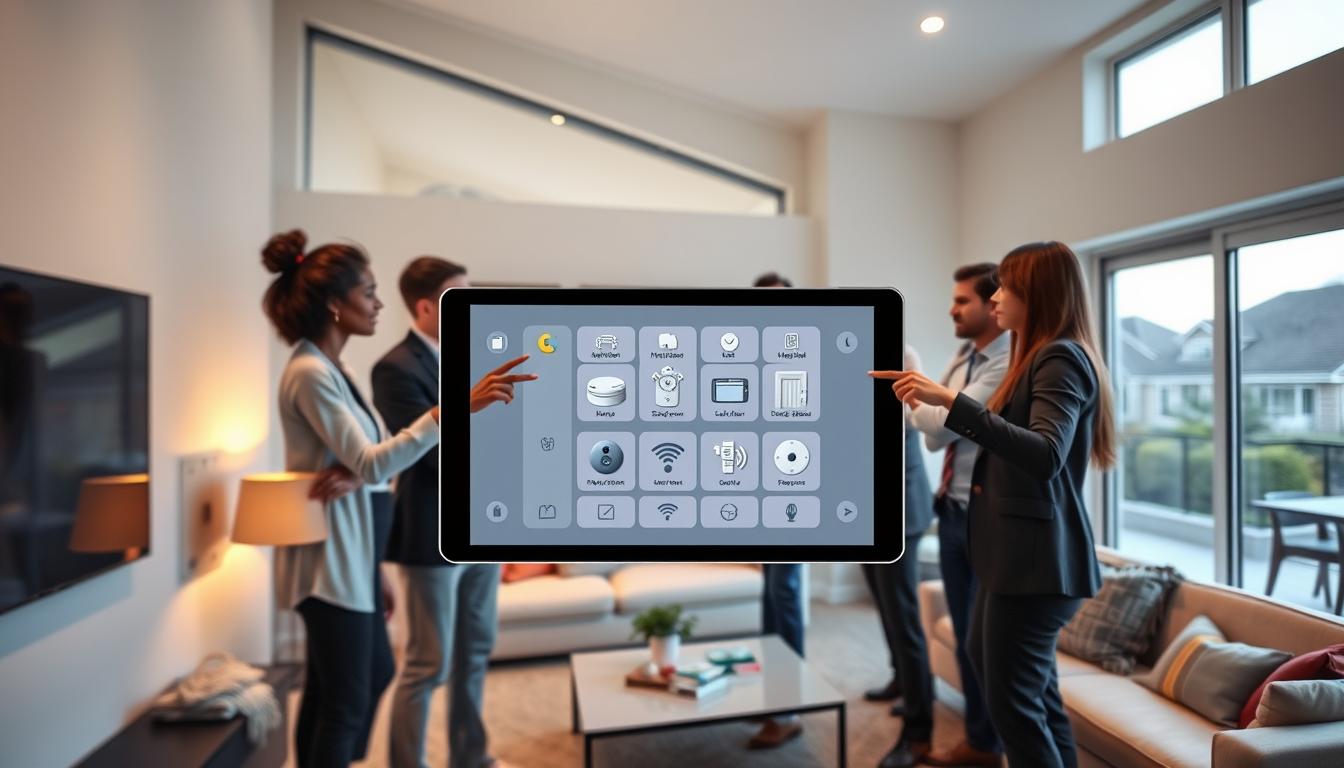
You can connect visual alert devices to your phone, tablet, smartwatch, and hubs. This lets you get alerts outside your home. It uses visual alert technology to send alerts when you’re away or in another room.
First, pair dedicated receivers with video doorbells like Ring or Google Nest. These doorbells send alerts about motion and visitors to your devices. Adding visual notification systems gives you alerts at home and on your phone or watch.
To link different devices, use a mix of methods. Native app integrations work if the manufacturers support them. If not, smart hubs like Samsung SmartThings or Home Assistant can help. APIs and webhooks can also send alerts from VoIP phones or cameras to your visual alert system.
- Combine in-home flashing receivers with mobile push alerts for true multi-channel coverage.
- Set notification rules to limit false alarms by adjusting motion sensitivity or scheduling quiet hours.
- Test cross-device delivery so alerts reach phones, watches, and visual notification systems without delay.
Always keep your privacy and security in mind. Use strong, unique passwords and two-factor authentication on apps for Ring, Google Nest, or other devices. Also, secure your network to protect camera feeds and alert settings from unauthorized access.
When integrating, think about what’s convenient and what you can control. Smart routines can flash lights for door knocks, send silent alerts to your watch, or brighten a strobe for important calls. These options show how visual alert technology and systems keep you informed.
Maintaining Your Visual Alert System
For a reliable alert system, follow a simple maintenance routine. Check and replace batteries in portable devices every six months or when needed. This keeps them working well.
Also, check power cords and connections on mains units. Loose plugs and frayed wires can harm performance and safety.
- Clean lenses and LED arrays with a soft cloth to keep brightness up.
- Make sure mounting hardware and hooks are tight to avoid coverage loss.
- Keep spare batteries and a basic tool kit for quick repairs.
Update software and firmware on video doorbells and smart devices. This keeps integrations smooth and secures your system.
Test alerts often. Try doorbell and phone events to ensure modes work right.
- Turn on extra receivers and transmitters to check expandability.
- If range is weak, try repositioning units or adding repeaters.
- For spotty alerts, check for wireless interference and move units away.
If a device stops working, follow the maker’s pairing steps to fix it. Keep manuals, codes, and support contacts ready for quick help.
Common issues include low batteries, dirty lenses, and outdated firmware. Regular checks prevent these problems and keep your system ready for use.
Customizing Your Visual Alerts
You can choose from Flash Only, Flash + Chime, and Chime Only modes. Flash Only is great for quiet spaces. Flash + Chime is perfect for when you’re far away. Chime Only is best for places where light isn’t needed.
Use multi-color LEDs to make alerts easy to see. A 7-color cycling option lets you test patterns. Set a steady blue for the doorbell and a rapid red for phone rings if your equipment allows.
Adjust brightness and strobe intensity for each area. Use higher settings for big rooms and hallways. Lower settings in bedrooms keep alerts comfortable at night.
Consider personal wearable alerts for quick, private signals. Pager-style transmitters with lanyard clips let a family member signal you visually when they need help. Wearable options extend the reach of visual notification systems beyond fixed spots.
Set up room-specific profiles for clearer cues. Use colorful, gentle lights in kids’ bedrooms and vivid strobes in common areas. This helps everyone know which alert is important.
- Create schedules to limit unwanted alerts overnight.
- Use notification filters to cut down on false positives.
- Combine rules with smart home scenes to tailor responses automatically.
These alerting solutions give you control and comfort. Fine-tune modes, colors, intensity, and timing. Make your system support your daily life without causing alert fatigue.
Real-Life Applications of Visual Alert Systems
Visual alert systems are useful in many ways at home. For example, a flashing doorbell at your main and side entrances ensures you never miss a visitor. You can pair a receiver with a 7-color LED cycling alert to a door transmitter for a clear visitor signal.
They also work well with phone and VoIP call notifications. A bedside lamp that flashes on incoming calls helps you stay connected. Portable pager transmitters worn by a caregiver let you know when help is needed, giving freedom and safety to those living alone.
- Baby monitor alerts: visual signaling products can flash for sound from a nursery monitor so parents don’t miss a cry.
- Motion-sensor notifications: porch and driveway sensors can trigger visual alarms to warn of visitors or deliveries.
- Personal call buttons: simple in-home assistance systems use visual alerts to mark urgent needs.
Visual signaling products can be adapted for children and teens. Use colorful visual alerts in bedrooms for younger children to make alarms clear and non-threatening. Older deaf teens can get notifications from Ring or similar video doorbells on their phones or tablets to manage visitors and deliveries.
Shopping for assistive devices can help with accessibility support. Retailers like Connevans, Health and Care, and Sarabec sell a wide range of visual alert systems tailored to different needs. You may qualify for support programs that help cover the cost of deaf-friendly doorbells and other visual alarms.
Community safety improves when visual alerts work with life-safety devices. Integrating visual alert systems with smoke and carbon monoxide alarms gives a life-saving visual warning during emergencies. You can place bright flashing units in bedrooms and common areas to increase your household’s chance to respond fast.
Community Resources for the Deaf
Looking for help with visual alert systems? You can find it through specialty retailers, clinical centers, funding programs, and local groups. Each one offers unique support for deaf-friendly doorbells and more.
- Specialty retailers like Connevans, Health and Care, and Sarabec sell deaf-friendly doorbells and devices. Check out product specs to compare features before you buy.
- Clinics and hearing centers offer assessments and device recommendations. If you’re not sure where to start, call 1-877-872-7165 to book a hearing test and get advice.
- Retailers and online stores have replacement parts and accessories. Make sure to check return policies and warranties to keep your devices working well.
There are funding and assistive technology programs to help you get visual notification systems for free or low cost. Look into local state vocational rehab, nonprofit organizations, or Medicaid waiver programs for possible funding and installation help.
Local deaf and hard-of-hearing organizations offer peer support and advice. Connect with them to learn about the best alerting solutions and get tips on installation and setup.
- Begin with a needs assessment at a hearing center to find the right visual alert systems for your home.
- Compare retailers to find the best features like wireless range, flash modes, and expandability before you buy.
- Explore funding options through vocational rehab or Medicaid waivers to lower the cost of visual notification systems.
Using these resources helps you find alerting solutions that fit your lifestyle, budget, and needs. Community support makes installation easier and ensures your devices work well over time.
Legal Obligations and Rights
In the United States, you have certain rights and duties regarding visual warning systems. Public buildings and many commercial spaces must follow rules. These rules require visual alarms when just hearing them is not enough.
The Americans with Disabilities Act says public places must have visual alert technology. This is to help those who are deaf or hard of hearing. Local and state laws might add more rules, so check what applies to your property.
- Tenants can ask landlords for reasonable accommodations under the Fair Housing Act. This might include installing visual alert devices in rental units.
- Homeowners should look at local laws for guidelines on adding visual warning systems in multiunit buildings.
At work, employers must make reasonable accommodations for job performance and safety. You can ask for visual alert solutions to help deaf employees with communication and emergency alerts.
Standards for emergency systems, like those in NFPA codes, often require synchronized strobes and compliant visual alarms. When adding visual alert devices in homes, make sure they work with the building’s emergency systems.
- Write down accommodation requests and keep copies of all letters.
- Save product specs and installation receipts for any visual alert technology you install.
- Include professional advice from electricians or accessibility consultants when needed.
Keeping records helps you fight for your rights and ensure legal compliance. If someone resists making changes, your documentation will strengthen your case. This is important for seeking enforcement or mediation.
Future of Visual Alert Systems
Visual alert technology will become more central in smart homes. It will work better with platforms like Ring, Amazon Alexa, and Google Home. This means visual notification systems will respond in a more personalized way.
Mobile push notifications will team up with in-home flashing lights. Wearables will also serve as secondary receivers. This makes it easier to stay informed at home and on the go.
Technical improvements will give you more control over your alerts. Visual signaling products will offer richer experiences. You’ll see finer color and pattern choices for each alert type.
These products will also have longer wireless ranges and use less power. Portable receivers will get smaller and last longer. They’ll work better with different brands too.
More people will have access to these systems. Mainstream brands and specialty retailers like Connevans, Sarabec, and Health and Care will offer more options. This means better support for insurance and assistive technology.
Public venues will also follow visual alarm standards. This makes it easier to use visual notification systems outside your home.
Innovations like AI-driven alert filtering will cut down on false positives. Alerts will go straight to your phone, bedside receiver, or wearable. Keep up with updates and new releases to keep your system secure and effective.