Protecting your home or apartment from break-ins is a top priority. Vibration sensors watch over glass and window frames for any impacts or stress. They send alerts early, giving you time to react and keep everyone safe.
When a sensor spots forced entry, it can start two-way audio communication. This lets you talk back and forth in real-time. You can verify the situation and plan a response without opening a door or window.
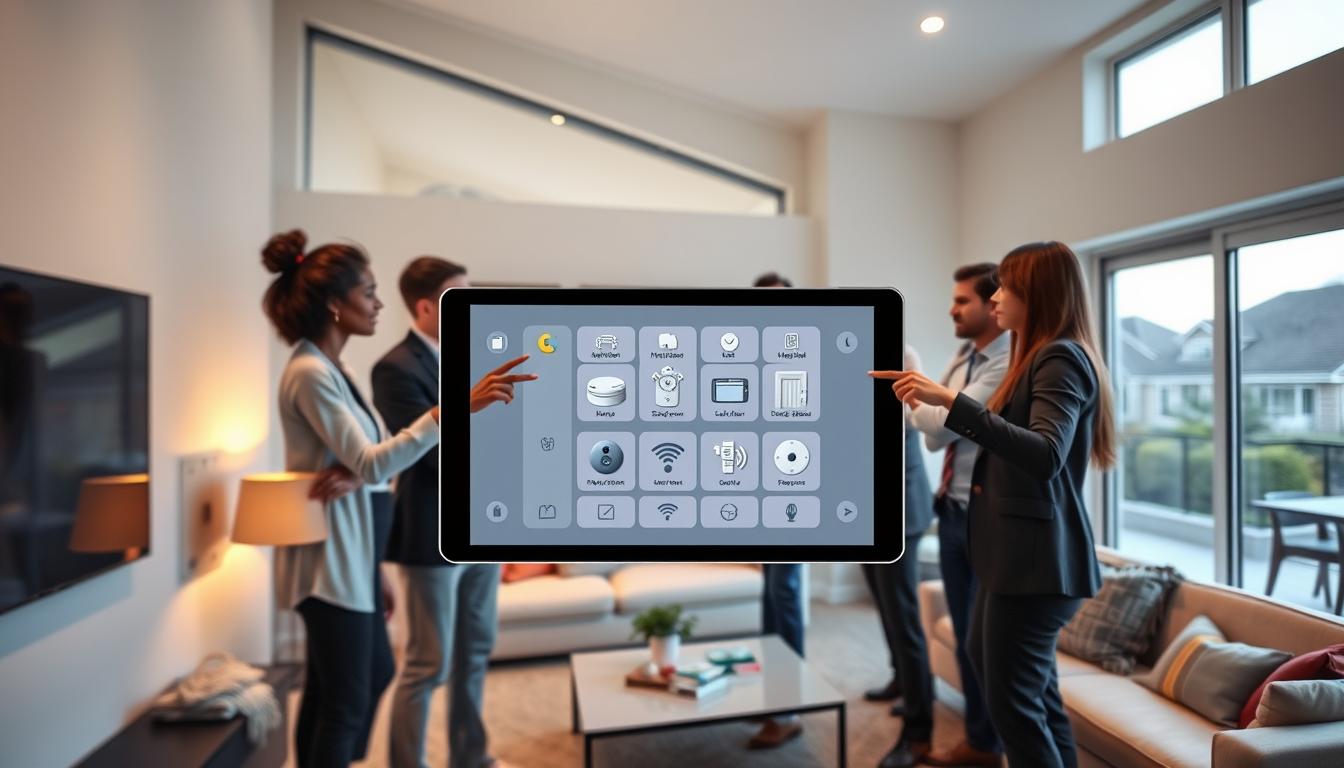
Today, home security often includes sensors, intercoms, and video systems from brands like Ring and Honeywell. These systems boost window security and detect forced entry. They combine vibration sensors with live audio and video to manage visitors and threats.
The growing number of apartments and condos means more focus on access control and detection. Window sensors help keep entire buildings safe. They work with two-way audio and interactive systems for better protection.
This article will cover how vibration sensors work, how to pick and set them up, and how to link them with your intercom or two-way audio. We’ll also talk about alerts, maintenance, and future trends in home security.
Understanding Vibration Sensors and Their Functionality

Vibration sensors detect motion on window glass or frames. This includes impacts, drilling, or forced entry attempts. They are different from acoustic glass break detection systems, which listen for sound patterns.
Many security setups use both for better coverage and fewer false alarms.
Detection mechanics use piezoelectric elements or accelerometer-based transducers. These convert motion into electrical signals. A signal processor then analyzes these signals to avoid false alarms.
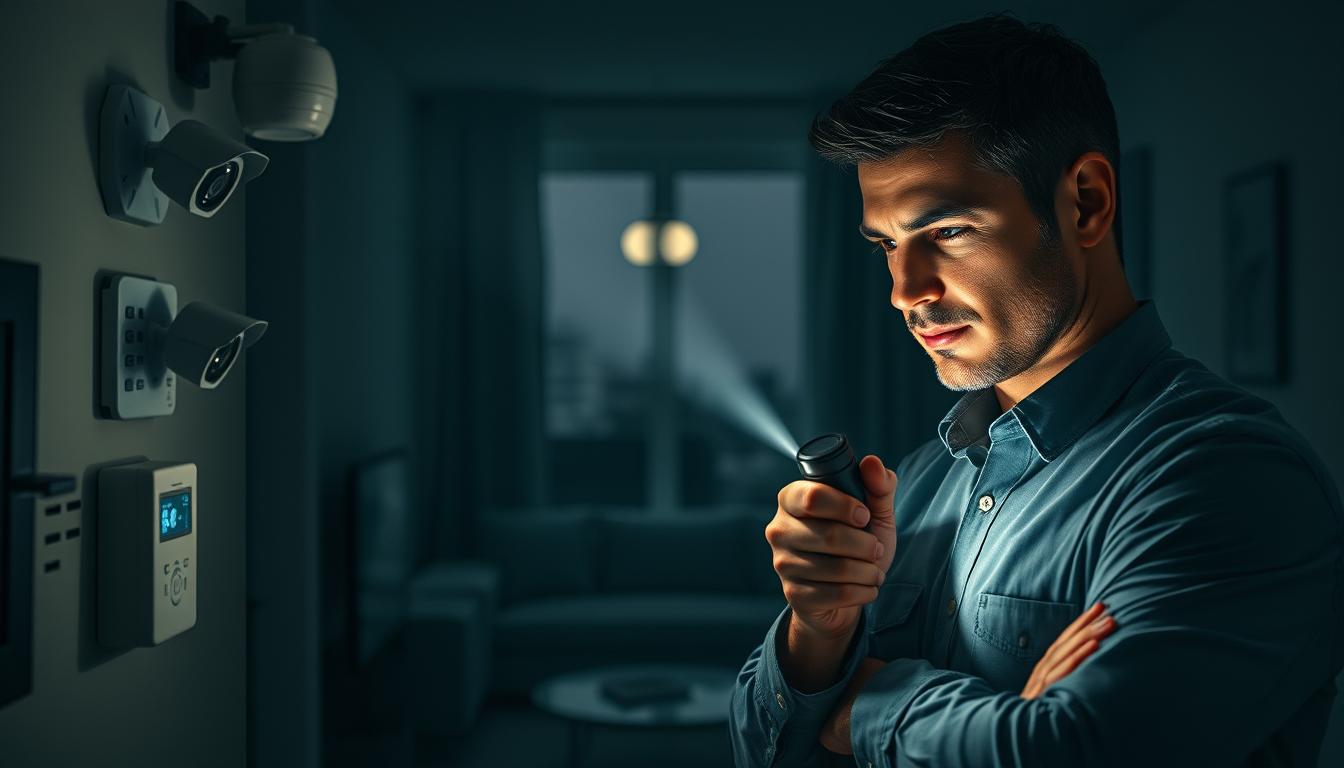
Components include the sensor transducer, a signal processor, a transmitter, and a power source. You might also see a tamper switch and a housing that resists moisture and temperature changes.
Integration with real-time communication allows for immediate alerts. You can get live feeds or talk through intercoms or mobile apps. This lets you verify events as they happen.
They are often used on ground floor windows, basement windows, and sliding glass doors. Quick detection at these points helps prevent break-ins and gives you time to act.
- Types of transducers: piezoelectric and accelerometer-based
- Key features: tamper switch, power options, signal processing
- Communications: local alarm, mobile notifications, interactive audio
Importance of Early Detection for Home Security

You want systems that catch trouble before it becomes a break-in. Early detection at a window stops an intruder at the first sign of impact. This alert reduces property loss and raises occupant safety across your home.
When a vibration sensor triggers, you get instant feedback so you can act. Instant feedback lets you call law enforcement, warn family members, or use two-way audio communication. This way, you can confront a possible intruder without opening doors or moving from a safe spot.
Real-time communication with a monitoring center or your smartphone helps verify events quickly. A live audio or video check can confirm a false alarm and prevent unnecessary dispatches. This saves time and avoids the disruption of false positives.
Large homes and multi-unit buildings face a unique problem: distance between rooms and residents. Pairing vibration sensors with two-way audio gives households instant feedback. This lets you check on an elderly relative, instruct someone to lock a door, or confirm that everyone is safe without running through the house.
Intercom and access-control systems have long handled visitor verification and door release. Adding vibration sensors creates a layered approach: detect the impact, verify with two-way audio, and control access remotely. This blend strengthens home security and streamlines response.
- Detect early to prevent forced entry prevention from succeeding.
- Use instant feedback to reduce false alarms and focus resources.
- Enable real-time communication to coordinate response across your household.
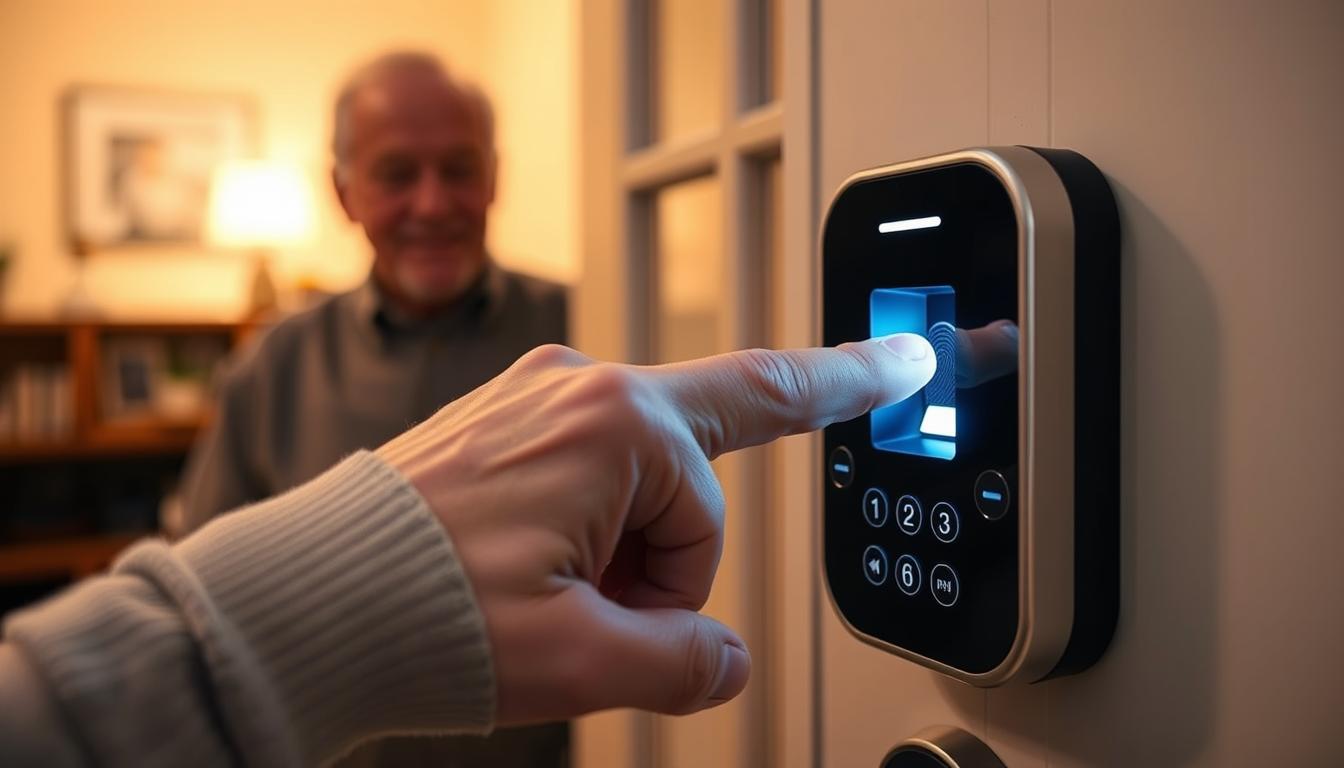
Vulnerable occupants gain measurable benefits from rapid alerts. Elderly or disabled family members can trigger help and use two-way audio communication for immediate reassurance. This quick link to support reduces risk and shortens the time between alarm and assistance.
Benefits of Using Vibration Sensors on Windows
Vibration sensors alert you to early signs of forced entry. They catch attempts to break in before it’s too late. This early warning helps protect your home and reduces the risk of damage or loss.
These sensors don’t harm your windows. They offer reliable protection without the need for big changes. This makes them easy to install for renters and homeowners alike.
- They have low false positives thanks to signal filtering. This means you only get alerts for real threats, not just knocks or wind.
- They work with both wired and wireless systems. This makes them flexible for use in single-family homes and multi-residential buildings.
When a sensor goes off, you get instant alerts. These can go to intercom stations or your smartphone. This lets you have a live conversation with someone at the window.
Interactive audio lets you respond right away without leaving your room. You can give instructions, ask questions, or call for help. This keeps disturbances down in big homes.
Modern integrations with intercom systems make your home safer and more appealing. Adding window security features can attract buyers and tenants who value smart access control.
Vibration sensors are great for quick help in emergencies. Linked intercoms and sensors help you call for emergency services fast when needed.
These sensors are scalable for any size. They work for a single house or for apartments and campuses. They help manage many tenants and visitor flows.
Selecting the Right Vibration Sensor for Your Windows
First, pick a detection technology that fits your needs. Piezoelectric sensors catch impact and glass breakage with few false alarms. Accelerometer-based sensors track vibration patterns and tamper attempts. Each type affects sensitivity, battery use, and where you can place them.
Choose between wired and wireless sensors. Battery-powered ones are simple to install and great for DIY projects. Wired sensors provide steady power for big buildings and work well with professional systems.
- Battery life: check typical months of operation and low-battery alerts.
- Range: verify the wireless range reaches your hub or gateway.
- Mounting options: look for adhesive pads, screw mounts, and models for sliding or casement windows.
Use weatherproof sensor housings to protect outdoor openings. Tamper protection alerts you if the unit is moved. Durable casings help them last longer in harsh weather.
Think about integration before buying. Look for sensors that work with your existing systems. This is key for two-way audio communication between a door station and a monitoring point.
Make a checklist of what you need. Ensure the sensor works with your audio/video setup, has smartphone app control, and supports multiple users. Also, check the warranty and support for long-term reliability.
Consider power and installation needs. Ring-style battery units are good for single homes and easy installs. But, apartment complexes and commercial buildings need wired power and professional installers for reliable operation.
Choose brands that support access control and intercom solutions. Aiphone, Swiftlane, Doorking, Comelit, 2N, and AlphaTouch offer systems that work well with sensor modules. They support real-time communication across devices.
- Set a budget that covers sensors, installation, and any recurring cloud or monitoring fees.
- Test compatibility with your intercom for two-way audio communication before purchase.
- Choose a model with clear documentation and firmware updates.
Remember, simple sensors are cheaper, but commercial-grade solutions cost more upfront. They might also have monthly fees. Weigh the initial cost against ongoing support, scalability, and the need for quick response and voice exchange.
Installation Process of Vibration Sensors
First, find windows that are easy targets for intruders. Clean these areas well so the sensors stick or screw in right. This step is key to avoiding false alarms and making the sensors last longer.
If you can install the sensors yourself, just follow the instructions. Connect the wireless device to your hub or intercom. Use your phone or control panel to adjust settings and who gets notified.
For wired systems, you’ll need to run cables to a central panel. Make sure the power is right, using a transformer or building power. Also, set up any door controls during this time.
- Test the sensors to avoid false alarms.
- Set times when the sensors won’t go off, like during maintenance.
- Check the tamper switches and seals for long-term use.
When you add two-way audio or intercom, connect the sensors to these systems. This lets you talk in real-time with people inside or outside.
Big homes and buildings need pros for installation. They do site surveys, set up cabling, and work with your intercoms. This might cost more than $1,000.
After it’s set up, test everything. Make sure notifications work, two-way audio is clear, and alarms go where they should. Keep records of how it works and what you’ve done.
Keep all installation details, like serial numbers and wiring plans. This helps with remote management and future updates.
Integration with Existing Home Security Systems
You can connect vibration sensors to your current alarm panel in three ways. These include hardwired relay connections, wired network/IP integration, or wireless protocols like Wi‑Fi, Z‑Wave, and Zigbee. Brands like Aiphone, 2N, Comelit, and Swiftlane make it easier to integrate intercoms. They offer modules and partner devices to simplify the process.
When a sensor detects forced entry, it acts quickly. The vibration sensor triggers an alarm and sends a signal to the connected panel or intercom master station. This device then starts two-way audio communication to a master station, security desk, or your smartphone. You can then have an immediate voice exchange with anyone on site.
Cloud and smartphone integration allows you to answer alerts from anywhere. Modern intercoms send events to mobile apps. This lets you accept calls, engage in live audio interaction, and unlock doors remotely. This feature is very useful for large properties, multi-building campuses, and property managers who need quick responses without sending staff onsite.
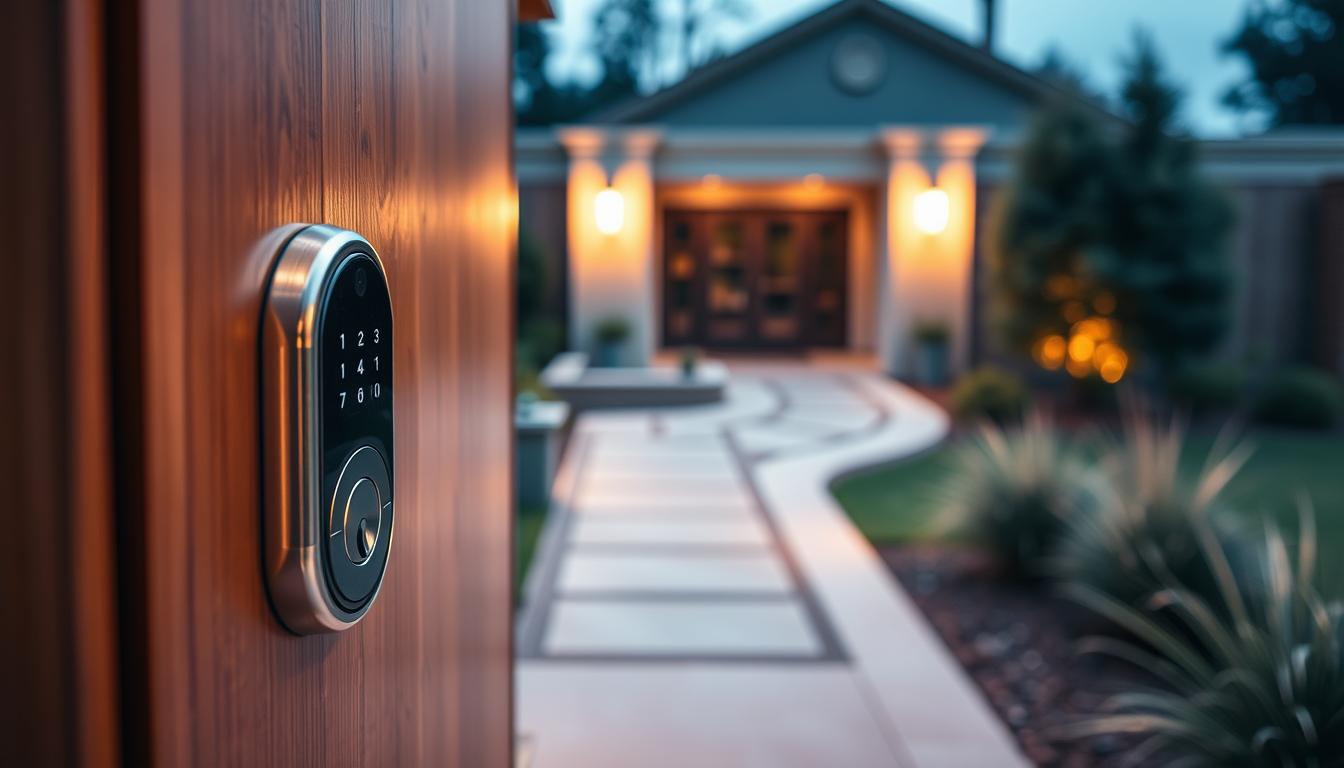
Access control coordination adds more options for responses. You can link sensor events to door releases and gate activation. This lets authorized personnel grant or deny entry after verification. This setup is great for multi-tenant buildings, as it limits unnecessary physical intervention while keeping residents safe.
- Choose devices that support your preferred protocol to simplify integration with security systems and access control.
- Configure two-way audio communication paths to route events to on-site staff and mobile devices for rapid voice exchange.
- Use cloud dashboards for remote user management, updates, and analytics when managing many tenants or sites.
Remember, subscription fees for cloud platforms vary. They often reduce on-site maintenance and centralize monitoring. Always check manufacturer specs for interoperability before buying. This ensures smooth intercom integration and reliable live audio interaction during incidents.
Setting Up Alerts and Notifications
When setting up alerts, choose the right channels for your home. Use local sirens and chimes for quick warnings. Add push notifications to your app for updates anywhere.
Include intercom calls for voice contact at home. Set up SMS or email alerts for those who like text. If you have a monitoring service, send alerts there for fast help.
Make the alert system clear. First, alert everyone inside. Then, send notifications to phones. Use two-way audio to talk and check the situation.
Set rules for alerts to avoid mistakes. If the first person doesn’t answer, send it to others or the monitoring center. For big buildings, send alerts to staff and managers based on who’s there.
Use checks to avoid false alarms. Need a vibration sensor and a camera shot or another sensor before alerting. Give a chance to confirm with audio before calling emergency services.
- Log every event with timestamps to build an audit trail.
- Store video and audio clips in the cloud for insurance and legal evidence.
- Keep records accessible to authorized users for post-incident review.
Teach everyone about alerts. Show family, caregivers, and staff how to handle them. Teach them to use two-way audio and apps or intercoms.
Test the system often. Do simulated alerts to check all parts. Regular tests keep everyone ready and confident.
Maintaining Your Vibration Sensors
Make a simple plan for keeping your vibration sensors in good shape. For wireless ones, check the batteries every three months. Replace them before they get too low. For wired systems, get a pro to check them once a year, if you have a big home or business.
Do a monthly check-up. Test the sensors and make sure they work right. Check if they’re set up correctly after fixing windows or after a storm. This keeps your system working well.
- Clean the places where sensors are mounted with a soft cloth to get rid of dust and dirt.
- Look at tamper switches and seals for any wear or gaps that might mess up how they work.
- Make sure the software on sensors and intercoms is up to date. This helps keep communication smooth.
Deal with common problems fast. If sensors go off by mistake during strong winds or nearby building work, adjust them. For bad audio on calls, check the internet and the mic and speaker.
Fix issues with losing connection by checking Wi-Fi or Ethernet. Replace old routers or hubs if they cause problems. Keep your cloud subscription going for monitoring and alerts. This keeps your system working well.
- Keep track of updates: note down firmware versions, battery changes, and when you last calibrated.
- Save login info and notes for family or property managers.
- Have warranty details and installer contacts ready; many brands like Ring, Honeywell, and Bosch have lists of certified techs for sensor care.
Stick to this plan to make your sensors last longer. Regular care means your system works better and faster, keeping you safe.
Future Trends in Vibration Sensor Technology
Expect to see sensors get smarter, working better with video intercoms and AI. Brands like Aiphone and 2N will link impact detection with video and facial recognition. This makes checking events quicker and cuts down on false alarms.
Machine learning will improve how sensors handle vibrations. It will tell the difference between harmless movements and real threats. This means fewer false alarms and quicker alerts to your phone or security console.
Wireless and cloud tech will grow, using IoT and edge processing for fast detection. You’ll manage sensors across properties from one dashboard. Two-way audio will become common for quick verification. Mobile access, biometrics, and NFC will link events to smart responses like temporary access or remote locking.
Sensors will get smaller and more durable, fitting in more places. They’ll have higher ratings for outdoor use. As prices drop, more homes and buildings will use them. Companies like Comelit, Swiftlane, and AlphaTouch will offer complete solutions with vibration and audio. The future looks bright for easier, more effective security systems.