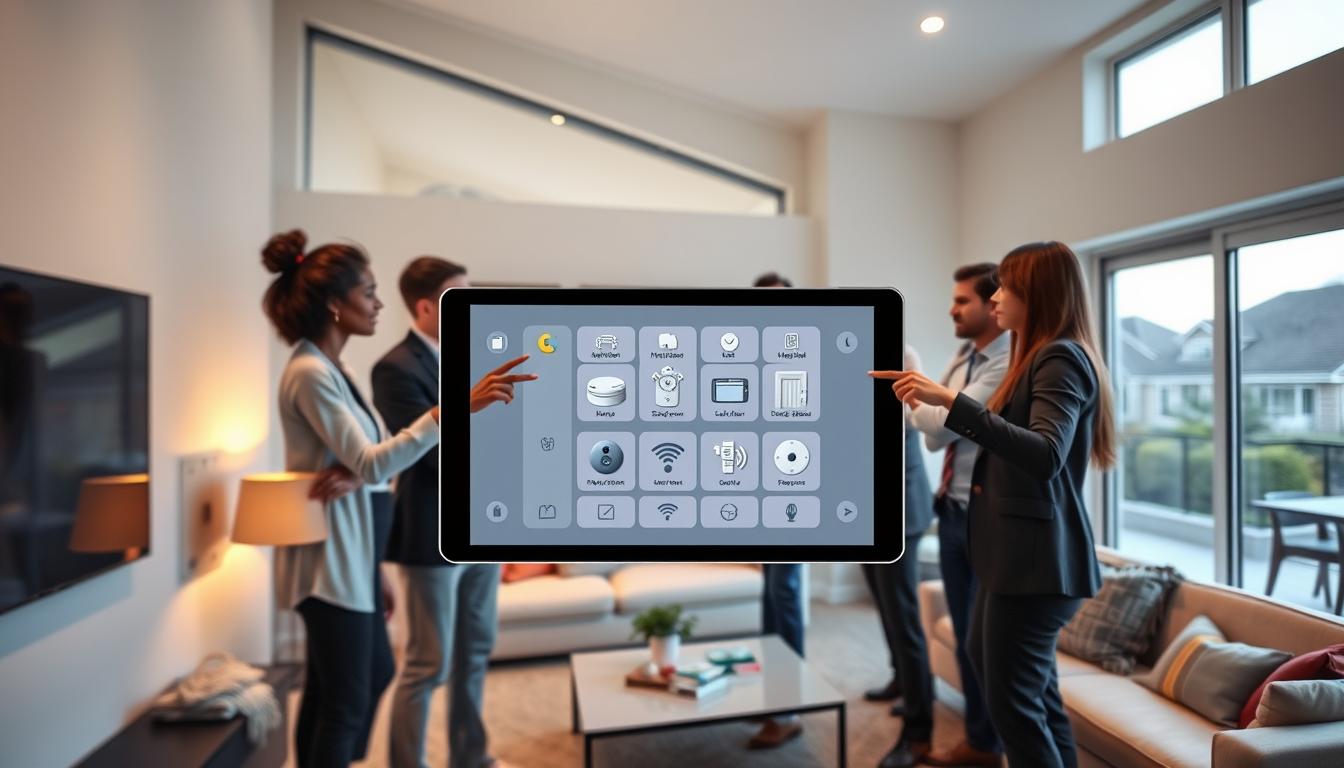
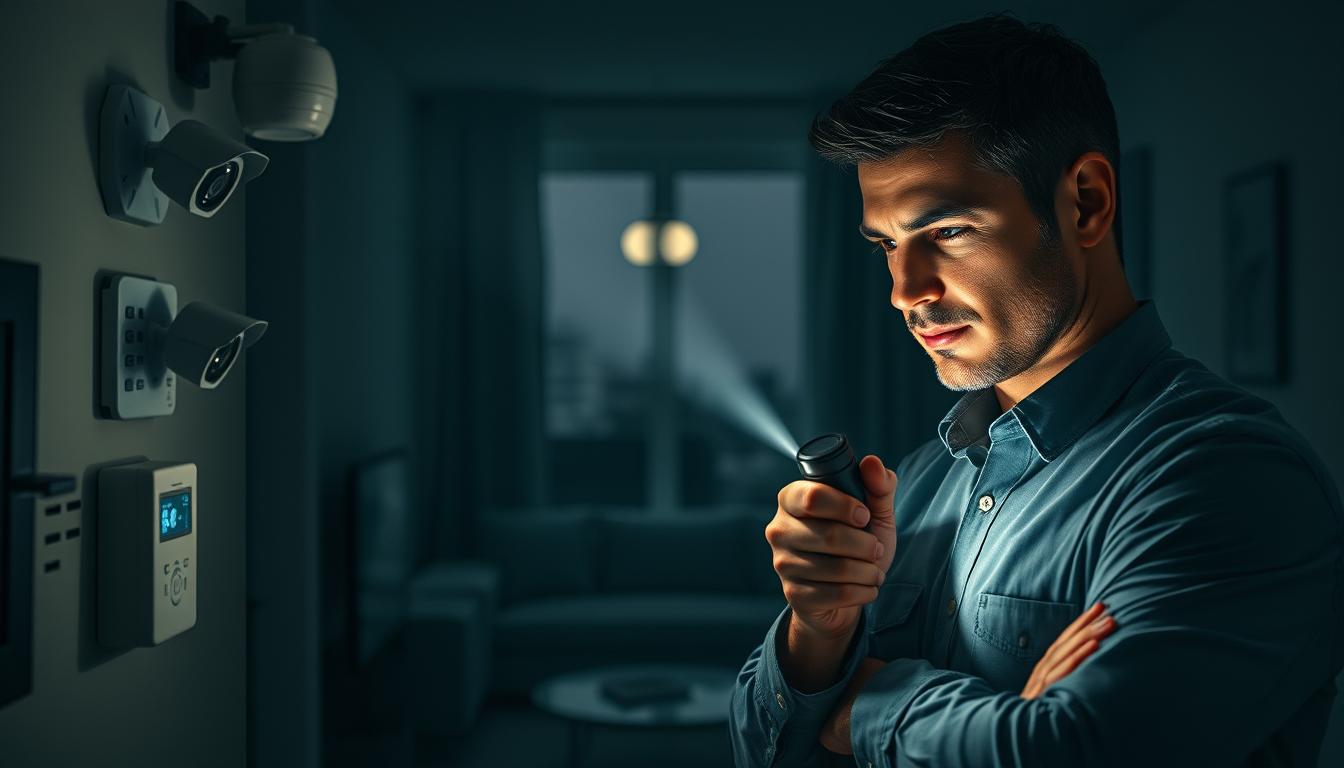
Your smart home keeps your family, property, and privacy safe. It’s important to regularly check and maintain sensors. This ensures alarms, cameras, and other safety devices work when needed.
Think of sensor upkeep as ongoing care, not just a one-time task. Weekly checks and monthly cleaning can catch problems early. Simple steps like dusting panels, cleaning lenses, and checking batteries make a big difference.
Smart devices offer both physical and digital security. Keeping firmware up to date and setting strong network settings helps protect against remote threats. Also, keeping an accurate list of devices reduces the risk of data exposure.
Adopt a maintenance mindset for your sensors. This includes physical cleaning, battery checks, updates, and privacy settings. Following these tips will help you avoid failures and keep your system reliable over time.
Understanding the Importance of Sensor Maintenance

Sensors are key to keeping people safe and respecting privacy. Regular checks ensure they work right when needed. Without them, you might miss important alerts or face false alarms.
Keeping sensors in top shape means physical checks and updates. Make sure batteries are good, clean the lenses, and test them. Also, tell your security team about any changes to keep everything running smoothly.
Cameras and smart locks collect personal data like voice recordings and location info. If not set up right, this data can be at risk. Use privacy settings, limit how long data is stored, and check what data is shared before buying.
Simple habits can make a big difference in sensor care. Set up regular tests, change default names, and use strong passwords. Add these to physical checks and updates for better safety and privacy.
Types of Smart Home Safety Sensors
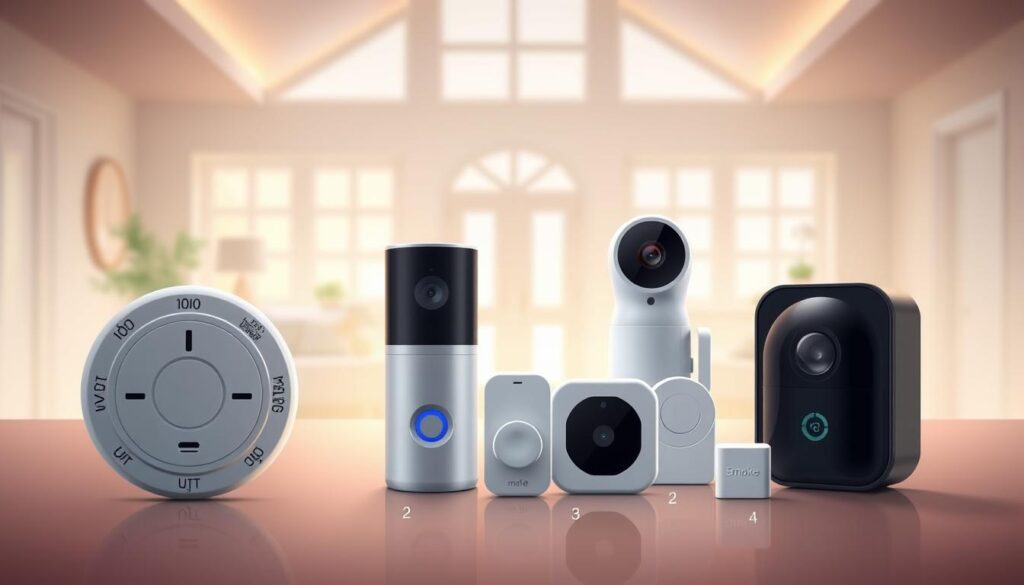
Protecting your home requires a variety of devices. You’ll find motion sensors, door and window contact sensors, security cameras, control panels, and smoke alarms. Smart locks, wireless cameras, remotes, and smoke/CO detectors also play key roles.
Each device has its own weak spots. Motion sensors can get blocked by furniture or dust. Contact sensors might lose their grip or get out of alignment. Cameras need regular lens cleaning and storage clearing to work well.
- Smoke and CO detectors: test the button, replace batteries when needed, and adhere to manufacturer replacement dates.
- Motion sensors: clear obstructions, dust with a soft cloth, confirm detection zones, and swap batteries if unresponsive.
- Contact sensors for doors and windows: check mounts, alignment, and test notification alerts regularly.
- Cameras and doorbell cams: clean lenses with a microfiber cloth, clear local recordings, and set activity/privacy zones.
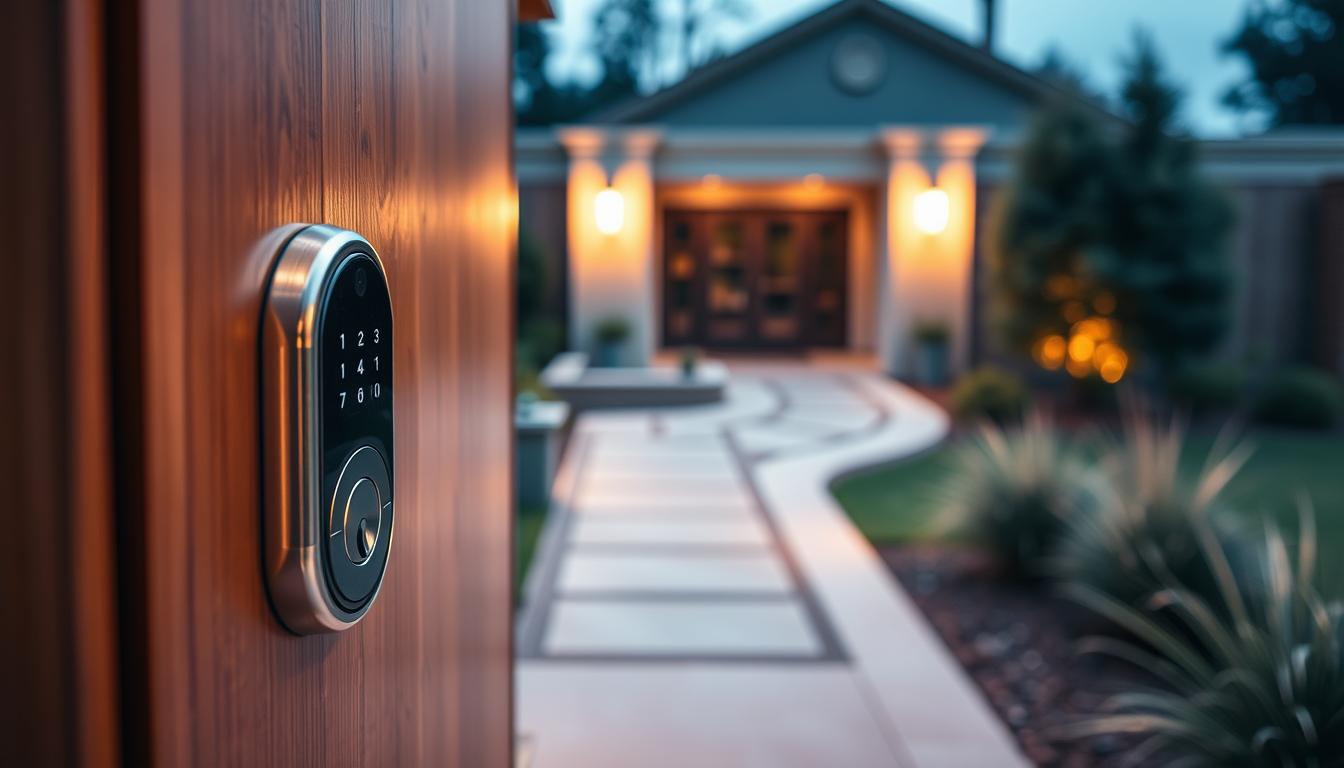
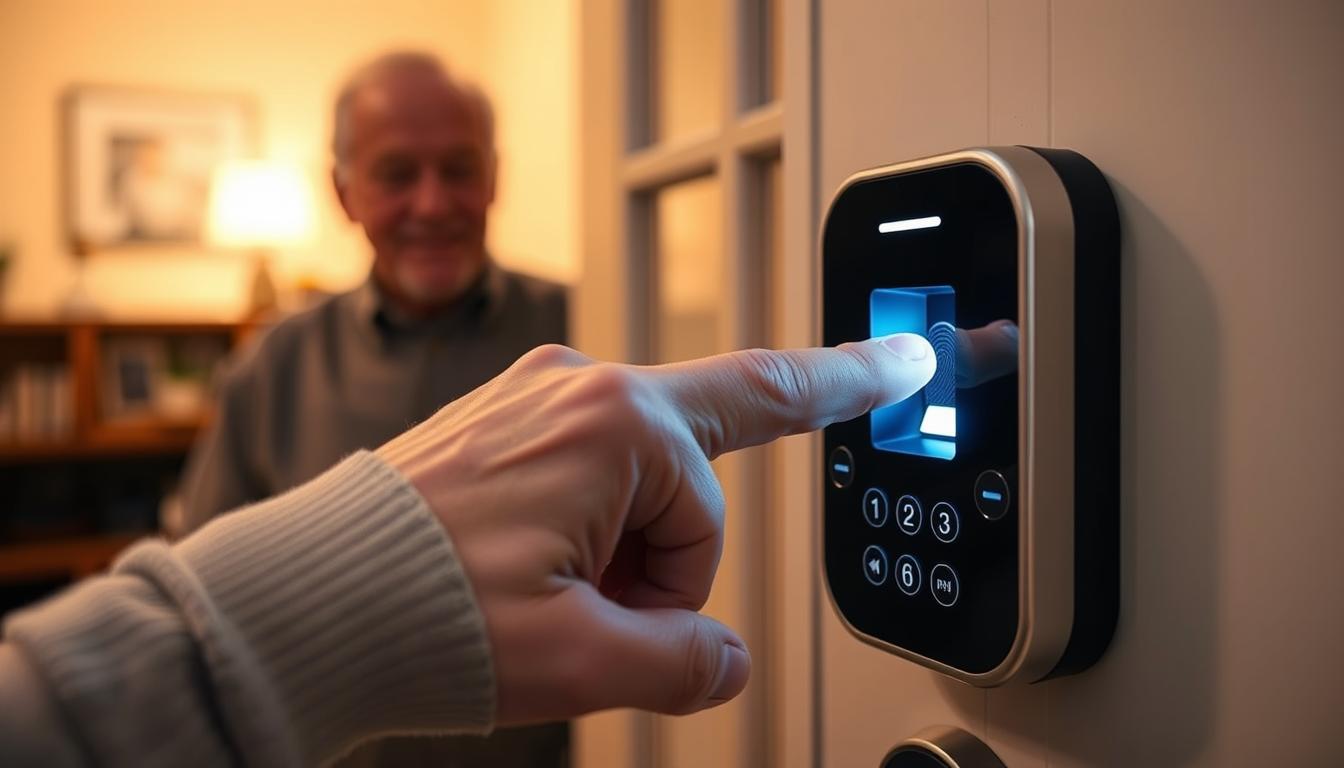
- Smart locks: monitor battery levels and verify the manual lock/unlock function works reliably.
- Flood and temperature sensors: test triggers and place them near likely failure points, such as water heaters or sump pumps.
Some smart devices pose privacy risks. Check devices like baby monitors, thermostats, wearables, and always-on assistants for updates and privacy settings. It’s also important for critical devices like thermostats and fire alarms to have manual override options during network outages.
To keep sensors in good shape, make a simple checklist. Match each device with its maintenance schedule. This makes it easier to keep up with sensor care and reduces the risk of missing important checks.
Setting a Regular Maintenance Schedule
Having a clear calendar is key for consistent sensor upkeep. Divide tasks into weekly, monthly, six-month, and yearly checks. This way, you won’t miss anything important. Use recurring reminders and a simple log to track dates, actions, and firmware versions.
Weekly tasks are quick. Just check motion sensors and cameras for dirt or pests. Clean lenses and housings, check battery levels, and clear storage when needed. Also, test smoke and CO alarms if your system suggests it. Always tell your alarm or monitoring provider before a longer test to avoid false dispatches.
Monthly tasks take a bit more time. Update apps and firmware, or enable automatic updates. Put the control panel into test mode for a full system check. Also, check medical alert devices and low-usage battery hosts. Review camera settings and storage quotas.
Every six months, do hands-on inspections. Make sure sensors are securely mounted. Test motion, window, and door sensors to ensure they work. Check outdoor devices, adjust camera zones, and test security lights. Also, replace smoke and CO detector batteries if needed.
Once a year, do a thorough vulnerability audit. Look for missing devices like cameras or motion units. Trim shrubs that block views. Check warranty and service contract status to ensure repairs are covered.
Quarterly, focus on privacy and network reviews. Update your device inventory and note data practices for each brand. Confirm network segmentation and strong passwords for smart hubs and Wi-Fi. Record firmware versions in your inventory.
- Create a sensor maintenance checklist and add it to your calendar.
- Keep a centralized inventory with model, purchase date, and firmware version.
- Document every completed task for warranty and troubleshooting needs.
Following these sensor maintenance tips keeps you proactive and reduces false alarms. Regular, small actions prevent bigger issues and keep your home safe.
Testing Your Sensors: Step-by-Step Guide
First, tell your monitoring company or security provider you’re going to test. This is to avoid any false alarms. Do the tests when you can be there to quickly respond to any alerts.
Start at the control panel. Put it into test mode as the maker says. If you have ADT, Vivint, or SimpliSafe, call them so they know it’s just a test.
Next, test your smoke and CO detectors. Press the test button and make sure you hear an alarm. If your Nest Protect or First Alert connects to an app, test it there too. Make sure you get notifications on your phone.
Now, test your motion sensors. Walk through their zones slowly and at different heights. This checks if devices from Ring, Arlo, or Honeywell work right and send alerts.
Check your contact sensors on doors and windows. Open and close them to see if the system logs it. If a Wyze or Yale contact doesn’t work, replace the adhesive or screws.
For cameras, make some motion and check if it records. If it’s full, clear storage and test playback. Make sure you get alerts from Arlo and Ring on your phone.
Test your smart locks by locking and unlocking them. Check if you get updates and alerts from August, Schlage, or Yale. Also, check the battery and any error messages.
Don’t forget to test your flood sensors and medical alert devices. Pour a little water on a flood sensor pad to see if it works. Use the test call for medical alerts to check voice and connection quality.
While testing, look at your privacy settings and LED lights. Turn off cameras or microphones and see if the LEDs change. Check for updates in each app, update, and restart to make sure everything works.
Write down what you find and any fixes you make. Keep a checklist for testing and maintaining your sensors. If something doesn’t work, fix it or get a pro to help.
Follow the maker’s instructions and safety rules. Don’t turn off important devices for too long. Use these tips to keep your smart home safe and working well.
Common Maintenance Issues and Solutions
Battery and power issues are the main reasons for offline sensors. Always replace or recharge batteries when needed. Check high-drain devices every week. If a smoke or CO detector shows low battery, change the batteries right away.
When a device goes offline, first check the battery. Then, look into network problems.
Connectivity and network issues can seem like hardware problems. Make sure your router is secure. Change default passwords and use WPA3 or WPA2. Disable WPS for safety.
Use a guest network or VLAN for IoT devices. If a device loses connection, check your Wi-Fi and network settings.
False alarms can waste batteries and trust. Check camera settings and adjust them if needed. Keep outdoor sensors clear of plants and adjust motion sensitivity.
Physical obstructions and environmental factors can affect sensor readings. Dust, spider webs, and smudged lenses can block sensors. Clean them with a microfiber cloth. Make sure sensors are not blocked by furniture or plants.
Firmware and software glitches need regular checks. Update firmware and apps monthly or set for automatic updates. Restart devices after updates. Run diagnostics if something seems off.
When hardware fails, check warranties and support. If you can’t fix it, contact the maker or your security provider. Review your contracts and warranties yearly to know what’s covered.
Privacy breaches and strange network activity need quick action. Use tools like Ubiquiti or Firewalla to monitor your network. Rename devices and change passwords. Consider a factory reset for compromised units.
Follow a clear troubleshooting order: power, physical check, connectivity, firmware, then vendor support. Keep a log of issues and fixes. These steps will help you maintain sensors well and reduce the need for frequent service.
Best Practices for Sensor Installation
Install motion detectors and door/window sensors as the manufacturer suggests. Make sure cameras have a clear view and trim any plants that block their sight. Always follow the manufacturer’s instructions and local codes for smoke and CO detectors.
Use the right fasteners for mounting devices, not just adhesive. Check mounts every six months to ensure they’re secure. This helps prevent false alarms and reduces the need for future maintenance.
Secure devices during setup. Rename them to neutral names and disable cameras or microphones when not in use. Create separate accounts for devices and use strong, unique passwords stored in a manager.
Enable automatic firmware updates if possible. Change your router’s default password and use WPA3 or WPA2 encryption. Turn off WPS and place smart devices on a guest network or VLAN. Add basic firewall or domain blocking rules to limit traffic.
Keep a record of each device with model numbers, purchase dates, firmware versions, and warranty details. Review this inventory every quarter to stay updated. This record helps with better upkeep and maintenance.
Follow these best practices for sensor installation. This includes smart placement, robust mounting, and immediate digital hardening. It reduces maintenance needs, lowers failure rates, and keeps your home safe with fewer surprises.
Upgrading Your Smart Sensor Technology
Look for signs that sensors need to be replaced. False alarms often, devices that can’t update, and old parts are clues. Also, check for missing detectors like smoke, carbon monoxide, and flood ones.
When picking new sensors, choose brands that update often and follow modern security. Opt for devices that work on their own or with a smart hub. Make sure they protect your privacy well.
- Check warranties and service contracts for sensor upgrades.
- Replace smoke detectors based on the manufacturing date, not just battery life.
- For voice interfaces, go for local-first options like Mycroft or Project Alias to share less data.
Plan your budget for system upgrades. Compare the cost of upgrading sensors one by one to a full system upgrade. A new system can save on service calls and improve reliability.
- Audit device age and update support.
- Prioritize replacements with secure defaults and strong update policies.
- Review contracts and warranties for eligible upgrades.
- Test new devices for local processing and minimal data sharing.
Your takeaway: Upgrade when devices are outdated, can’t update, fail often, or risk your privacy. Choose models that make maintenance easy and affordable. This will strengthen your security and privacy.
Monitoring and Alerts for Sensor Integrity
Every week, use your device app to check on battery levels, charge status, and camera health. Many systems from Ring and Arlo send push notifications or email alerts when a sensor goes offline or shows tampering. Make sure to tell your alarm company about your tests so they don’t think it’s a real issue.
Choose alert levels that are important to you. You might want alerts for low battery, devices going offline, or tampering. But, you can also set up alerts to ignore minor issues. This way, you get alerts for things that really matter while avoiding false alarms.
Use both device alerts and network tools for extra security. Tools like Firewalla and Ubiquiti can monitor traffic and spot unusual devices or bandwidth use. Put IoT devices on their own network and set up basic firewall rules. Check the logs of connected devices every month to see if anything has changed.
- Run control panel test mode periodically to confirm whole-system response.
- Clear local storage on cameras so new footage is saved without interruption.
- Keep firmware and app versions current for reliable sensor upkeep.
Have a plan for what to do if an alert doesn’t get fixed right away. First, you should get notified. Then, if it’s not fixed, send a message to someone else or your monitoring service. This way, small problems don’t turn into big ones, and you know who to contact.
Here are some tips for keeping your sensors in good shape: check your apps every week, review network logs monthly, and test your system after making any changes. Acting fast on alerts helps keep your smart home safe and running smoothly.
When to Call a Professional for Maintenance
If your alarm system keeps going off for no reason or a sensor keeps failing, it’s time to call a pro. Simple fixes like resets and battery swaps are easy. But if problems keep happening, it might be a wiring issue or a damaged detector.
Reach out to your security company or a licensed technician if you notice deeper problems. This includes wiring damage, control panel errors, or devices needing special updates. They can also help with tests to prevent false alarms.
Make sure to choose a licensed and insured provider. Ask about their privacy and update policies before they come. Find out if they’ll test your system, update software, and give you a report.
If simple fixes don’t work, it’s time to call a professional. Keep records of all service visits. Make sure your provider knows about any changes to your address or access.