Setting up telehealth at home is more than just a laptop and a quiet room. It’s about creating a space that’s both comfortable and private. You need reliable technology and a simple setup to make virtual doctor visits smooth and stress-free.
The COVID-19 pandemic made telehealth services more common in American healthcare. Health systems and clinics quickly adapted to offer virtual visits. Platforms that work with electronic health records also grew fast to meet the demand.
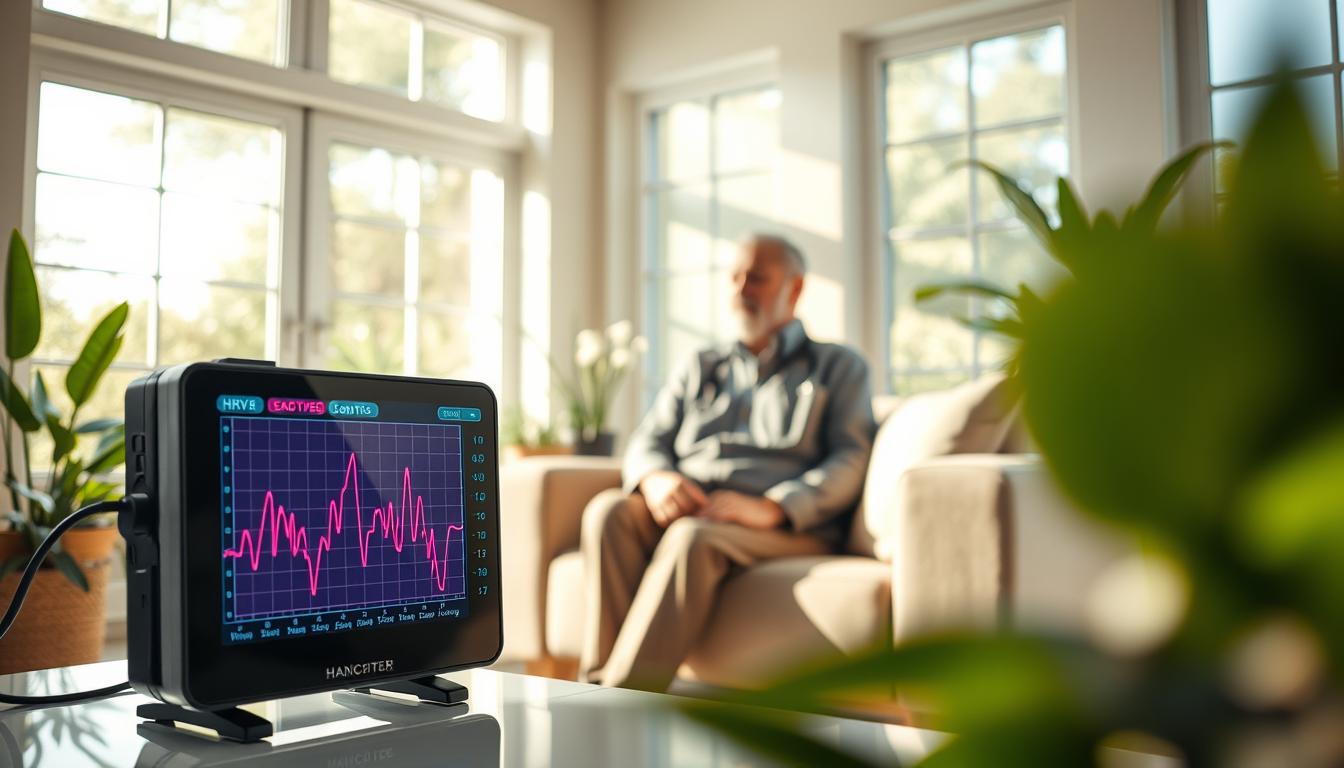
Telehealth offers many benefits, like easier access to care and fewer travel barriers. It also helps with chronic care, mental health, and pediatric care. Even specialties like cardiology now use technology to monitor patients and improve health outcomes.
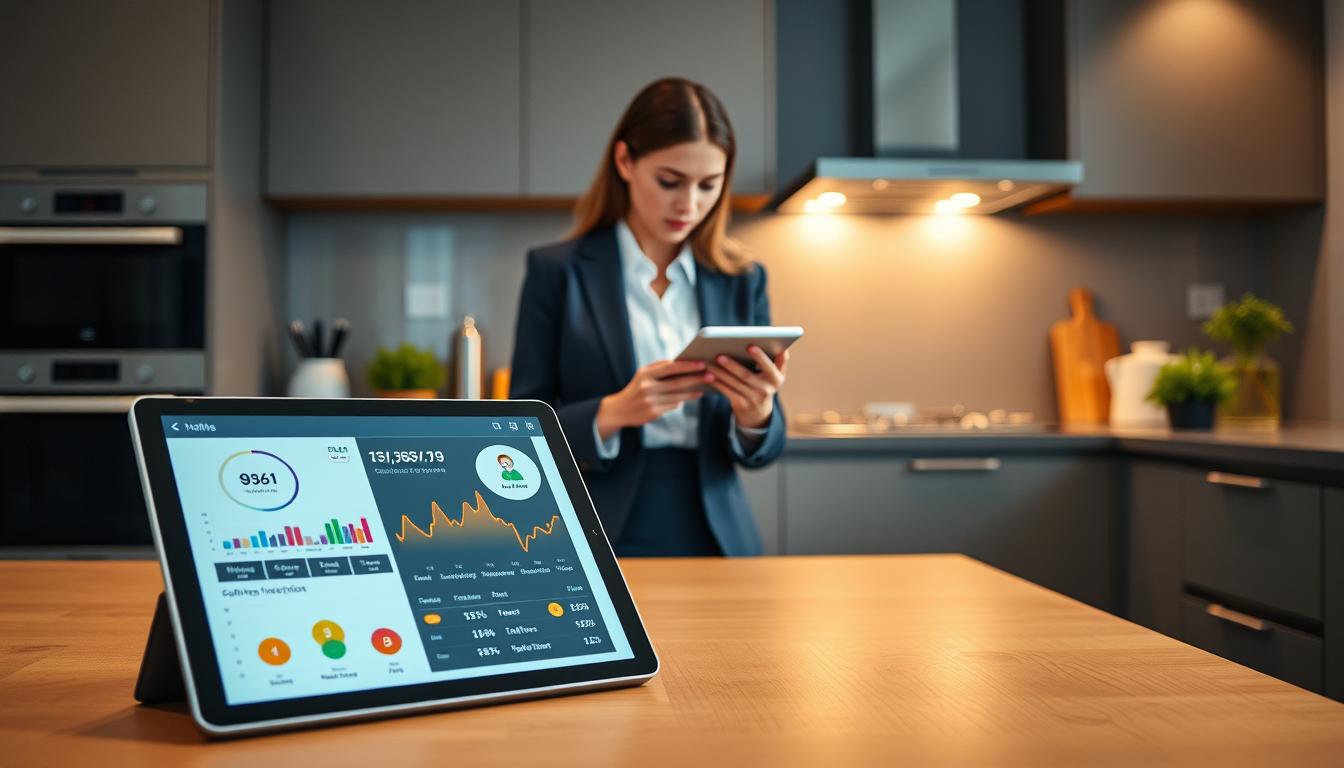
Market trends show telehealth is here to stay. Analysts predict strong growth in telehealth solutions. You can find many devices and platforms that work with electronic health records to support these services.
This article will help you set up a great telehealth space at home. We’ll cover assessing your home, choosing the right equipment, and setting up a professional space. We’ll also talk about preparing for appointments, handling technical issues, improving communication, and following up after visits. Our goal is to make your telehealth experience convenient and effective.
Understanding Telehealth and Its Benefits
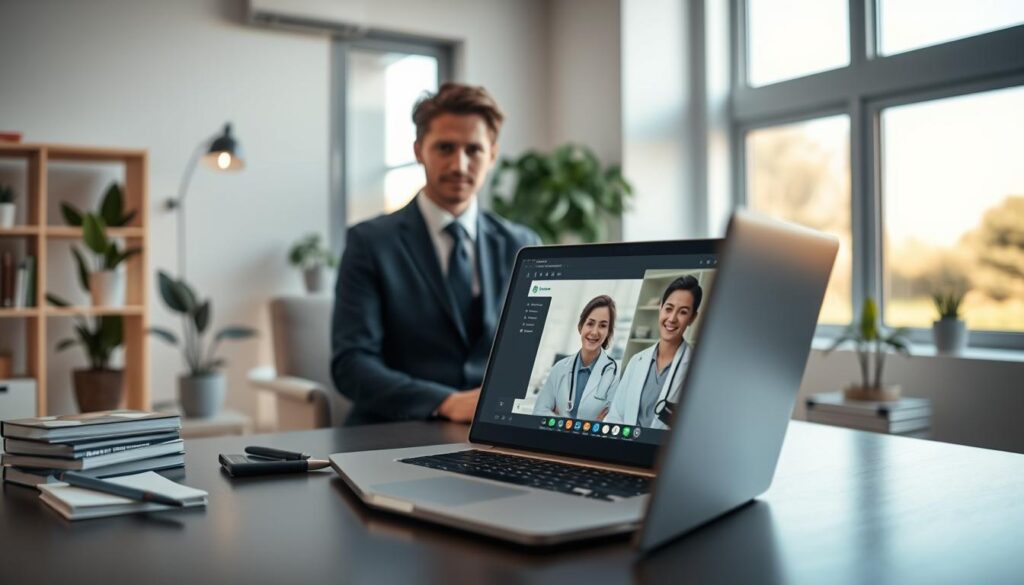
Telehealth is about getting healthcare from a distance. It includes video calls, messaging, monitoring, and quick checks. Each specialty uses its own tools. For example, skin doctors use special images and devices, while primary care uses apps for chats and refills.
Choosing telehealth brings many benefits. It helps those in rural areas or with mobility issues. You get quick care for small problems that would take days to see a doctor in person. It also saves money for both patients and clinics.
Managing long-term health issues is easier with telehealth. Mental health care grows with virtual sessions. Family members can join in on complex cases, helping with support and planning.
The pandemic showed telehealth can improve care and outcomes. More doctors and patients now see its value. It’s becoming a common part of healthcare for many.
But, there are limits. Some health issues can’t be fully checked from afar. Some places need better internet or systems to support high-quality video or monitoring.
Choose telehealth that fits your needs, not just fancy features. Simple, well-suited tools are better for everyone. Use online appointments where they truly help.
Assessing Your Home Environment for Telehealth

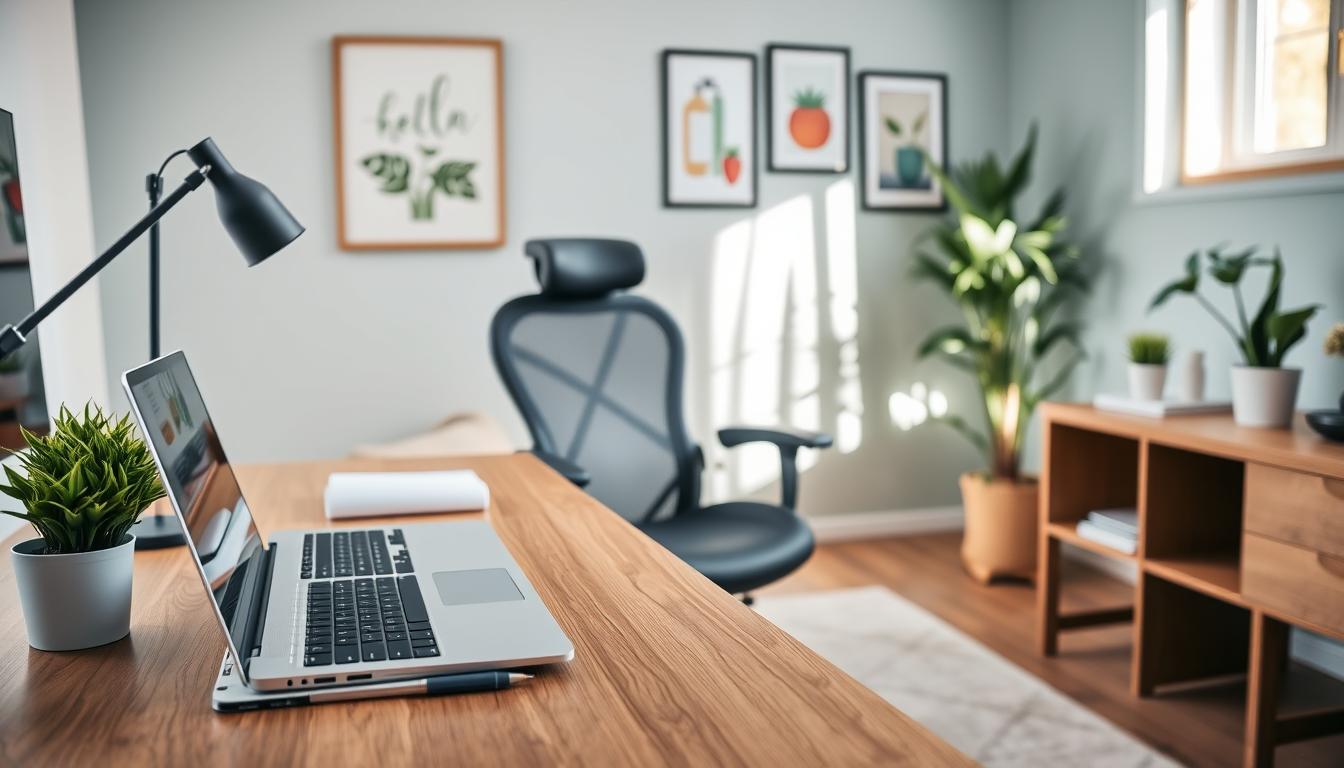
Begin by doing a quick home check to set up telehealth at home easily. Choose a quiet, private room where you can close the door. This helps keep your privacy and stops interruptions from others.
Inform your family about your appointment times. A note on the door or a shared calendar reminder works well.
- Choose even, front-facing lighting so clinicians can clearly see your face. A simple LED ring light or desk lamp improves visibility and looks professional.
- Avoid strong backlight from windows. If sunlight creates a silhouette, close curtains or change your angle.
Go for a neutral, uncluttered background. Remove personal items that might distract or reveal private information. You may use a plain wall or a subtle virtual background that mimics a clinical setting.
Check your internet connection before the appointment. Run a speed test to confirm upload and download rates. For high-resolution video or remote patient monitoring, your broadband must handle greater bandwidth.
Consider using a wired Ethernet connection when possible. Ethernet offers steadier performance than Wi-Fi, which helps reduce dropped frames and audio gaps during telehealth services.
- Place the camera at eye level. Use a tripod, monitor stand, or a stack of books so you look natural on screen.
- Sit at a comfortable distance so your head and shoulders are visible. Good posture helps during longer consultations.
- Keep necessary telehealth devices nearby, such as a Bluetooth pulse oximeter or a blood pressure cuff, if your clinician requests them.
If you plan to use advanced home healthcare technology or collect remote monitoring data, plan for infrastructure upgrades. Upgrading your modem or router and consulting with your internet provider or an IT specialist can prevent hiccups.
Test your full setup before the appointment. Launch the telehealth platform, check camera and microphone settings, and confirm that telehealth devices pair correctly. A short trial run reduces stress and keeps the visit focused on your care.
Choosing the Right Technology for Telehealth
Start with dependable telemedicine equipment. Use a modern computer or tablet with a 1080p webcam and a reliable processor. If your built-in camera is poor, add an external HD webcam from Logitech or Microsoft. Pick a clear microphone or a noise-cancelling headset from brands like Bose or Sennheiser to improve audio during online medical appointments.
Consider speakers or a headset that deliver crisp sound for patient dialogue. For mobile needs, choose a smartphone with a strong camera for asynchronous image uploads and quick video check-ins. These telehealth devices make patient exchanges clear and reduce repeat visits for poor-quality media.
- Essential telemedicine equipment: 1080p webcam, noise-cancelling mic, dependable tablet or laptop.
- Peripherals for remote monitoring: digital otoscope, home blood pressure cuff, pulse oximeter.
- Wearables: fitness trackers and disease-specific monitors when clinically advised.
Pick telehealth solutions that protect patient data. Look for HIPAA-compliant platforms or options that integrate with major EHR vendors like Epic or Cerner. Integration saves time by pulling patient records into virtual visits and by automating documentation for virtual doctor visits.
Choose platforms with a simple user interface and only the features you need. A lean telehealth solution reduces confusion for clinicians and patients. Prioritize secure messaging, scheduling, and clear patient portals to support online medical appointments.
- Evaluate patient usability: simple onboarding, step-by-step instructions, and tutorial materials for older adults.
- Assess cost and scalability: check subscription fees, hardware costs, and future upgrade paths.
- Avoid overbuying advanced features like AI analytics or VR unless your clinical use case requires them.
Integration with your EHR streamlines workflow. It allows quick access to records during visits and supports automated notes and billing codes. This reduces friction in virtual care and improves clinician efficiency.
Offer concise patient education materials to boost adoption. Clear guides on how to join online medical appointments and how to use telehealth devices help patients arrive prepared. This reduces technical delays and improves the quality of care.
Setting Up Your Telehealth Space
Find a quiet spot in your home for telehealth. It should have a calm background. Make sure your camera is at eye level and centered for virtual visits.
To control sound, add rugs or curtains. Close windows and doors to block outside noise. Use a noise-cancelling microphone or headset for clear audio.
For lighting, use a simple setup if you can. A front light, a fill light, and a backlight are best. If not, one good lamp and room light will do.
Organize your equipment well. Webcams, microphones, and other tech should be secure. Use ties or clips for cables to avoid interruptions.
Make your space easy to get to. Ensure wheelchair access if needed. Provide large-text instructions for those with vision issues. Use captioning or interpreter services when necessary.
Do test calls before your appointment. Check your camera, audio, internet, and health records access. Create a checklist for a smooth setup.
- Pick a quiet, dedicated space
- Reduce echo and block external noise
- Use front lighting or a three-point setup
- Secure devices and manage cables
- Address accessibility and captioning
- Perform mock calls and keep a checklist
Best Practices for Professional Appearance
Wear professional, neutral clothes for your virtual visits. Steer clear of loud patterns that might distract. A simple blouse, shirt, or scrub top is best. It keeps your face and words in focus for patients.
Stay calm and empathetic. Speak clearly and at a steady pace. This reassures patients. Look into the camera to make them feel seen and heard.
Position the camera from mid-chest to a bit above your head. Sit straight, relax your shoulders, and use small gestures. Avoid fidgeting to keep a professional look.
Choose a neutral background with a few professional touches. A shelf with medical books, a small plant, or framed certifications is good. It shows you’re credible without being too busy.
- Silence mobile notifications and set Do Not Disturb before starting a visit.
- Have a brief plan for interruptions, such as pausing the call and explaining the situation if needed.
- Test telehealth devices like cameras and microphones before appointments to avoid delays.
At the start of a visit, explain your environment. This shows you’re in a private, professional space. It builds trust and sets the right expectations.
Preparing for Your Telehealth Appointment
Before your online medical appointments, make sure you’re ready. Check the time and charge your device. Test the camera and microphone, and check your internet speed.
Write down your symptoms, medications, allergies, and recent health checks. If you need to use special devices, have them ready. This includes things like blood pressure cuffs and glucose meters.
Your doctor will also need to prepare. They will review your medical history and get ready to share information. They will make sure they can access your electronic health records and set up any recording needs.
Learn how to join your telehealth platform before the appointment. Look for tutorials or ask for help. This can make you and your family more comfortable with the technology.
At the start, your doctor will explain what to expect. You’ll discuss your health history and symptoms. They will also tell you when you might need to see them in person.
Make sure you understand how prescriptions and tests work. Know what privacy measures are in place. Clear expectations help reduce stress and make your appointment more successful.
Handling Technical Issues During Consultations
If a call drops or audio stutters, stay calm. Guide the patient to quickly fix it. Tell them to reconnect, try a different device, or relaunch the app. Often, a few simple steps can solve the problem and keep the visit going smoothly.
Here’s a checklist for common issues:
- Ask the patient to switch from Wi-Fi to a wired connection or a mobile hotspot.
- Reduce camera resolution to ease bandwidth strain on telehealth devices.
- Clear the browser cache or use a supported browser for telehealth services.
Have a backup plan before the visit. If video fails, switch to a secure phone call or encrypted messaging. Make sure staff know how to document any disruptions and reschedule if needed.
Prevent problems by doing pre-visit checks. Keep software and operating systems updated. Have backup telehealth devices and portable hotspots for important appointments.
For ongoing or complex issues, get IT or vendor support. Upgrades like a better router or higher bandwidth can help with high-resolution image exchange or remote monitoring.
Explain technical issues clearly to patients. If you switch to a phone, note the change in the record. Document any clinical decisions made during the fallback communication. Clear explanations help keep patients trusting in telehealth services.
Follow these quick steps when things go wrong:
- Ask the patient to reconnect or change devices.
- Switch network types or lower video quality.
- Restart the app or browser tab.
- Move to phone or secure messaging if video remains unavailable.
- Contact IT for persistent issues and log the event in the patient chart.
Enhancing Communication in Telehealth
Start virtual doctor visits with a warm greeting and use the patient’s name. Look into the camera to make eye contact. Take small pauses if there’s network lag.
Speak clearly and use simple words. Slow down and avoid complicated terms. Ask open-ended questions to get more information. Use screen sharing or diagrams to explain treatment steps.
- Set expectations at the start: outline time, steps, and what you need from the patient.
- Use portals to collect pre-visit answers and share PDFs or links during the visit.
- Enable captioning or interpreters when needed to support comprehension.
Train your team on the telehealth platform. Practice common scenarios to build confidence. Give older adults guides on how to use devices for virtual visits.
Ask for feedback at the end to improve services. Use surveys to gather insights. Personalize follow-up with clear instructions and timelines to build trust.
Use remote monitoring and interactive tools to involve patients. Share results in real time and explain them. This keeps patients informed and more likely to follow treatment plans from home.
Following Up After Your Telehealth Appointment
After your online medical appointment, make sure to upload visit notes and consent forms to your electronic health record. Also, include any remote monitoring data. If you faced technical issues, document them and note if you switched to phone or secure message.
This helps your healthcare team pick up where they left off. It keeps your telehealth services running smoothly and reliably.
Find out how prescriptions, lab orders, or imaging will be handled. Ask if prescriptions are sent electronically to a specific pharmacy. Get clear steps for urgent escalation if your symptoms worsen.
Clear instructions help avoid confusion. They make telehealth services feel as personal as in-person care.
Discuss follow-up care plans, including timing and whether it will be virtual or in-person. Use patient portals or secure messaging for quick check-ins and to share educational materials. If you have a chronic condition, arrange for remote patient monitoring and scheduled reviews.
Make sure devices and data flow into your record consistently. This helps manage your condition effectively.
Lastly, provide or request guides on maintaining your telehealth setup at home. Include tips on charging devices, boosting connectivity, and protecting privacy. Ask for feedback on usability and clarity after your visit.
This feedback helps clinicians improve their telehealth setup guidance. It also helps choose better platforms for telehealth services.