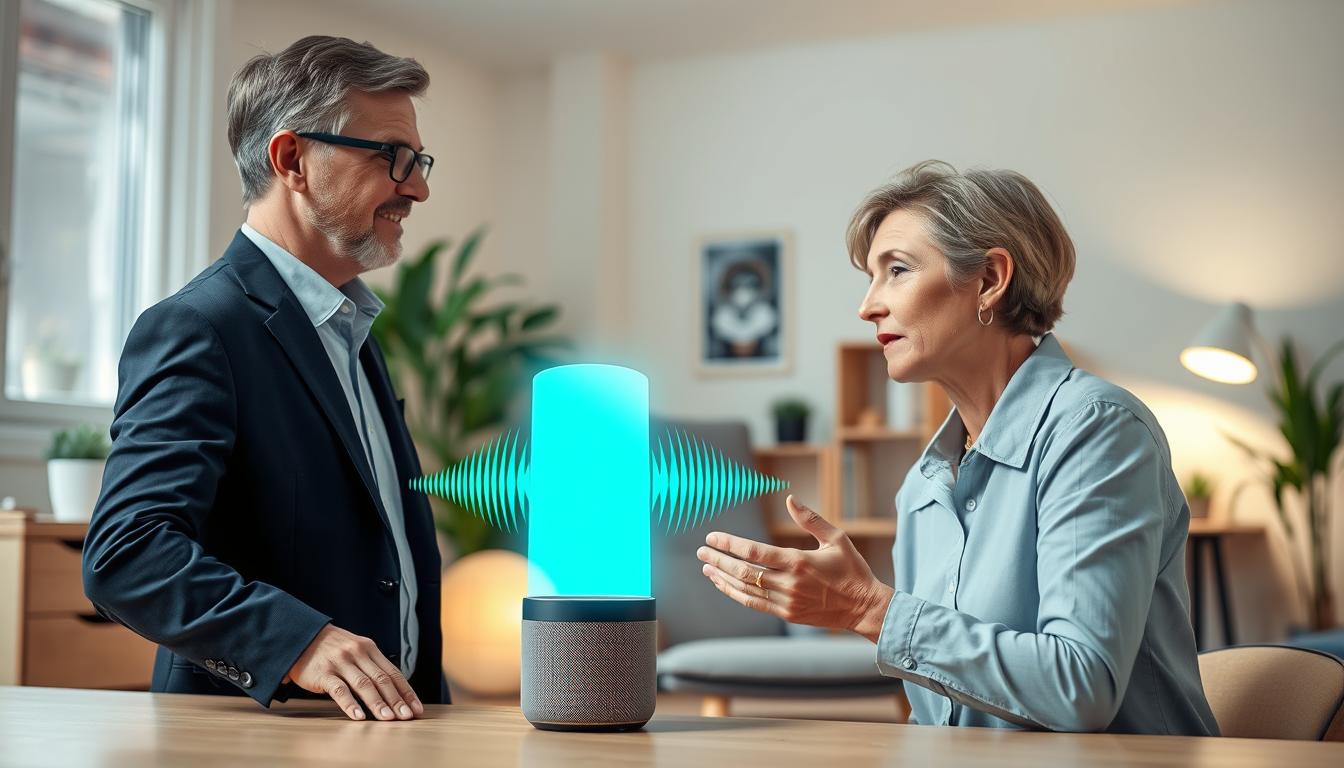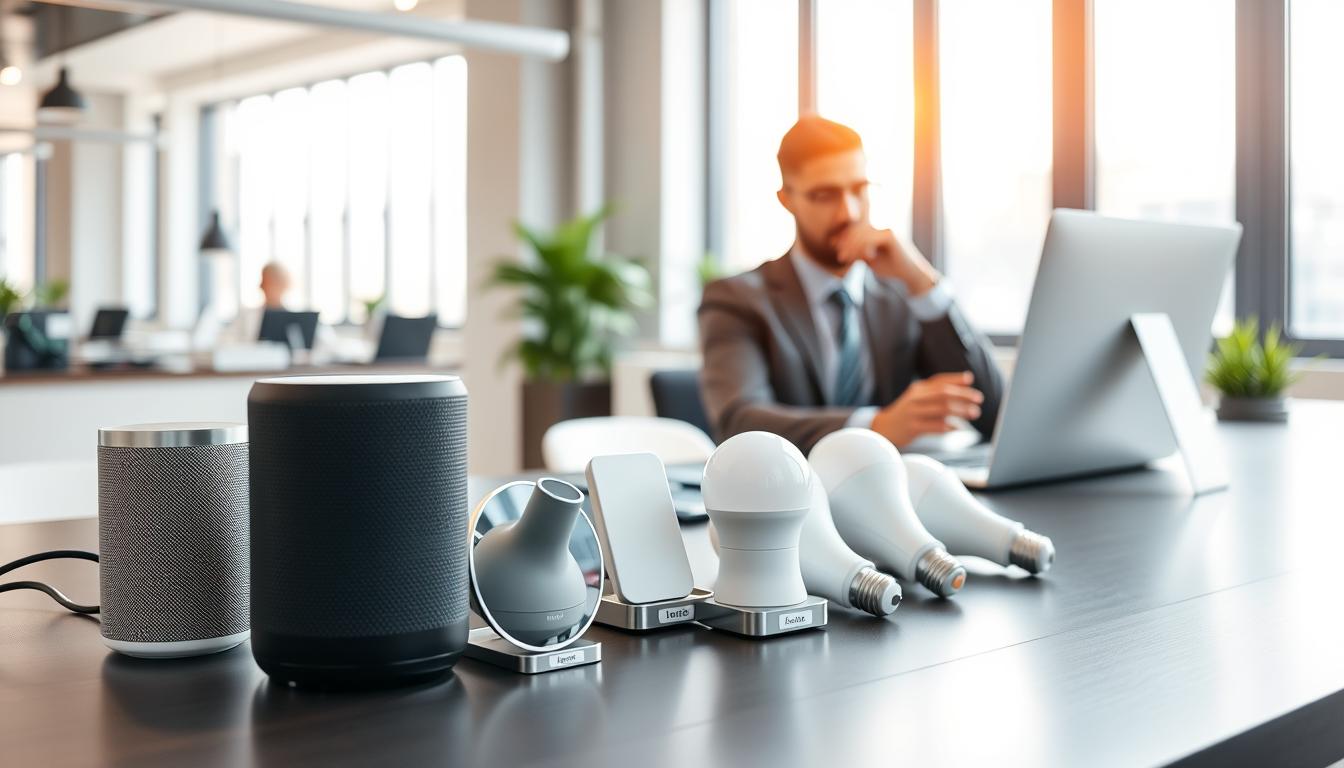
You use voice assistants like Amazon Alexa, Google Assistant, Siri, and Windows Voice Access every day. Naming your devices wisely helps avoid mistakes. It also makes automation more reliable. Good naming lowers the chance of errors that can disrupt work or cause harm.
Speech recognition models like wav2vec 2.0 and OpenAI Whisper learn from huge datasets. They can struggle with uncommon names, strong accents, and noisy places. By following best practices, you help these models choose the right device name, improving recognition.
Clear naming has many benefits. It reduces accidental activations, speeds up voice workflows, and improves accessibility for those with speech differences. Using labelled and domain-specific data boosts ASR performance. Consistent naming helps systems focus on the device name over background speech.
This article will guide you on how to name smart devices wisely. We’ll cover what to consider, how to test and adjust names, and how to ensure your names stay accurate across different platforms and environments.
Understanding Voice Recognition Technology

Automatic speech recognition, or ASR, turns spoken words into text. Modern tech like wav2vec 2.0 and Whisper learn from lots of audio. Labeled data helps make these systems more accurate.
Good annotation is key. Using formats like JSON and clear speaker labels helps a lot. This ensures the model works well in real-life situations.
Real-world sounds can mess up accuracy. Background noise and accents make it harder. Even domain-specific words can confuse the system.
There are different ways to use ASR. Streaming is fast but might not be as accurate. Batch transcription uses more context and can be more precise.
Improving ASR helps with naming tasks. Making the system learn your domain’s audio can help. Post-processing steps like punctuation fixes make the output better.
Use smart naming strategies that consider ASR’s limitations. Short, unique names work best for streaming. Adding expected names to the model’s list also helps.
Factors to Consider When Naming Your Devices

Start with simplicity. Choose names that are short, clear, and easy to say. This makes voice assistants work better and helps in noisy rooms.
Pay attention to phonetic clarity. Pick words that sound distinct from common speech and from one another. Avoid homophones and terms that can be mis-transcribed over compressed audio. This is a key factor when naming smart devices to boost automatic speech recognition (ASR) accuracy.
- Uniqueness: Use unique identifiers like location plus function, for example “Kitchen Light” or “Living Room Thermostat.”
- Brevity: Keep names short so users remember them. Short names work well with most tips for naming IoT devices.
- Avoid common words: Skip everyday verbs or expressions that may appear in routine speech.
Consider device context and placement when you create naming conventions for smart gadgets. Consistent syntax—such as [Room] + [Device]—helps both you and automation pipelines. It also aids ASR models that rely on patterned vocabulary.
Think about usability and accessibility. Choose names that speakers with different accents can pronounce reliably. If your audience includes people with speech impairments, favor canonical, teachable names and use platform features like Windows Voice Access “Add to vocabulary” to improve recognition.
Account for integration constraints across ecosystems. Some platforms enforce character limits or apply correction rules, like Apple’s tendency to adapt names from typing. Check those behaviors before you finalize how to choose names for smart devices across multiple vendors.
In enterprise settings, include metadata and domain terms. Register device types, model numbers, and role tags so downstream systems can interpret commands. This practice supports naming conventions for smart gadgets in large deployments and helps automation workflows.
Follow practical tips for naming IoT devices: test names in real-world audio, document your naming scheme, and update vocabulary in the platform when available. These steps make your naming strategy resilient and easier to maintain.
The Role of Uniqueness in Device Naming
When you aim for uniqueness in device naming, you cut down ambiguity. Distinct labels help automatic speech recognition systems. This reduces mistakes and improves how devices are understood.
Use simple, practical patterns to keep names unique without making them awkward. Try appending short location tags like “Porch Light” versus “Porch Lamp North.” Use function-first patterns, like “Living Room Speaker,” to make devices predictable for everyone.
Phonetic tweaks can help when you want creative names for connected devices while staying natural. Swap syllables or choose words with different vowel sounds. This way, the assistant hears a clear distinction. Keep names short enough to speak easily and long enough to be unique.
Be careful about over-unique choices. Extremely rare or fanciful names may fall outside ASR language models. If you do pick a very creative name, add it to device-specific vocabularies or teach it to the system to avoid misrecognition.
- Windows Voice Access: let the system learn new vocabulary or accept spelled entries to teach unusual names.
- Apple ecosystem: repeated manual corrections help learning, though the process can be slower than explicit vocabulary additions.
For business deployments, register canonical device identifiers and map user-facing names to them. This lets you change display names for branding or user preference without breaking backend voice routing or automation rules.
Follow clear naming conventions for smart gadgets so everyone can predict a device’s name. Consistent patterns help household members and administrators scale naming across many rooms, floors, and device types without creating confusion.
Test your naming choices with the actual voice assistants you use. Run quick recognition trials and adjust if you see frequent errors. That practice balances uniqueness in device naming with real-world reliability.
Short vs. Long Names: What Works Best?
You want device names that your voice assistant gets right away. Short names are quicker and less likely to get cut off. This is key for fast control.
Long names add more detail, which is great for complex setups. They help when many devices do similar things. Use them in apps and dashboards for extra context.
Streaming ASR can’t look ahead much. Long names might get cut off or misheard. Make sure a single phrase does one action.
- Favor two- to three-word names: Room + DeviceType works well, for example, Bedroom Fan or Main Thermostat.
- Limit naming smart device length to 1–3 content words in the spoken form.
- Avoid articles and punctuation when you will speak the name.
Think about ASR file-duration guidelines. Models learn from short clips; commands should be the same. Longer names mean more chance of noise or talk-over.
- Choose a consistent pattern like Room + DeviceType for every device.
- Reserve longer, descriptive names for the mobile app or cloud dashboard metadata.
- If you need more detail, put it in device notes instead of the spoken name.
Follow these tips for naming smart devices. This way, you keep commands short and clear. You also keep enough detail for accurate control.
Positioning and Placement of Smart Devices
Where you put your devices affects how well they hear you. Being too far from the microphone or facing the wrong direction can make it hard. Also, background noise from appliances or traffic can lower accuracy.
In places where many people talk at once, like living rooms, it’s even tougher. This is because the system has trouble picking out specific voices.
To get the best results, put devices where you usually talk. Place smart speakers near where you sit and cameras on walls to face where you’ll be talking. If you need to control devices from a distance, choose ones with better microphones or special microphone setups.
In loud rooms, avoid putting devices near loud appliances or vents. For situations like drive-thrus or phone calls, use microphones that can handle noise better. Also, turn on voice activity detection to catch speech more clearly.
In areas where many people use the same space, use special voice separation technology. This helps the system figure out who is talking to which device. In offices, this can help avoid mistakes and make sure commands are followed correctly.
Match the names of your devices to their locations. For example, name a camera “Backyard Camera East” or a speaker “Kitchen Speaker North.” This makes it easier for both you and the device to understand what you mean.
- Place devices near primary speaking spots.
- Avoid noisy appliances and traffic-facing windows.
- Prefer devices with advanced microphone arrays for large areas.
- Use speaker diarization in multi-user environments.
Make voice commands work better in noisy places by using special checks. If the system is unsure, ask a simple question to confirm. This way, you avoid mistakes and build trust in using voice commands.
Avoiding Similar Names
You want voice commands to act on the right device. To avoid mistakes, use unique names for your smart devices. This stops the system from getting confused and doing the wrong thing.
Choose names that are easy to tell apart. Don’t use the same name for different devices. For example, use “Hall Pendant” and “Hall Sconce” instead of “Hall Light” and “Hall Lights.”
Make sure all your smart gadgets have unique names. This rule applies to your whole home or just one room. Use names that sound different, like “Basement” and “Bath,” to avoid confusion.
Check for name conflicts when you set up your devices. A simple list can help you spot problems before they start. Use tools like Soundex or Levenshtein distance to find similar names.
- Never place two similar devices in the same area.
- Use descriptive names like “Kitchen Overhead” for your devices.
- Keep names short to avoid mistakes.
If you’re having trouble, use the platform’s correction tools. Add how to say the name, spell it out, or use phonetic names. These steps help the system learn the correct device faster.
- Have a clear naming policy for your devices.
- Use tools to find and fix name conflicts.
- Follow these tips to avoid confusion when naming your devices.
By following these steps, you can improve your voice control. Clear names help you grow your smart home without needing to retrain or repeat commands.
Testing Device Names for Recognition Accuracy
Begin with a detailed plan for testing. It should include accents, background noise, and where the device is placed. Collect audio from various speakers in different rooms. Use short clips of 5–8 seconds for focused tests.
Test in both streaming and batch modes to simulate real use. Record samples in .wav or .mp3 and keep annotations in JSON. Include metadata for speaker, noise level, device channel, and timestamp.
First, run automatic speech recognition from Google, Amazon Transcribe, or open-source ASR. Then, use human transcription to create high-quality ground truth. Compare the outputs to measure word error rate and log changes.
Organize your test into scenarios like noisy rooms, telephony, accented speakers, and overlapping speech. For each scenario, calculate WER and check confidence scores. Focus on fixing names that cause big problems, not small ones.
Use tools like Label Studio for a clear annotation workflow. Annotate transcripts, run error analysis, adjust names, and re-test. This loop helps in naming smart devices and testing names for voice recognition.
For persistent misrecognitions, consider lightweight model adaptation or vocabulary biasing. Make small lexicon tweaks and re-evaluate to confirm improvements. Track metrics to see how changes affect recognition.
- Collect diverse audio samples across accents and noise.
- Annotate transcripts in JSON with detailed metadata.
- Measure WER and analyze substitution/deletion/insertion patterns.
- Prioritize high-impact name errors for remediation.
- Iterate quickly using annotation tools and lightweight adaptation.
Adjusting Names Based on Performance
Device naming is a process that needs constant improvement. Start by checking recognition logs and user feedback. Look for names that cause problems and focus on fixing them first.
Begin by adding words to your system’s vocabulary. If that doesn’t work, try shortening or changing the name’s sound. This makes it easier for the system to recognize.
If many names fail, it’s time to update your models. You might need to adapt your models or fine-tune them with real audio. Even small datasets can make a big difference.
Use light post-processing to tweak results without major changes. This can include using contextual biasing or a second correction pass. It helps clear up any confusion and keeps responses relevant.
Keep a clear map of names to device IDs. This way, you can change names without affecting automations. Always document changes and let everyone know about new names.
Stick to clear naming rules for smart devices. This makes names consistent and easier to recognize. It helps avoid confusion and speeds up recognition.
Keep track of how each change affects your system. Check recognition accuracy before and after making changes. This helps you find the best ways to improve while keeping control reliable.
Future-Proofing Your Device Names
When naming smart devices, use durable templates like “Room + DeviceType”. This keeps your system consistent as new models arrive. Avoid slang and brand-specific jargon that may become outdated.
Keeping spoken labels simple helps automatic speech recognition (ASR) handle accents and noisy rooms. It also makes future-proof device names easier to manage across platforms.
Separate metadata and canonical IDs from the names people speak. This lets you update back-end identifiers without changing user-facing labels. Plan for platform evolution by designing names that work with Amazon Alexa, Google Assistant, and Apple Siri.
As services add custom-vocabulary features, your naming smart device strategies will remain robust. This is if the surface name stays clear and phonetic conflicts are minimized.
Monitor recognition errors and keep a small labeled corpus of common voice commands for regression testing. Log misrecognitions and run periodic phonetic-conflict checks as you add hardware. Use these data-driven updates to refine naming your smart tech products.
Support accessibility by allowing per-user pronunciation training and local personalization. Protect privacy with clear consent and a mix of on-device and cloud processing. Future-proof device names reduce long-term support work, raise ASR accuracy, and ensure your smart home or enterprise ecosystem stays reliable and easy to control for every user.