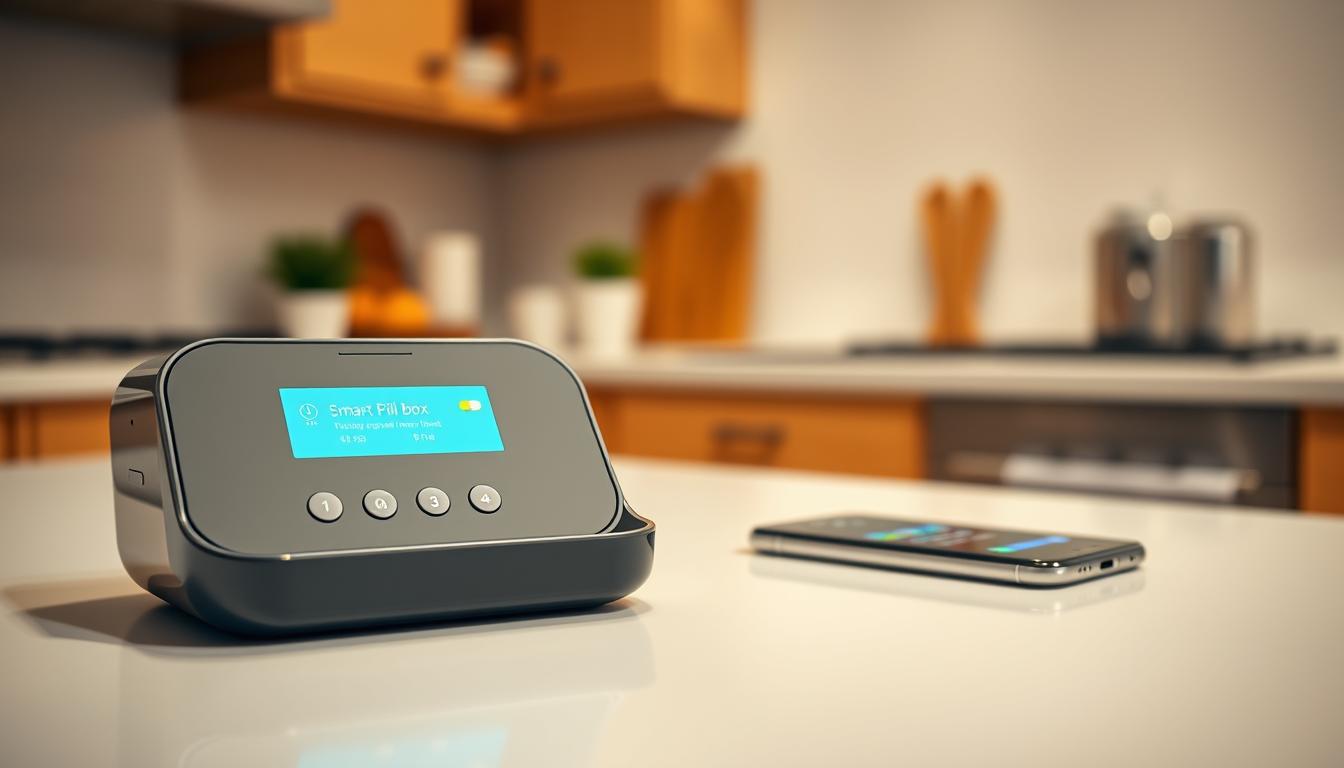
This guide will show you how to link your electronic pill organizer to your phone. This way, you won’t forget to take your medication. It’s all about making your life easier by setting up smart medication reminders.
Missing doses can lead to serious health issues. The CDC and FDA say it’s a big problem. A smart pill box can help by sending reminders and tracking your doses.
There are many systems out there, like Hero and Prompter. They work with apps like Medisafe and Apple Health. These tools have good features but also some limits.
With this guide, you’ll get reminders and alerts for your caregivers. You’ll also get notifications when it’s time to refill your medication. Plus, you’ll save time and keep your medication safe with passcodes and sensors.
Before you start, make sure you have a few things. You’ll need a smartphone, your Wi-Fi info, and a plan to install the app. Having these ready will make the setup faster.
Remember, devices can alert caregivers if you miss a dose. But they can’t tell if you actually took the pill. Hero and Prompter have special features to help with this.
Also, check the details about subscriptions and support. Many devices, like Hero and Prompter, offer bundles with updates and 24/7 support. Look at trial periods and return policies before you decide.
Understanding Smart Medication Concepts
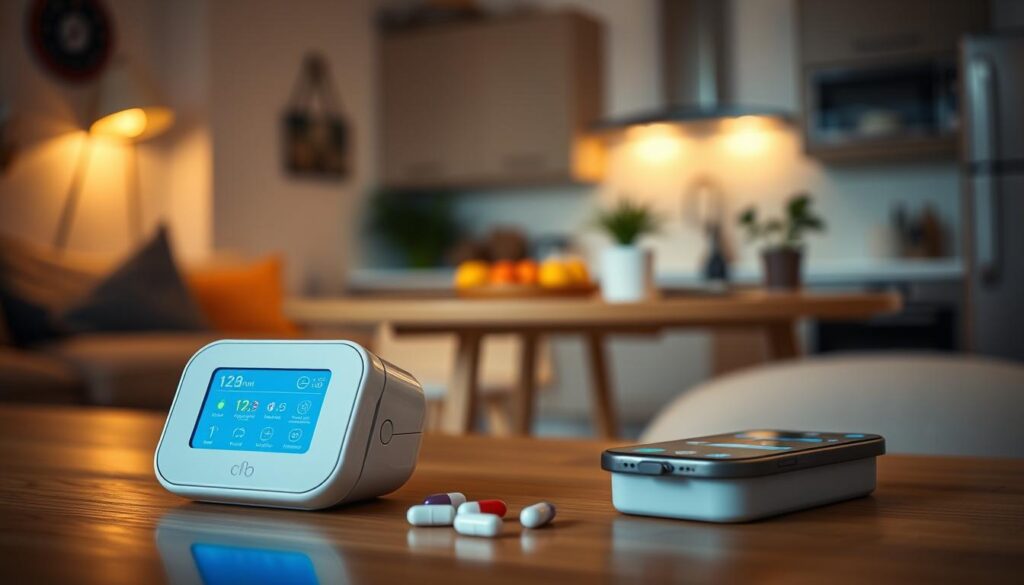
You might have seen a simple pill organizer before. A smart pillbox does more. It sends alerts, tracks interactions, and links to apps for reminders. It can even notify others or dispense doses when needed.
Smart pillboxes have cool features like timed reminders. Some make loud noises to get your attention. Others use lights to show if you’ve taken your pills.
They also have sensors to check if you’ve opened the pillbox. If you haven’t, it might think you missed a dose. But, it’s not sure if you actually took the pill. Always check before taking another one.
- Automated dispensing: Some systems sort and release the right pills at the right time with a single button press for convenience and accuracy.
- Remote administrator controls: Designated caregivers can adjust schedules and, when permitted, dispense doses remotely through the companion app.
- Refill and low-pill alerts: Apps such as Medisafe and Samsung Health provide refill reminders so you do not run out.
- Interaction checks and documentation: Platforms like Connected Caregiver and Medisafe log doses and flag possible drug interactions for safer use.
There are different types of smart pillboxes. Some sort pills and dispense with one button. Others focus on alerts and sensors. This shows how technology can vary between brands.
It’s important to know about safety and rules. Some systems follow strict privacy rules and update regularly. The FDA might also have rules for certain devices.
Remember, no device can be 100% sure you took your pill. They guess based on what they see and hear. Always double-check before taking more pills to avoid mistakes.
Learning about these points helps you pick the right smart pill box. Look for one that fits your life, needs, and safety concerns.
Choosing the Right Smart Pill Box
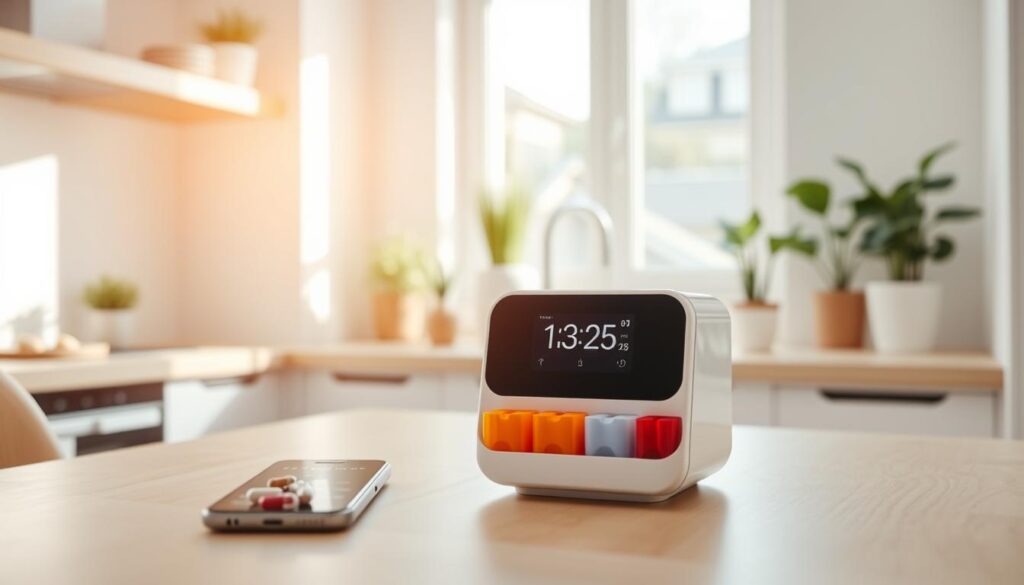
Choosing the right device depends on your needs. If you want your pills dispensed automatically, look for a smart pill dispenser with remote control and detailed logs. For simple alerts and tracking, an electronic pill organizer or a compact reminder box might be enough.
Here’s a checklist to help you compare devices and features.
- Dispensing method: decide between automated dispensing units that release doses on schedule and reminder-only units that prompt a person to take pills.
- Sensors and detection: look for motion or door sensors for basic presence checks or advanced device status reporting and dispense logs for full audit trails.
- Connectivity: check whether the product needs 2.4 GHz Wi‑Fi or pairs with a cellular hub for independent connection.
- App ecosystem: prioritize apps with caregiver and admin controls, iPhone and Android compatibility, and integrations with platforms like Apple Health or third-party medication apps.
- Size and capacity: evaluate footprint and pill capacity; some automated units are similar to a coffee maker in size while compact organizers have multiple drawers and low weight.
- Ease of setup: favor devices that advertise simple pairing flows or “no advanced tech know-how required” setup for faster adoption.
- Safety features: confirm options like passcodes, maximum dispense limits, a manual safety key, and low-pill warnings.
- Caregiver alerting: check for missed dose alerts, remote dispense abilities, and adherence notifications for family or clinicians.
- Cost model: weigh subscription plans with warranty and support against one-time purchase pricing and evaluate long-term value.
When comparing brands, look at trial and return terms. Check for 30-day guarantees, bundled caregiver packages, and senior discounts to lower costs.
Match the device to your daily needs. Choose an automated solution for strict, hands-free dispensing and caregiver control. Opt for a sensor-based electronic pill organizer for a compact reminder box with alerts and notifications.
Compare smart pill boxes by focusing on the features listed. Make sure to check connectivity, app integrations, and warranty and subscription details before making a purchase.
Setting Up Your Smart Pill Box
Start by taking out your device and placing it on a stable surface. Devices like the Hero are big and need a steady spot. Smaller units, like Prompter, can fit on a smaller shelf.
Look over what comes in the box. You’ll find power cords, safety keys, trays, and labels. If it needs Wi-Fi, have your network name and password ready. Hero needs a 2.4GHz connection. Check if your Prompter model can use home Wi-Fi before you start.
- Plug it into a reliable outlet. Use an Uninterruptible Power Supply if the maker suggests it for constant service.
- Notice the safety features. Hero has a Safety Key for accessing pills if power or service stops.
Follow the on-device instructions or app guidance for loading pills. The dispenser will show you how to put pills in the right slots. Hero’s interface will ask you to load all meds and let the app handle extra prescriptions.
Label the drawers and trays during setup. Prompter comes with stickers and markers for labeling seven pill drawers. Make sure the pill sizes and dosing patterns fit the tray to avoid jams or missed doses.
- Use original prescription bottles when possible. Ask your pharmacist about mixing regimens or special handling for pills.
- Record the prescribing doctor, dosage, and pill images in the app. Services like Connected Caregiver let you store this info for easy access.
- Turn on security features like passcodes or maximum dispense limits to prevent overdoses.
Check the status indicators and do a test dispense. Look for LEDs or on-screen messages for connectivity and power. Do an initial dispense or test alert to make sure everything works together.
If you run into problems, reach out to support. Services like Hero offer 24/7 live support, or phone support through Connected Caregiver. Use these resources for help during setup.
Downloading the Companion App
First, find the app on the App Store or Google Play. For Hero smart dispensers, get the Hero app. For Prompter devices, download Connected Caregiver. You can also use Medisafe, Apple Health, or Samsung Health for reminders.
Open the app and make an account. Then, follow the steps to activate your device. With Hero, create a Hero account, pair the dispenser, and set schedules. Prompter asks you to pair or order a Prompter and connect to a cellular hub for alerts.
- Grant notification permissions for push alerts.
- Allow SMS or phone-call permissions for multi-platform reminders.
- Enable location or health data sharing if asked.
Set up caregivers or a care circle in the app. This lets family members or clinicians get alerts and manage schedules. Both Hero and Connected Caregiver let you add administrators to monitor and respond to alerts.
During setup, enter medication details and preferences. Choose push alerts first, then SMS or phone-call for missed doses. Hero offers phone-call, text, or app notifications.
Turn on interaction logs and adherence tracking. These features alert you to late doses or device status changes. Hero tracks adherence and device health. Prompter logs missed doses and sends caregiver alerts through the hub.
- Check if your phone’s OS is compatible with the app.
- Keep the app and device updated; some services offer updates with plans.
- If pairing fails, check your network details. Hero needs 2.4 GHz Wi‑Fi.
- For Prompter, make sure the cellular hub is powered and has signal.
- Contact vendor support if you have issues.
After setup, test a reminder and confirm caregivers get alerts. A good medication reminder app keeps schedules on track. Use the app’s features to customize alerts, logs, and caregiver access to fit your needs.
Configuring Medication Reminders
Start by opening the app and selecting Add Medication or Add Schedule. Apple Health and Samsung Health have a Medications section. Medisafe and other apps have a step-by-step guide to add medications.
Enter the medication name, dosage, and form. You can also add pill shape or color for easy identification. On iOS, you can scan labels with the camera. Some apps suggest matches for you.
Use app fields for pill counts and any special instructions. This helps you remember your medication plan.
- Pick frequency options: regular intervals, specific days, or as needed.
- Add multiple times per day and set multiple doses per time if your regimen requires it.
- Set refill reminders by entering current pill counts or enabling automatic refill tracking.
Choose alert types for a complete medication management plan. Select device alarms, phone push notifications, and visual cues. Some dispensers, like Hero, have loud alerts and can send calls or texts if a dose isn’t dispensed.
Configure escalation rules and grace periods to match your routine. Devices like Prompter use green, yellow, and red LED states for on-time, late, and missed doses. You can send alerts to caregivers if a pill door remains unopened.
- Enable caregiver notifications for late or missed doses and low-pill alerts.
- Use inventory tracking options in Medisafe, Samsung Health, or vendor apps to get low-pill and refill prompts.
- Allow the app to monitor pills stored in a dispenser and additional medications kept outside the device.
Use interaction checks before changing a regimen. Apps like Medisafe and Connected Caregiver scan for drug interactions and flag duplicates. Confirm missed-dose alerts before taking extra medication to avoid accidental double dosing.
Test your smart medication reminder settings by simulating a dose time. Verify alerts reach your phone and device, that escalation works, and that caregivers receive notifications when expected. This final check completes a robust medication reminder setup and improves medication adherence technology in your daily routine.
Syncing with Your Phone
First, check your device’s connectivity options. Many smart pill boxes need 2.4 GHz Wi‑Fi for setup. Make sure your router is broadcasting a 2.4 GHz SSID or enable a separate 2.4 GHz network.
Some models use Bluetooth for local pairing. Follow the manual to grant Bluetooth access on your phone. Devices like Prompter include a cellular hub for alerts; confirm it’s activated and has good signal.
Enable push notifications in the app so your phone gets alerts. Allow SMS or phone-call options if the app offers them. For example, Hero supports phone-call, text, or app notifications for missed doses.
Use the app’s test-alert feature or simulate a missed dose. This confirms alerts reach their destinations.
Set up multi-user syncing to keep caregivers informed. Add family members, caregivers, or administrators to the app. This way, multiple people get alerts and can manage regimens.
Connected Caregiver and similar services let you share medication lists. Assign roles and permissions so an administrator can edit schedules or dispense remotely through devices like Hero.
- Check app permissions under Settings to allow notifications, background data, and location if required.
- Turn off battery optimization for the app so alerts arrive on time.
- Verify the app and device firmware are up to date; subscriptions often cover updates for functionality and security.
If you stop receiving alerts, do a few quick checks. Confirm notification settings on your phone, review background data restrictions, and ensure the device remains connected. If a device uses a cellular hub, verify its placement and activation.
If a subscription ends and the vendor specifies limited operation, you may retrieve pills with a safety key. This is while network functions cease.
Keep a log of any recurring sync problems and contact customer support if needed. Clear steps and accurate setup reduce missed reminders. This improves medication adherence through reliable app syncing and smart medication organizer sync.
Additional Features of Smart Pill Boxes
Smart pill boxes come with advanced tools for caregivers. Hero lets caregivers give doses remotely through an app. This is helpful when you’re not around.
Prompter checks if you’ve taken your medicine and alerts caregivers if you haven’t. This ensures families can quickly check on each other’s health.
- Interaction checking and medical records: apps like Connected Caregiver and Medisafe store your medical history and check for drug interactions.
- Adherence tracking and reporting: Hero logs when you take your medicine on time and alerts caregivers if you’re late.
- Bundles and integrated monitoring: Connected Caregiver bundles include the Prompter pillbox with other safety features for more monitoring.
Prompter’s Peace of Mind Bundle offers 24/7 emergency monitoring and alerts for missed medication. These bundles show how a smart pill box can be part of a bigger care plan.
Smart pill boxes also save time. They automate sorting and dispensing, making it easier to manage your pills. Hero makes it simple with just one button.
They also send reminders for refills and track your pills. This helps you stay on top of your medication needs, even when you’re busy.
Remember, smart pill boxes have limits. They can’t always confirm if you’ve taken your medicine. Check what’s included in your subscription and what might cost extra.
When choosing a smart pill box, compare features and technology. This will help you find the right fit for your needs and budget.
Privacy and Security Considerations
Smart pill boxes and apps keep important health info like your meds and who to contact. Always check the privacy policy of the vendor. This tells you how they handle your data.
Look for brands that follow strict privacy rules. For example, Hero ensures your data is safe and follows HIPAA rules. Make sure the vendor meets these standards.
Setting up your account and device securely is key. Use strong passwords and PINs. If possible, use two-factor authentication to add an extra layer of security.
Don’t share your login with others. Instead, give each caregiver their own role. This way, only authorized people can see your medication schedule.
Keep your device and app updated. This helps fix security issues and adds new features. Update as soon as you can to stay safe.
Protect your Wi-Fi network. Use strong passwords and avoid public Wi-Fi for sensitive tasks. If your device connects to the internet, make sure it’s secure.
- Use unique app passwords and enable device PINs.
- Create individual caregiver roles instead of shared accounts.
- Install firmware and app updates immediately.
- Use WPA2/WPA3 Wi‑Fi and avoid public networks.
Understand the vendor’s policies. Ask about returns, cancellations, and what happens if you stop your subscription. Some vendors offer ways to retrieve your pills or return them if needed.
Before buying, know how the vendor handles your data. Ask about data retention, sharing, and how to delete your account. A good app will let you export and delete your data securely.
Maintaining Your Smart Pill Box
Keeping your smart pill box in good shape is easy with a simple daily routine. Just refill the compartments and update the pill counts in the app every day. Systems like Hero will even remind you when it’s time to refill, so you can avoid last-minute scrambles.
Take a few minutes each week to check on alerts and logs. This helps you see if anyone is missing doses. If you notice any patterns, talk to the person taking medication or their caregivers. This helps keep everyone on track and prevents mistakes.
Every week, do a quick clean and check the hardware. Wipe the drawers dry and make sure there are no stuck pills. Also, make sure the trays are in the right place. Don’t forget to update the app and firmware regularly. Many services, like Hero, offer these updates and support 24/7.
If you run into problems, try the troubleshooting steps from the vendor. If there’s a problem with dispensing or an error message, use the safety key or follow the manual instructions. Check the power and internet connection. If it’s not working, restart the router or device. For ongoing issues, reach out to the vendor’s tech support. Always check with your pharmacist or doctor before changing doses, even if you get a missed-dose alert. Regular care of your electronic pill organizer ensures it works well and helps you stay on schedule.