Want to know when your laundry is done without it smelling musty? This guide shows you how to set up alerts for your washer and dryer. This way, you won’t forget about your laundry for hours or even a day.
Washers and dryers with variable cycles make it hard to guess when they’ll finish. Leaving clothes wet for too long can cause mildew and a bad smell. Alerts from your washer and dryer solve this problem and keep your laundry fresh.
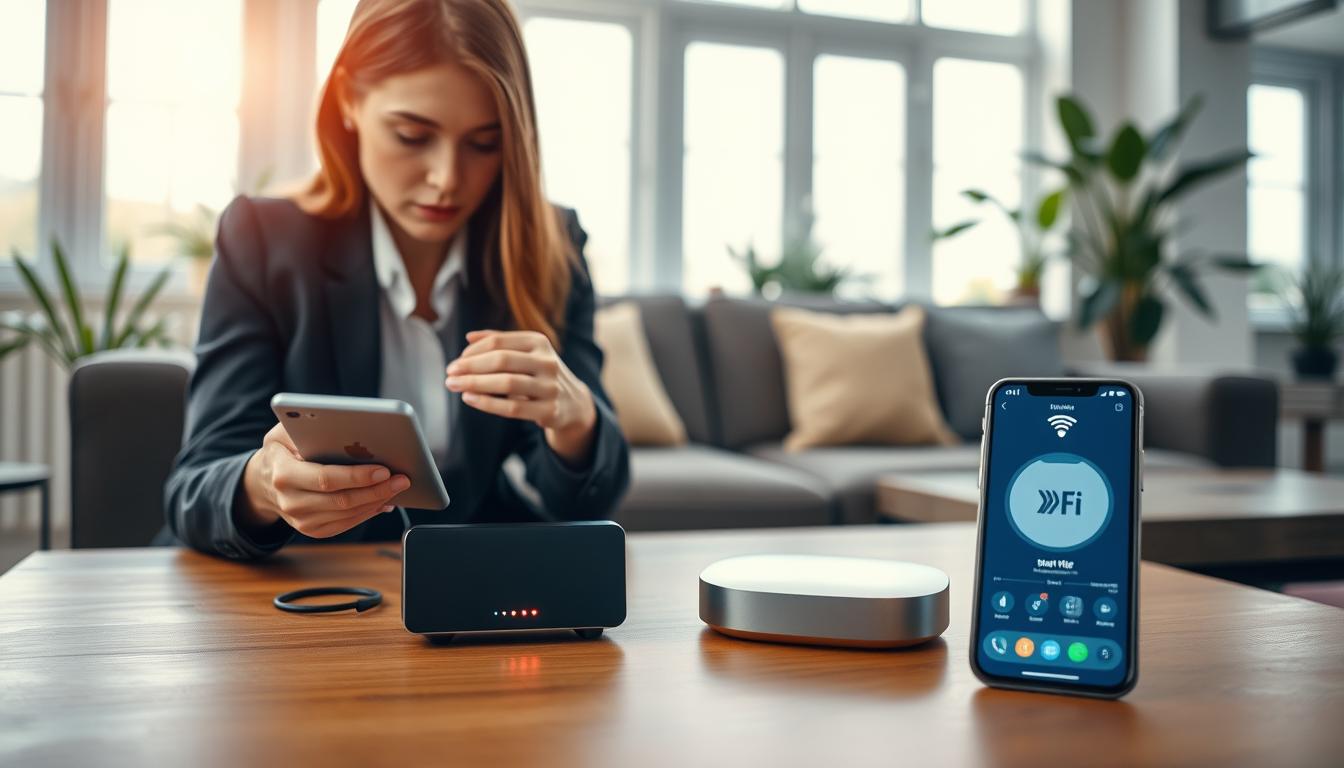
There are many ways to set up these alerts. You can use smart plugs like TP-Link Kasa or Shelly. Or, try door sensors or even DIY projects with Arduino. You can connect these to systems like Home Assistant for more control.
You’ll need a smart plug, a door sensor, and maybe some smart lights or speakers. A Home Assistant hub helps you create custom rules and dashboards for your laundry.
Using automation for laundry saves you time and keeps your clothes fresh. It makes your routine faster and lets you do other things while your laundry runs. You can even get alerts when your dryer is done or see your laundry status on your smart home dashboard.
Remember, safety is key. Use smart plugs that match your washer or dryer’s power needs to avoid risks. If you’re thinking about changing your appliance’s inside, check the warranty and safety first.
Understanding the Basics of Laundry Automation
Laundry automation uses sensors and software to track your washer and dryer. It tells you when a cycle starts, ends, or if clothes are left inside. This info lets you get alerts on your phone, making checks easier.
There are a few main ways to detect when laundry is done. Each method has its own benefits to consider when setting up automation at home.
- Power monitoring: tracks wattage to detect when a cycle starts or ends. Use short timers to avoid false signals.
- Contact and door sensors: tell if the door is open or closed. They reset a flag when you open the door.
- Vibration and multi-sensors: work when power monitoring fails. But, they might trigger false signals.
- Photosensors and LED reads: check lights for accurate cycle ends. This method is precise but might void warranties.
Use a simple state model for clear automations. Common states are Off, Running, and Done. Represent these with a virtual switch in Home Assistant for easy tracking.
When making automations, mix triggers, conditions, and actions. Use these to send notifications, update states, or change lights. This flexibility helps create smart laundry solutions that fit your life.
Choosing sensors means making tradeoffs. Power monitoring is usually the most reliable. Vibration sensors are less consistent. Photosensors or internal LEDs offer the best accuracy but might risk warranties or safety.
Laundry automation saves time and reduces wear. It turns a weekly task into a small, manageable job that runs with little effort.
Choosing the Right Appliances for Automation
Decide if you should update your washer and dryer or get new smart ones. Smart machines come with Wi-Fi alerts for easy notifications. But, you might need extra sensors for older machines that stop mid-cycle.
Look for smart plugs and power monitors that show wattage in real-time. Brands like TP-Link Kasa and Shelly are good choices. Make sure they work with your hub and have a 15A rating for washers and dryers.
Consider using contact sensors and multi-sensors for vibration or door status. These are cheaper and easy to install. But, they might miss short pauses in modern cycles. Always test them first.
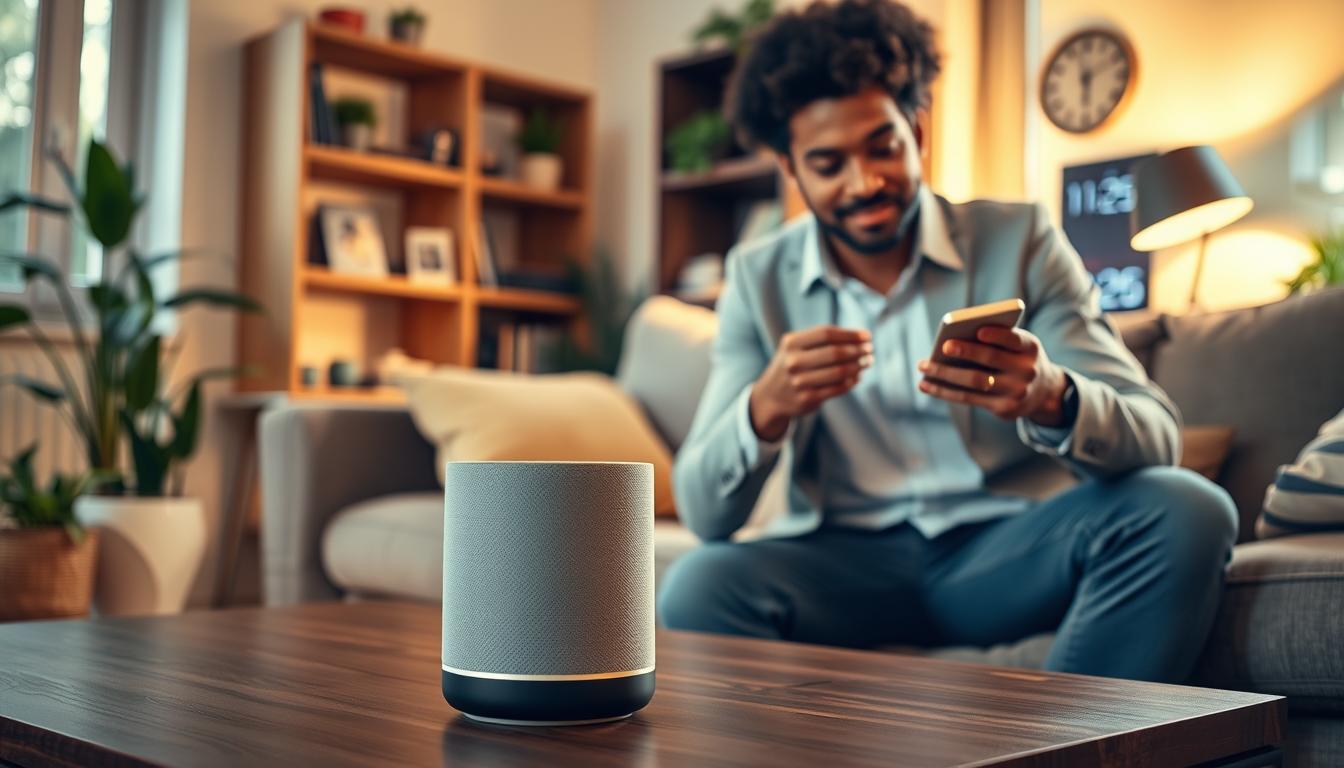
Think about using visual and voice cues for busy homes. Philips Hue LED strips can light up stairs, and smart speakers like Amazon Echo or Google Nest can announce when cycles end. These features help you know when laundry is done without checking the laundry room.
- Microcontroller options: use Arduino or similar boards with photosensors to read machine LEDs for precise state detection. This approach is accurate but needs hardware skills and may void warranties.
- Compatibility checks: confirm device support for your platform. Home Assistant offers wide protocol support and strong power monitoring tools. SmartThings and Hubitat work well for many commercial smart dryers and washers, but verify each model.
- Balance cost and convenience: new smart appliances simplify setup. Retrofitting can save money while adding automation to your home.
Your choices affect how well automated laundry systems fit into your life. Choose devices that integrate well with your hub and match your comfort level. This ensures your smart laundry solutions work reliably and stay up-to-date with industry trends.
Setting Up Your Smart Washing Machine
First, plug your washer into a smart plug and connect it to Wi-Fi. Use the official integration for your hub, like Kasa with Home Assistant. This lets the device share sensor data.
Watch the power usage over a few cycles to set up automation. Look for a clear rise at the start and a steady low-power period at the end. Use these patterns to set up start and end triggers for automation.
- Create a virtual helper like input_select.washing_machine_status with states Off, Running, Unemptied to track the cycle.
- Make an automation to set Running: numeric_state triggers when power exceeds the start threshold for a sustained duration. Add a condition previous state == Off. Actions should send a push alert through the Home Assistant app and set the helper to Running.
- Make an automation to mark Unemptied/Done: numeric_state triggers when power falls below the done threshold for 1–5 minutes. Add a condition previous state == Running. Actions should send washer notifications, set the helper to Unemptied, and change a smart light to green, for example a Philips Hue LED strip.
- Make an automation to reset to Off when the door opens: use a contact sensor change as the trigger with condition state == Unemptied. Actions should notify that the washer was emptied, set the helper to Off, and return lights to warm white (about 375 mireds).
Prevent false positives by checking the previous state. This stops soak or pause cycles from causing state changes. If you get too many done alerts, increase the low-power delay to 3–5 minutes.
Add an auto-reset after a maximum time, like three hours, to clear stuck states. This happens when the door-open event is missed.
These steps make your washer part of your smart home. You’ll get timely updates, making laundry more efficient and saving time.
Setting Up Your Smart Dryer
First, decide how you want the dryer to let you know it’s done. Power monitoring smart plugs can do this by detecting when the cycle starts and ends. Remember, most dryers need 240V circuits. Make sure to use a smart plug that can handle this or get a professional to help.
Vibration or multi-sensors are another way to go. You can attach a vibration sensor to the dryer to track its movement. But, be aware that pauses and cool-downs might confuse the sensor. Adjust the settings to avoid false signals.
A photosensor on the control panel can be very accurate. If your dryer has a “done” LED, a small photocell aimed at that light works great. You can even use an Arduino or ESP8266 with a photocell and a mirrored LED for SmartThings or Home Assistant.
- Mount the photocell and mirror LED discreetly inside the control panel using VHB tape, aligning the photocell to the indicator LED to block ambient light leakage.
- Power the microcontroller from a USB wall adapter, extend sensor wires as needed, and secure cables to avoid mechanical interference.
- Program the board to send simple states like dryer:pending and dryer:done to your hub so automations can react.
Once you have a reliable sensor feed, connect it to your home system. Create a helper or virtual switch for dryer_running and another for dryer_needs_emptying. Use these to send notifications, turn on lights, or make voice announcements. This makes laundry automation feel seamless.
Use smart laundry solutions like Home Assistant, SmartThings, or Hubitat to manage your rules and notifications. Keep things simple: notify when the dryer is done, remind to empty the lint trap, or delay a reminder if the door is open.
Always think about safety and warranties. Opening control panels can void warranties and expose live parts. If you’re not sure, consider hiring a licensed technician. For many, power monitors or external sensors offer a good mix of accuracy and safety, providing consistent dryer notifications and reliable setup.
Enabling Notifications for Your Appliances
Set up multiple alert channels so you never miss a cycle. Use the Home Assistant mobile app, SmartThings, or Hubitat to send push messages. These messages can say things like “Washing machine has started” and “Washing machine is done! Move to dryer!”
These push alerts are key to modern washer dryer notifications.
Add visual cues with Philips Hue LED strips or other smart lights in the laundry room and stairwell. Change colors to show status: blue for running, green for empty, red for needs attention. Visual alerts are great when push notifications are ignored too often.
Use voice announcements through Amazon Alexa or Google Assistant to say “Washer done” or “Dryer done” on smart speakers. Voice notices work well with lights and push alerts. They help make smart laundry solutions more effective.
- Create a dashboard tile or a template binary sensor to show running, done, and empty states.
- Use icons: a blue icon for Running, red for Done—needs attention, gray for Empty.
- Include buttons to acknowledge tasks or reset states manually.
Implement escalation reminders to prevent forgotten loads. Send an immediate notification when a sustained power drop indicates a cycle finished. If washer_needs_emptying remains true after 30 minutes, push a high-priority reminder. At two hours, send an urgent alert: “Clothes in washer 2+ hours—mildew risk!”
Combine channels for better coverage. A push notification plus a light color change plus a voice announcement increases the chance you’ll notice. This layered approach shows how effective laundry automation technology and automated laundry systems can be.
Practical tips: if you keep dismissing push messages, rely more on stairwell LED strips so you see status while moving through the house. Add optional dashboard buttons to snooze or mark a load as moved to the dryer. These small steps make smart laundry solutions feel effortless.
Integrating Laundry Alerts with Smart Home Systems
To connect your washer and dryer to your smart home, follow a few steps. First, ensure your devices can report power or status. This means checking for sensor.washer_plug_power or a native appliance entity. Having reliable updates makes the process easier.
Home Assistant offers great tools for monitoring power and states. You can use an input_select helper to track states like running, done, and idle. Create an automation that sends alerts and updates the washer status when it’s done.
SmartThings works well with Arduino or ThingShield projects. These can use photocell or Zigbee messages for cycle detection. An Arduino can send messages and let a SmartApp send notifications to your phone. This makes old machines work with smart systems.
Hubitat is great for local rules and fast, private automations. If a smart plug lacks power data, use virtual switches or pair it with Home Assistant. This approach works well in homes with different hardware.
To avoid false alerts, require a running state before marking a cycle done. Add auto-reset automations to clear stuck states after a few hours. Make sure entities update and use sustained thresholds to reduce noise in alerts.
Use MQTT or webhooks when native integrations are missing. Publish power readings from a plug to Home Assistant or Hubitat over MQTT. Then, trigger notifications from the receiving platform. This lets you connect different devices into one system.
- Check entity availability: verify sensor.washer_plug_power updates.
- Use state guards: require previous state == running before done.
- Set auto-reset: clear states after a maximum run time.
- Bridge systems: use MQTT or webhooks for cross-platform data flow.
By following these steps and tips, you can make laundry automation work with your smart home. Your setup will send timely alerts without hassle. This frees you from constant checks and makes laundry easier.
Utilizing Automation Apps for Laundry Alerts
Automation apps for laundry alerts can make doing laundry easier. They track cycles and send notifications when it’s time to switch. Start with basic helpers like washer_running and washer_needs_emptying to keep track of the machine’s status.
Building reliable rules is key. Home Assistant uses numeric_state triggers and input_select helpers. Hubitat Rule Machine flips virtual switches based on power levels. SmartThings SmartApps work with Arduino or ThingShield to mark states.
- Set dashboard tiles to show Running, Done, and Empty for quick status checks.
- Include debugging notifications at key steps to confirm triggers and conditions.
- Record power graphs for a few cycles to calibrate thresholds for laundry process automation.
Design reminders that fit your schedule. Send an alert right when the washer finishes, a 30-minute reminder if clothes stay, and a 2-hour urgent one to avoid mildew. For high-priority alerts, add flash or strobe lights if push notifications are missed.
Coordinate with other devices to keep laundry moving. When the washer is done, notify you and start a compatible smart dryer. Set a “next load” reminder to keep things running smoothly.
Make alerts more useful with audio and routines. Use Alexa routines or Google Home actions for spoken reminders, or send a notification to a family member nearby. These smart solutions help avoid forgotten loads and save time.
Test and debug your setup well. Check automation logs to find issues, add verbose logging during tests, and test with real cycles. Small adjustments in timing and state variables can prevent false alerts and make automation more reliable.
As you get more confident, add advanced features. Use virtual variables like washer_may_be_running for unclear power traces. Add templates to show estimated finish times on dashboards. These improvements make laundry automation a smooth part of your routine.
Troubleshooting Common Issues with Alerts
Start by checking the power profile if you have laundry alerts issues. False “Done” notices often happen due to short power drops or tight thresholds. Watch a full cycle power graph to set a good start threshold and a low-power time of three to five minutes.
If you never get a notification, check if the washer ever starts. A high start threshold, lost smart plug connection, or unchanged helper variable can stop notifications. Make sure the sensor entity updates and your smart plug reports power well.
Alerts when the washer is idle usually mean a stuck washer_running variable or a plug measuring other devices. Make sure the plug is in the right outlet and only powers the washer. Add a condition to require a prior Running state before switching to Done to avoid idle-power confusion.
- Adjust thresholds and delays: tune start threshold by observing actual wattage, raise low-power sustained time to 3–5 minutes.
- Add conditions: require previous Running state so short surges don’t trigger Done.
- Verify device capability: use a smart plug rated for at least 15A and confirm it reports power.
For debugging, enable step-by-step notifications or logs in your automation platform. Send a message at each key step so you can see which condition fails. Confirm sensor entities update during test cycles and review timestamps in the logs.
Create an auto-reset automation that clears washer_running after a maximum time, such as three hours, to prevent permanent stuck states. Pair that with a manual reset button on your dashboard so you can clear problems without editing code.
If your hub has limited native power monitoring, route data through Home Assistant for more robust logic and historical graphs. For LED or photosensor methods, avoid ambient light leaks by placing the photocell inside the LED well and sealing the edges with VHB tape, following common Arduino and ThingShield practices.
Pay attention to safety. If a smart plug disconnects or gets hot, check the amperage rating and replace it with a properly rated device. Do not overload plugs. These steps preserve smart laundry solutions and improve efficiency in laundry automation.
Enhancing Your Laundry Experience with More Automation
You can make your laundry routine smoother. Use dryer done notifications like your washer’s. Or add a sensor or Arduino for even more accurate signals.
Set reminders for when the machine is free. This helps avoid forgotten loads and keeps laundry flowing.
Coordinate laundry with family calendars or messaging apps. Send reminders to family members or use presence detection. This makes laundry solutions feel personal and less intrusive.
- Chain automations to start or preheat the dryer when you confirm the washer is emptied. Smart dryers or heavy‑duty smart outlets can handle this safely with the right setup.
- Set urgent mildew warnings that alert you after two hours of wet clothes left unattended. This protects fabrics and reduces rewash energy waste.
- Track load counts and remind yourself to run appropriately sized loads to improve energy efficiency and extend appliance life.
Use visual cues for quick status checks. Stairwell LED strips like Philips Hue can change to green when laundry needs attention and reset when a door‑open sensor triggers.
Mount a dashboard or wall tablet to show laundry status tiles. A glance at a clear display makes automated laundry systems easy to manage for everyone in the home.
Enable voice announcements through Alexa or Google Home routines to say “Washer done” or play a custom chime on household speakers. Voice routines improve accessibility and keep hands free for other tasks.
Apply the same helper and escalation patterns to other chores. You can reuse automation flows for the dishwasher, oven timers, or even garden irrigation, extending laundry process automation across the home.
Keep safety and efficiency top of mind as you add automations. Test each rule, use rated hardware for high‑draw devices, and set fail safes so your automated laundry systems run reliably without surprises.
Maintaining Your Smart Appliances
Make a simple checklist for smart appliance upkeep. Check smart plug and sensor connections monthly. Open Home Assistant, SmartThings, or Hubitat to see if sensors update during cycles.
Look at sensor mounts and contacts. Make sure contact sensors are attached and vibration sensors are steady. Also, ensure photocells align with LEDs. Replace batteries in contact and multi-sensors before they run out. If sensors use USB power, you won’t need to change batteries often.
- Use smart plugs rated for the appliance current you monitor.
- Avoid using standard household smart plugs for 240V electric dryers unless the device is rated for that load.
- Do not attempt unsafe internal modifications unless you have the skills and accept warranty risks.
Keep firmware and hub software up to date. Update device firmware and hub platforms to avoid integrations breaking. After big updates to Home Assistant, SmartThings, or Hubitat, check your automations to keep them working well.
Re-record power profiles after big appliance service or if you change detergent, load sizes, or programs. Use live cycle power graphs to adjust thresholds when automations don’t work right.
- Periodically export automation flows and YAML configurations.
- Document sensor placements and threshold settings for fast restoration.
- Test restore procedures occasionally so you can recover quickly after a hub reset.
Set up regular laundry automation maintenance for better reliability. Small checks help avoid downtime and keep your automated systems efficient.
See automated laundry systems upkeep as part of seasonal home care. Regular maintenance keeps alerts accurate and your smart laundry setup ready when you need it.
Future Trends in Laundry Automation
The future of laundry automation will make your washer and dryer smarter. They will have native Wi‑Fi and report cycle phases and time left. No need for third‑party sensors, and you’ll get timely alerts.
Laundry industry automation will also improve with standardized APIs and better data tracking. This makes it easier to connect your appliances to Home Assistant, SmartThings, Alexa, and Google. You’ll get alerts on when your laundry will finish, energy-saving tips, and warnings about mildew.
Laundry automation will also reach beyond homes. Laundromats and multi-unit buildings will offer notifications, automated payments, and cycle tracking. Your household will stay in sync with voice notifications, ambient lighting, and wearable alerts.
Whether you upgrade your old machine or buy new smart appliances, it’s getting easier. You’ll enjoy more convenience, better efficiency, and fewer missed loads. The technology in your laundry room is getting better.