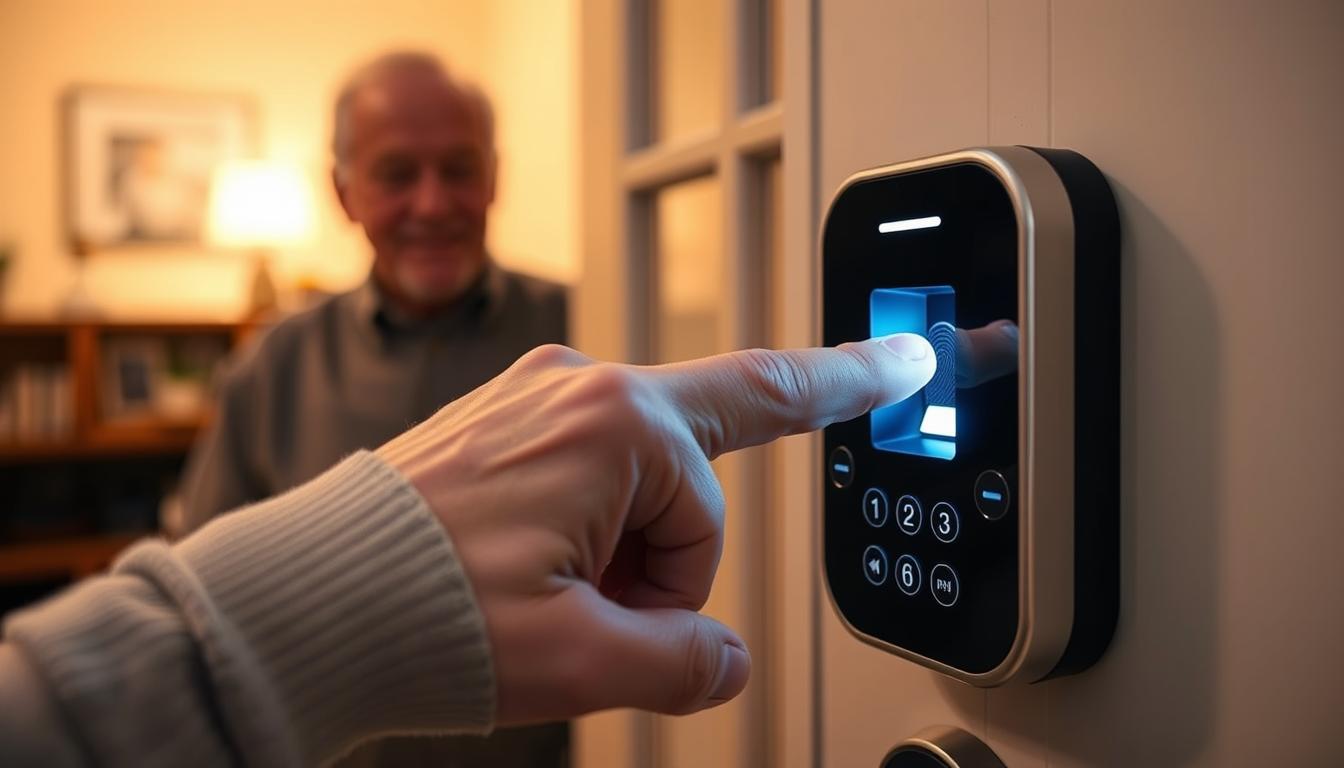
Do you wonder if fingerprint access is better for seniors than old-fashioned keys? This section will explore that question. We’ll look at the key points to consider when choosing an access control system for an older family member.
Fingerprint access is seen as a big plus for seniors. It offers quick entry, no need for keys, and can work with other methods like codes or physical keys. Many smart-lock brands in the U.S. highlight these benefits.
But, there are challenges with fingerprint sensors for seniors. Issues like ridge fading, dry skin from diabetes or aging, and arthritis can make it hard to use. Medication side effects can also affect the skin, making sensors less reliable.
Environmental factors also play a role. Wet or dry hands, dirty fingers from activities like gardening, and extreme temperatures can all mess with fingerprint recognition.
This article aims to guide you in deciding between fingerprint access and traditional keys for your needs. You’ll find factual comparisons, practical advice, and examples of products. This will help you choose the most reliable access control system for your situation.
Understanding Biometric Security Access
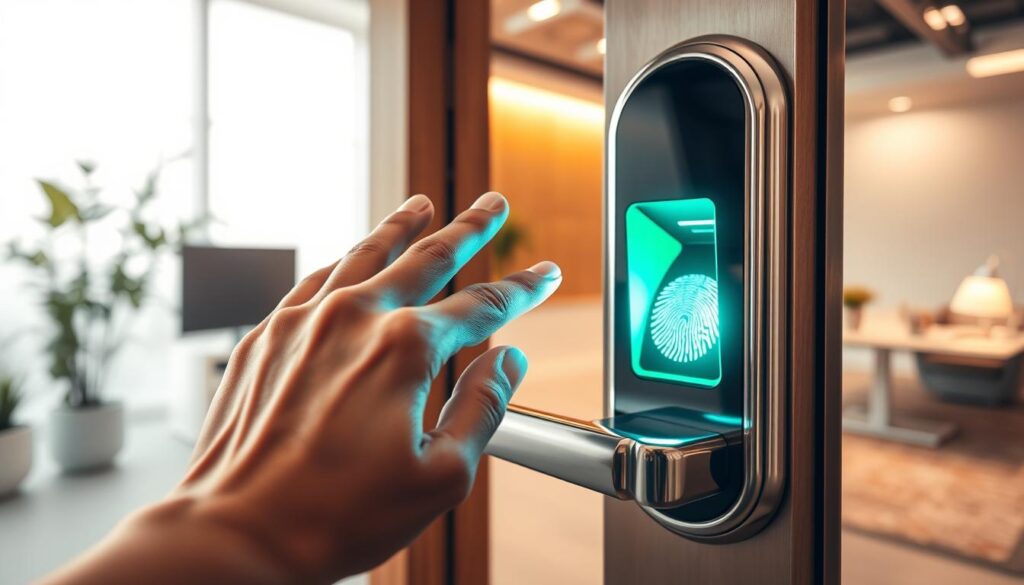
Biometric security access checks your identity using physical traits. It uses biometric authentication to match a sample to a stored template. You find these systems in home locks, office doors, and mobile devices.
Fingerprint recognition uses sensors to read the ridges on your finger. Capacitive and semiconductor sensors are common. When you enroll, you place a finger on the reader to create a template.
Limitations include issues with worn ridges, very small fingers, or cuts that reduce accuracy.
Facial recognition maps facial geometry to create a template. Advanced systems use 3D facial mapping and infrared dot projection for depth and texture data. The SwitchBot Lock Ultra Vision, for example, projects over 30,000 infrared dots and keeps templates on the device to protect your privacy.
This 3D approach strengthens matches by relying on stable bone structure. It helps recognition remain reliable as you age and across normal changes in appearance.
Iris recognition scans the unique patterns in your iris and works well at a distance. Palm vein recognition reads the vein pattern under your skin using near-infrared light. Both methods are suited to high-security settings or when touchless access is preferred.
Many deployments use multi-factor authentication to improve safety. You might combine a biometric with a PIN, an NFC card, or a physical key as a fallback. This layered setup keeps doors secure while giving you reliable options if one method fails.
- Biometric authentication provides convenience and speed.
- Fingerprint recognition is widespread and fits many home scenarios.
- Facial recognition with 3D mapping offers robust, age-resilient matches.
- Iris recognition and palm vein recognition serve niche, high-security roles.
The Benefits of Fingerprint Access for Seniors
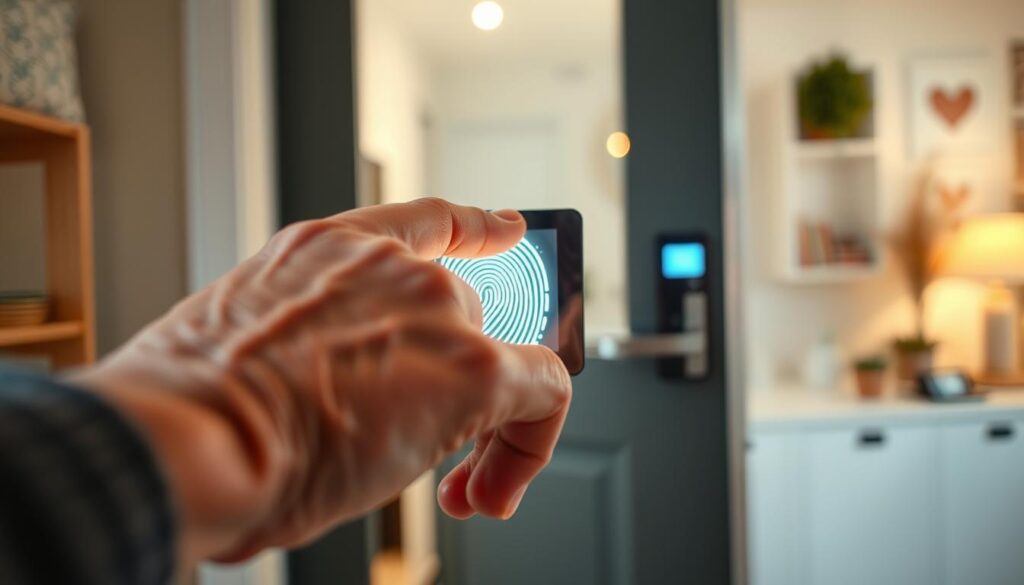
Fingerprint recognition makes unlocking doors easy with just one touch. It means no more lost or misplaced keys. This quick method helps seniors stay independent, even with memory issues.
Biometric access systems send alerts and updates to family or caregivers. You get notifications when doors open. This way, loved ones can check on you without being too intrusive.
Switching to biometric security makes daily life easier. No more keys to manage. You can come and go without needing neighbors or relatives to let you in. This saves stress and keeps your privacy safe.
Look for high-quality fingerprint scanners with advanced technology. Some offer 360° recognition for better accuracy on older adults’ prints. This tech aims to make entry faster and more reliable.
But, there are things to think about before making the switch. The quality of the sensor and the environment can affect how well it works. Wet or worn skin might cause issues. You might also want to consider other biometric options like face recognition. Compare different systems to find the best fit for you.
- Convenience: no keys to carry or lose.
- Safety: real-time notifications and tamper alerts.
- Independence: less need for outside help to enter your home.
- Improved sensitivity: advanced sensors and AI learning.
- Limitations: sensor quality, environment, and alternative modalities.
Comparing Fingerprint Access to Traditional Keys
When choosing between fingerprint locks and traditional keys, consider security, cost, and daily use. Fingerprint locks offer advanced security features like anti-tamper alarms and encryption. They also come with mobile app control and fake PIN protection.
Traditional keys, on the other hand, are simple and affordable. But, they can be lost or copied, leading to extra costs for rekeying or replacing cylinders.
Think about how reliable each option is in real life. Fingerprint readers might not work well with dirty or wet fingers. Mechanical locks can jam over time but often work in simple situations.
Cost is another factor. Fingerprint systems are pricier upfront but offer remote management and audit trails. Traditional keys are cheaper but may lead to hidden costs for lock changes.
- Use-case fit: biometric security access suits multi-user households, frequent travelers, and caregivers who need monitoring.
- Low-use spots: traditional keys work well for storage areas or some rental properties where simplicity matters.
- Hybrid approach: many modern locks combine fingerprint recognition, PIN, NFC, voice, and a physical key for fallback. Products like the SwitchBot Lock Ultra show how multiple unlock methods add resilience.
Choose the best option for your needs. If you want remote control and audit logs, go for biometric security. If you prefer something familiar and affordable, traditional keys might be better.
Addressing Concerns About Fingerprint Technology
Biometric security access might raise questions about reliability. Fingerprint recognition can be tricky due to several reasons. For example, ridges may fade with age, or arthritis might make it hard to place your finger correctly. Children’s prints are also not fully formed, and wet, dry, or dirty hands can also cause issues.
Manufacturers have found ways to improve fingerprint recognition. They use semiconductor sensors with AI that can learn and recognize prints from any angle. Voice prompts help during the setup and use of these systems. For those with limited dexterity, there are larger, easier-to-press backup buttons.
Privacy is another big concern. Look for devices that store your biometric data locally and encrypt it. Companies like SwitchBot ensure facial maps are stored securely on the device. Always check the vendor’s privacy policy and confirm that your data is stored locally before making a purchase.
Good after-sales support is key for long-term reliability. Having a wide, trained service network helps with updates and troubleshooting. Quick local service means less downtime and less stress for caregivers when a device needs repair or updates.
It’s also important to have a backup plan for security. Use biometric authentication with a PIN, NFC card, physical key, or multi-factor authentication. This ensures access even when fingerprints don’t work and boosts overall security.
- Check sensor specs and AI features for better fingerprint recognition.
- Confirm local template storage and NIST-aligned encryption practices.
- Choose brands with a strong service network for fast support.
- Enable multi-factor authentication or secondary entry methods.
How Fingerprint Access Systems Work
When you start using biometric authentication, you first enroll. You press your finger several times. This helps the device map your finger’s unique patterns from different angles.
How well you enroll affects how fast the system recognizes your fingerprint later. If the scanner misses some details during setup, it might not recognize your finger correctly.
The type of sensor used in the system impacts its daily performance. Capacitive sensors work well for clean, dry fingers. They read tiny electrical differences.
On the other hand, semiconductor sensors with AI chips are more sensitive. They recognize your fingerprint from 360° and are better at preventing fake attempts. Choose a sensor that matches your lifestyle and environment.
The lock’s processor makes the matching and decision. It compares your live scan to the stored templates. You can adjust how strict it is to avoid false matches.
But, if your finger is wet, dirty, or cold, it can mess with the system. Many locks offer alternatives like a PIN, NFC tag, or voice entry when fingerprint recognition fails. They also have emergency power and a physical key override for when the power goes out.
Keeping your biometric data safe is key. Good systems store your templates locally and encrypt them on the device. They also have tamper alerts and optional remote monitoring through a mobile app. This way, your data stays secure without being shared with servers.
- Enroll with multiple presses for complete ridge maps.
- Pick sensors based on sensitivity and anti-spoofing needs.
- Expect occasional false rejects from poor placement.
- Use backup methods when environmental factors interfere.
- Prefer systems that store encrypted templates on-device.
Real-Life Testimonials from Seniors
Many stories show how biometric security access solved everyday problems. Seniors no longer got locked out after switching to fingerprint recognition and keyless entry. This change reduced calls for help and helped them stay independent.
Families found peace of mind with an access control system that sends remote alerts. Adult children can see activity logs and get door-open notifications. This gives them peace of mind without needing constant check-ins.
Not every experience is perfect. Some homeowners faced issues with fingerprint-only locks. Worn prints or arthritis made it hard to press the scanner. They often went back to using PINs or physical keys to get inside.
Some found better results with alternate biometric authentication. Devices like SwitchBot Lock Ultra Vision use face recognition and 3D infrared mapping. They worked well for all ages, even in low light, avoiding finger-related failures.
Good product choice and proper installation are key. Testimonials show that when these are in place, security technology works well. But without them, the benefits quickly fade.
Balance is a common theme. Seniors and families succeeded when manufacturers made setup easy and offered multiple entry options. This approach keeps the benefits of biometric authentication while providing fallbacks for real-world needs.
Practical Tips for Seniors Transitioning to Fingerprint Access
Begin by adding multiple fingers and taking prints from various angles. This method boosts fingerprint recognition as skin changes with age. If your prints become harder to read, re-enroll them often.
Opt for devices with 360° sensors and AI learning if possible. These features enhance biometric authentication and cut down on false rejections. Test the sensor in both indoor and outdoor settings to see how it performs.
Choose an access control system with clear voice prompts and large controls. Voice guidance is helpful for those with low vision. Larger emergency buttons are easier to use for people with arthritis.
Always have backup unlocking methods ready. Use a PIN code, NFC card, face recognition, or a physical key as a backup. Brands like SwitchBot show how different options can work together in one system.
Keep your system running smoothly with simple maintenance. Clean sensors gently, dry your hands before scanning, replace batteries on time, and update firmware when it’s available. For outside doors, choose devices with infrared or night-vision for harsh weather.
- Enroll more than one finger for redundancy.
- Use devices with voice prompts and larger buttons for easier operation.
- Keep a PIN or physical key as a backup.
- Perform regular cleaning and battery checks.
- Choose all-weather sensors for exterior use.
Plan for after-sales support before you buy. Look for brands with local service centers and clear warranties. Trained technicians can install and fix issues quickly, reducing downtime and frustration.
Think about adding multi-factor authentication for extra security. Combining fingerprint recognition with a PIN or mobile verification adds security without confusing everyday use.
The Future of Biometric Security Access
You’ll see more systems that use different biometrics like fingerprints and faces. These systems will work better in various lighting and with people of all ages. This means your door will open smoothly for everyone, including seniors and visitors.
Companies are making sensors more sensitive and adding 3D facial mapping. This allows facial recognition to work at different heights. Brands like SwitchBot now offer night-vision and wider height ranges, making it easier for people with canes or strollers.
Expect stronger privacy controls in the future. Your biometric data will be kept on your device, not in the cloud. This is thanks to encryption and following NIST guidelines, ensuring your data is safe.
Multi-factor authentication will become more common in locks. You might use a fingerprint, PIN, app, NFC, or a physical key to unlock. This layered security gives you a backup if one method doesn’t work.
Support for older adults will grow. Brands will offer trained techs, phone support, and easy setup. This makes managing updates and repairs simple and stress-free.
The future of biometric security is all about making it accessible and secure. It will be easier for everyone to use while keeping your home safe. This is thanks to advanced technology and clear support options.
Conclusion: Fingerprint Access as a Viable Solution
Fingerprint recognition can make life easier and more independent at home. It helps seniors avoid the hassle of small keys and tricky locks. But, skin changes, arthritis, and weather can affect how well it works.
When picking a new access system, look for high-quality sensors. Choose devices that use biometric authentication with PINs, NFC, or keys. Voice prompts and local data storage make it easier to use and keep your info safe.
Try out the system in your daily conditions. Make sure it works well with different lighting and temperatures. Also, check that backup options are reliable. Adding face recognition or other biometrics can make your security even stronger.
In conclusion, fingerprint systems can be a good choice for seniors. Just make sure to pair them with other unlock methods and backups. This way, you and your family can have peace of mind.