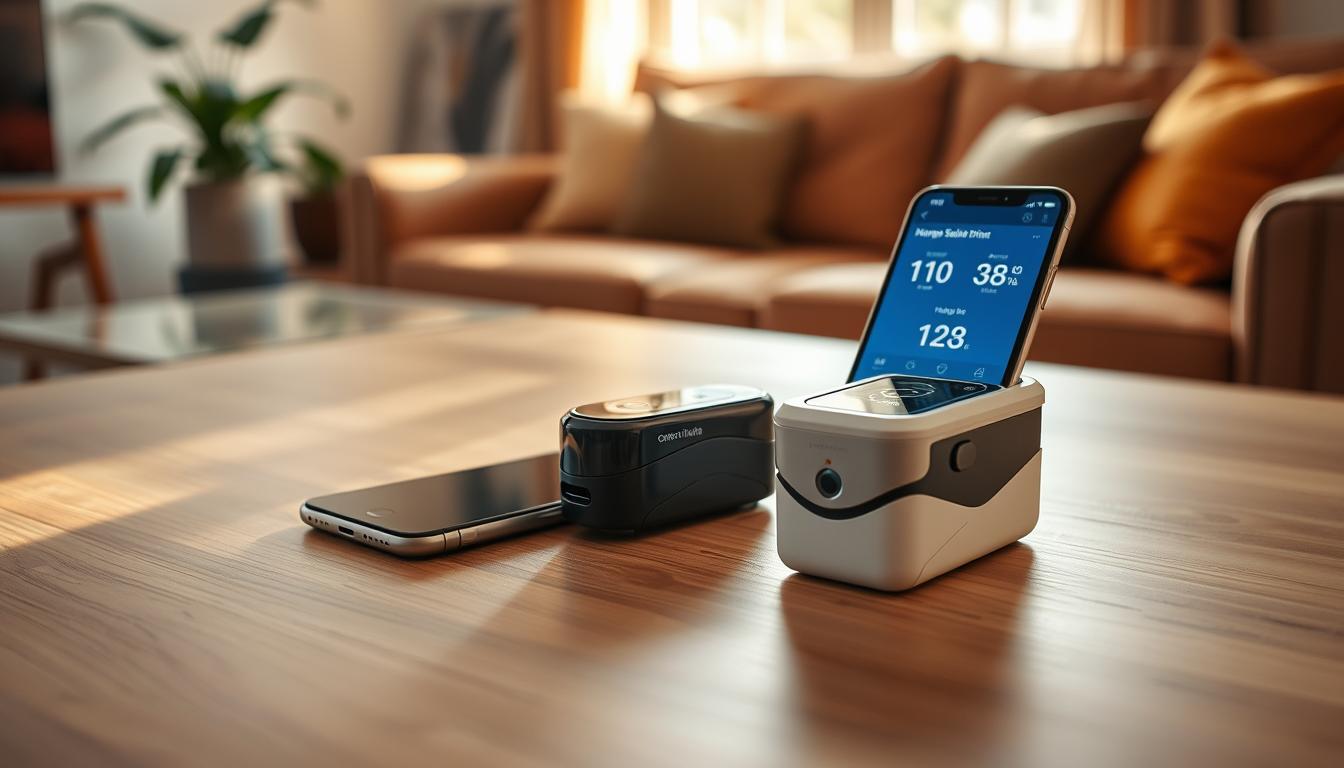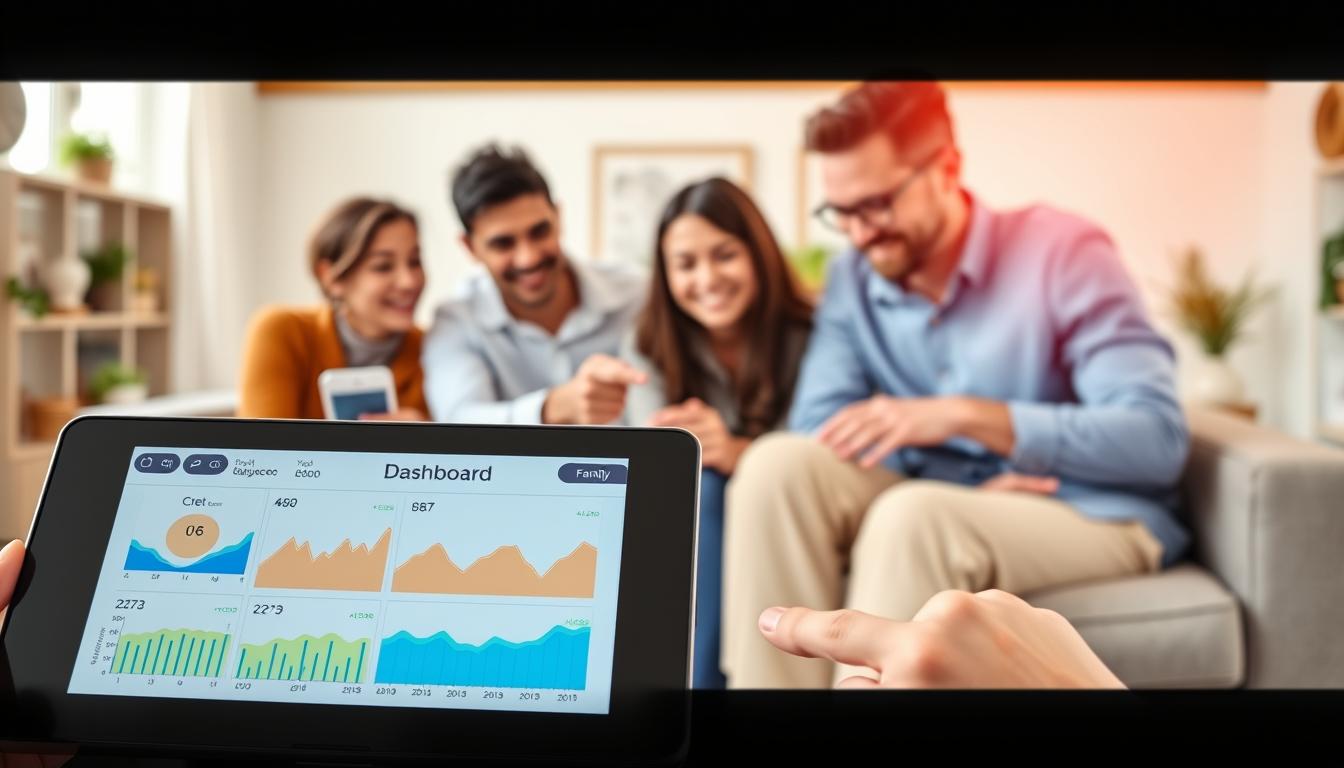
Connecting a glucose meter to a family dashboard makes managing diabetes at home easier. It turns blood glucose monitoring into a team effort. This way, you can catch and act on highs or lows quicker.
Studies show that checking your blood sugar regularly is key to managing diabetes well. New meters, like Livongo’s In Touch, send your readings to the cloud. This makes it easier for others to see your data and help you out.
Companies like Abbott FreeStyle Libre and CONTOUR® have made it easier for families to work together. FreeStyle Libre’s apps let you and your caregivers see trends and get context. CONTOUR® meters connect to the CONTOUR®DIABETES app, which links to pharmacy dashboards for extra support.
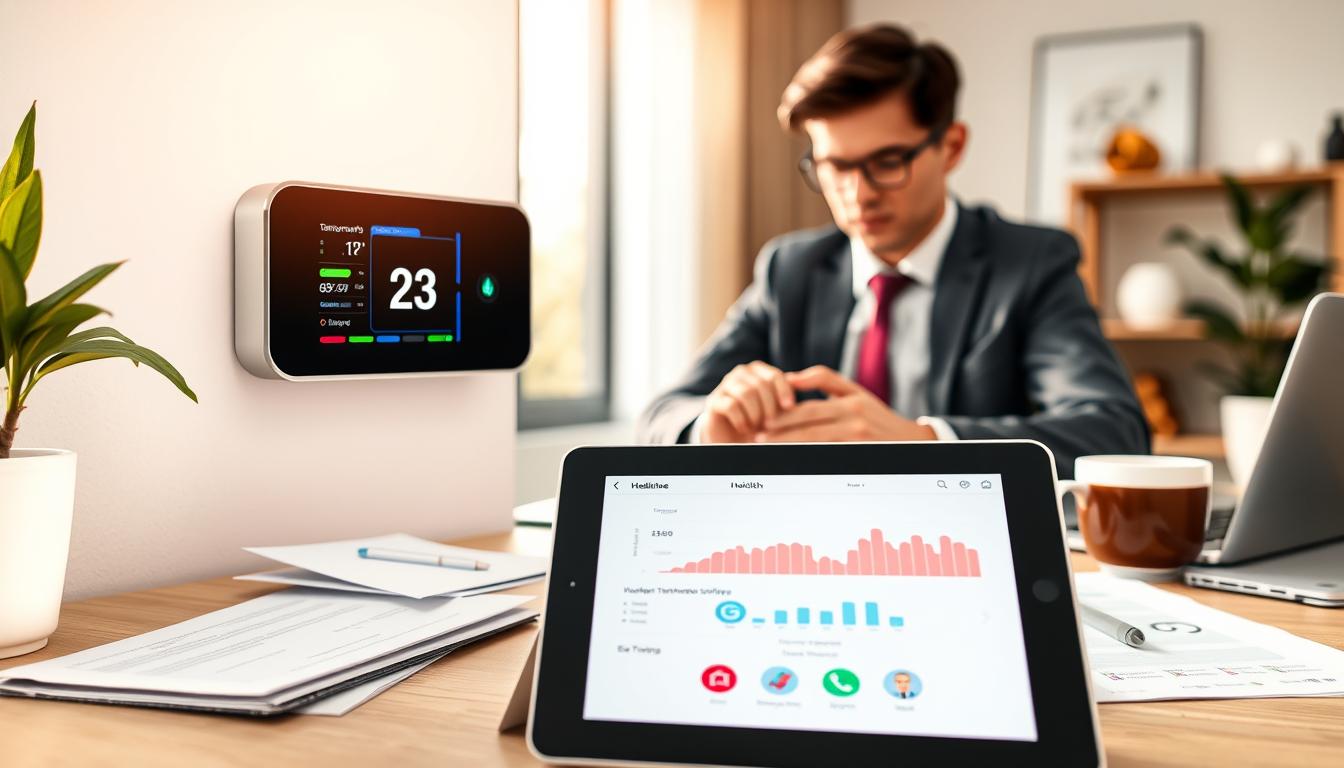
A family dashboard puts all your blood sugar data in one spot. It shows alerts, meal times, and activity. This way, you and your family can track your sugar levels and make better care choices together.
Understanding Blood Glucose Monitoring
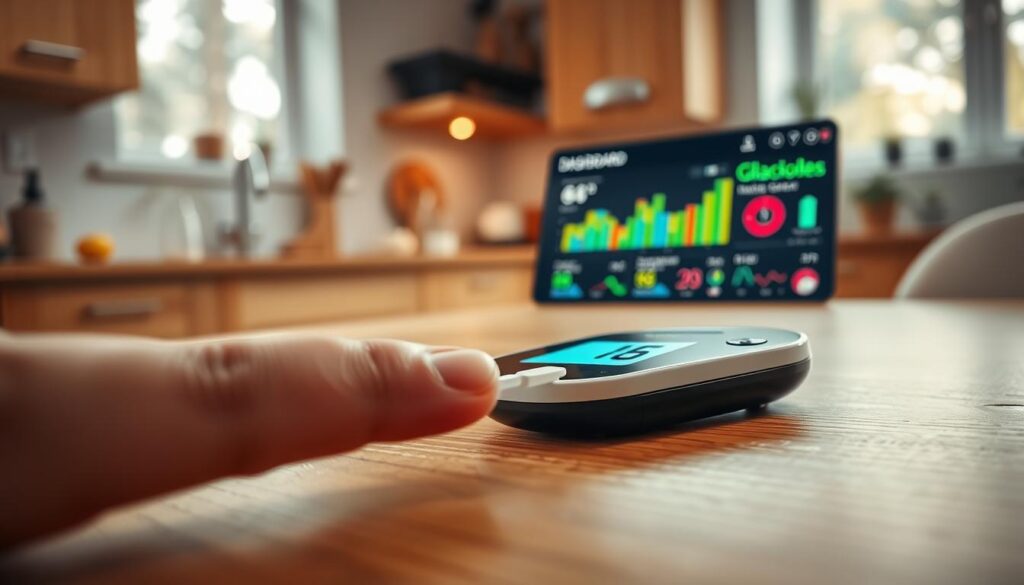
You track blood glucose monitoring to see how meals, activity, stress, and medication change your numbers. There are two main methods: self-monitoring of blood glucose (SMBG) with fingerstick meters and continuous glucose monitoring (CGM) systems. Both aim to measure blood glucose levels so you can adjust therapy and day-to-day choices.
Routine checks help reveal patterns and excursions. Fingerstick testing remains useful when CGM readings and symptoms conflict or when alarms need confirmation. A single blood glucose test can clarify sudden symptoms and guide urgent action.
Clinical studies link poorly controlled type 2 diabetes and high HbA1c with greater illness, higher mortality, and increased care costs. When SMBG is part of a structured support plan, patients often see better glycemic outcomes. Real-world programs have shown fewer out-of-range events after teams use monitoring data to guide care.
Regular blood sugar monitoring captures lows and highs so you and your clinician can spot trends. Some programs flag severe hypoglycemia below 50 mg/dL and extreme hyperglycemia above 400 mg/dL. Data-driven interventions can reduce time spent outside target ranges.
Remember that device readouts have limits. Review your records with a healthcare professional before changing treatment. Platforms such as LibreView and HealthTab help collect and analyze results, but they do not replace medical judgment.
- Use SMBG for calibration and confirmation when needed.
- Share CGM and meter data with your care team for context.
- Interpret trends, not single readings, to shape your plan.
The Role of Glucose Meters
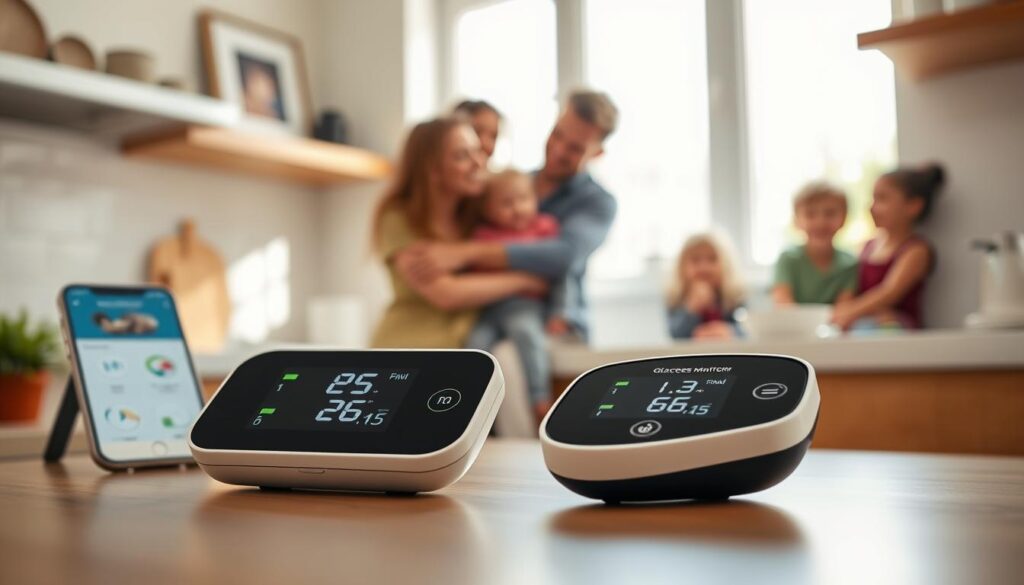
You use a glucose meter to check your blood sugar with a fingerstick. Traditional meters record readings that you log by hand. Modern devices offer connectivity and reduce manual steps.
Cellular-connected meters and app-paired devices automatically upload readings. This cuts down on errors and lets your care team review trends quickly. Many systems also let family members view results when you share.
Connected meters let you tag readings as before or after a meal. You can also note how you feel and add activity details. This gives a fuller picture than single readings.
Some platforms offer immediate feedback based on diabetes education standards. This feedback helps you see when values are outside target ranges. It suggests next steps to discuss with your clinician.
Know the limits of companion apps. FreeStyle Libre apps and LibreLinkUp need compatible devices and specific operating systems. They also require registration with LibreView. LibreLinkUp is not a replacement for a primary glucose meter or CGM system for treatment decisions. Always check with your primary device and healthcare professional before making changes.
Manufacturers make claims about accuracy and convenience. The CONTOUR®NEXT family and HealthTab offer rapid testing and secure linking through the CONTOUR®DIABETES app. HealthTab also highlights point-of-care A1C and cholesterol options, focusing on secure data handling.
Remember, devices and apps are tools to support your care team. Platforms like LibreView, HealthTab, and Livongo Smart Cloud help review historical data. These tools assist in diabetes management but do not replace clinical judgment or a CGM system when continuous monitoring is needed.
Introduction to Family Dashboards
A family dashboard is a secure online space. It combines your glucose meter readings, trends, and health markers in one spot. You and your caregivers can see blood glucose data, A1C, and cholesterol results together. This helps in managing diabetes better.
Platforms like LibreView paired with LibreLink and LibreLinkUp, and the CONTOUR®/HealthTab ecosystem are common. They let you share glucose data with family, pharmacists, or doctors if devices and accounts match.
To start a dashboard, you need the right devices, internet, and accounts like LibreView or CONTOUR®DIABETES. Turning on notifications and sharing options lets caregivers get alerts and check readings live.
- See daily glucose patterns to find trends and timing issues.
- Get alerts for high or low readings to act fast.
- Set goals and track your diabetes management plan progress.
- Allow pharmacists or doctors to review and test in pharmacies where possible.
For kids using FreeStyle Libre sensors, an adult (18+) must watch and understand the readings. This ensures safe use of blood glucose data and keeps diabetes management on track.
Advantages of Connecting Glucose Meters to Dashboards
Connecting your glucose meter to a family dashboard makes tracking blood sugar easier. It cuts down on the need for manual logging, reducing errors. This way, you and your care team can see the latest trends without delay.
Sharing data in real-time helps respond quickly to any issues. Services like Livongo Smart Cloud can alert teams when blood sugar levels get too high. This means certified diabetes educators can reach out fast when needed.
- Improved access to actionable insights: dashboards combine SMBG entries with lab markers such as A1C and cholesterol using platforms like HealthTab. This mix helps you and providers spot glucose variability and set targets to reduce complication risk.
- Coordinated care: connected platforms can send SMBG data into EHRs for provider review. Daily transfers in some programs supported timely follow-up and streamlined communication with clinicians.
- Enhanced accuracy and confidence: reputable systems such as CONTOUR®NEXT meters and analytics tools like LibreView and HealthTab offer clinically useful readings you can trust for diabetes management.
- Coaching and remote monitoring: trials that paired a connected meter with diabetes coaching showed improvements in HbA1c and treatment satisfaction, even for those with higher baseline A1C levels.
- Convenience: on-the-spot testing and analysis at pharmacies can take minutes, then upload results to your personal dashboard so you can review patterns right away.
When your family dashboard integrates blood glucose monitoring data, you get a clearer view of daily patterns and long-term control. This clarity helps make better decisions in daily care and strengthens your diabetes management plan.
Personalized Health Insights
Dashboards turn raw SMBG and CGM system readings into clear, actionable information you can use every day. Trend graphs show how your blood glucose levels move over hours and weeks. Time-in-range metrics reveal whether you hit target windows. Flagged excursions call out highs and lows so you can spot patterns fast.
You can add contextual tags for pre- or post-meal checks, exercise, or medication. These tags help you link glucose changes to meals, activity, or dosing. Livongo’s platform sent text-based messages after each test and let users tag readings in an electronic logbook. This makes blood glucose monitoring far more useful than standalone numbers.
Pharmacy dashboards such as HealthTab merge A1C and cholesterol with daily glucose readings. This gives you a fuller sense of cardiovascular and metabolic risk. It supports targeted goal-setting and clearer conversations with your care team about priorities and next steps.
Use dashboard tools to set personalized goals and track progress over time. Seeing steady gains can improve treatment satisfaction and keep you engaged with your plan. Dashboards help you monitor improvements and adjust targets with measurable feedback.
Remember to bring dashboard reports to your clinician for interpretation and care decisions. Analytics are meant to assist review and evaluation, not replace professional medical advice. Your healthcare team can translate personalized health insights into safe, effective treatment changes based on your blood glucose monitoring data.
Encouraging Family Support
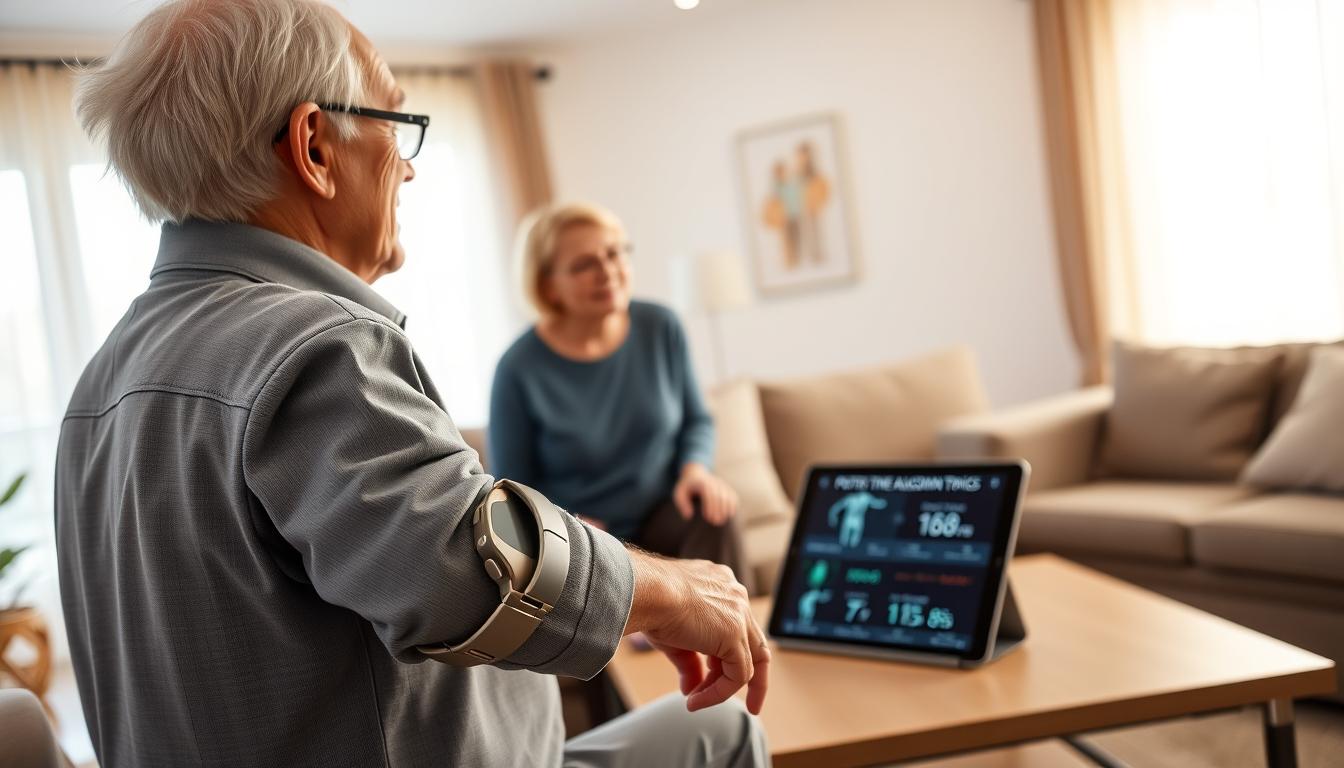
Use a shared dashboard to keep family updated on blood sugar levels. When a glucose meter syncs with an app or cloud, caregivers can see trends and get alerts. This helps you react quickly to any risky readings.
Device instructions clearly outline caregiver roles. For example, FreeStyle Libre says a caregiver over 18 should help with readings for kids. This reduces confusion and makes diabetes care safer.
- Many systems let you share data via app-linking and cloud accounts. LibreLinkUp and LibreView require registration to view data.
- CONTOUR® readings must upload to the CONTOUR®DIABETES app before they appear in HealthTab.
- Programs like Livongo use sharing by text, email, or EHR transfers to connect family and care teams.
Remote monitoring and coaching can boost engagement and satisfaction. Active family support helps people stick to care plans, eat better, and keep appointments. This teamwork makes managing diabetes less lonely.
Set clear boundaries to respect privacy and consent. Decide who checks the dashboard, who responds to alerts, and when to involve doctors. Clear roles help support without being controlling.
Use the dashboard to plan follow-up tasks. Assign reminders for medication, schedule clinic visits, or log notes after unusual readings. These steps build a strong support network for ongoing blood sugar monitoring.
Making Informed Decisions
Dashboards turn raw numbers from your glucose monitoring device into clear charts. They alert you to take action. You and your care team can see daily readings, flagged events, and trends to spot patterns.
Programs like Livongo use flagged SMBG events to prompt quick action. This action helps figure out if you need medical help, troubleshoot issues, and suggest safer ways to manage diabetes.
Many dashboards combine lab markers like A1C with home readings. This helps you understand both short-term glucose patterns and long-term control. It guides you in making better decisions about meals, activity, and medication with your provider’s advice.
Set measurable goals with your dashboard, like target ranges and percent time-in-range. Use reminders to review trends. Schedule coaching or a visit with your provider when you see persistent changes.
Dashboards and coaching are great tools, but they can’t replace professional advice. Always check with your doctor before making changes to your treatment plan. This ensures your diabetes management is safe and effective.
Privacy and Security Considerations
Before linking a glucose meter to a family dashboard, check if devices and apps are compatible. Apps like LibreLinkUp and FreeStyle LibreLink need you to register with LibreView. CONTOUR®DIABETES and HealthTab require you to sign up first. Some features might not work on all phones or operating systems.
Learn how data moves from your glucose monitor to the cloud. Many platforms need the internet to upload data automatically. Livongo and similar services send SMBG readings to electronic health records at set times. These transfers should be secure and require your consent.
Read vendor privacy policies to know what data is shared and with whom. Make sure you understand who can get alerts and what triggers them. LibreLinkUp alerts only work when your phone is close and not on silent mode.
Take steps to keep your data safe. Use strong passwords and consider two-factor authentication. Only give family access to those who really need it and update permissions if needed.
- Verify registration requirements for each app and cloud service.
- Confirm whether your glucose meter supports automatic uploads.
- Check how long platforms retain blood glucose monitoring data.
- Ask how clinicians access shared records and what safeguards exist.
Remember, cloud dashboards like LibreView, HealthTab, and Livongo Smart Cloud are for managing care. They are not a substitute for professional advice. Always check data-sharing permissions and security practices before giving family access.
Integrating with Other Health Applications
You can connect your glucose monitoring device to other health apps. This creates a complete view of your health care. Apps like FreeStyle LibreLink, LibreView, CONTOUR®DIABETES, and Livongo work together. They show A1C, cholesterol, EHR notes, and pharmacy testing along with blood glucose data.
To link your device, you might need to download apps, create accounts, and pair meters. You also need to enable internet upload. If your meter loses connection, you might need to reconnect or sync manually to keep data flowing.
When data moves smoothly, doctors can act quicker. For example, Livongo sends SMBG data to EHR systems. It also updates the care team regularly. This helps doctors and patients work together better.
These platforms also offer coaching and support based on your readings. Livongo provides CDE support and messages based on your test results. HealthTab shows rapid testing results on dashboards for immediate review.
Before linking, check if your apps and devices work together. Make sure you understand account setup and data sharing. Know who can see your data and how long it’s stored to keep it safe and useful.
- Confirm app and meter compatibility before pairing.
- Register accounts like LibreView or CONTOUR®DIABETES and enable uploads.
- Verify permissions for sharing blood glucose monitoring and blood glucose test data with providers.
Future of Blood Glucose Monitoring Technology
Blood glucose monitoring will change from manual logbooks to connected systems. These systems will link meters, apps, and cloud dashboards. This makes it easier for families and care teams to monitor remotely.
Continuous glucose monitoring and CGM system data will be key in these systems. AI will analyze data, send alerts, and suggest actions based on your needs. These alerts can help prevent dangerous highs or lows by reaching out to caregivers or doctors.
Retail and pharmacy access will grow, making testing easier. You’ll see A1C and cholesterol checks in pharmacies, sending results to your dashboard. This lets you take action quickly with your care team or family.
Companies like Abbott FreeStyle Libre and Ascensia will keep updating their devices. Look for updates on integrations and studies that show how well these tools work. These studies will help us understand their benefits and how they fit into healthcare.
Future studies should look at coaching, caregiver involvement, and how providers manage their time. We need to know how these tools affect outcomes and patient happiness. This will help us see which connected approaches work best for blood glucose monitoring.
Conclusion
Connecting your glucose meter to a family dashboard makes tracking blood sugar easier. You get to see trends and changes in real-time. This helps you and your family act quickly when blood sugar levels are too high or too low.
These systems offer personalized health insights. They can also connect you with coaching and clinical care. This can lead to better control of blood sugar levels and higher satisfaction with treatment, even for those with type 2 diabetes.
When choosing, compare FreeStyle Libre, CONTOUR®/HealthTab, and Livongo-connected meters. Look at their accuracy, connectivity, and coaching features. Pick the one that best meets your needs.
Before connecting, check if your device is compatible and if you need to register it. Make sure you have reliable internet for automatic uploads. Also, look at the privacy and security policies.
Always talk to your healthcare team before making any changes. Dashboards are great tools for support, but they shouldn’t replace professional advice or regular check-ups.