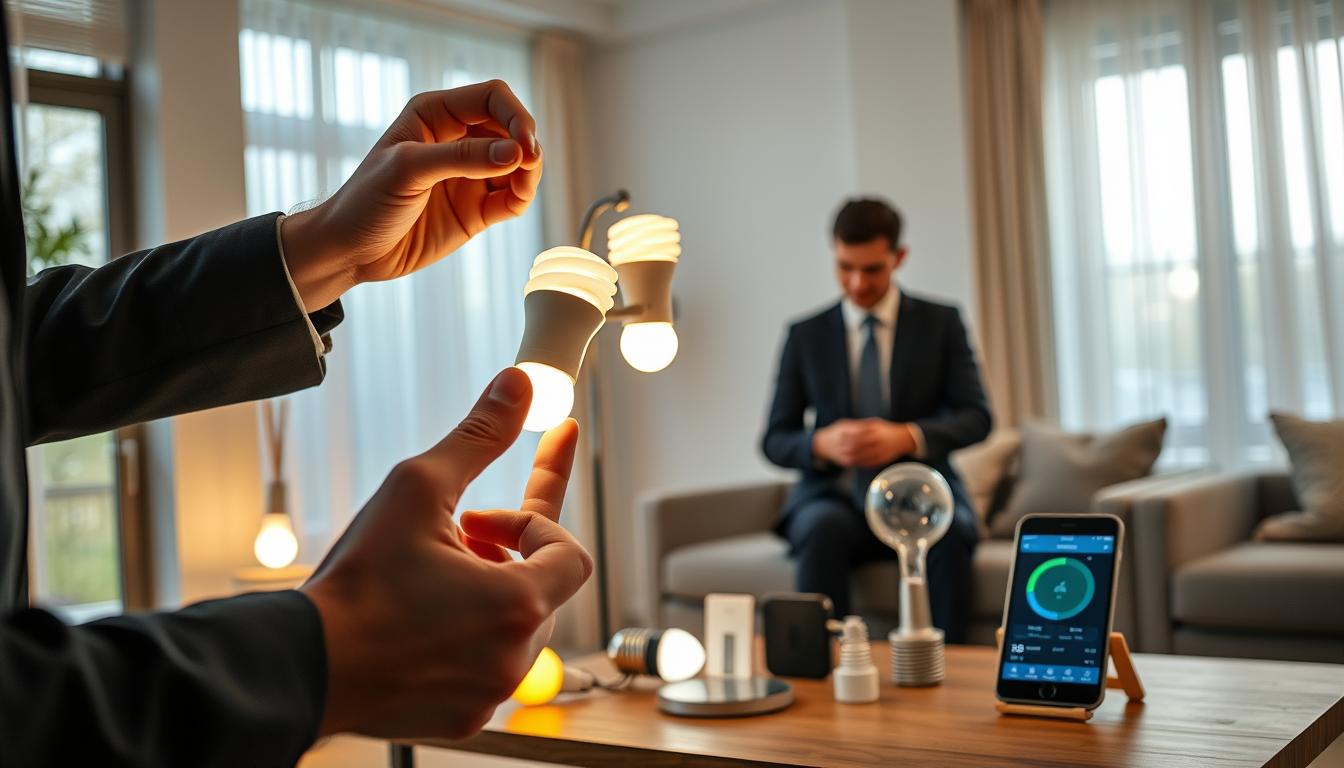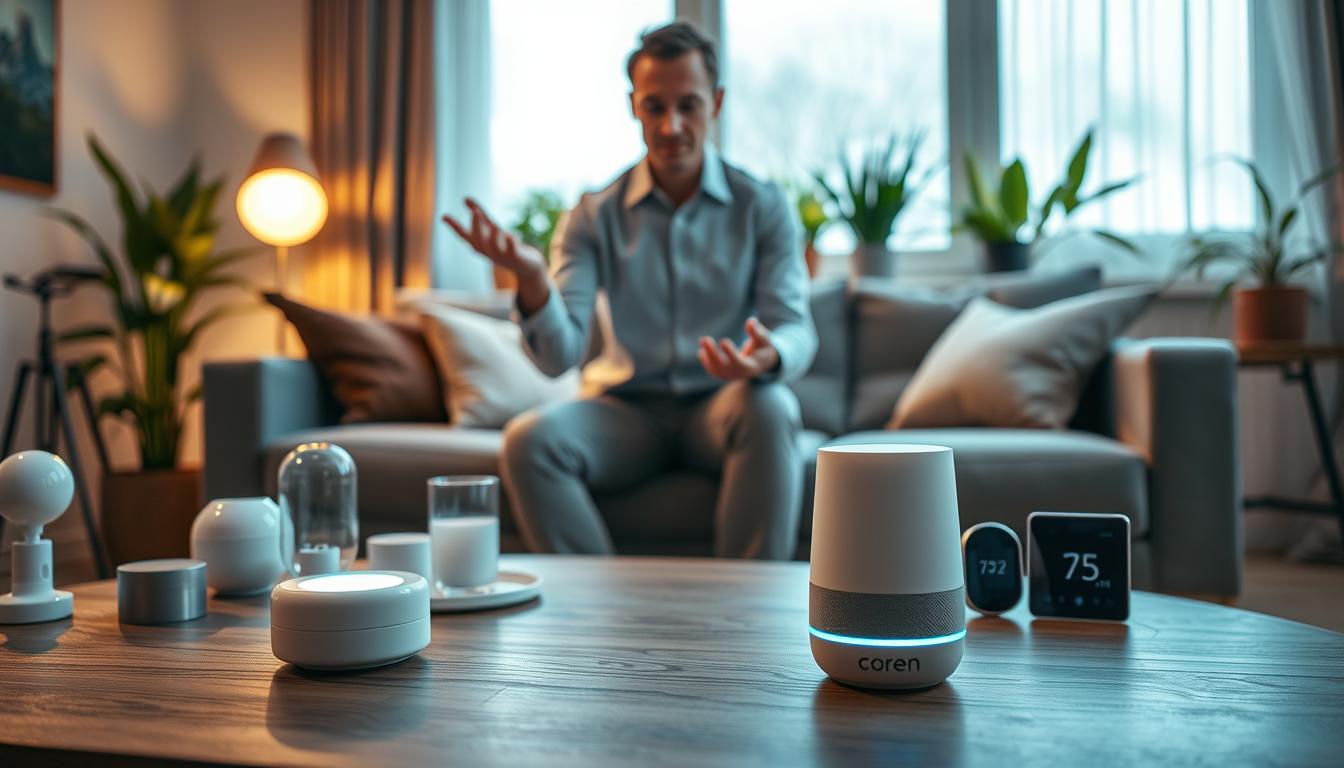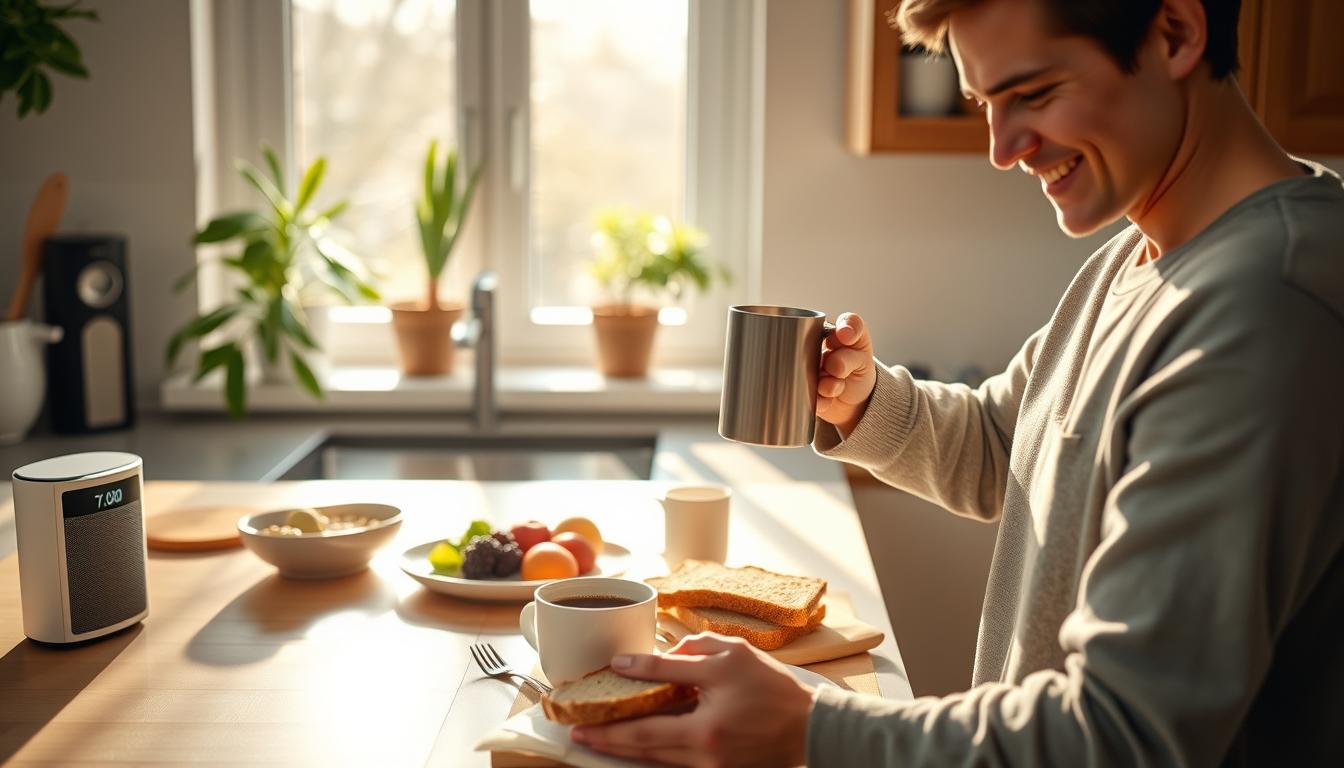
Creating smart routines can make mornings easier. They handle small tasks that waste time and cause stress. With one-touch automation, your alarm, lights, thermostat, and coffee maker work together. This lets you wake up gently and leave the house quicker.
Begin with a smart speaker like Google Nest Hub or Amazon Echo Show. It can start light changes, play news, and control your coffee maker. Adding a Nest or Ecobee thermostat warms your home before you wake up. This saves energy and makes mornings more comfortable.
Getting started might take some time. Users often face network issues at first. But, these problems usually go away when devices are on the same Wi-Fi. Start simple and add more to your routine as you get better at managing your time.
Automating your morning can save you minutes. These saved minutes help you focus on what’s important. They reduce stress and make your mornings more reliable, leading to better days.
Understanding the Benefits of a Smart Morning Routine
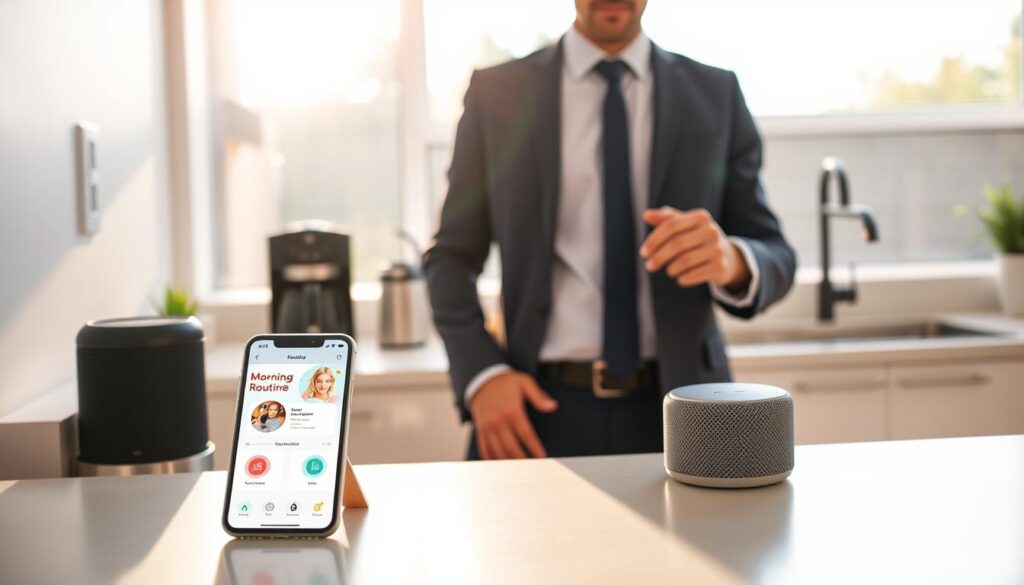
Mornings can be less stressful with smart routines. These routines help you wake up smoothly. They use gradual light and timed thermostat changes to ease the transition from sleep to wake.
Automations also save time in the morning. They can set your alarm, adjust the thermostat, and even give you news or traffic updates. This frees up time for exercise, planning, or a calmer commute.
A user found that synced devices act like a personal assistant. Once set up, they remember your preferences and make mornings easier. This consistency helps improve your mood and focus.
- Better sleep-to-wake transitions through gradual cues.
- Improved time management and fewer rushed decisions.
- More consistent daily habits and sustained energy.
- Lower cognitive load so you can prioritize what matters.
Automation is more than a novelty; it’s about lifestyle optimization. By following small tips and refining your routines, you save time and reduce stress. This leads to a more productive and steady start to your day.
Identifying Your Morning Goals
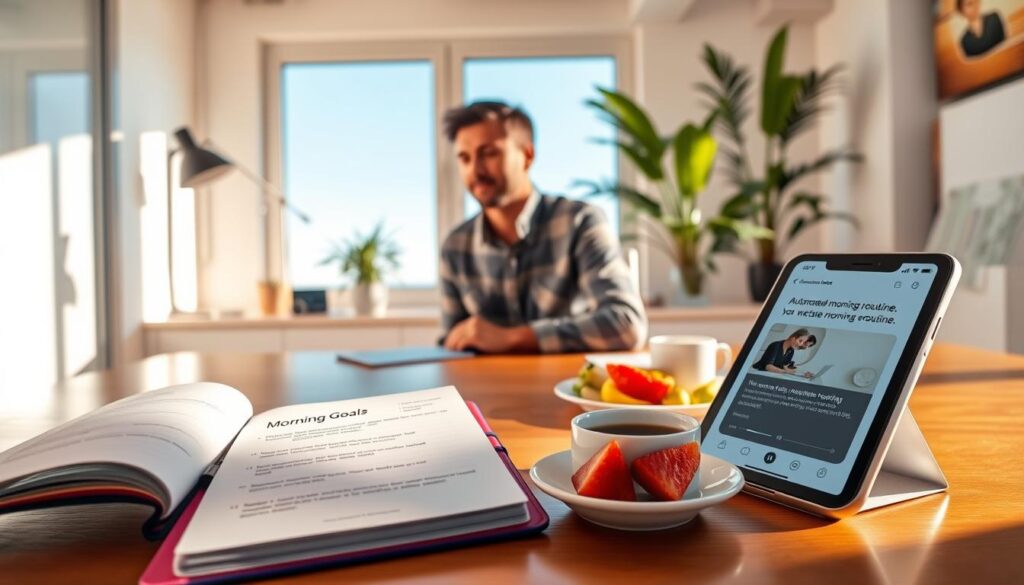
Start by making a list of your morning challenges. Think about what you need, like waking up gently or having coffee ready. This helps you plan better and stay focused.
Choose 2–4 key automations to start with. These might include your alarm, lights, thermostat, and coffee maker. Starting small helps you test your time management without feeling overwhelmed.
Set specific goals for each automation. For example, aim for waking up at the same time every day or automating three devices. Having clear goals helps you track your progress and plan better.
Think about what you want to achieve in the morning. Do you want a warmer bedroom or a ready cup of coffee? Link each goal to a device or routine to make it happen.
- List devices: alarm, lights, thermostat, coffee maker, blinds, speaker.
- Choose core automations: lights, thermostat, coffee first.
- Set success measures: minutes saved, tasks automated, wake-up consistency.
Be ready for some initial hiccups, like network problems. Make time for adjustments and keep refining your routines. See these early changes as part of the process.
Keep track of your progress and make changes as needed. Use a simple log or note each morning to see if you met your goals. This feedback loop will help improve your daily habits and long-term planning.
Choosing Your Automation Tools
Begin by choosing one ecosystem: Google, Amazon, or Apple. This choice makes pairing easier and keeps your devices consistent. It also reduces troubleshooting time. A Google Nest Hub or Amazon Echo Show is great for voice commands and visual prompts.
For lighting, pick options with sunrise features and gradual dimming, like Philips Hue or LIFX. Pair these with a smart thermostat, such as Nest or Ecobee, for climate control. Smart plugs and switches can automate older appliances. Consider TP-Link Kasa or Wyze plugs for devices without built-in connectivity.
Focus on devices that work well with your chosen platform. If you use different brands, use Google Home, Amazon Alexa, Apple Home, or IFTTT for integration. This ensures your smart routines work smoothly, controlling lights, coffee makers, and speakers with one tap.
- Select a smart speaker or display for routine triggers and voice control.
- Pick lights and a thermostat with scheduling and sunrise simulation.
- Add smart plugs for kettles, lamps, and other nonconnected gear.
Ensure all devices are on the same Wi-Fi network and check signal strength. Network stability is key for smooth routines. Use a reliable router or mesh system if devices disconnect.
Use simple organization techniques to label devices clearly in apps. Group them by room or function. Clear names help when creating routines and avoid mistakes.
Test a basic routine that raises lights, starts the thermostat, and powers a coffee maker. Adjust timings and device order until it feels natural. This setup makes mornings predictable and supports efficient schedules.
Crafting Your Ideal Morning Routine
Begin by creating a simple daily schedule. Plan your morning to include waking up gently, adjusting your comfort, and getting ready for the day. Start small to make it easy to stick to.
Use Philips Hue or a wake-up light to ease into the day. Adjust your thermostat to make your room cozy when you wake up. Make coffee automatically with a smart plug or coffee maker.
- 6:15 a.m. — lights ramp up over 10 minutes
- 6:20 a.m. — thermostat raises 4–6°F for warmth
- 6:25 a.m. — smart plug powers the coffee maker
- 6:30 a.m. — smart speaker reads calendar and weather
Set up a “morning scene” on Alexa or Google Home. This lets you start your day with just one command. It helps you focus on being healthy and makes mornings easier.
Adjust your routine based on how you feel and the season. Start with lights, thermostat, and coffee. Add music, smart blinds, or a stretch cue as you get used to it. This way, you can keep your routine going without getting tired of it.
Fix any tech problems before relying on your routine. Keep a checklist to update your scene easily. Use tips to make your morning smoother and less stressful.
- Draft a simple timeline that fits your sleep needs.
- Select devices that support persistent power and scheduled actions.
- Create a single trigger phrase for the full sequence.
- Test and tweak weekly until the routine feels effortless.
With careful planning and small steps, you can create lasting healthy routines. These routines make mornings peaceful and help you stay focused all day.
Implementing One-Touch Automation Features
Begin by picking a reliable platform like Google Home, Amazon Alexa, Apple Home, or IFTTT. Connect devices so one command does many things. For instance, a Google Home shortcut can turn on lights, adjust the thermostat, and start your coffee maker with just a phrase.
Use the drag-and-drop tools and templates these apps offer to make smart routines. These pre-made routines make setting up easier and show how actions work together. For non-smart items, add a smart plug or switch to make them part of your one-touch sequences.
Follow a simple checklist while building routines:
- Map each device action to one trigger in Google Home or Alexa.
- Confirm smart plugs are compatible with your voice assistant.
- Set the correct power-state behavior for plugs used with appliances like coffee makers.
Keep adding to your routines step by step. Test each part, then add more. If something goes wrong, reset and re-sync your devices on the same Wi-Fi network. Troubleshoot common problems like devices being offline or routines not in the right order.
Use simple names for your routines and devices. Group actions by purpose, like wake, nourish, and catch up. This makes it easier to fix problems and make changes later.
Start with a simple one-touch command and add more actions as you test them. Use efficient schedules in your routines to avoid problems, like your coffee maker turning on when you’re away.
After everything works, check how your devices are doing after each routine. This ensures your morning goes smoothly and helps you improve your smart routines.
Establishing Consistency in Your Routine
Set a fixed wake time and tie your devices to that moment. Use Google Home, Amazon Alexa, or Apple Home routines to switch lights and nudge the thermostat before you wake. Scheduled automations give repeated gentle cues that help regulate sleep-wake patterns and support daily habits.
Start small so you don’t overload your morning. Schedule a single bulb and thermostat change first, then add coffee or music scenes. Small wins make creating smart routines manageable and keep you from abandoning them.
Use native app schedules for accuracy. Program thermostats to warm the room 15–30 minutes before wake time and match bulb intensity to your preferred light level. This reduces manual fiddling and locks in consistency.
Expect to tweak settings at first. Track how you feel and note time saved on simple tasks. If stress drops and you shave minutes off your morning, your routine is working. These adjustments form the backbone of lifestyle optimization.
- Pick one wake time and enforce it with automation.
- Build up automations gradually to avoid friction.
- Monitor sleep and wake responses, then iterate.
- Use device-native scheduling tools to reduce manual steps.
Apply basic time management strategies by grouping similar actions into a single routine. This simplifies your morning and frees cognitive space for higher-priority tasks. Use these productivity tips to refine timing and intensity until your routine runs reliably.
Locking in routines through repeated, scheduled triggers turns effort into habit. Over weeks, you’ll notice smoother mornings and stronger daily habits that support long-term lifestyle optimization and better balance.
Evaluating and Adjusting Your Routine
Start by tracking small, measurable outcomes. Note minutes saved, changes in morning stress, and how ready you feel. Use those metrics to guide effective planning and to decide whether your timers, brightness levels, and thermostat ramps need tweaks.
Test one change at a time. Slow the lights’ ramp or raise thermostat gains in 5–10 minute steps. Watch how each change affects wake quality before changing another variable. This kind of incremental approach supports creating smart routines that stay reliable.
- Check app schedules and device compatibility when a component fails.
- Confirm smart plugs do not need physical toggles to stay on.
- Keep all devices on the same Wi‑Fi network to avoid sync problems.
If music or media stutters, reset network settings and reconfigure the routine. Try different playlists, vary light intensities, and shift wake times to discover what reduces friction. These small experiments reveal which organization techniques work best for your setup.
Use automation tools like IFTTT or your hub’s routines to refine sequences. Reorder actions so essential items run first. This practice improves time management strategies and helps you expand automations only after core behaviors prove stable.
Troubleshoot methodically: verify routine sync across devices, test each device individually, and document changes. Keep a short log of adjustments and results. That record turns productivity tips into repeatable wins.
When the basics behave consistently, add creative automations such as smart oven toasting, shower music, or Chromecast playback. Add these features gradually so you preserve stability while building a smoother morning.
Review your metrics regularly and maintain network stability. Tweak automation timings and settings as needed. Effective planning and steady refinement will make your morning routine both reliable and adaptable.
Integrating Wellness into Your Morning Routine
Start by using gentle light ramps and small temperature shifts to wake up your body. Smart alarms that simulate sunrise and thermostats that ease in warmth protect your circadian rhythm. These changes cut the jolt of abrupt alarms and lower morning stress while supporting healthy routines.
Use automation to free minutes for short wellness practices. Schedule a five-minute stretch, guided breathing on a smart speaker, or quiet music to help you transition. These small changes turn saved time into meaningful daily habits that support mental clarity and physical comfort.
Customize lighting color temperature and audio to match your mood. Bright, cooler light can boost alertness when you need focus. Warmer tones and calm playlists help you ease into the day when you seek relaxation. Personalization makes lifestyle optimization feel natural and effective.
- Simulate sunrise with smart alarms to improve sleep transitions.
- Schedule thermostat changes for a comfortable wake-up environment.
- Use brief guided practices to build mindful daily habits.
Start small and expand once the core automation is stable. Add features one at a time: a calming playlist today, a short workout tomorrow. This approach reduces friction and boosts the likelihood you’ll keep creating smart routines that stick.
Focus on tools that lower cognitive load. Brief morning summaries from your smart device let you skip deep decision-making until after wellness tasks. This supports productivity tips that align with wellbeing and helps you preserve energy for key items later in the day.
Make a practical plan: include sleep-friendly wake cues, a timed slot for mindfulness, and device-driven prompts for movement. Consistent use of smart features turns isolated actions into a steady pattern of healthy routines and daily habits focused on lifestyle optimization.
Expanding Your Routine Beyond Mornings
Morning routines are great, but you can make the whole day better. Use Google Home, Amazon Alexa, or Apple Home for routines at different times. Smart plugs and switches can even control older appliances.
Thermostats and lights adjust based on when you’re home. This saves energy and keeps you cozy. It’s all about making your day smoother and more efficient.
Get creative with your routines. Imagine a smart oven making breakfast, or music playing while you shower. You can even watch a video on Chromecast as you get ready.
Start with simple routines and add more as you go. Fix any tech issues first. Then, focus on automations that make your life easier.
By doing this, you create a system that helps you achieve your goals. You’ll have smarter days, better time management, and a more organized life.