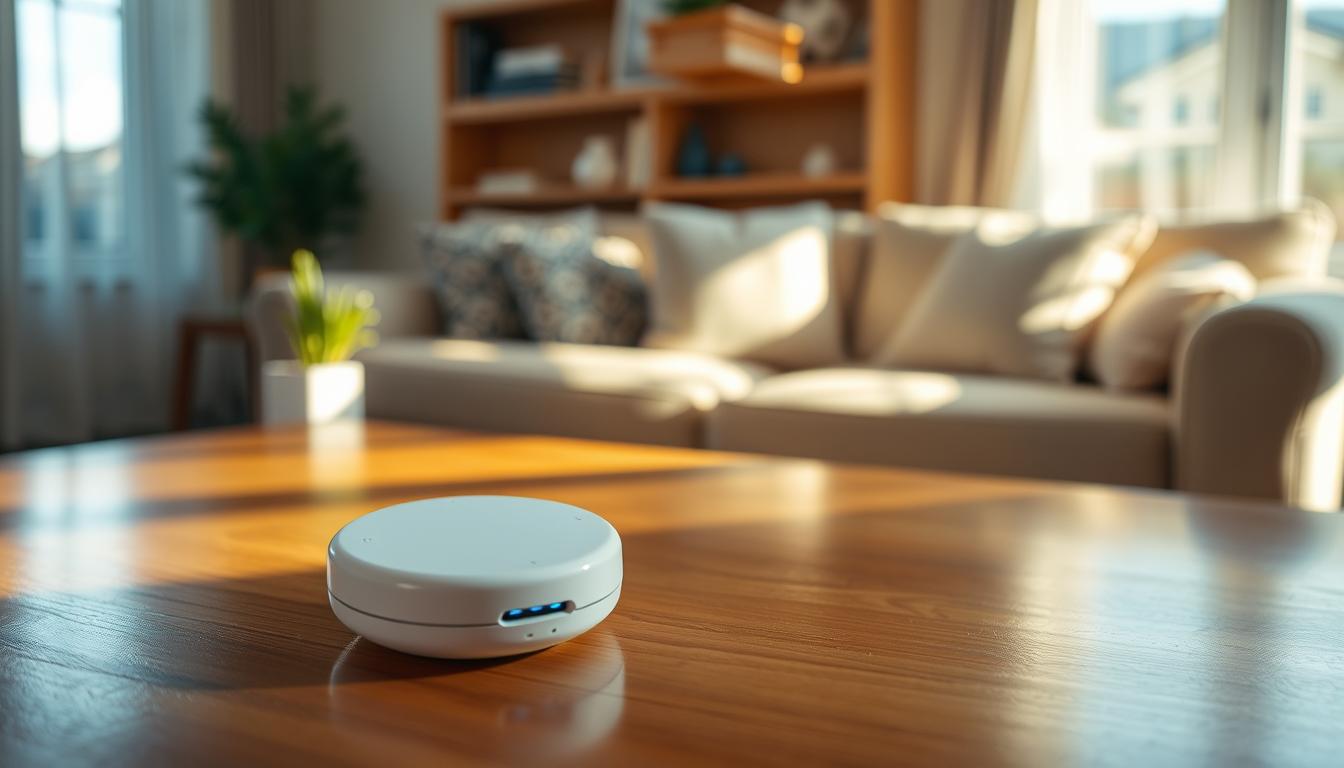
Fall detection sensors are devices that spot a sudden loss of balance and get help fast. They are part of medical alert systems or personal emergency response systems (PERS). You can wear them as pendants or wrist devices, or have them mounted in your home.
These systems offer faster emergency response, more independence, and less worry for you and your family. If a fall is detected, the device quickly connects you to trained operators or emergency services. This is important because falls are a big cause of hospitalization and injury in older adults.
There are many types of devices to fit different lifestyles. In-home systems are good for seniors who mostly stay at home. Mobile GPS-enabled systems are better for active seniors who travel. Wall-mounted sensors or motion-based units are a hands-free option.
Caregiver apps also play a big role. For example, the TELUS Health Medical Alert Caregiver Mobile app sends notifications for button presses, activity status, and location. This keeps a son, daughter, or professional caregiver informed.
The main benefits include 24/7 access to call-center support, faster response times, and better support for aging in place. As you read on, you’ll see how smart home security and automated lighting can work with fall detection. They improve safety and comfort while saving energy.
Understanding Fall Detection Sensors
There are many types of fall detection sensors for different needs. Wearable devices like pendants, wristbands, and smartwatches can detect falls. They sense sudden impacts and changes in movement.
Manual systems have push-button pendants or necklaces. You can press them for help if you feel off balance. In-home devices combine a base station with a wearable. The base station can reach up to 600 feet outdoors, useful for yard activities.
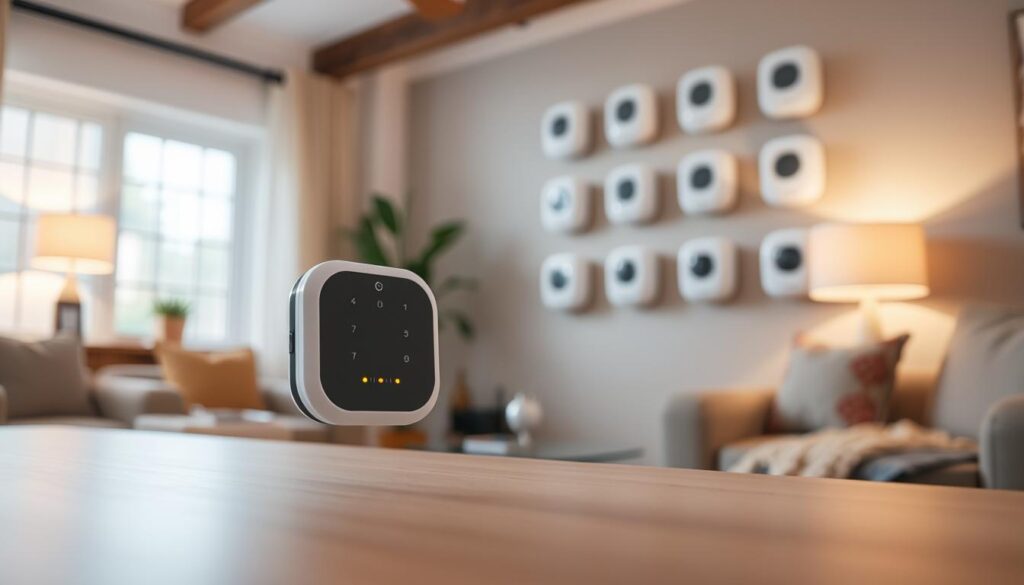
- In-home mounted sensors use radar or wall units to monitor motion. They do this without cameras or constant wearables.
- Smartphone-based apps turn your phone into a basic fall detector. They send alerts for falls and if you don’t move for a while.
Recent research has led to wall-mounted radar devices. They track walking speed, sleep, and inactivity without invading privacy. These sensors notice unusual activity and connect to apps for two-way communication, keeping you reachable without a device.
Mobile GPS systems power devices and send alerts if you fall away from home. They send your location to emergency contacts or monitoring services, helping responders find you fast.
Smartwatches and phones with motion sensors can detect hard impacts. They can automatically call 9-1-1 or a monitoring center if you don’t move. They also watch for extended immobility and send alerts when needed.
Consider fall detection if you live alone, have balance issues, chronic conditions, or are recovering from surgery. These systems can save time and provide a safety net when help is far away.
Using fall detection sensors with smart lighting and motion sensor lights can reduce the risk of nighttime falls. Automated lighting that turns on when you move can make stairs and hallways safer. This makes your home safer overall.
How Fall Detection Sensors Operate
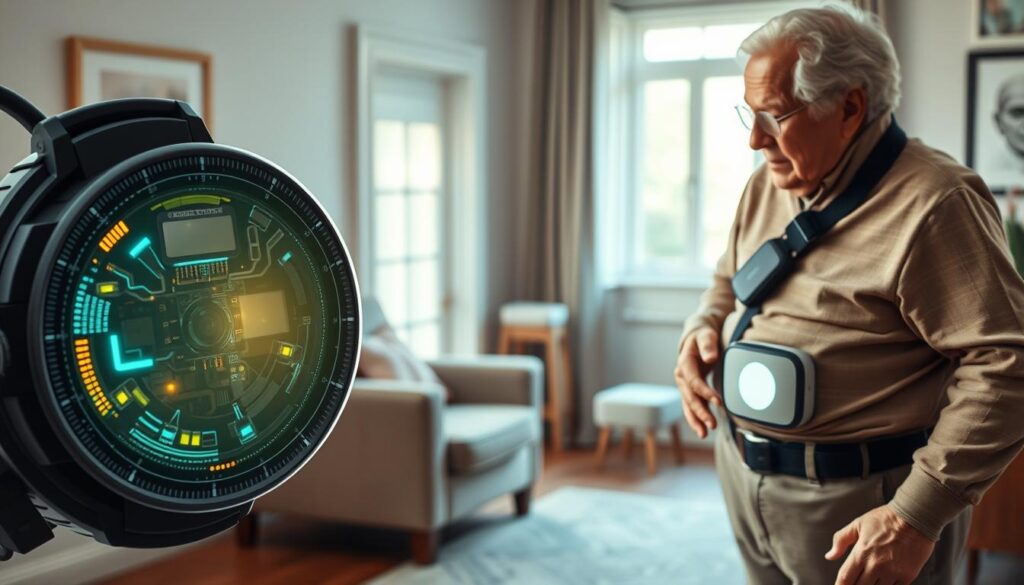
Several sensing methods work together to detect falls. Wearables and smartwatches use accelerometers and gyroscopes. They spot sudden changes in movement and direction.
Radar sensors on walls send out radio waves. They use AI to analyze motion patterns without needing video. Smartphones also add to the mix with inertial sensing and impact detection.
Algorithms in these devices learn what normal activity looks like. They flag anything unusual. Companies like Apple and medical monitoring services use AI to cut down on false alarms. They focus on finding real emergencies.
When a wearable detects impact, it sends out a clear alert. It first asks if you’re okay. If you don’t respond, it can call emergency services or a monitoring center. It shares your GPS location to help find you if you’re away from home.
In a home setup, sensors trigger a base station. This opens a two-way audio link to an operator. Trained staff then assess the situation and contact emergency services or your contacts. Services like Telus Health offer fast response times and clear audio, even with hearing aids or mobility aids.
Systems have features to manage false alarms. You can cancel a call during a confirmation window. Some platforms log response times and let you replay audio for quality checks. These features help reduce unnecessary dispatches while keeping safety high.
After a fall, integrating with home technology can help. Motion sensors can turn on lights automatically. This reduces night-time risks and helps responders see better.
- Wearable sensors: accelerometers, gyroscopes, impact detection.
- In-home sensors: radar motion sensing, base station audio links.
- Mobile/GPS: location sharing when a fall occurs outside the home.
- Smart home links: motion sensors trigger automated lighting system via wireless lighting control and connected lighting technology.
When choosing devices, look for clear alert workflows and reliable false-alarm controls. Also, check if they integrate well with your smart home. These factors affect how well fall detection sensors work in real life and protect you or your loved one.
Benefits of Fall Detection Sensors
When you fall, you get help fast. Many systems call for help automatically if you don’t respond. For example, the Apple Watch has saved lives by sending alerts quickly after a fall.
These sensors help you stay independent. You can move around freely at home and outside. Medical alert systems keep you active and safe, making your family feel at ease.
Family members get peace of mind with caregiver apps. These apps send updates and alerts in real-time. They keep you connected without constant calls.
AI-driven sensors can prevent falls before they happen. They track how you walk and sit. This helps doctors spot problems early, thanks to studies by Chirp and Geras.
Many sensors are easy to wear and don’t get in the way. They’re water-resistant and light, making them comfortable all day. There are also sensors that don’t need to be worn, perfect for those who don’t like pendants.
Adding smart home upgrades makes your space even safer. Motion sensor lights and automated lighting reduce falls at night. They also save energy while making your home brighter.
These sensors are not just for home use. They also protect workers in dangerous jobs. Features like man-down detection and shake-for-emergency help workers in emergencies.
In summary, fall detection sensors do more than just alert for emergencies. They work with smart home tech, caregiver apps, and more to make your life safer and more independent.
Key Features to Look For
First, decide between automatic fall detection and manual activation. Automatic systems, like Apple Watch models, can call for help if you’re unconscious. On the other hand, manual pendants or buttons require you to press them when you can.
Make sure the system has clear two-way communication. A built-in speakerphone and hands-free audio are great for talking to monitoring operators, even if you’re wearing hearing aids.
- Range and mobility: confirm in-home coverage and mobile GPS for active seniors.
- Battery life and charging: choose devices with long battery life measured in days or weeks and low-battery alerts.
- Comfort and water resistance: lightweight, water-resistant units work well in showers, where many falls occur.
Monitoring quality is key. Look for providers with trained operators and quick response times. Canadian-based monitoring can help with local coordination.
Caregiver app integration is useful. It lets family members get notifications, activity summaries, and location updates. Choose apps that allow you to customize alerts and share access securely.
False alarm controls are important. Sensitivity settings and call-cancel options help avoid unnecessary trips to emergency services while keeping you safe.
Privacy-preserving sensors like radar-based motion detectors offer monitoring without cameras. They track movement and sleep while respecting your privacy.
Smart home features can enhance safety. Look for systems that work with smart lighting solutions, motion sensor lights, and wireless lighting control. These create well-lit paths and reduce trip hazards at night.
- Assess automatic detection versus manual activation for your risk level.
- Confirm long battery life and simple charging routines.
- Ensure caregiver app integration and clear two-way voice links.
- Look for water resistance, comfort, and reliable monitoring response.
When comparing systems, focus on these key features. The right combination of technology and usability keeps your loved ones safe while fitting into your daily life.
Popular Brands and Their Technologies
When looking at fall detection sensors, you have many good choices. TELUS Health Medical Alert has systems for both home and on-the-go. They have automatic fall detection and a mobile app for caregivers. Their Canadian teams respond fast, and coverage is about 600 feet, perfect for many homes.
The Apple Watch has a built-in fall detection feature. It looks for hard impacts and lack of movement. If you don’t respond, it can call emergency services and share your location. This has saved lives by acting quickly.
Chirp uses radar on walls instead of cameras or wearables. It came from research at Hamilton Health Sciences and McMaster University. It tracks your movement, sleep, and how much you sit, and it’s easy to install and reliable.
SafetyLine offers tools for lone workers that use smartphones. Their features include man-down detection, fall detection, and a shake-for-emergency option. This uses your phone’s sensors, making it quick to set up for solo workers.
Collaborations between academics and industries lead to new tech. Chirp’s research and funding from programs like SOPHIE in Southern Ontario help. This means you get tech that’s been tested in homes and approved by doctors.
- Smart home security systems now integrate fall alerts with alarms and monitoring centers.
- Smart lighting solutions can be tied to detection events to light paths and reduce repeat falls.
- You can combine wearable alerts, in-home sensors, and smartphone features for layered protection.
When picking a system, think about coverage, false alarms, and how it fits your life. Mixing TELUS Health Medical Alert, Apple Watch, Chirp, and smart home or lighting solutions can create a strong safety net for you.
Installation Process for Fall Detection Sensors
First, pick the right setup for you. Many seniors like a wearable with a smartphone app for easy use. Make sure it’s charged, paired with the app, and set to detect falls. Also, practice canceling false alarms to understand how it works.
For in-home use, you’ll need a base station and a pendant. Put the base station in the middle for the best coverage. Test the range around your house. TELUS Health suggests checking both indoor and outdoor zones for reliable alerts.
Wall-mounted sensors are great for key rooms. Install them in living rooms, kitchens, and bedrooms at the right height. Studies show three devices per home can track movement well while keeping privacy.
If the senior spends time outside, turn on the cellular plan and location services. Test GPS in the places they visit most. This ensures they can be tracked and helped quickly.
Next, set up the caregiver app on your phone. Install it, choose how you want to be notified, add emergency contacts, and set up geo-fences if needed. This lets caregivers get alerts and check on the senior remotely.
- Test automatic detection by simulating falls and by staying very quiet for a while.
- Make sure two-way audio and low-battery alerts work during these tests.
- Check if the device is water-resistant by following safe bathroom steps without getting it wet.
Adding smart lighting for safety can help prevent falls at night. Connect motion sensor lights or automated systems to your sensors. This way, hallways and bathrooms will light up automatically. It’s easy to install in older homes and is worth it.
Talk about privacy and consent with the senior before you start. Radar sensors monitor without cameras, which many find more acceptable. Being open and clear helps build trust and ensures the setup meets their needs for safety and comfort.
Cost Considerations
When looking at cost, split it into one-time and ongoing expenses. Some systems need a base unit or wearable upfront. Others offer a monthly plan with hardware included, saving you money initially.
Monthly fees for medical alert systems usually range from $35 to $70. This depends on the level of monitoring and extra features. Mobile GPS plans are pricier because they include cellular service and tracking. In-home units tend to cost less each month.
Don’t just look at the price. Consider the quality of service, like Philips Lifeline or Medical Guardian. Also, think about features like automatic fall detection, GPS, and caregiver apps for alerts and check-ins.
Remember, there are extra costs. Installation fees might apply, but some providers waive them. Accessories like spare pendants or replacement batteries also add up. Look for discounts, like TELUS loyalty offers for existing customers.
- Mobile vs. in-home: mobile systems cost more because of cellular and GPS charges.
- Enterprise and lone-worker pricing: apps like SafetyLine use tiered subscriptions and per-user licensing for workplace deployments.
- Accessories and maintenance: add-on pendants and battery replacements raise total spend over time.
Think about smart lighting solutions and their impact on safety budgets. Motion sensor lights and energy-efficient options can save on bills and reduce fall risks at night. The initial cost of automated lighting can be worth it over time due to energy savings.
Consider your family’s budget. Look for discounts for members, insurance coverage, veteran benefits, and seasonal deals. Also, think about the long-term healthcare savings from quicker emergency responses and injury prevention.
User Experiences and Testimonials
James Prudenciano, a New Jersey hiker, survived a severe fall thanks to his Apple Watch. It detected the impact, asked if he was okay, and called 9-1-1 when he didn’t respond. This shows how smartwatch fall detection can be lifesaving in emergencies.
Home pilots also share their experiences. The Chirp study tested wall-mounted radar units in homes. People found them easy to install and effective in tracking movement.
Caregivers appreciate the quick alerts from these systems. Mobile apps send notifications and updates, giving families peace of mind. Users love the clear audio and water-resistant designs.
At work, safety tools like SafetyLine have made a big difference. They use man-down features and alerts for when someone stops moving or falls. This helps first responders find workers in need of help.
Researchers at Geras Centre studied device performance in real-life settings. They worked with Hamilton Health Sciences to compare data. Their findings support the devices’ reliability and effectiveness beyond lab tests.
When choosing a device, consider comfort and clear communication. Users value products that are comfortable, water-resistant, and allow direct communication with responders. These features are often highlighted in reviews and reports.
In summary, users often talk about practical setups, timely alerts, and thoughtful design. These experiences can help you decide between smartwatches, wall-mounted radar, or motion sensor lights.
Future Trends in Fall Detection Technology
AI fall detection will soon predict falls before they happen. It will use machine learning to notice changes in how you walk. This way, you can act fast to prevent a fall.
More people will choose non-wearable options. Radar and ambient sensors can watch over you without cameras or pendants. This makes them appealing to those who don’t like wearing devices.
- Smart home security will soon include fall detection. It will work with voice assistants, door locks, and HVAC for better responses.
- Connected lighting will play a big role in safety. Lights that turn on when you move can help prevent falls in dark places.
- Wireless lighting control will make it easy to add safety lights to old homes. They turn on automatically when someone moves.
Location accuracy will get better for quicker help. Better GPS and indoor tracking will help emergency responders find you faster, even in big places.
Your caregiver dashboards will get more useful. Apps will show trends, alerts, and telehealth links. This helps family and doctors work together better.
- More people will use fall detection in different ways. It will help lone workers and outdoor lovers with special features.
- More studies and partnerships will happen. This will make people trust fall detection more and help get it covered by insurance.
These changes will change how we use fall detection at home and on the go. We’ll use AI, connected lighting, smart home security, and wireless control to make our lives safer.
Maintaining and Testing Your Sensors
Keep a simple routine for maintaining fall detection sensors. This ensures your system stays reliable. Test devices weekly or monthly, as the manufacturer suggests. This includes triggering manual alerts and simulating falls.
Confirm that two-way audio and the caregiver app work well. Also, make sure notifications reach the right people.
Watch battery life closely and respond to low-battery alerts. For wearables, follow the recommended replacement and charging schedules. This helps avoid downtime.
Enable firmware and app updates for accuracy and security. This way, you get the latest improvements and patches automatically.
Regularly check the placement and environment of your sensors. For wall-mounted radar sensors, ensure the mounting height and line-of-sight are correct. Place base stations centrally and keep signal paths to pendants clear.
Test smart lighting maintenance by exercising motion sensor lights and automated scenes. Replace dim or burnt-out bulbs to keep visibility good.
Be ready for false alarms and connectivity issues. Learn how to quickly cancel false alarms and adjust sensitivity settings if possible. Confirm your cellular plans and Wi-Fi strength for mobile or app-connected systems.
Ensure caregiver app permissions like location and notifications are enabled. Keep a written emergency plan with device instructions, contacts, and maintenance logs. This helps caregivers and responders act fast. Consider replacing or upgrading when battery life degrades, response times slip, or new features like radar-based non-wearable sensors become available.