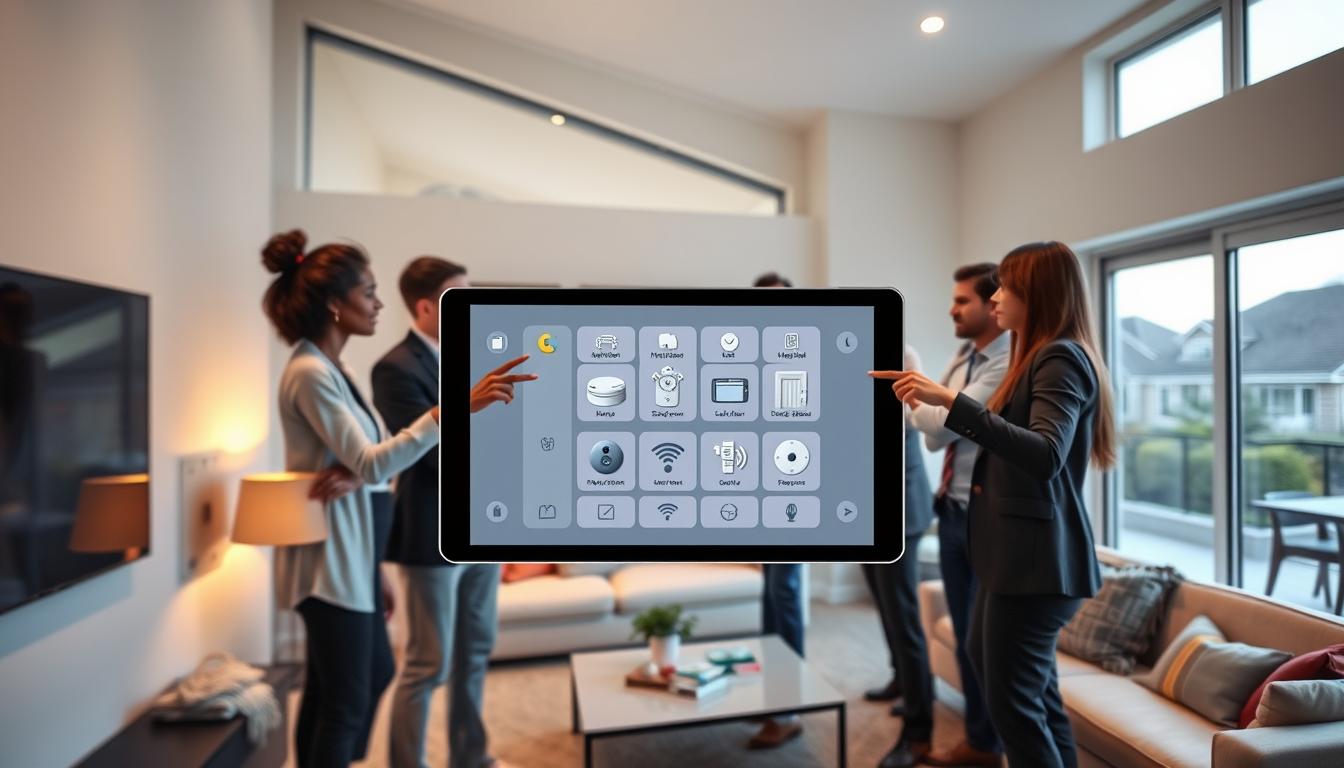
Integrating security hubs means you combine sensors, cameras, alarms, and alerts into one spot. This lets you watch and manage safety from a single screen. For your home, it means fewer missed alerts and consistent rules for notifications.
With the same rules for alerts, setting up devices is simpler. You’ll also see clearly what needs your attention. Hub-based solutions make handling alerts easier, whether it’s to acknowledge, silence, or repeat them on a schedule.
Home Assistant shows how this works. It lets an alert watch a garage door and change states. Alerts can repeat, include context, and be acknowledged until fixed. But, Home Assistant needs a notifier set up first for alert integration.
At bigger scales, you see centralized security in dashboards like REACT for tracking and automation. Or in digital-signage systems like Yodeck for emergency messages. These systems aim for one clear view and quicker responses.
Understanding Security Hubs
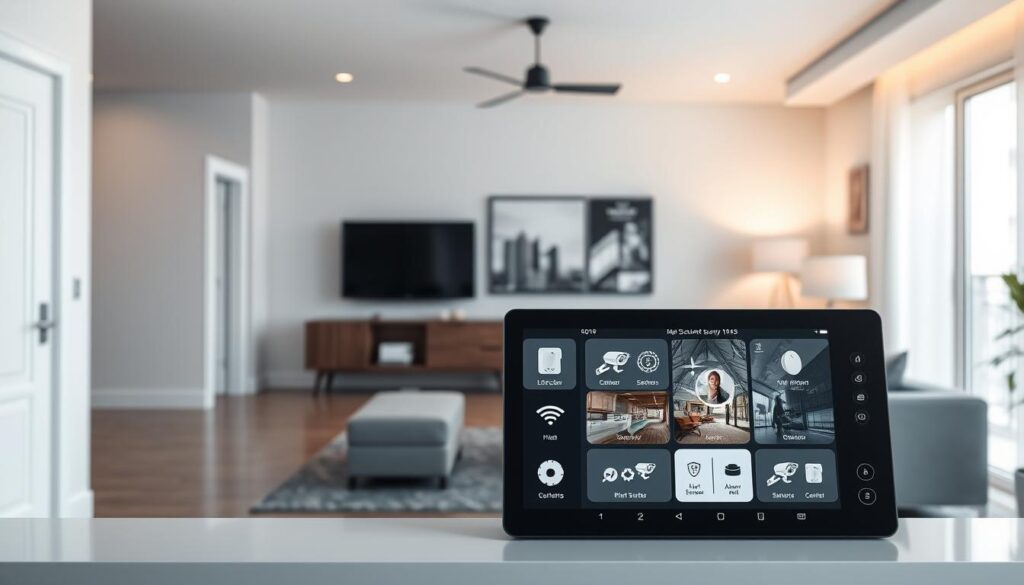
A security hub is a single controller that connects sensors, cameras, alarms, and notification systems. It works with motion, door/window, and water-leak sensors, cameras, and alarms. This makes managing your security system simpler.
Core components include three parts you will use every day:
- Entities and sensors that report states and values.
- Notification notifiers for push, SMS, email, Telegram, and Twilio messages.
- An automation engine plus a user interface or dashboard to coordinate responses.
Home Assistant shows alerts as entities with three states: idle, on, and off. These alerts use a notifier to send messages. Template binary sensors turn complex conditions into a single entity you can act on.
Hub concepts work for homes and businesses. Platforms like REACT have central dashboards for safety metrics, incident tracking, and compliance. This shows how hubs meet daily needs and regulatory demands.
Digital-signage emergency systems, like Yodeck, offer another view. Hubs can send targeted emergency messages with alert templates. This shows how security platforms combine messaging and visibility.
Understanding these components helps plan a smart home integration. You’ll decide on sensors, notifiers, and automations. Choose a dashboard style and consider enterprise-grade features for your family’s security. Making smart choices makes security solutions more reliable and user-friendly.
The Importance of Centralizing Safety Alerts
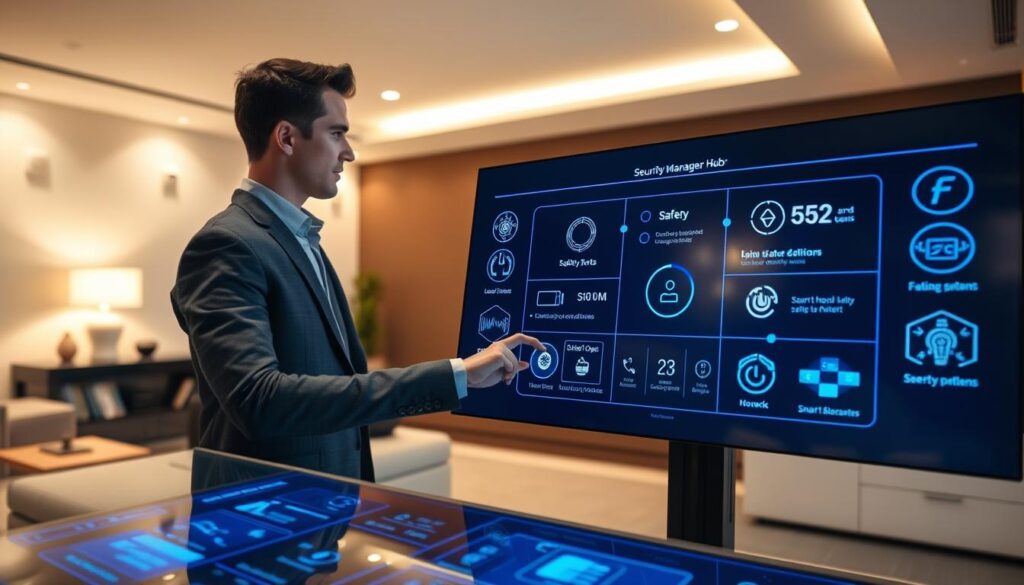
Centralized security management makes scattered alarms clear and simple. You see fewer duplicate alerts and feel less overwhelmed. This is because all notifications go through one place that can be acknowledged and silenced until fixed.
With templates and alerts based on specific things, you can act quickly and accurately. You can add details like a tank problem or an open garage door to messages. This way, responders know exactly what to do before they get there.
Reliability means keeping at it until the problem is solved. Set notifications to repeat at intervals like 15, 30, or 60 minutes. This keeps the right people informed without flooding them with too many alerts.
Make sure the right people get the alerts. Use group notifications that can target specific groups, like sending a text to an off-site contact. This way, you keep everyone informed without waking up the whole neighborhood.
What works for big companies can work for your home too. Systems like REACT show how centralizing information and automating workflows can improve safety. Digital-signage systems can also focus warnings to specific areas, avoiding unnecessary evacuations.
Integrating your security systems makes them easier to manage and more reliable. This approach helps everyone respond quickly and effectively when every second counts.
Choosing the Right Security Hub for Your Home
First, decide if you want a dedicated hardware hub or a software-hosted one. Hardware hubs include Zigbee and Z-Wave options from brands like Ring and Honeywell. On the other hand, software-hosted hubs run on Home Assistant, using a Raspberry Pi or a NAS.
Think about how your choice affects convenience, control, and maintenance. This decision is key to how you manage your home’s security.
Make sure your chosen hub works with your current devices and notification systems. Check if it supports push notifications, SMS, Telegram, and mobile app integrations. Also, look for template support and the ability to create custom automations.
- Evaluate alert acknowledgment and repeat configuration to confirm events and avoid missed notices.
- Look for message templating and dynamic repeat delays to fine-tune alert escalation.
- Choose a hub that allows inline action buttons, like Telegram inline_keyboard, for Acknowledge or Close garage.
Consider the scale and user experience of your home. For a single home, the Home Assistant UI is clean and easy to use. For multi-site needs, look for dashboards built with REACT or similar frameworks.
If you have wall displays, use digital signage tools like Yodeck to broadcast emergency alerts to specific rooms or floors.
Always prioritize security and privacy when choosing a hub. Local-first solutions reduce cloud exposure and keep data on your network. Check encryption standards, account controls, and firmware update policies to protect your devices and personal info.
Consider the cost and support options when making your decision. Add device costs and any subscription fees to your budget. Look at community forums, vendor documentation, and if professional security hub integration services are available for managed setup or advanced configuration.
Match the hub’s features to your usage. If you need robust automation, choose integrated systems that handle templates and actions. For a hands-off, professionally installed option, look for vendors with security hub integration services and ongoing support.
When comparing products, focus on long-term flexibility. A hub that supports multiple protocols, has solid notification options, and third-party tools will grow with your home and changing needs.
Setting Up Your Security Hub
First, gather what you need. Choose a hub platform like Home Assistant or a commercial one. Make sure you have stable power and internet. List the devices, notifiers, and channels you’ll connect for better security management.
If you pick Home Assistant, start with notifier integrations. Set up mobile_app, Telegram, or Twilio as needed. Use group notification wrappers for sending to more than one person. Edit configuration.yaml and restart Home Assistant to apply changes.
Create alert entities with alert: configuration blocks. Name them clearly, choose the entity_id to watch, and set the state that triggers the alert. Decide on repeat intervals and if the alert can be acknowledged. Use skip_first to avoid first-time false alarms. Give message and done_message text for context and resolution.
- Example: create a garage_door alert with repeat 30 and two phone notifiers so both household members get updates.
- Example: freshwater_temp_alert for an aquarium or tank using a specific binary_sensor and repeat 5 for frequent checks.
For digital signage emergency setups, add emergency alert types to player configurations. Choose default templates and save the configuration. Use Push to Players to ensure displays show alerts even without internet.
In an enterprise or multi-site setting, set up admin accounts and project configurations. Create dashboards, templates, and workflows for each site. Use REACT-style dashboards to organize roles and alert flows.
Test your setup before relying on it. Trigger test alerts and check notifications arrive as expected. Confirm alert entities show the right states in the frontend. This step proves your security hubs work right.
Keep a simple record of your setup and notifier assignments. This helps with future changes and supports better security management as you add more devices or switch platforms.
Integrating Your Existing Security Devices
First, make a list of all your devices. Include cameras, door and window sensors, smart locks, and more. Having a detailed list helps in planning and keeping your systems up to date.
Next, match each device with a name in your automation platform. In Home Assistant, use names like input_boolean.garage_door. Create special sensors for complex rules, like battery checks.
Use adapters and bridges when needed. They help extend the range of your sensors. ONVIF works well with many IP cameras. Also, use vendor integrations for brands like Ring and Nest.
Before setting up alerts, check what you need. Some services, like Twilio, require phone numbers and login details. Group notifications to keep alerts consistent across all channels.
- Assign emergency widgets to digital signage players.
- Tag players by floor or area for quick targeting.
- Group players into Broadcast Groups or Workspaces for broad announcements.
Test each integration well. Try out sensor triggers and low-battery states. Make sure alerts work as they should. Regular checks keep your system running smoothly.
Make a checklist for regular checks. Include device inventory, entity mappings, and more. This helps avoid missed alerts and keeps your system strong.
Customizing Alerts and Notifications
You can customize alerts to be clear and useful. Add sensor details like humidity and last water time to messages. This helps avoid unnecessary checks.
Choose how often to repeat alerts based on their urgency. Use simple times like 15 or 60 minutes for reminders. You can also delay the first alert to avoid immediate notifications.
Allow people to acknowledge and clear alerts directly. Set can_acknowledge to true and create a summary message. This makes managing alerts easier, thanks to systems like Home Assistant.
Make alerts easy to act on. Add buttons or commands to messages. This way, you can quickly respond to messages like “Close garage.” Automations can then silence the alert, keeping your home safe.
- Notifier distribution: assign multiple notifiers so family members get messages on their preferred channels.
- Wrap complex services like Twilio SMS in group notification configs to pass platform parameters without duplicating logic.
- Targeted broadcasting: use tags, Broadcast Groups, or Workspace grouping to limit alerts to floors, rooms, or buildings.
For homes with multiple locations, map notifiers to zones. This way, only relevant people get alerts. It helps avoid alert fatigue and keeps your security system integrated.
Regularly test your alert system. Send test alerts and check how they work. This ensures your security system is always ready to protect your home.
Enhancing Security with Automation
Automation can quickly turn alerts into actions. For instance, set your garage to close or lights to turn on when a motion sensor is triggered. You can also silence non-urgent alerts at night, so only important ones wake you up.
Use templates and binary sensors to cut down on false alarms. Create a binary sensor that checks door, window, and battery states. This way, actions are triggered by meaningful conditions, not single inputs.
Make your responses smarter with dynamic delays and escalation paths. Use repeat lists to increase wait times over time. After a few tries, switch to louder sirens and wider notifications.
- Interactive notifications let recipients act on alerts.
- Use Telegram callbacks or mobile app actions to let someone acknowledge and stop an alarm.
- The acknowledgement can run a service like alert.turn_off to close the loop.
For bigger setups, use workflow templates and enterprise tools. These solutions help log incidents and assign tasks. They also keep records and send out emergency plans to displays and teams.
Build resilience into your system by pushing emergency content locally. Use local signage players to show messages on screens, even if the main server is down. This keeps critical alerts active in your hub-based security solutions.
Choose automation that suits your needs. Integrated security systems should reduce noise, speed up responses, and keep records. Start simple, test, and grow your automations as you become more confident.
Troubleshooting Common Issues
If you miss notifications, start by checking notifier integrations and credentials. Look at mobile_app, Telegram, Twilio, or group wrappers. Make sure each service is active and the parameters match your account settings.
When entity states don’t match alerts, verify the entity_id referenced by the alert exists. It should report expected states. Use Home Assistant developer tools or the frontend to watch state transitions. Confirm sensors update in real time.
False positives often come from simple equality checks. Use template binary sensors to bundle complex conditions. Templates reduce spurious alerts and make security hub integration more reliable.
- Check repeat settings if alerts recur unexpectedly.
- Confirm skip_first, can_acknowledge, and repeat list sequences are set as intended.
- Remember repeat lists define escalating delays, not random timing.
If action buttons fail, confirm platform-specific callbacks are handled. For example, Telegram inline_keyboard needs an event listener for telegram_callback. An automation should run alert.turn_off or other actions.
Broadcast and display errors usually trace to offline players or missed “Push to Players” steps. Verify players downloaded the latest alert. Confirm Broadcast Groups and tags match, and check workspace nesting so devices belong to the correct group.
Network issues can block cloud notifiers and webhook callbacks. Test local connectivity, review firewall rules, and make sure the hub keeps persistent access to required cloud APIs. A flaky connection undermines security hub integration and limits security hub integration services.
Keep a short checklist for each problem: service credentials, entity state, template logic, repeat rules, callback handlers, player status, and network reachability. That makes diagnosing issues faster when using integrated security platforms.
Keeping Your Security Hub Updated
Make sure your hub, cameras, sensors, and bridges have the latest firmware and software. Regular updates fix vulnerabilities and ensure your systems work well with new devices and cloud services.
Before making big changes, back up your setup. Home Assistant users should save configuration.yaml and related templates. Keep these backups safe in a cloud account or offsite location. This way, you can quickly fix any issues caused by updates.
- Apply staged updates on a test device when possible.
- Create a restore point before wide rollouts.
- Keep vendor credentials and licenses current.
Test your alerts and automations after each update. Check if notifier credentials and emergency features work right. Do a quick test to make sure notifications and sirens work across all your systems.
Use simple templates and sensors to watch over your devices. Set up alerts for low battery levels. Fix or replace any faulty devices fast to keep your security system complete.
Stay updated with vendor security advisories and platform release notes. Companies like Ring, Arlo, and Bosch share important updates. Tools like REACT help you stay compliant and respond quickly to audits.
Keep a detailed log of all changes. Note down broadcast tags, workspace assignments, and automation changes. This helps you quickly set up again or go back to a previous version. Good documentation helps you avoid downtime and supports strong security solutions.
Set a regular schedule for maintenance. Do weekly health checks, monthly backups, and firmware reviews every quarter. This keeps your system strong as your home network and devices change.
The Future of Security Hubs
Home safety and network protection will merge more closely. Cybersecurity hubs will monitor IoT traffic and alert you to unusual device behavior. They will also start local defenses without needing cloud commands.
AI will help reduce false alarms and give clear instructions. Machine learning will predict when batteries might fail or sensors drift. This way, you can fix issues before they cause alarms to fail.
Automation will make it easier to connect devices and systems. You can send specific evacuation cues or instructions to rooms when danger arises.
Standards like Matter will improve how different systems work together. This means brands like Ring, Nest, and Home Assistant will integrate better.
Emergency alerts will become more detailed and reliable. Hubs will send alerts to specific rooms and keep messages available even when the internet is down.
Getting help for setting up your security system will become easier. Experts will handle the setup and upkeep, making your security system work seamlessly.
- Network-aware monitoring to reduce blind spots
- Predictive maintenance via AI for fewer surprise failures
- Standardized APIs for smoother cross-brand operation
- Granular emergency messaging with local fallback caches
- Professional integration services for hybrid home-enterprise needs
The future of security hubs looks promising. They will be smarter, more reliable, and easier to use.
Conclusion: Streamlining Your Home Security Experience
Centralizing alerts into one hub makes you more aware and quicker to respond. By integrating security hubs, you combine sensors, cameras, and alarms into one view. This reduces noise and helps you create smarter automation and escalation paths.
Real-world examples, like Home Assistant, show how to make alerts meaningful. They use entity-based alerts, acknowledgements, and templating to avoid overwhelming you.
Begin by listing your devices and choosing a platform that suits you. You might use a local Home Assistant instance or commercial hub hardware. Next, set up notifiers and create alert entities and template binary sensors for detailed conditions.
Test your notification and broadcast workflows. Using integrated security platforms and services ensures devices work together well. They send the right message to the right person or room.
Plan for growth and reliability if you have multiple rooms or buildings. Use tags, Broadcast Groups, and workspace features to target messages. Push emergency content locally to displays and speakers for immediate critical notifications.
Keep firmware and software updated, back up configurations, and monitor device health. Also, improve automations to reduce false positives and enhance coverage.
By following these steps, you can manage your security effectively. Integrating security hubs simplifies your home interface. It protects your household better while reducing complexity and stress.