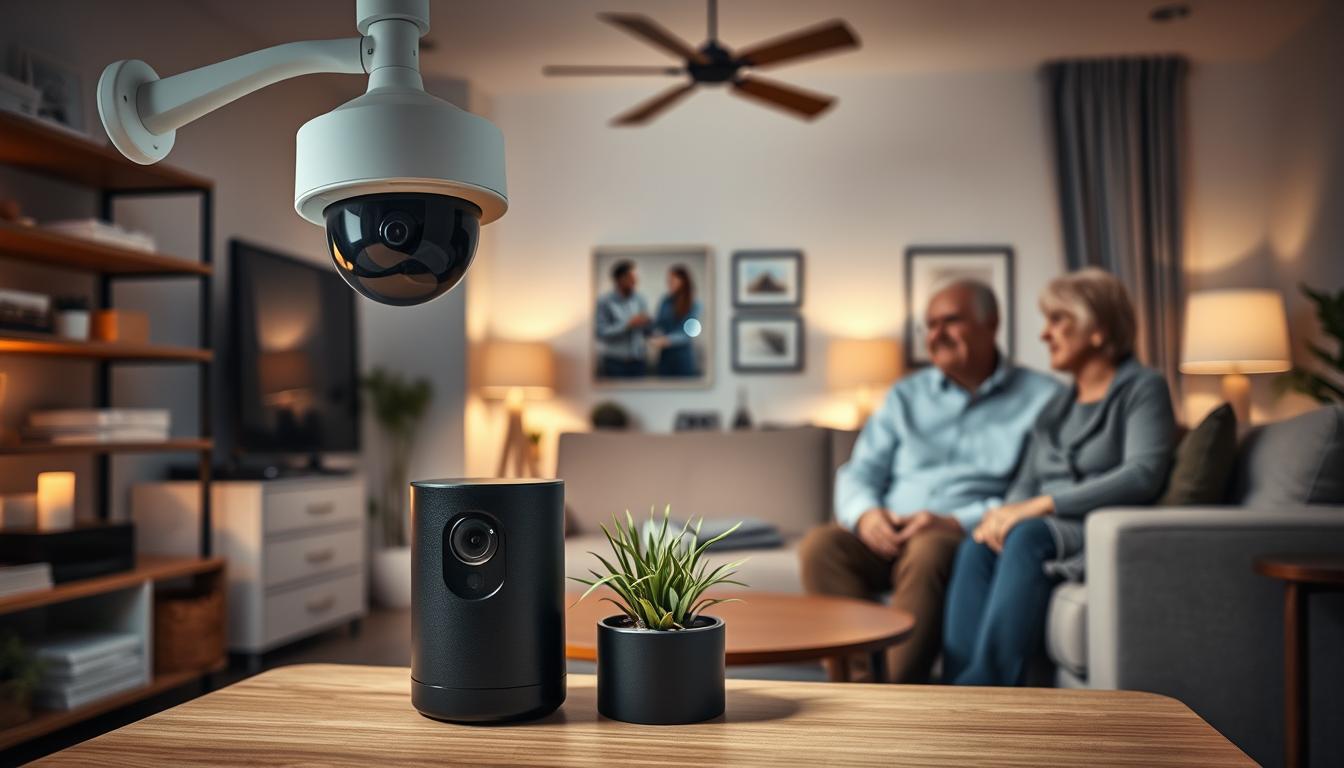
You want a home that keeps older adults safe without feeling intrusive. Night vision cameras and indoor security cameras can help. They monitor activity after dark, detect falls, and check on visitors. This section explains how these devices fit into larger home security systems and smart home technology aimed at seniors safety.
Industry testing from ADT, SimpliSafe, and Vivint shows what matters for older users. ADT and SimpliSafe score highly for professional monitoring and easy setup. Vivint ranks well for home automation. Look for systems that offer 24/7 professional monitoring, voice control with Alexa or Google Assistant, and simple automation routines tied to environmental sensors.
Affordability is a real concern if you or a loved one lives on a fixed income. ADT and SimpliSafe are often recommended for lower startup or monthly costs. ADT offers AARP discounts and installment equipment plans, and SimpliSafe promotes month-to-month plans and frequent promotions. These options make connected home devices more reachable for many families.
Remember that night vision cameras are one element of a safer connected home. Combined with automated door locks, voice recognition features, and other IoT devices, they form a coordinated approach to seniors safety while respecting privacy. This article will guide you through selecting, installing, monitoring, and maintaining the right night vision camera for your needs.
Understanding Night Vision Cameras
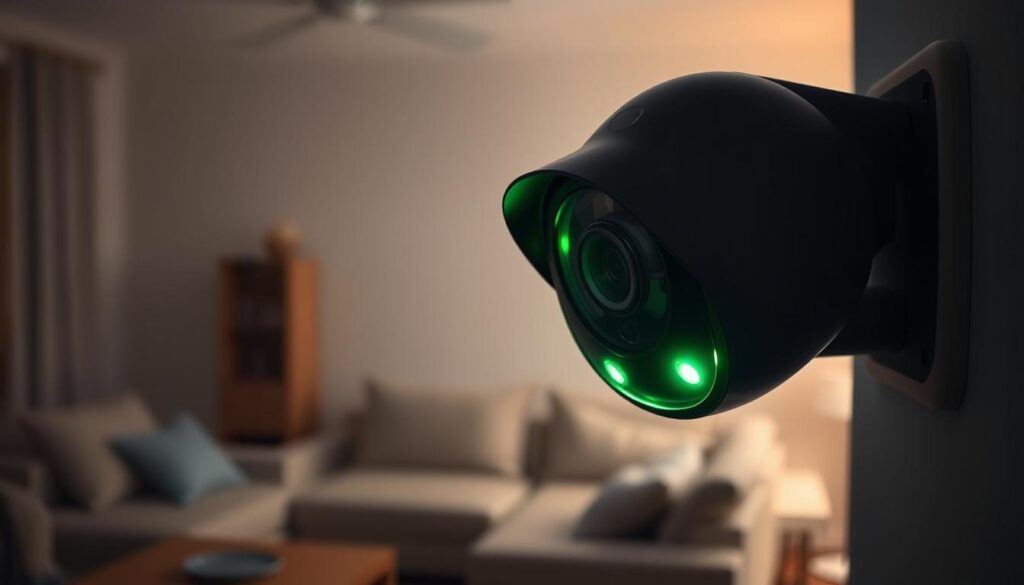
Night vision cameras let you watch over a home even when it’s dark. They use infrared LEDs or special cameras to see in the dark. Some models also have a built-in spotlight to show color at night, making it easier to see.
There are different ways these cameras work. Some use invisible IR light to make black-and-white footage. Others use bigger sensors to capture color even in low light.
When picking a camera for senior care, look at a few key things. Resolution is important for clear images. You can find cameras with 1080p or 2K resolution.
The TP-Link Tapo C120 and some Eufy Indoor Cam models have 2K resolution. This means you get sharper photos and videos.
- Field of view is important for seeing more of a room. The Eufy Indoor Cam C120 has a wide view of about 125º.
- Night range tells you how far the camera can see in the dark. Some cameras can see up to 30 feet.
- Clip duration and continuous recording vary by brand. The Google Nest Cam records longer clips and offers 24/7 cloud recording with a subscription.
Storage options affect how you access and manage your recordings. TP-Link Tapo models let you use local microSD storage without a subscription. This keeps your recordings on your device. Google Nest Cam usually requires a cloud plan for full features. Eufy offers flexible options but might limit 2K playback unless you use HomeBase or local microSD.
It’s important to keep IoT devices secure. Make sure to enable two-factor authentication and use strong passwords. Look for devices that support 128-bit AES encryption to protect your footage.
- Motion and sound classification helps reduce false alerts. Modern cameras can tell the difference between people, pets, and vehicles, sending smarter alerts.
- Brands like TP-Link Tapo C120, Eufy, and Google Nest Cam offer different levels of person detection and sound alerts. This helps caregivers focus on important events.
Knowing these basics helps you choose the right night vision cameras. Look for cameras that offer safety, privacy, and ease of use for senior living spaces.
Importance of Indoor Security for Seniors
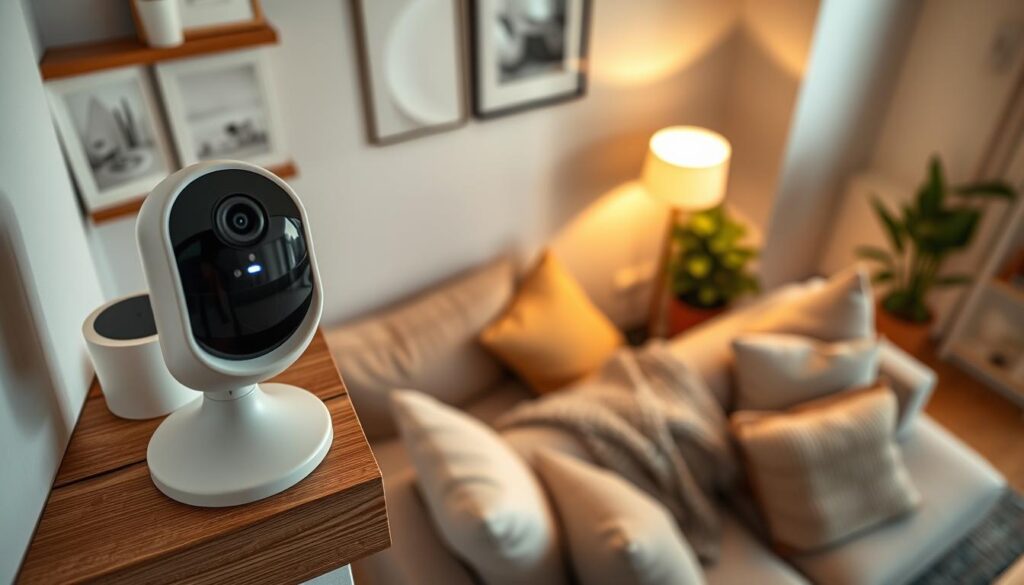
More than 30% of Americans aged 65 and older fall each year. Quick action can greatly affect recovery time. Indoor security cameras with motion detection and 24/7 monitoring help caregivers and emergency services act fast.
These cameras can also track changes in daily routines. They might show if a senior missed a meal or wandered at night. Brands like SimpliSafe offer monitoring services that can intervene in emergencies, helping to keep loved ones safe without constant supervision.
Two-way audio is key for calming a senior after a fall. It lets you reassure them and get quick information about their condition. Cameras like the WUUK Pan & Tilt Cam Pro and many SimpliSafe models have this feature. It’s a way to help while waiting for help to arrive.
Adding environmental sensors to your setup offers more protection. Devices from ADT and SimpliSafe can detect smoke, carbon monoxide, gas, and temperature changes. They alert monitoring centers and can trigger automated responses to dangers.
It’s important to balance safety with respect for independence. Place cameras in areas like the living room and kitchen. Avoid bedrooms and bathrooms to keep privacy. Always get consent from the senior and limit access to trusted caregivers and accounts.
- Use fall detection features and 24/7 monitoring to reduce response times.
- Rely on two-way audio to communicate immediately after an incident.
- Combine cameras with smart home technology and environmental sensors for layered safety.
- Prioritize consent and place devices in non-private spaces to protect dignity.
Choosing the Right Night Vision Camera
First, think about what you need. Look for clear night vision, motion detection for people and pets, two-way audio, and a privacy shutter. The SimpliSafe Wireless Indoor Camera and the Eufy Indoor Cam are good for privacy. The Google Nest Cam adds cloud features.
Next, consider how you’ll store footage. Some cameras save to microSD, like the TP-Link Tapo C120, to avoid monthly fees. Others use cloud storage for easy review, like the Google Nest Cam with subscription plans.
Think about how the camera will fit into your smart home. Choose devices that work with Alexa, Google Assistant, or HomeKit. This way, your camera can trigger routines with voice controlled door locks and lights. Vivint and other systems make linking cameras to locks and lights easy.
Decide if you want to monitor yourself or have professionals do it. Self-monitoring saves money but you’re in charge. Professional monitoring from ADT, SimpliSafe Core, or Vivint offers 24/7 help and faster emergency response.
Consider accessibility needs. Look for loud sirens, wearable emergency buttons, and environmental sensors. ADT offers wearable pendants, while SimpliSafe pairs cameras with base station alerts.
Balance your budget with what you want to upgrade to. The TP-Link Tapo C120 is affordable and offers local storage. For more advanced features, consider the Google Nest Cam or Eufy Indoor Cam.
Make sure the camera is easy to set up and use every day. Systems with simple apps and tactile keypads are best. An easy app lets you check live feeds, adjust settings, and share access with family.
Use a short checklist when shopping:
- Night vision quality and motion classification
- Local storage versus cloud options
- Smart home compatibility with voice controlled door locks and keyless entry
- Monitoring choices: self or professional
- Accessibility features like sirens and wearable buttons
- Budget range from TP-Link Tapo C120 to Google Nest Cam and Eufy Indoor Cam
Test a camera in your space before buying. Mount it where it can see entry points and check night vision at typical distances. This test helps you choose a camera that fits your needs and routine.
Privacy Considerations in Surveillance
Start by asking the senior for clear consent before setting up indoor security cameras. In many states, recording someone without permission is illegal. Talking about camera placement and who can see the footage helps maintain trust.
Don’t put cameras in bedrooms or bathrooms. Stick to areas like living rooms, kitchens, and entryways. Make sure everyone agrees on camera placement to avoid discomfort.
Choose between local storage or cloud storage based on your needs. Local storage, like what Eufy and TP-Link offer, keeps footage on the device. This can be safer. Cloud storage gives you access from anywhere but might be more vulnerable to breaches.
Protect your camera accounts with strong security. Use two-factor authentication to prevent unauthorized access. Choose devices that support strong data encryption for extra safety.
- Use models with physical privacy shutters, such as SimpliSafe Wireless Indoor Camera, or cameras that let you disable recording when privacy is needed.
- Limit who can view footage. Give access only to designated caregivers and revoke it when it is no longer needed.
- Keep firmware up to date to patch vulnerabilities common to connected home devices and IoT devices.
When picking indoor security cameras, check their data encryption and account recovery policies. Read their privacy policies and ask about storage and sharing practices.
See connected home devices as part of your overall security plan. Keep camera networks separate from other devices. Use strong router passwords and consider a guest network for IoT devices to reduce risks.
- Get explicit permission from the senior and document consent.
- Place cameras only in shared spaces and use privacy shutters when possible.
- Prefer local storage if privacy is the top concern; choose cloud only after weighing risks.
- Enable two-factor authentication and confirm data encryption standards.
- Restrict access and review permissions regularly.
By following these steps, you can ensure safety while respecting privacy. You’ll be able to monitor care needs, control who sees footage, and keep your home network secure.
Installation and Placement of Cameras
Decide if you want a pro team or DIY setup for installation. ADT and Vivint offer professional services. SimpliSafe, Eufy, and TP-Link let you install yourself with easy guides.
Put cameras in busy areas, entry points, and hallways. This helps spot falls and intruders. For outdoor views, choose weatherproof cameras with night vision.
Mount cameras 7–8 feet high and angle them down. This gives full body views and helps with fall detection. Aim them at paths and seating areas.
Choose between wired, battery, or plug-in models. Battery and wireless cameras are easy for seniors. But, remember to check battery life. Systems with cellular backup from ADT or Vivint keep working during internet outages.
Link cameras with automated door locks or keyless entry. Brands like Vivint and ADT can automate door locking, light switching, or recording. Pairing with voice recognition locks and smart tech makes daily routines easier.
Set up caregiver access in the app for family and monitoring services. Test notifications, two-way audio, and privacy modes with the senior. This ensures everyone is comfortable with the system.
- Focus camera placement on doors, hallways, and shared rooms.
- Use 7–8 foot mounting height and downward angles for best coverage.
- Pick battery or plug-in models based on ease of use and reliability.
- Link cameras to automated door locks, keyless entry, or voice recognition locks for seamless routines.
Monitoring and Notifications
You can choose to monitor your home yourself or pay for professional help. Self-monitoring lets you stay in control with live feeds and alerts. Professional monitoring offers 24/7 help, live checks, and sends responders when needed.
SimpliSafe Core adds video verification and agent help to many systems. SimpliSafe sends texts quickly and calls if you don’t answer. ADT monitoring works with Nest and sends responders when it’s needed.
Video verification cuts down on false alarms. Agents can see night vision cameras, open shutters, talk to intruders, and stop activity. This makes police come faster and cuts down on unnecessary calls.
- Set motion sensitivity to cut false alerts.
- Use people-only or pet-filtering modes for meaningful notifications.
- Choose devices that distinguish people, pets, and vehicles.
TP-Link Tapo and Eufy models have smart filters to reduce too many alerts. Pick the alerts that are important for your family and any caregivers.
Working with your care team makes monitoring better. Choose who to contact first and who to call next. Make sure caregivers get alerts and can act fast, like calling emergency services or using smart locks.
Connected home devices make life easier and safer. Family members can see feeds, check in, and control locks from anywhere. ADT and Vivint let families access and check in on each other.
Think about backup options to keep monitoring going during outages. Systems with cellular backup keep alerts and monitoring going when the internet is out. This is important for reliable night vision cameras and keeping your whole home safe.
Cost of Night Vision Cameras
When planning your home security, you want clear costs. Night vision cameras range from under $20 to over $200. The TP-Link Tapo C110 is under $20, and the Tapo C120 is under $40 for good night vision.
Professional systems cost more. SimpliSafe starter packages start at $250.96. ADT and Vivint start around $269, but prices can go up with professional installation and contracts.
Don’t forget about subscription fees. SimpliSafe costs $22.99 to $32.99 a month. ADT starts at $24.99 and can go up to $49.99. Vivint starts at $24.99 and may require contracts.
Hidden and installation costs add up. ADT and Vivint charge more for installation. SimpliSafe partners charge at least $124.99. Check if you need top-tier plans or face extra fees.
Choose between local storage and cloud plans. TP-Link Tapo offers free local storage. Tapo Care cloud plans are about $3.50 a month. Google Nest subscriptions start at $10 a month for more features.
- Replacement parts and batteries increase costs over time.
- Cloud storage, monitoring fees, and extra features like facial recognition add to monthly bills.
- Adding smart home technology and automated door locks may require more devices or subscriptions.
Look for discounts and promotions. ADT offers AARP discounts up to 20% off. SimpliSafe has promotions with free cameras or reduced prices.
To save money, compare costs. Budget cameras like TP-Link are cheap. For professional monitoring, consider SimpliSafe and ADT. Don’t forget about smart home technology costs.
Maintenance and Care for Your Cameras
Make sure to update the firmware of all devices regularly. Brands like ADT, SimpliSafe, Eufy, TP-Link, and Nest release updates. These updates fix bugs and improve how well the cameras work. Set reminders to check for these updates every week or month.
Battery-powered cameras are easy to place, but you need to keep an eye on the battery. Use a calendar or the camera app to remember when to recharge or replace the battery. Checking the battery often helps avoid blind spots and saves you from unexpected maintenance visits.
Keeping your cameras clean is important. Dust, smudges, and dirt on lenses or IR LEDs can reduce night vision quality. Use a microfiber cloth to clean the lenses and test the night vision in low light to make sure it’s working well.
Test your system regularly. This helps seniors and caregivers understand how it works. Check notifications, two-way audio, and camera angles. Also, practice alarms or fall scenarios to make sure everything is working right.
Manage your stored footage to avoid running out of space. Delete old files, archive important ones, or upgrade your cloud plan. Keep backups of important footage in case you need it later.
Think about when you’ll need to replace your devices. New sensors and infrared technology come out every few years. Budget for upgrades to keep your smart home devices working well with locks, voice assistants, and automation.
Protect your network from unauthorized access. Use strong, unique passwords, enable two-factor authentication, and keep cameras on a separate network. These steps help keep your system safe.
Good camera maintenance is about more than just technical care. It’s also about regular checks and keeping everything secure. By following these steps, you can ensure your cameras provide reliable protection for seniors.
Future Trends in Indoor Security Cameras
The future of night vision cameras will be smarter and more private. They will blend into our daily lives seamlessly. Brands like SimpliSafe, TP-Link, and Eufy are already leading the way with advanced features.
These cameras will have better low-light sensors and hybrid IR/spotlight solutions. This means clearer night footage without losing details. They will also keep your data safe by processing it locally, which is good for privacy.
Cameras will work better with smart home technology. They will trigger automated door locks and send alerts to your phone. Companies like Vivint and ADT are making this happen.
Prices will drop, making these cameras more affordable. This means more people, including seniors, can enjoy the latest technology. Brands like TP-Link and Eufy are making high-end features available at lower prices.