Having a home safety plan that works quickly is key. Where you place panic buttons is critical. It can mean the difference between safety and danger in emergencies.
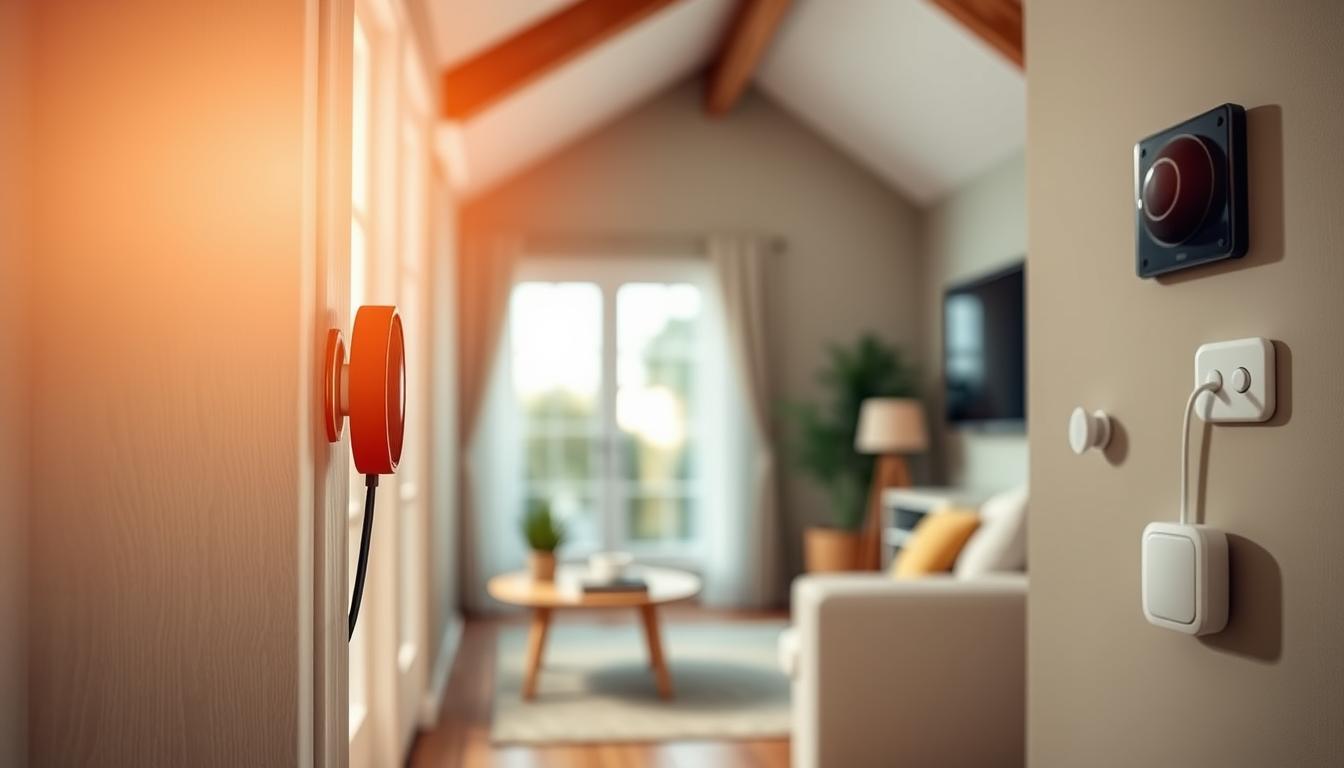
Wired panic buttons connect to a control panel via low-voltage wiring. They close a COM/NC contact to send out an alarm. Alarm panels from Paradox, DSC, and ADT then alert monitoring services or emergency responders fast.
Wireless panic buttons offer more flexibility. They don’t need wiring, making them easier to install. Companies like JET Hotel Solutions provide both wired and wireless options for homes.
Placing panic buttons correctly has many benefits. It ensures a quick response, allows for silent or loud alerts, and can even deter intruders. You can also set different responses for different buttons, like calling the police or medical aid.
Panic buttons are used in many places, from homes to healthcare facilities. Studies show that quicker responses can greatly reduce losses. Knowing how to place panic buttons is essential for keeping your home safe.
This article will guide you on the importance, types, and best locations for panic buttons. We’ll cover placement tips, emergency integration, testing, and more. You’ll learn how to choose the best panic button location for your home.
Understanding the Importance of Panic Buttons
Panic buttons are a quick way to call for help when every second counts. They can send an alert to monitoring centers or first responders fast. This is vital in medical emergencies or when someone breaks in.
Having panic buttons in your alarm system makes it more effective. They work with other parts like sensors and cameras. This team helps spot and deal with threats quickly.
Visible alarms and where you put panic buttons can scare off criminals. Adding video and analytics from brands like Ring, Honeywell, or Bosch makes things better. It helps make sure the right help comes fast.
Think about where to put panic buttons. In homes, they’re best near beds, living areas, and exits. This helps the elderly, people with disabilities, or those facing violence. In places like banks and schools, staff can use silent alarms for safety.
Monitored systems send alerts to centers that check and send help. This can make help arrive faster. It might even get you discounts on insurance from big US companies.
So, here’s what to remember: plan where and how to use panic buttons carefully. The right placement can save lives and make emergencies less scary.
Types of Panic Buttons Available
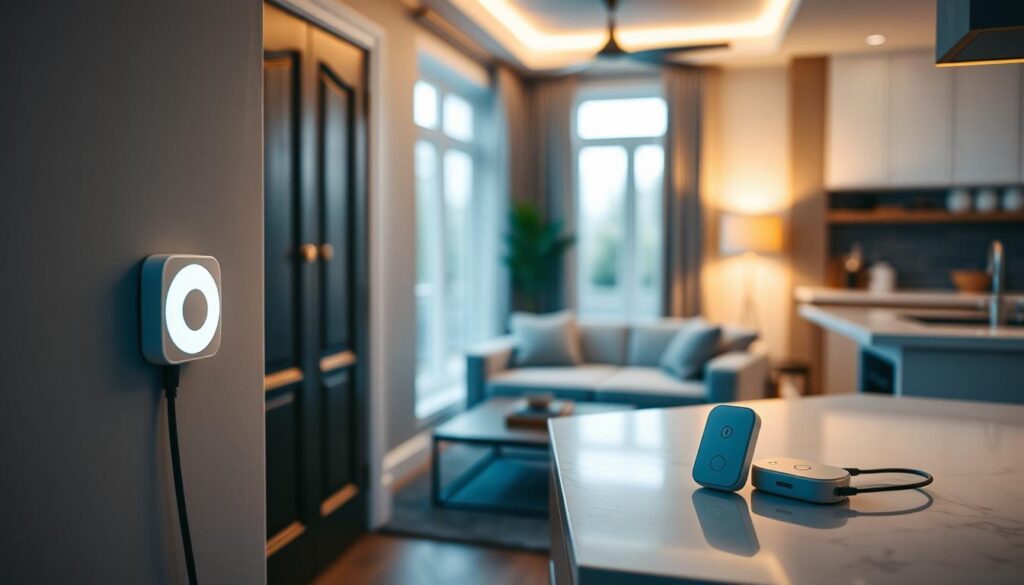
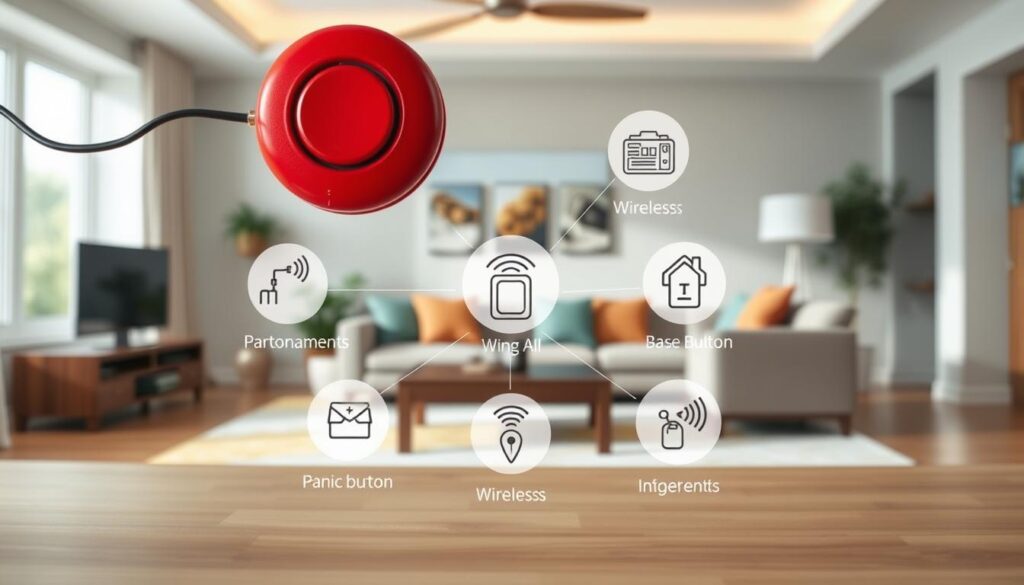
There are wired and wireless panic buttons for your home. Wired ones connect to panels with low-voltage wiring. When pressed, they send a priority alarm signal.
Wired models are reliable and don’t need batteries. They also resist tampering well. They have features like continuous-press detection and programmable responses.
Wireless panic buttons use RF or special protocols to connect to panels. They run on batteries and are easy to move. Make sure to check the battery life and range to the panel.
It’s important to know if your system is monitored or unmonitored. Monitored systems alert a central station for help. Unmonitored systems rely on alarms or mobile alerts for you or neighbors to act.
- Cloud-native and smart options connect panic buttons with apps and AI. You can activate them remotely and talk back.
- Analytics help reduce false alarms by identifying the source. This makes it easier for responders to find the issue.
Panic buttons work with many security components. These include control panels, sensors, cameras, and sirens. Planning these connections helps respond faster.
Look at Paradox and DSC for wired and wireless options. ADT offers integrated services. For professional installation, consider JET Hotel Solutions for complex wiring.
When choosing a location, use tips for installation and positioning. Consider visibility, reach, and access when deciding where to place your panic button.
Ideal Locations for Panic Button Placement
Put panic buttons where you spend most of your time. This way, you can reach them quickly. Place them beside beds, near favorite chairs, and at living-room seating.
Entryways are also important. Install devices by front and back doors and near garage interiors. This helps you call for help while moving towards escape routes.
Don’t forget the kitchen and basement access points. These areas are busy and can be dangerous. Also, consider placing a button in a home office or laundry room for tasks you do alone.
For a silent alarm, use hidden placements under desks or inside drawers. Visible buttons can also deter intruders, depending on your strategy.
- High-risk people: bedside and bathroom locations aid elders or those prone to falls.
- Caregivers: station buttons at nursing or monitoring areas for rapid response.
- Children: place accessible buttons in common play areas for quick aid when they cannot phone.
In commercial settings, like banks and retail counters, under-counter buttons are best. Schools should place buttons in classrooms and reception areas to alert campus security.
Wired systems need careful wiring. Run wiring along baseboards or inside walls to avoid tampering. Make sure the control panel is secure yet easy to access.
Adding perimeter sensors, cameras, and beams can enhance your panic system. This layered approach gives you quick access and better awareness.
Factors to Consider for Effective Placement
First, think about how easy it is to reach the devices. Place them where everyone can get to them easily. For kids or seniors, consider lower mounts or wearable pendants instead of high wall buttons. This makes them more useful every day.
Choose the right location for the right response. Some devices should call the police, while others should get medical help or lock down the house. The type of response you choose depends on where you put the device. Use tips on positioning to figure out which areas need what.
Think about being quiet versus being loud. Silent alarms are good when you don’t want to alert an intruder. But, audible alarms or strobes can warn neighbors and might scare off the intruder. Think about both options when deciding where to put panic buttons in entryways, bedrooms, and living rooms.
- Technical constraints: For wired systems, plan routes to the control panel. For wireless units, test signal range and avoid interference from routers or metal structures.
- Power redundancy: Use backup batteries or a home generator. Verify internet or cellular links for monitored systems.
Try to avoid places with a lot of traffic or where kids play. Use guarded buttons or flip covers to prevent accidental presses. These tips can help reduce false alarms and keep monitoring channels open.
Make sure panic buttons are in camera view. This way, monitoring centers can see what’s happening faster. This helps them respond more accurately and get more information.
Think about any rules or special needs of your property. Renters should check their lease before installing devices. Historic homes might need special mounts or professional installers. Also, keep devices away from extreme weather to make them last longer. For wireless units, remember to check and replace batteries often.
- Assess daily routines and mobility limits for each household member.
- Decide which locations need silent versus audible alerts.
- Check wiring paths or wireless range before final installation.
- Protect buttons from accidental triggers with covers or guards.
- Align placement with cameras and other security sensors.
Use these tips and advice to make a solid plan. A good plan combines easy access, technical setup, and care for the environment. This will make your system more effective and ready for use every day.
Emergency Response Systems Integration
Connecting panic buttons with your alarm panel makes alerts quick and reliable. By following a guide, the button can start audio/video checks, two-way talk, and lockouts. This helps police and EMS act faster with the right info.
Choosing 24/7 monitoring means you don’t have to check alarms yourself. Trained staff verify alarms and call police or EMS as needed. This can make response times shorter and might even save you money on insurance.
Using cameras and AI with your panic button makes alerts more accurate. AI can spot objects and track behavior, helping to avoid false alarms. This means police can get to you faster when every second counts.
- Access control and lockdown: set up the panic button to lock doors or limit access in schools, hospitals, or offices.
- Smart-home automation: connect the panic button to lights, intercoms, and phones to alert family members right away.
- Communication redundancy: use landlines, cell phones, and internet, plus backup power, to keep alerts going even when power is out.
Companies like ADT, Paradox, and DSC offer systems that combine video, access control, and monitoring. Cloud-based systems offer flexible integrations for different needs. Professional installers like JET Hotel Solutions will set it up to fit your space and needs.
Before you decide, check out an emergency panic button guide. Test the backup power, check your communication lines, and make sure video checks and access rules work. A well-planned panic button setup, tied to a strong integration plan, keeps your system ready and reliable.
Testing and Maintenance of Panic Buttons
Make sure to test your panic buttons regularly. Check if the button works, if the control panel gets the signal, and if the monitoring center is notified. For homes, test every three months. Businesses or high-risk areas should test every month.
Don’t forget to check the batteries and power sources. For wireless systems, change batteries before they run out. For wired systems, check the backup battery and replace it when needed.
Always check the signal strength and connectivity. Make sure the wireless signal reaches the control hub. Also, test the internet and cellular connections for cloud services. Consider adding a backup path for alerts.
Look at the anti-tamper hardware and covers. Ensure sensors and guards work when needed. Replace damaged parts to avoid false alerts.
- Keep the control panel and wireless modules’ software up to date.
- Update cloud integrations to stay secure.
- Get a professional to inspect wired systems yearly.
Keep a log of maintenance and tests. Record all updates and any issues. This helps spot problems with placement or sensitivity.
Include training drills in your plan. Practice alert responses with your team. This helps find and fix issues with placement and response.
If you’re remodeling, get a pro to check your panic buttons. They can adjust wiring and suggest better locations based on your space.
Educating Family Members on Usage
Start by giving clear instructions on where and how to use each panic button. Explain that a single press might alert police, a hold might trigger a medical response, or a double-tap might start a lockdown. Make sure this guide is easy for everyone to follow, even when they’re stressed.
Teach children and older adults in ways they can understand. Show them how to use wearable panic pendants and mobile apps if they can’t reach wall-mounted devices. Practice these steps until they feel second nature.
Practice drills for different emergencies like an intruder, a medical crisis, and a fire. Practice moving to the nearest device and waiting for instructions. This builds confidence and muscle memory in using your panic buttons.
Agree on how to communicate during emergencies. Decide who to call first, where to meet, and how to confirm calls from monitoring services or first responders. Keep a printed guide with these contacts near phones and in common areas.
Teach how to avoid accidental triggers. Show how protective covers work and explain when to use silent versus audible alarms. Clear rules help prevent false alarms and keep your service ready to respond.
Teach new caregivers and visitors about your panic buttons. Show them where they are and what to do in an emergency. If you use a monitored service, update your contacts with the company so responders can reach the right people fast.
- Post a short contact sheet with panic button placement and monitoring numbers.
- Schedule quarterly refresher drills and device checks.
- Assign roles so everyone knows their first action during an alert.
Use simple language and repeat important points in writing. Regular practice and clear documentation make your panic system reliable when you need it most.
Enhancing the Effectiveness of Your Panic Button
Start by combining devices for better protection. Use panic buttons with motion sensors, glass-break detectors, and cameras. This way, responders get more information than just an alert.
Place cameras in areas where you install panic devices. Video verification helps confirm events and reduce false alarms. Use AI analytics from Honeywell or ADT for smarter verification.
Choose protective hardware and mounts that are easy to use. Button guards and ergonomic mounts prevent accidental triggers. Make sure bedside or desk mounts are angled for quick access.
Add wearables and mobile controls for more reachability. Include pendant alarms, Apple Watch or Android Wear activation, and smartphone app triggers. This way, you can trigger an alarm even when you’re not near a fixed unit.
Program your system to respond in different ways. Use a held-down panic button to signal possible duress. This can trigger actions like locking doors or playing a message.
Make your system resilient and redundant. Keep power backups and add dual communication paths. Run regular health checks to ensure it works during outages.
Reassess your panic button’s location after changes or remodels. Track false alarm patterns and adjust the placement. This helps reduce accidental triggers while keeping easy access.
Hire qualified technicians for site surveys and installations. A professional will ensure the best placement and wiring. Consider cloud-native upgrades for faster verification and monitoring.
Think about the cost versus insurance benefits. Monitored systems can lower home insurance premiums. They provide measurable protection for your family and property.
Follow these tips to improve your panic button system. Thoughtful placement, protective hardware, and layered verification make a big difference. They ensure your system works when every second counts.
Legal and Ethical Considerations
Use panic buttons only for real emergencies like medical crises or violent intrusions. Misusing them can lead to unnecessary police calls and waste resources.
Silent alarms are good for situations where loud noises could make things worse, like during a robbery. In public areas, audible alarms and strobes are better. They help people know to leave and get help.
False alarms can cost a lot. Many cities fine people for them or require alarm checks. Think about using verified alarm systems that confirm threats before calling the police.
Privacy is key when using cameras or microphones. Place devices where they won’t see private areas like bathrooms. Always follow local laws and best practices for surveillance.
If you rent or live in a building with an HOA, check their rules first. Landlords and building codes might need permits or professional installers for panic systems. Always get written approval when needed.
Keep your alarm system’s cloud accounts and mobile apps safe. Use strong passwords, two-factor authentication, and update firmware often. This helps protect your data and system controls.
When managing shared property, make sure everyone knows the rules for panic buttons. Have clear policies and trained contacts to reduce risks and improve responses.
Read your monitoring agreement carefully. Know how the provider will respond, how to cancel, and their guarantees. Keep emergency contact lists and instructions up to date for quick action.
Follow these tips and guidelines for panic button placement. This way, you can protect people effectively while following the law and respecting privacy.
Conclusion: Ensuring Peace of Mind with Strategic Placement
Placing wired and wireless panic buttons wisely can cut down response time and prevent crime. It also keeps vulnerable family members safe. Make sure to cover key areas like bedrooms, entryways, and living rooms. Balance the dependability of wired systems with the flexibility of wireless ones.
For the best results, combine smart placement with monitoring and camera setup. Use this guide to check your home, pick the right equipment, and decide if you need a pro for setup. Options like ADT, Paradox, or DSC are available, along with services like JET Hotel Solutions for wired systems.
Make a simple plan: mark important spots, choose between wired and wireless, and plan for monitoring and cameras. Set up regular checks and train everyone in the house. If unsure, get a pro to assess your site. Cloud-based or monitored systems can help avoid false alarms and quicken help.
Lastly, ensure your system is resilient with backup power and communication. Keep software and firmware current. Smart placement, monitoring, and verification offer real peace of mind and quick help when needed.