When the power goes out, your home’s safety can quickly be at risk. You count on smart locks, video doorbells, and digital keys to keep your property safe. Without power, these systems can fail, stopping notifications and losing recordings.
That’s why having a battery backup for smart doorbells and locks is key. Devices like the Philips 7000 Series 2K Dual-Cam Video Doorbell offer local storage and encryption. This keeps your data safe and private, even when the power is out.
Battery-backed systems also ensure access for caregivers and family members. You can give them temporary or scheduled entry without needing physical keys. This is important during outages.
Beyond just security, battery backup helps with independence and accessibility. It lets people with disabilities keep their routines and dignity. In the next sections, we’ll explore why battery backup is important, which devices need it, and how to set it up and maintain it.
Understanding the Importance of Battery Backup
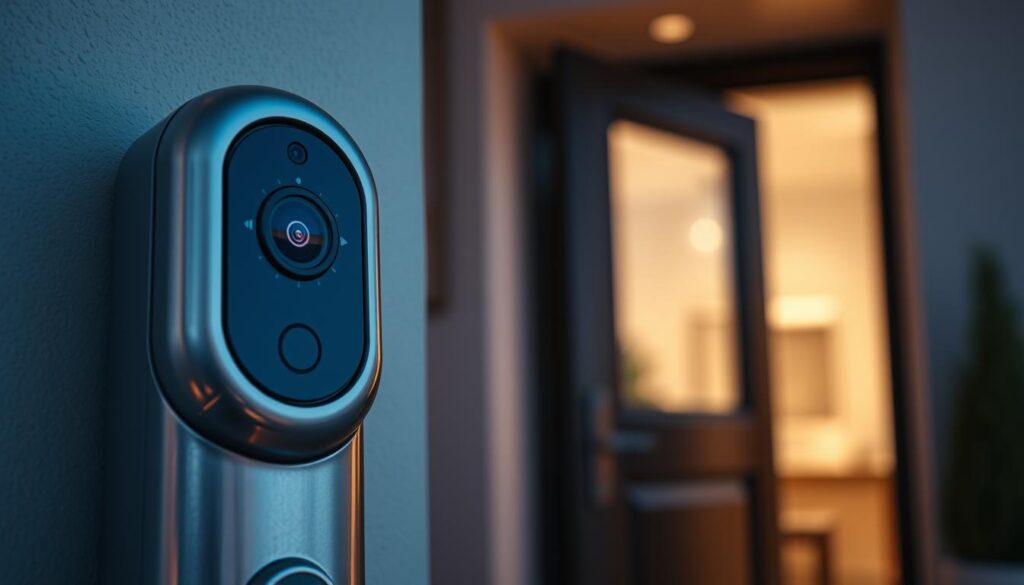
When power cuts happen, your video doorbells, cameras, and smart locks can stop working fast. Battery backup keeps them running so they can keep recording and sending alerts even without power. This is key for keeping your home safe from thieves or vandals.
Brands like Ring, Nest, and Arlo use Wi-Fi and local storage to keep your data safe. Philips says using local storage encrypted with AES is best. This way, your devices can keep recording without needing the internet.
Power outages can be a big security risk. If cameras and locks lose power, they can’t send alerts. This makes it easier for unauthorized people to get in. Having a battery backup helps keep your home secure by ensuring alerts and PINs work.
Privacy is important, not just for the outside of your home. If recording stops, it can make it hard to prove what happened. Keeping power on helps keep your recordings safe for investigations or insurance claims.
Battery backup is also good for keeping your home accessible. It lets caregivers and family members use digital keys or PINs even when there’s no power. This is important for keeping everyone safe and on schedule.
Think of your home like a gym with access control. Commercial systems need power to work right. The same is true at home: keeping power on helps keep your home safe and secure.
Common Security Systems Needing Battery Backup
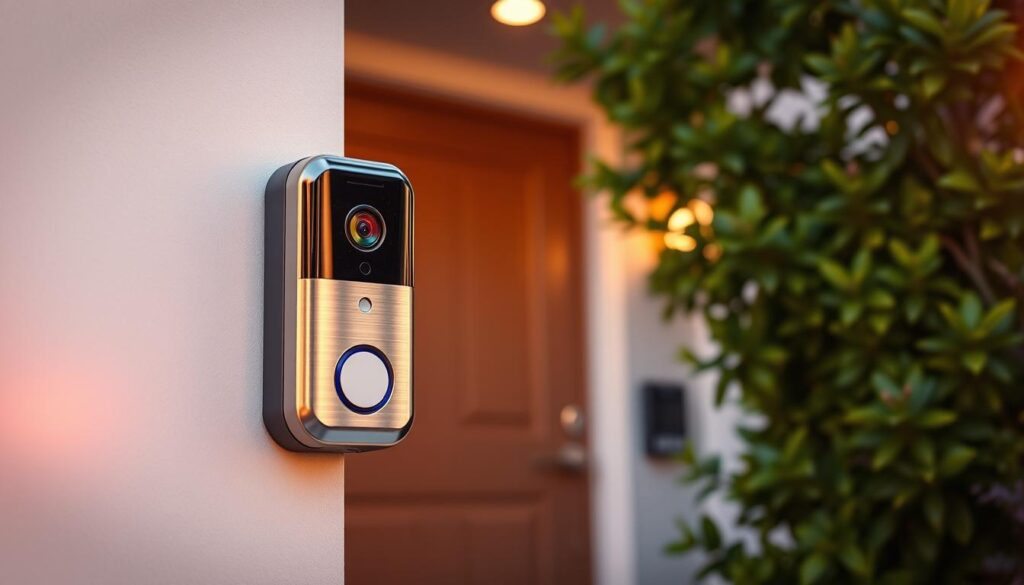
Many devices help keep your home safe. Video doorbells and cameras are key for visual evidence. For example, the Philips 7000 Series with dual cams needs battery or UPS support. This ensures you can keep recordings safe during power outages.
Smart locks and biometric readers control who enters your home. Philips 5000 Series locks use power to check identities and send alerts. A backup battery prevents lockouts and keeps important logs safe.
Hubs and bridges connect sensors, cameras, and locks. If a hub loses power, devices may stop working. Keeping hubs charged is key to maintaining security and local rules.
Your router and Wi-Fi keep remote features alive. Battery-backed routers allow for remote unlocking and notifications. They also help in keeping smart doorbell information safe.
Security sensors and alarm panels must stay active to detect intruders. Brands like Aqara or TP-Link Tapo send alerts with battery backup. This motion-triggered lighting can scare off burglars even when power is out.
Smart home control devices like Amazon Echo or Google Nest keep voice unlock and routines working. A backup for these controllers keeps security routines and voice control active.
- Video doorbells and cameras — ensure continuous recording to protect smart doorbell footage.
- Smart locks and biometric readers — maintain access control and logging.
- Hubs and bridges — preserve local automation and connectivity.
- Routers and Wi‑Fi — enable remote management and digital key issuance.
- Sensors and alarm panels — keep intrusion detection active.
- Smart speakers and controllers — maintain routine triggers for security.
Power loss can disable access control, stop recordings, and make it hard to manage digital keys. Having a backup power plan is essential. It helps secure your smart doorbell, protect footage, and follow security measures while keeping information safe.
Key Features to Look for in Battery Backup
Choose a battery backup that can power cameras, locks, routers, and hubs for as long as you need. Add extra time to your plan to cover any unexpected needs. This extra time helps keep your smart doorbell running smoothly and protects your data.
Find a backup that switches automatically without interrupting your devices. This keeps your smart doorbell working and your recordings safe. It also helps keep your home secure.
- Look for encrypted storage like AES‑128 or AES‑256 to keep your footage and biometric data safe.
- Remote management and alerts are key. They tell you when your battery is low or if there’s a problem.
- Make sure it works with your smart home systems. This lets you control your doorbell and other devices easily.
Choose a system that lets you add more capacity as you grow. This way, you can keep your doorbell running longer without having to replace everything.
Consider the physical security of your battery backup. A lockable enclosure or indoor placement can help prevent tampering. This keeps your access control and recordings safe.
Check for safety certifications like UL or ETL. These ensure your battery backup is safe to use continuously. Certified products are less likely to fail, keeping your smart doorbell secure.
Opt for a battery backup that sends updates to your phone. This way, you’ll know if there’s a problem before it becomes a big issue. It makes taking care of your smart doorbell easier and keeps your data private.
How to Choose the Right Battery Backup
First, list all devices you want to keep running when the power goes out. Note the wattage for items like video doorbells, smart locks, cameras, routers, hubs, and sensors. Remember, routers and hubs are key because they keep your smart home connected.
Change the wattage of your devices into VA or watt-hours to find the right UPS or battery pack. Figure out how long you need it to last, then add extra for unexpected needs. This ensures your backup keeps your smart doorbell safe and online when the power is out.
Choose between a small battery pack for one device or a whole-home UPS for many. A small pack is good for a single doorbell or router. But, a whole-home solution keeps everything running together, making your smart doorbell more secure.
Look for backups that work with your smart system. Find ones that show battery status in an app or start automations. For example, a backup can turn on lights or lock doors, keeping your home safe and private.
- Calculate device wattage and desired runtime.
- Pick battery capacity with 20–30% headroom.
- Match single-device packs or whole-home UPS to your setup.
- Prefer backups with app monitoring and automation support.
Consider your budget and timing. Look for sales, like Black Friday offers from Philips Home Access, to save money. Buying during sales means you get better deals and keep your smart doorbell safe.
Think about how easy it is to use and maintain. For those who need help, look for simple systems with clear status and easy battery replacement. Make sure you can manage mobile credentials during outages to keep your smart doorbell and locks secure.
If you have a complex setup or need a whole-home installation, get help from a security integrator or licensed electrician. For single-device backups, reputable brands are usually enough. Getting professional help reduces risks and ensures your smart doorbell is secure without any guesswork.
Installation Tips for Battery Backup Systems
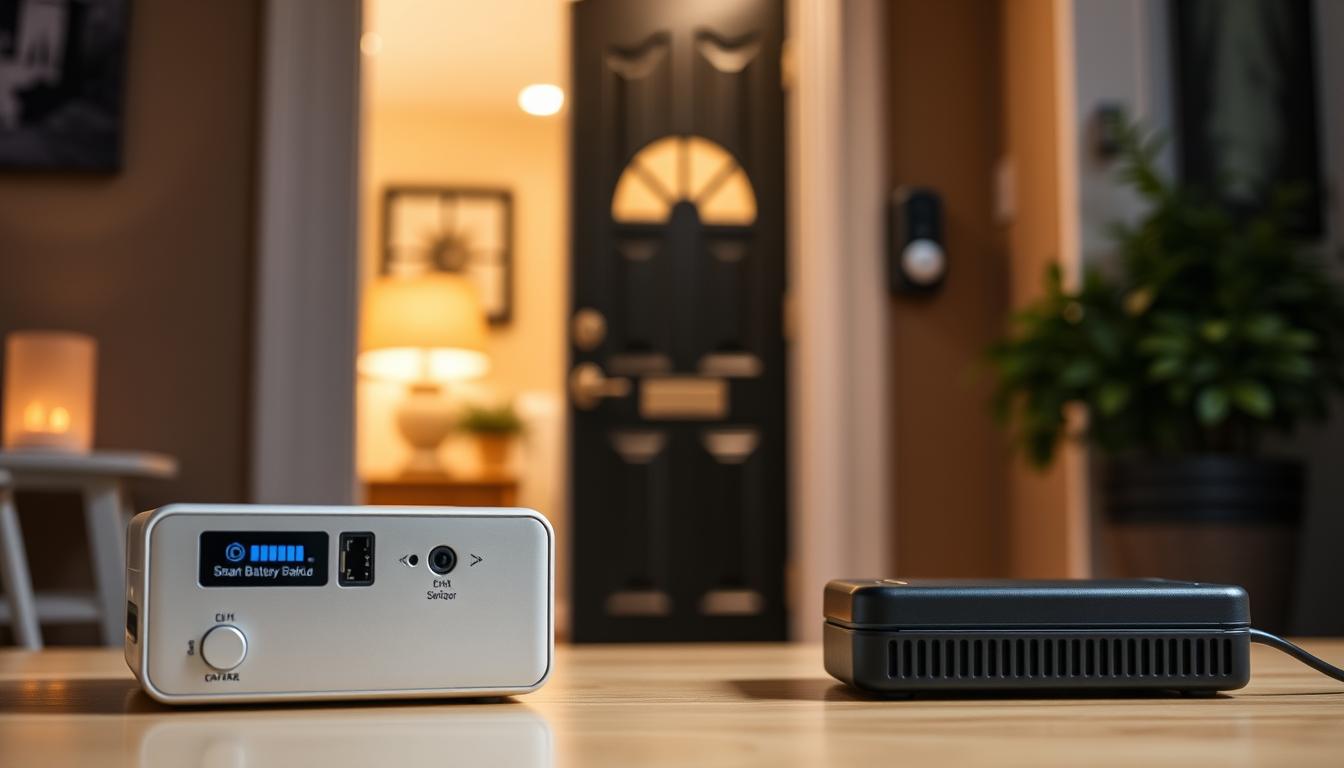
Keep UPS units or battery banks indoors in a well-ventilated, locked spot. This protects them from weather and tampering. Place the backup near your router, hub, and main security devices to cut down on cable runs and failure points.
Begin by plugging the router, modem, and hub into battery-backed outlets. Then, connect your security cameras and smart doorbell. This ensures they keep working when the power goes out.
- For a small battery pack with a video doorbell, follow the manufacturer’s wiring instructions. This keeps the camera powered and avoids warranty issues.
- Make sure encrypted local storage is always accessible. This protects your smart doorbell footage during power outages.
Test the system by simulating a power outage after you’ve set it up. Check that devices stay powered, recordings keep going, and your smart doorbell keeps sending alerts without a hitch.
Power both your router and modem with backup power. This keeps your remote management, cloud services, and digital key issuance running smoothly, even when the internet is down.
Set your devices to record locally and clear old recordings regularly. Adjust motion sensitivity and human detection. This ensures your smart doorbell’s privacy features work well during an outage.
Link UPS status to your home automation routines. Set actions like turning lights on or auto-locking doors. Also, send battery-low alerts to your phone so you can replace or recharge before it affects your protection.
For bigger systems or whole-home setups, get a licensed electrician or security integrator. They can do load calculations, ensure code compliance, and integrate with alarm panels. This keeps your home protected 24/7, just like commercial setups.
Maintenance of Battery Backup Systems
Set a monthly testing schedule for your UPS and battery packs. This ensures your doorbells, locks, routers, and hubs work smoothly during outages. It’s a key part of smart doorbell maintenance and data protection.
Keep an eye on battery health as the manufacturer suggests. Many APC and CyberPower units show battery life in their apps. Replace batteries before they reach the low end of their life to keep recordings safe.
Always update the firmware and software of your smart devices. Updates from brands like Ring and Nest fix bugs and keep your system secure. Regular updates help keep your recordings private and your information safe.
Clean your camera lenses and motion sensors to ensure they work well. Check the battery enclosures and ventilation to avoid overheating and fires. These steps help your devices last longer and prevent data loss.
- Log and audit access: review doorbell and lock activity logs regularly to spot unusual patterns.
- Manage temporary codes: issue and delete one-time or short-term PINs after use by caregivers or service workers.
- Keep spare charged batteries on hand to swap out consumables quickly.
Replace batteries before they run out to keep everyone’s access steady. This is important for maintaining your smart doorbell’s performance and protecting your data.
Make sure everyone knows what to do in an emergency. Teach them how to use one-time PINs or mobile credentials during power outages. Keep instructions handy so you can all follow them easily to keep your smart doorbell running smoothly.
Enhancing Home Security with Backup Power
Adding backup power keeps your security systems running during outages. Battery-backed routers and hubs ensure your cameras and smart doorbells keep recording. This way, you protect your footage without any breaks.
When picking devices, remember to choose those with encrypted local storage. Philips’ model shows how you can keep your data safe without needing a subscription. This way, you maintain privacy and data integrity.
Battery-backed smart locks let you manage digital keys from an app. You can give one-time, scheduled, or recurring PINs to caregivers and delivery services. This way, you can validate access and keep logs even when there’s no power.
Automate your security to keep intruders away. Use smart lighting and motion alarms powered by backup power. You can also make it look like someone’s home with WiZ bulbs or flash lights with TP-Link Kasa switches. This keeps intruders guessing while you stay in control.
- Log access events and analyze patterns to spot anomalies.
- Limit temporary access by setting expirations and deleting codes after use.
- Use randomly generated PINs and avoid easy codes to reduce risk.
Keep routers, hubs, and cameras on backup power. This way, you can view live feeds, unlock doors, or call responders when needed. Continuous connectivity is key to protecting your footage and responding quickly.
Have clear policies for temporary access, just like businesses do. Track entry logs and remove codes after use. Battery backup ensures your logs and privacy features stay active even when there’s no power.
Build a system with multiple security layers: encrypted storage, battery-backed gear, and strict access rules. These steps help you keep your privacy, control, and respond to incidents even when the power is out.
Frequently Asked Questions About Battery Backup
Yes, your smart doorbell can keep recording on battery alone. If your doorbell and any local storage use a battery or UPS, it will keep recording. Some high-end models with encrypted storage will keep saving video even on backup power.
You can issue digital keys during an outage if your router, hub, or smart lock has power and network. Many locks that store temporary codes locally will accept those PINs even when cloud services are down. Remote management depends on which devices stay online.
How long should a backup last? Size your backup to cover common outages in your area and add a margin. Calculate watt-hours for cameras, router/modem, hub, and locks. Aim for several hours at minimum for reliable protection and uninterrupted monitoring.
Are there privacy risks when using backup power? Backup power itself doesn’t change privacy. You must ensure encrypted local storage stays accessible and that firmware is current. Regular updates help protect your smart doorbell information.
Can a portable power station run my security gear? Yes. Reputable portable power stations and UPS units can power routers, hubs, and doorbells. Check watt-hour capacity, output types, and device requirements before you buy to keep a secure smart doorbell functioning during outages.
Should you hire a professional for whole-home backup? For whole-home systems or when integrating with alarm panels and doing load calculations, consult a licensed electrician or security integrator. A pro ensures code compliance and reliable performance for keeping smart doorbell recordings private and maintaining overall system resilience.
- Tip: Test backups regularly to confirm runtime and device compatibility.
- Tip: Use devices with encrypted local storage for better smart doorbell data protection.
- Tip: Balance backup capacity with realistic outage scenarios for practical protection.
Conclusion: Secure Your Home During Outages
First, list the key devices you can’t live without: your smart doorbell, locks, router, and hub. Figure out how long each needs to run in a blackout. Pick a UPS or battery system that works well and lets you check in from afar.
Make sure your smart doorbell stays private and secure during outages. This way, your recordings keep going and access stays safe.
Follow the best advice from makers and experts on access control. Make sure your storage is encrypted, keep your software up to date, and check logs often. Also, change batteries before they run out and use special codes for caregivers.
Use short or timed PINs and make sure mobile keys work even when the power’s out. These steps help keep your smart doorbell safe and protect your data.
Do a practice blackout drill to test your plan. Write down steps for your family and caregivers. And don’t forget to schedule regular checks.
If you want your whole home to stay safe, think about getting a pro to install a backup system. This will make your home’s systems work like a commercial place, even when the power’s out. Taking these steps will keep your smart doorbell footage safe and your home secure, even when there’s no power.