Smart home lighting helps you move safely in the dark. Automated lighting paths use soft, timed lights. They guide you from bed to bathroom or down a hallway without being too bright.
Nighttime trips to the bathroom and walking down hallways can be dangerous, more so for older adults. The Centers for Disease Control and Prevention says falls cause millions of emergency visits each year. They also cost the U.S. billions in medical bills for older adults.
This article will share clear, useful tips. Key ideas include choosing light colors that are easy on the eyes, using lights that turn on before you need them, and having control over your lights. You’ll also learn about using lights that get brighter like runway lights.
You’ll discover how to place lights for safety, compare smart bulbs to plug-in sensors, and plan for power outages. We’ll also talk about colors that help you sleep better, like warm amber or deep red. These colors don’t mess with your body’s natural sleep cycle.
A well-designed automated lighting system makes nights safer. It also helps you sleep better and saves energy.
Understanding Smart Lighting for Safety
Smart lighting for safety is more than just dimmable bulbs. It’s about systems that use sensors and timers. They also adjust color and brightness to keep you safe and help you sleep better.
Studies show that blue-toned LEDs at night can mess with your sleep. For safer paths at night, use deep red or warm amber LEDs. These colors are easy to see and don’t mess with your sleep.
Anticipatory lighting turns on as you move through your home. It starts with a mat by your bed, then lights up your path. This way, you never walk in the dark.
- Pressure mat at bedside → bedside lamp
- Doorway PIR sensor → hallway low-level lighting
- Bathroom sensor → sink and floor-level lights
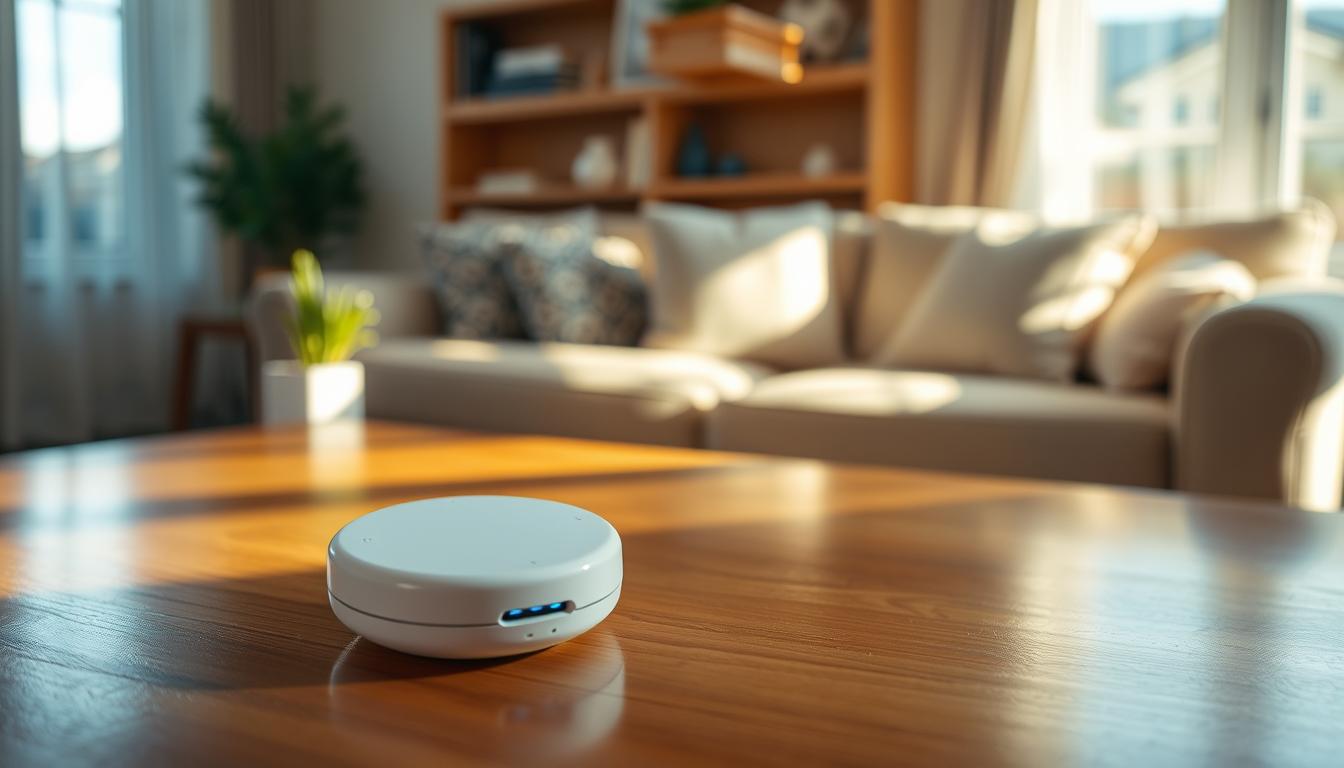
LifeCircles PACE is a great example. It uses sensors to light your way and track your activity. This helps caregivers without using cameras.
Reliability is key for safety. Your smart lighting should have local controls and manual overrides. This way, it works even when Wi-Fi or cloud services don’t.
When planning smart lighting, focus on predictable triggers and night tones. Add fail-safe controls for a system that prevents falls, protects sleep, and helps caregivers.
Benefits of Automated Lighting Systems
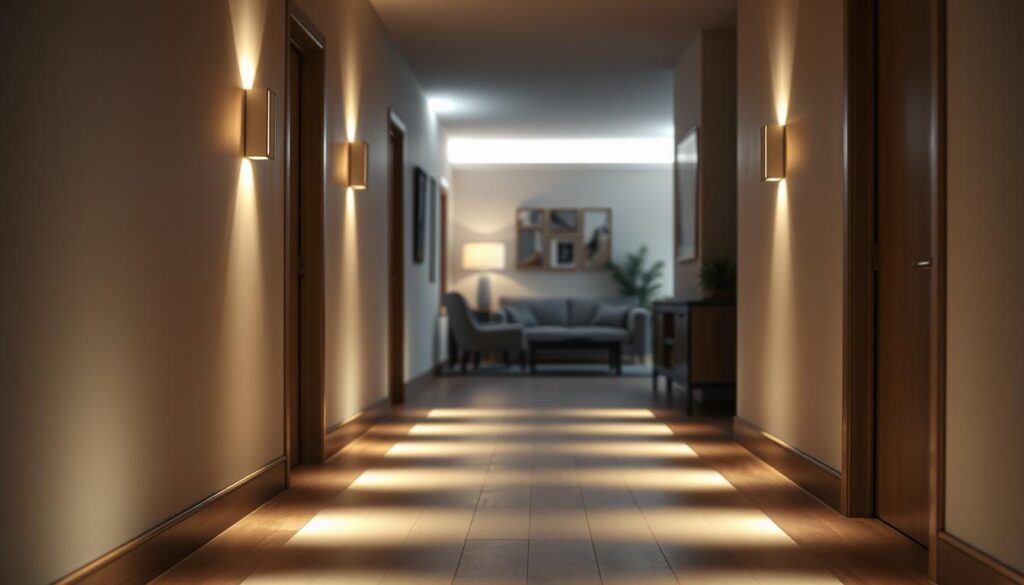
Automated lighting systems make it safer to move around at night. They create clear paths in hallways and stairs. This helps avoid sudden, harsh light changes that can cause dizziness.
Using warm red or amber night lights can help you sleep better. Studies from the Netherlands show these lights reduce fear of falling and improve sleep for seniors. They make nighttime safer without interrupting your rest.
These systems also save energy. LED lights and low-voltage setups use much less power than old bulbs. Adding motion-activated or timed controls saves even more energy. This is a big plus for those who care about saving money and the environment.
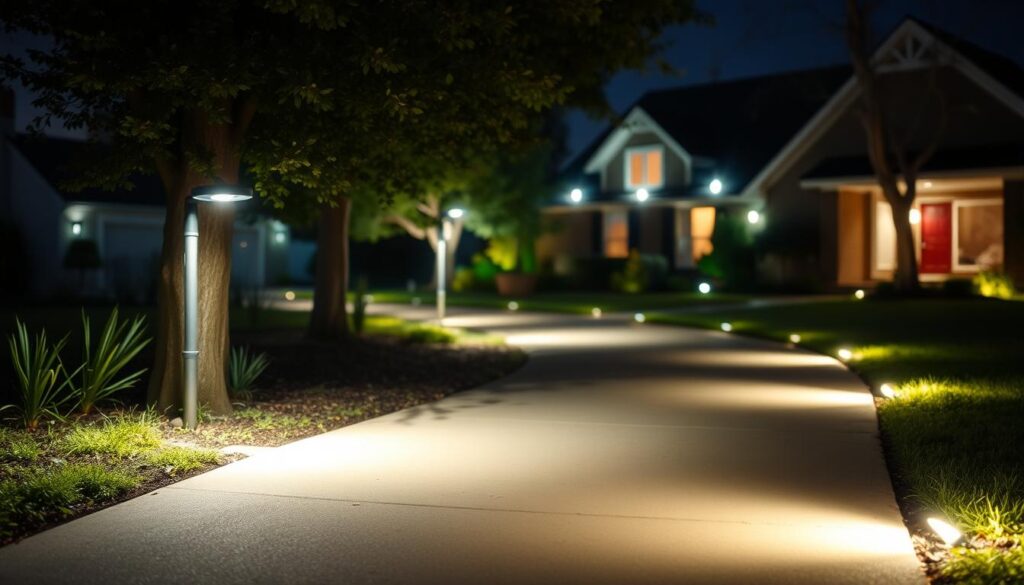
Outdoor lighting can make your home safer too. By placing lights in strategic spots, you can reduce hiding spots and improve visibility. Motion-activated lights can also scare off intruders and alert you to any unexpected visitors.
Home automation lighting does more than just turn on lights. It can also watch for unusual activity patterns. This means caregivers and family can get alerts for things like frequent bathroom trips. It’s a way to keep an eye on health without using cameras.
- Continuous path lighting reduces missteps on stairs and in hallways.
- Warm-spectrum night lights support sleep and steady balance.
- LED and low-voltage fixtures lower bills and last longer.
- Motion-activated outdoor security lighting enhances perimeter safety.
- Integrated sensors provide nonintrusive wellness insights through home automation lighting.
Key Technologies Behind Smart Lighting
First, choose the right sensors for your home. Passive infrared (PIR) sensors are great for doorways and hallways. They have a 15 ft range and rarely trigger false alarms.
Microwave sensors can see through thin doors and walls. But, they might go off when you don’t want them to. Pressure mats are perfect for places like next to beds because they detect direct contact.
Dual-technology sensors use both methods. This reduces false triggers while keeping the system reliable for motion-activated lighting.
Think about how devices communicate. Local mesh networks like Zigbee and Z-Wave let devices talk to each other. This keeps your system working even if Wi-Fi or cloud services fail. These networks are common in wireless smart lights and hubs.
Decide between smart bulbs and plug-in sensors based on what you need. Smart bulbs change color and dim, but they need hubs and updates. Plug-in sensors are easy to set up and work well for seniors and caregivers.
Plan how you’ll control your setup. You might use a local hub or cloud service as the main control. A secondary layer, like a Zigbee or Z-Wave hub, handles local mesh control. Physical smart switches, like Lutron Caseta, offer reliable manual control. Always have a traditional switch as a backup for power or network failures.
- Sensor roles: PIR for walkways, microwave for larger areas, pressure mats for bedsides.
- Communication: Zigbee and Z-Wave for resilient local mesh networking.
- Device types: wireless smart lights and plug-in motion-activated lighting sensors.
- Control: hub/cloud primary, mesh secondary, physical switch fallback.
Prepare for emergencies with battery-backed fixtures and portable lights. These keep important areas lit during outages. This way, motion-activated lighting can guide you safely at night.
Types of Smart Lighting Solutions
Lighting can be tailored to fit each space and safety need. For indoors, path lighting like under-bed LED strips or low-level baseboard runs offers a soft glow of 5–20 lumens. This indirect light avoids glare and guides feet to doors or stair edges.
In hallways and transition zones, small pre-conditioning lights in doorways at about 30–40 lumens are ideal. Pair these with dimmable smart bulbs or switches to adjust main-room brightness. This zoning helps your eyes adjust and reduces startling light changes.
In bathrooms, fixtures should start at a moderate 80 lumens and only ramp up if more light is needed. Use warm-white to amber-red tones to preserve night vision and avoid blue-rich light that can wake you fully.
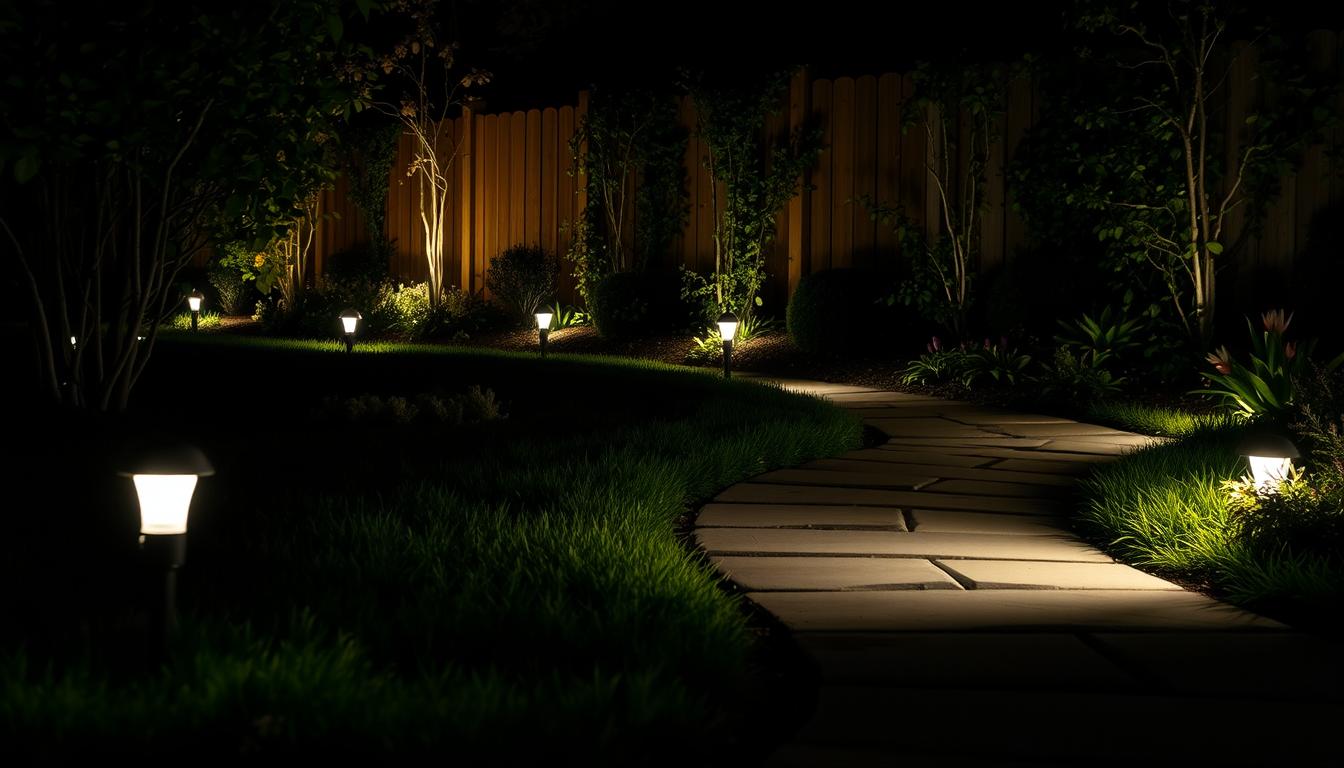
Outdoor path and landscape lighting should include low-voltage LEDs and solar options for accents. Place fixtures to highlight steps, grade changes, water features, and entryways. This thoughtful placement boosts curb appeal and improves safety with clear pathway lighting and welcome visibility.
Hybrid systems combine plug-in sensors for indoor safety with managed LED strips for ambient scenes. Caregivers can control scenes remotely while outdoor motion lights protect perimeters. This mix offers smart home lighting convenience and targeted outdoor security lighting.
- Indoor path lighting: low-lumen LED strips for quiet guidance.
- Hallway zoning: pre-conditioning LEDs plus dimmable controls.
- Bathroom presets: warm tones, staged ramp-up for comfort.
- Outdoor and landscape: low-voltage, solar, and well-placed fixtures for pathway lighting.
- Hybrid setups: sensors, caregiver-managed scenes, and wireless smart lights for flexible coverage.
When planning your system, balance light levels with placement and control type. This approach ensures smart home lighting supports safe movement and prevents trips without overpowering rooms or yards.
Designing an Effective Lighting Plan
Begin by surveying your home to find high-risk areas. Look for bedroom exits, hallways, stairways, bathroom entrances, outdoor paths, and driveways. This helps you place smart lighting where it’s most needed.
For nighttime, use a runway concept. Install low-voltage LED strips or baseboard lights from your bed to the bathroom. Aim for 5–20 lumens to light the floor without blinding you.
Set up a chain of triggers for your lighting. Start with a sensor near your bed, like a pressure mat or PIR. Then, add a sensor at the doorway for hallway lighting. Finish with a sensor at the bathroom door to light it up when you enter. Motion sensors are great for these steps.
Adjust the brightness of each zone and use gradual ramps to protect your night vision. Bedrooms should be very dim, around 5–10 lumens. Doorways should be a bit brighter, at 30–40 lumens. The bathroom should start at 80 lumens and ramp up to 150 lumens over five seconds to avoid blindness.
- Set timers and auto-off to save power and protect sleep.
- Use inactivity timeouts like 10 minutes to shut lights automatically.
- Allow manual override for specific needs.
Make outdoor paths safe by eliminating shadows and clearly marking edges. Choose low-voltage, energy-efficient lights for durability and low upkeep. Pick weather-resistant models and place them to avoid glare and blind spots. For tricky angles, consider hiring a pro.
Integrate smart home lighting controls for convenience and efficiency. Use schedules, scenes, and sensor logic to manage your lights and save energy. A well-thought-out layout with smart lighting and motion sensors makes your home safer and more reliable at night.
Customizing Your Smart Lighting System
Begin by picking color temperatures that help with night navigation. Use deep red or warm amber LEDs near beds and hallways. This helps protect melatonin and reduces wakefulness. Save cooler tones for daytime tasks to keep contrast clear.
Adjust light intensity for each area. Set runway or baseboard lights to 5–20 lumens for safe footing. Program modest transition levels for stairways and ramps. Make main room lights brighten gradually instead of suddenly.
- Set schedules and scenes that match daily routines.
- Use timers to create realistic occupied patterns when you are away.
- Allow caregivers to manage advanced schedules remotely to lower the resident’s cognitive load.
Adjust motion sensor sensitivity to avoid false triggers from pets or passing cars. Consider dual-technology sensors where false positives matter most. Position sensors at knee or waist height for reliable detection of people without catching small animals.
Provide manual overrides to keep the system accessible. Install physical smart wall switches such as Lutron Caseta so residents can use familiar controls. Keep standard switches functional and add plug-in set-and-forget sensors in critical zones for seniors.
Pick products that balance features with reliability. Favor devices with local-control modes like Zigbee or Z-Wave and battery backup options for power interruptions. Choose reputable brands with clear documentation so you can troubleshoot without service calls.
When you shop, compare wireless smart lights and hardwired options. Look for energy-efficient lighting ratings and warranties. Prioritize units that integrate with your preferred home automation lighting platform for smoother setup and fewer unexpected behaviors.
Test settings in situ and iterate. Small tweaks to timing, color, or sensitivity often yield the biggest gains in comfort and safety. Keep records of successful presets to reproduce them in other rooms or future installs.
Common Misconceptions About Smart Lighting
Some think smart lighting is all about complicated apps and endless setup. But, small plug-in motion sensor lights and locally controlled modules are easy to use. They let you enjoy the benefits without constant fuss.
Many believe brighter light means safer light. But, too much brightness, like from blue-toned LEDs, can mess with your sleep. Instead, choose low-level lights or warm-spectrum motion sensor lights for guidance without waking you up.
Wi-Fi might seem reliable, but it’s not always. Systems that rely on cloud services can fail if the internet goes down. Look for smart lighting that uses Zigbee or Z-Wave mesh networks and keeps physical switches. This way, your lights will work even when the power is out.
Not all LEDs are the same. Their color temperature and spectral output vary. For nighttime, choose LEDs with warm or red-spectrum options. Also, make sure they have quality certifications for outdoor use and long-term performance.
- Simple plug-and-play options reduce user effort.
- Staged, low-level lighting protects sleep while preventing trips.
- Hybrid networks add resilience during power or internet loss.
- Choose LEDs for spectrum and certification, not just lumens.
For hardwired indoor or outdoor installations, get a licensed electrician or a professional designer. They ensure your smart lighting meets local codes and works well for years.
Maintaining Your Smart Lighting System
Make a simple schedule for checking your wireless smart lights. This keeps them working well. Check outdoor lights for damage from the weather and replace any worn seals.
Look under beds or along baseboards for loose LED strip edges. Press them back in place to stop flickering or failures.
Test your motion sensor lights and pressure mats every month. Make sure they turn on at the right distance. If pets or cars keep triggering them, adjust the sensors’ angle.
Switch to dual-technology sensors if problems continue. This helps avoid false positives.
- Run firmware updates on hubs and apps but keep a local-control fallback when possible.
- Label batteries and replace them on a set cadence for battery-operated emergency lights.
- Keep an uninterruptible local hub or backup battery for critical sensors.
Change settings with the seasons. Solar lights might not work well on cloudy days. Plan for wired lights on important paths.
Think about your local climate’s effect on your lights. This helps them last longer.
Watch for signs of dimming or color changes in your LEDs. They may need to be replaced. Even though they last longer than old bulbs, they can wear out.
If your lights keep triggering false alarms, try different placements. Small changes in sensor height and angle can solve the problem without needing new parts.
Get a yearly check by a qualified electrician for wired systems. A pro can make sure your wiring is safe and meets local codes. This keeps your smart lighting both smart and secure.
Evaluating Smart Lighting Products
When looking for smart lighting, start with reliability. Choose devices that work well on their own and have good reviews. Brands like Lutron Caseta offer features like local scheduling and physical controls.
Next, compare how they work with or without the internet. Pick lights that use Zigbee or Z-Wave for mesh networks. This ensures they work even when the internet is down.
Look at the color and dimming options. Check if they have warm-white, amber, or red light to help you sleep. Also, make sure they dim smoothly for safety at night.
Consider how easy they are to set up. For seniors, choose plug-in sensors and simple bulbs. For caregivers, pick hubs that can be managed remotely for easier adjustments.
Check if they’re good for outdoor use. Choose weather-resistant, low-voltage LED lights with clear IP ratings and strong warranties. Outdoor lights installed by pros last longer with proper wiring.
Compare their energy use. Look at lumens-per-watt and how long they last. LEDs are more efficient, saving money and maintenance.
Check the manufacturer’s support before buying. Choose brands that update their software long-term and offer good customer service. This ensures your lights keep working well over time.
Use this checklist when comparing products:
- Local operation and on-device scheduling
- Zigbee or Z-Wave compatibility for mesh networks
- Warm-spectrum options and smooth dimming
- Simple installation for seniors or caregiver control hubs
- IP-rated, low-voltage outdoor fixtures with warranties
- High lumens-per-watt and long rated life
- Proven firmware support from the manufacturer
Test products at home before buying. This helps you find the right mix of lights that are safe and easy to use.
The Future of Smart Lighting in Home Safety
Intelligent lighting will soon cover entire homes, not just rooms. It will work with health sensors to adjust lighting. This includes motion, sleep, and bathroom visits to create gentle paths and alert caregivers.
AI will learn your nightly paths and light them up before you arrive. This reduces false alarms and makes lights adjust smoothly to your night vision.
Teams of experts will design lighting that’s safe and good for sleep. They’ll focus on older adults and those with sensory needs. This will balance safety with sleep health.
Home automation lighting will become more reliable. Local hubs and better standards will ensure safety features work even without the internet. This means your lights and alerts will keep working during outages.
LEDs and batteries will improve, making low-level lighting affordable. Solar-powered lights and long-lasting batteries will keep emergency paths lit for hours without high energy costs.
Wireless smart lights will become common in both new and old homes. They offer flexible placement and easier installation. You can also expect devices from different brands to work better together.
- Insurers may offer incentives for safety lighting that reduces falls.
- Building codes could begin to recommend or require fall-reducing lighting in certain homes.
- Evidence from trials will guide policy and product standards.
When upgrading, look for systems that focus on local control, energy efficiency, and health-focused light spectra. These features will shape the next generation of safe, smart homes.
Making the Switch to Smart Lighting
Start by walking your home at night or use a lux meter app to spot dark areas. Look for spots near bedroom exits, hallways, bathrooms, stairs, and outdoor paths. This helps you know where smart lighting for safety is most needed.
Choose the right lights for your needs: bedside PIR or pressure mats, plug-in motion sensors for short paths, and warm under-bed LED strips. Add outdoor low-voltage or LED path lights for safety when approaching your home. Pick energy-efficient lighting and devices that work well together, even if the internet is down.
Plan how your lights will work together: keep manual switches for backup and consider a smart switch like Lutron Caseta for hardwired control. Set up sensor chains and adjust light levels and ramp-up times. Start with lights turning off after 10 minutes of no activity.
Test your lights by walking the route in low light. Check how well they turn on, how sensitive they are, and how long it takes for lights to turn off. Remember to check batteries, weatherproofing, and update firmware regularly. For complex installs, get a licensed electrician or a landscape lighting contractor to ensure everything is safe and works well.