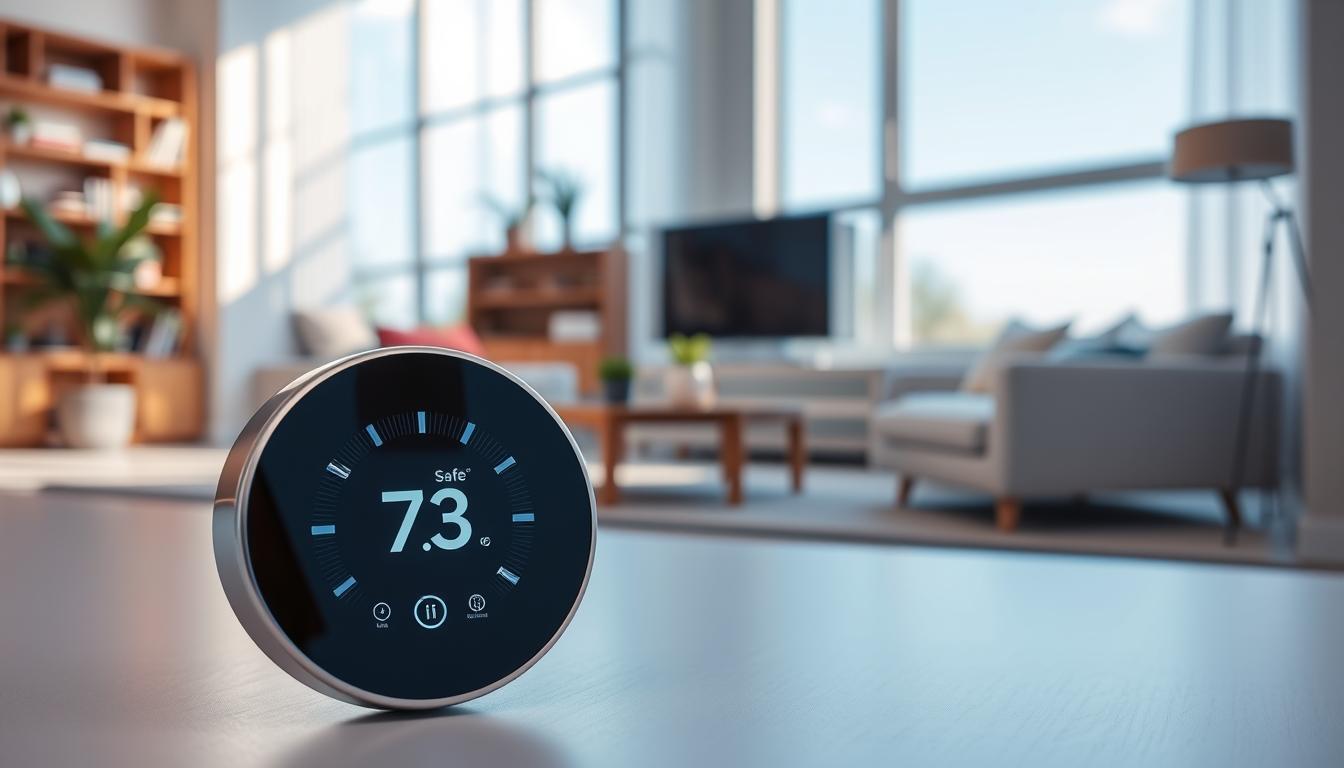
Your HVAC keeps your home comfy. Smart thermostats watch the room temperature and adjust automatically to avoid overheating. This helps keep your home safe and saves energy by reducing waste.
These devices connect to Wi‑Fi and other smart home gadgets. You can control them from your phone or set rules for them. Brands like Google Nest, Ecobee, Carrier, and Warmup offer features to keep you safe and comfortable.
Smart thermostats have safety features like alerts for extreme temperatures and modes to control humidity. These help protect seniors, pets, and prevent heat dangers from HVAC failures.
Using smart thermostats safely means installing them right, calibrating them, and keeping remote access secure. This prevents hacking. In the next sections, we’ll dive into how these systems work, the key safety features, and how to pick and install the right one. We’ll also cover security, maintenance, and common issues for reliable use.
Understanding Smart Thermostats and Their Functions
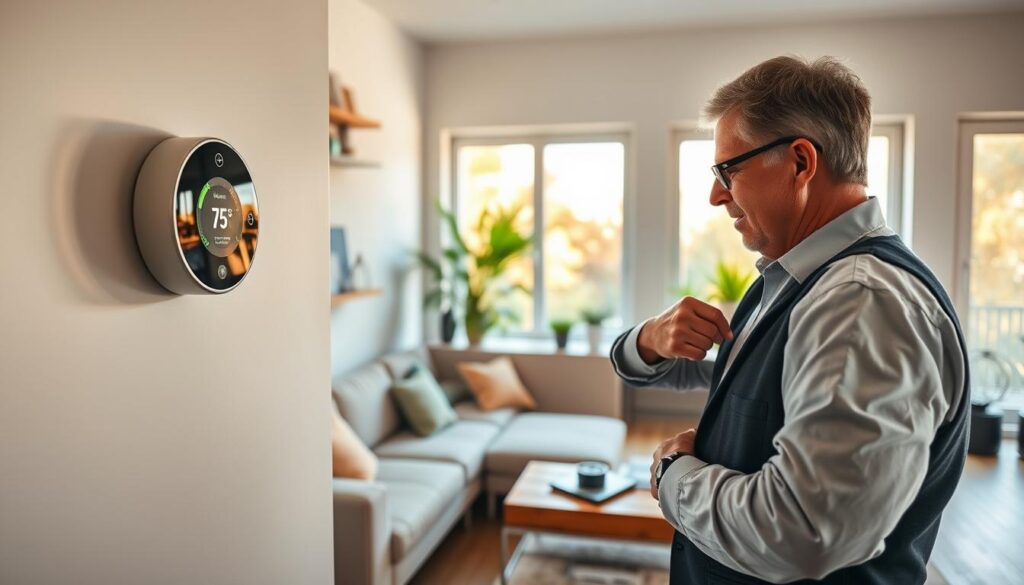
So, what does a smart thermostat do for your home? It connects to your Wi‑Fi and works with a phone or tablet app. This lets you control it remotely, schedule it, and see its status in real-time.
Many smart thermostats learn your habits. They use algorithms to adjust the temperature based on your routine. This saves energy and keeps your home comfortable without needing to adjust it all the time.
These devices have sensors and can connect to other systems. A wall sensor checks the room’s temperature. Remote sensors, like the Ecobee SmartSensor EB‑RSHM2PK‑01, monitor other rooms to fix temperature issues.
They also have cool features like schedule-based settings and geofencing. Geofencing changes the temperature when you leave or come back, using your phone’s GPS. They can even adjust based on the weather and system status to save energy.
- Schedule-based set points to match daily routines.
- Geofencing that arms or unarms climate control when you depart or arrive.
- Automatic mode changes tied to weather and equipment status.
Some smart thermostats also control humidity. Nest’s Cool to Dry and Ecobee’s Dehumidify use your AC to lower indoor humidity. This reduces the need for dehumidifiers and makes your home more comfortable.
Safety is a big concern for homeowners. Smart thermostats can prevent pipes from freezing and protect against heat stress. They also alert you to system issues so you can fix them before they get worse.
When setting up your smart thermostat, think about cybersecurity. Use strong passwords, update the firmware regularly, and control who can access it. This keeps your smart thermostat safe from hackers and protects your home.
The Importance of Temperature Regulation in Your Home
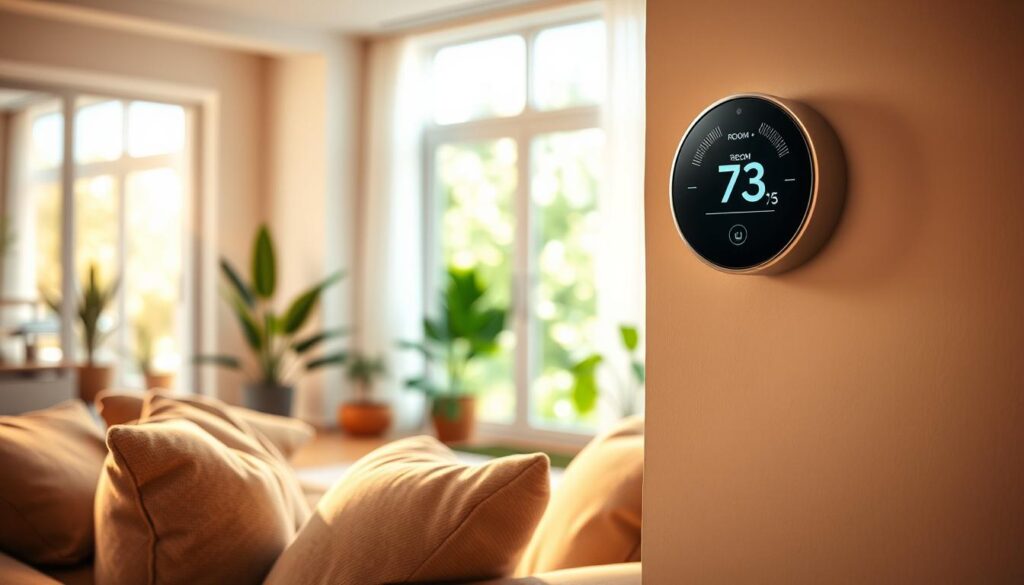
Your home’s temperature is key to your health, the structure, and your bills. High indoor heat can lead to heat stress and affect your brain, which is bad for the elderly. Smart thermostats help by watching rooms, sending alerts, and giving you time to call for help before it’s too late.
Keeping a steady temperature is also good for your home. Cold weather can freeze pipes and cause them to burst. On the other hand, extreme heat can shorten the life of your electronics and strain your HVAC system. Features like Safety Temperatures and setback profiles help prevent frozen pipes and reduce overheating risks, keeping your home safe.
Smart scheduling and pre-cooling can save energy and lower your bills. You can use pre-cool routines before peak Time-of-Use rates and geofencing to cut runtime when you’re not home. Looking at usage history can help you find leaks or poor insulation and stop wasteful cycles.
Better temperature control means better sleep and comfort. Automating a sleep routine around 67°F can improve your rest. Your thermostat can follow your habits and adjust settings overnight to keep you comfortable without you having to do it manually.
- Health: alerts and monitoring reduce heat-related risks.
- Property: minimum and maximum limits protect pipes and electronics.
- Cost: scheduling, pre-cool, and energy tracking lower bills.
- Comfort: automated sleep settings improve rest quality.
Combining these benefits shows why preventing overheating and following thermostat safety tips are important. By protecting your home with smart thermostats, you get safety, savings, and comfort all in one system.
How Smart Thermostats Enhance Safety
Smart thermostats send alerts when temperatures get too high or too low. You can set limits to protect pipes and prevent heat stress. These alerts help you act fast if your heating or cooling system fails.
They also have automated fail-safes to prevent damage from accidental changes. Many models let you set temperature limits and add a PIN lock. This stops drastic changes and supports safe use.
Humidity control adds another layer of protection. Brands like Nest and Ecobee have dehumidify modes. These modes use central AC to safely lower moisture, reducing fire risks from portable dehumidifiers.
Remote monitoring is great for caring for seniors or someone with health needs. Temperature alerts act as a remote caregiver tool. They give you timely warnings when a room gets too cold or too hot.
Maintenance reminders keep systems running well. Your thermostat can remind you about filter changes and when service is needed. Following these tips extends equipment life and prevents breakdowns.
- Set clear high/low alerts for pipes and people.
- Use PIN locks and limited set-point ranges.
- Enable dehumidify modes on compatible models.
- Accept only necessary permissions in the app.
Privacy and safety tradeoffs need attention. Geofencing and location access improve automation but raise privacy concerns. Grant only the permissions you need and review app settings to limit data sharing.
Protect your account and network to prevent unauthorized changes. Keep firmware updated, use strong passwords, and limit who can change settings. These thermostat cybersecurity best practices help prevent hacking and preserve safety features.
Tips for Choosing the Right Smart Thermostat
First, focus on smart thermostat safety. Look for devices with limits on temperature and alerts for extreme temperatures. Also, check for PIN access to prevent unauthorized changes. Features like maintenance reminders and automatic diagnostics help spot issues early.
Choose a model with remote sensors for uneven rooms. Systems like Ecobee show how extra sensors solve comfort issues. This reduces the risk of overheating in one room.
For humid climates, consider humidity management. Nest and Ecobee offer modes to control moisture. This helps prevent mold and heat-related dangers.
Make sure it works with your smart home platform. Google Nest, Amazon Alexa, and Apple HomeKit enable routines and geofencing. This makes scheduling and emergency responses easier.
Look into energy programs and rebates. Utilities like Duke Energy and Austin Energy offer rewards and app-based rebates. Choosing a compatible device can help you save money.
Check the security and privacy policies. Opt for brands with regular updates, two-factor authentication, and strict permission controls. A good reputation and timely updates are key for safety.
Check if you need professional help for installation. Some systems, like Warmup underfloor heating, require a qualified electrician. Ensure your HVAC wiring is compatible and that you have the necessary support.
Consider your budget and the features you need. A more expensive model with sensors and geofencing might offer better safety and savings. Choose based on your home’s needs, not just the price.
Use a checklist when comparing models:
- Programmable safety limits and alerts
- Remote sensor support
- Humidity control options
- Platform integration and automation
- Utility program compatibility
- Strong security practices and update policy
- Installation requirements and professional support
By following these tips, you can make a smart choice. Focus on safety and a secure installation to protect your home and family.
Installation and Setup of Smart Thermostats
First, decide if you’ll install the thermostat yourself or get a pro. Many Nest and Ecobee models come with DIY guides. But, complex systems like Warmup underfloor heating need a qualified electrician.
Choose the right spot for your thermostat. Mount it on an interior wall, about five feet up. Avoid areas with direct sunlight, ovens, or large electronics that can affect temperature readings.
Use remote sensors to fix hot and cold spots. Ecobee room sensors help the thermostat focus on occupied rooms. Place sensors where you spend time and test for even readings.
- Enable geofencing and set Location Access to “Always Allow” on each phone.
- Install the thermostat app for every adult in the home to prevent false-away status.
- Combine geofencing with a sleep schedule for smooth night adjustments.
Set safety limits and access controls. Set minimum and maximum temperatures to avoid extreme settings. Use a PIN lock or restrict app access to keep settings safe from guests or children.
Follow thermostat cybersecurity best practices. Create strong, unique passwords and enable two-factor authentication if available. Keep firmware updated and review app permissions to minimize risk.
Use secure smart thermostat installation habits for remote access. Avoid public Wi-Fi during setup. Connect devices to a home network with a strong router password and guest network for visitors.
Look for rebates and utility programs in the app. Many thermostats list “Rebates and Rewards” or “Energy Savings.” Enter your zip code and utility provider to enroll and get credits or incentives.
Monitoring and Managing Temperature Remotely
You can change settings on your phone with most apps. This lets you cool down your home before you get there or warm it up for pets when you’re out. You can also set up routines to turn on or off your thermostat automatically.
Geofencing and presence sensing turn your thermostat to away mode when you leave. It turns back on when you return, making your home comfortable again. Make sure everyone in your household has the app installed and location settings are correct.
Set up alerts for extreme temperatures and HVAC issues. This way, you can fix problems before they cause damage. Maintenance reminders and runtime diagnostics help you find and fix issues like leaks or drafts.
Look at usage history and runtime graphs to find patterns. You might discover areas where heat escapes or rooms that need better air flow. Use fan mode to circulate air without using the compressor, saving energy and preventing humidity.
- Use secure Wi‑Fi and enable two‑factor authentication for account access.
- Keep firmware updated and avoid logging in from public networks.
- Limit guest privileges and check access logs regularly.
Follow these thermostat safety tips to protect your home while using remote features. You can choose to track only significant location changes to save battery and privacy.
Take steps to prevent smart thermostat hacking when using remote access. Use strong passwords, keep your devices clean, and segment your network to protect sensitive data.
Smart thermostat safety is about both automation and being careful. Use alerts, routines, and diagnostics for comfort and savings. Always keep secure remote access as a key part of your setup.
Common Issues with Smart Thermostats
Direct sun or vents can cause smart thermostats like Nest, Ecobee, or Honeywell to show wrong temperatures. Move any portable heat sources away. Use the app to adjust the temperature before moving the device.
Family members might change settings by hand, which can mess up your energy plans. Use PIN locks and account controls to keep things safe and on track.
Wi-Fi drops can stop routines and remote commands. Make sure your router is in a good spot for better coverage. Also, enable local controls and follow basic steps if you lose connection.
Using features the wrong way can waste energy. Turning the thermostat up to heat faster doesn’t work. Stick to the schedule and smart modes for better efficiency.
Geofencing might not work right if only one person has the app. Get everyone to install the app. Or use hybrid schedules to avoid unexpected changes.
Keeping the fan on all the time can make the coils wet and increase humidity. Use “Circulate” or auto mode to mix air without getting surfaces wet.
Installation mistakes can cause ongoing problems. Check the guides and consider a pro for tricky wiring and placement.
Weak passwords and outdated firmware can lead to hacking. This can change settings or disable safety features. Use strong, unique passwords, keep firmware up to date, and limit who can access your thermostat remotely.
- Check sensor placement and use app correction for odd readings.
- Enable PIN locks and role-based access to stop schedule overrides.
- Improve Wi‑Fi or set local fallback for reliable routines.
- Use scheduled heating instead of quick setpoint jumps.
- Ensure all adults use the app to avoid false-away triggers.
- Switch fan modes to reduce over-humidification.
- Hire a pro when wiring or placement looks wrong.
- Keep firmware updated and credentials private to boost smart thermostat safety and prevent hacking.
Best Practices for Maintaining Smart Thermostat Efficiency
Keep your smart thermostat’s firmware and apps up to date. Regular updates bring security patches and fixes that keep your system running smoothly. Set your phone to update automatically or check the app weekly.
Don’t forget to maintain your HVAC system and change filters regularly. Use reminders to keep up with these tasks. This helps your system run efficiently and prevents damage.
- Use schedules and geofencing together. Set realistic temperatures, like a small winter setback near 60°F. This prevents frozen pipes and saves energy.
- Pre-cool before peak-rate periods. Lower your indoor temperature before high electricity rates start. Then, raise it during peaks to save money without losing comfort.
- Run the fan in short bursts. This even out room temperatures without wasting energy or causing humidity.
Keep an eye on how long your thermostat runs and check usage history. Look for unusual patterns that might indicate leaks or failing equipment. Catching these issues early can save you money and keep your system safe.
Calibrate your sensors and add remote sensors if needed. If sunlight affects your readings, adjust your settings. Remote sensors help ensure comfort in occupied rooms.
Keep your account secure. Use strong passwords, enable two-factor authentication, and limit who has access. Review app permissions and disable location sharing to protect your system.
Take advantage of utility rebates and rewards. Sign up for programs through your app to earn credits and lower costs.
Make routine checks a part of your home care. Small, consistent actions keep your system running well. They also help protect your home and keep your system safe and efficient.
Conclusion: Maximizing Safety with Smart Thermostats
Smart thermostats offer both comfort and safety when set up correctly. They keep an eye on temperature and humidity, send alerts, and control your home’s climate from anywhere. This makes them a key part of keeping your home safe from overheating.
Here’s what to do next: choose a model with remote sensors and dehumidify features. Install it in the right spot or get a licensed electrician for tricky setups. After setup, calibrate the sensors. Turn on alerts, use a PIN lock, and look for rebates to lower costs. These steps ensure your smart thermostat is used safely and works well over time.
Keeping your system safe is essential for your family’s well-being. Use strong passwords, enable two-factor authentication, and update the firmware often. Limit permissions and location sharing. Check account access and device logs regularly to avoid hacking and privacy issues.
With the right smart thermostat, you can save money, avoid overheating, and keep vulnerable people safe. Check your settings, enable safety features, and turn on alerts. This way, your device will help keep your home safe and comfortable.