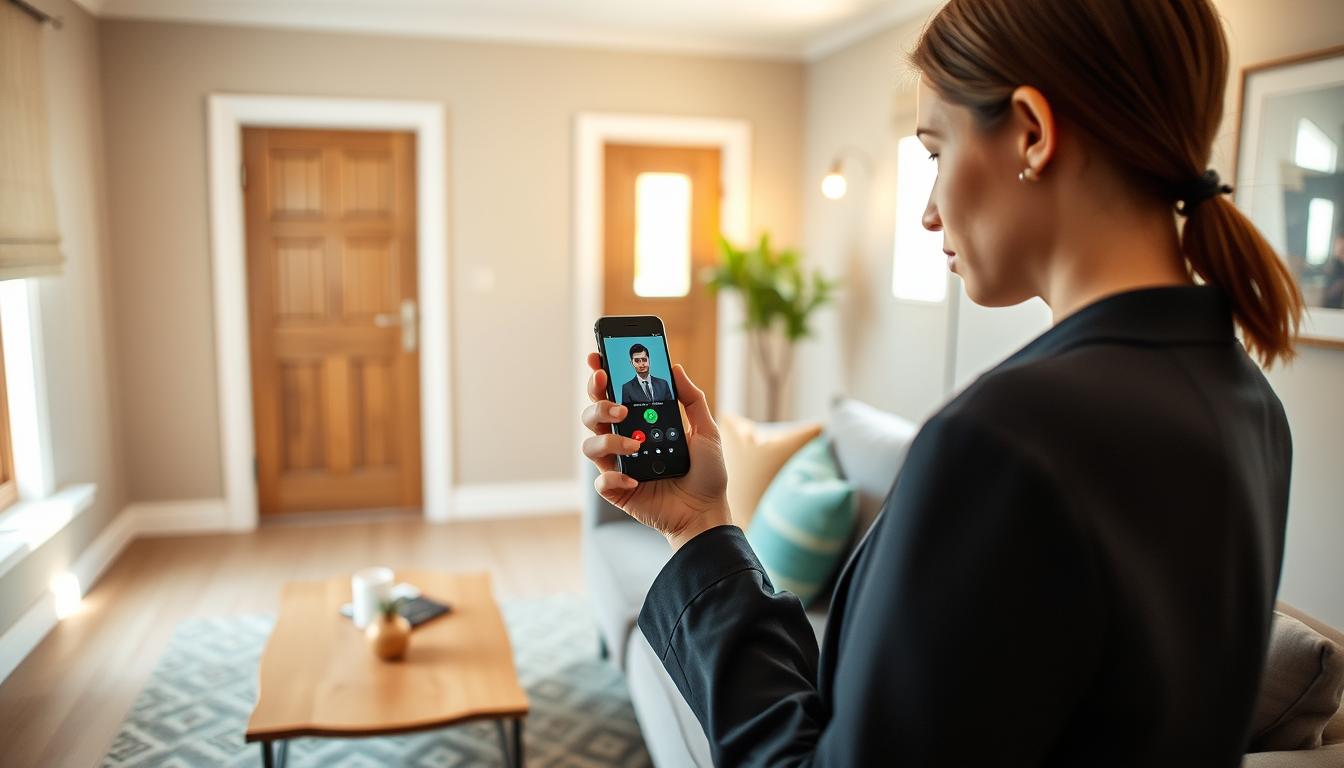
Smart doorbells let you answer the door from your phone or tablet safely. You can do this whether you’re at work or out of town. Brands like SkyBell, DoorBird, and Symphony offer live video, two-way audio, and motion alerts. They also let you unlock doors or gates remotely.
This way, you can screen visitors, accept packages, or let service workers in without opening the door. It’s very convenient.
To keep your remote door answering safe, follow some important steps. Use a strong Wi-Fi password and enable two-factor authentication on your accounts. Also, require device locks (like PIN, Touch ID, or Face ID) before unlocking doors remotely.
Keep your doorbell’s firmware and app up to date. Update them through the Apple App Store or Google Play. This helps fix any security issues.
Practical scenarios show how useful this is. For example, you can ask a delivery driver to leave a package on your porch while watching live video. You can also verify unexpected visitors before letting them in. Some SkyBell models even let you call emergency services directly from the app.
Remember, there are legal and consumer expectations for data privacy and secure connections. But with these smart doorbell features and security steps, remote door answering is safe and reliable. You get to control who enters your home while enjoying the convenience of managing visitors from your mobile device.
What is a Smart Doorbell?
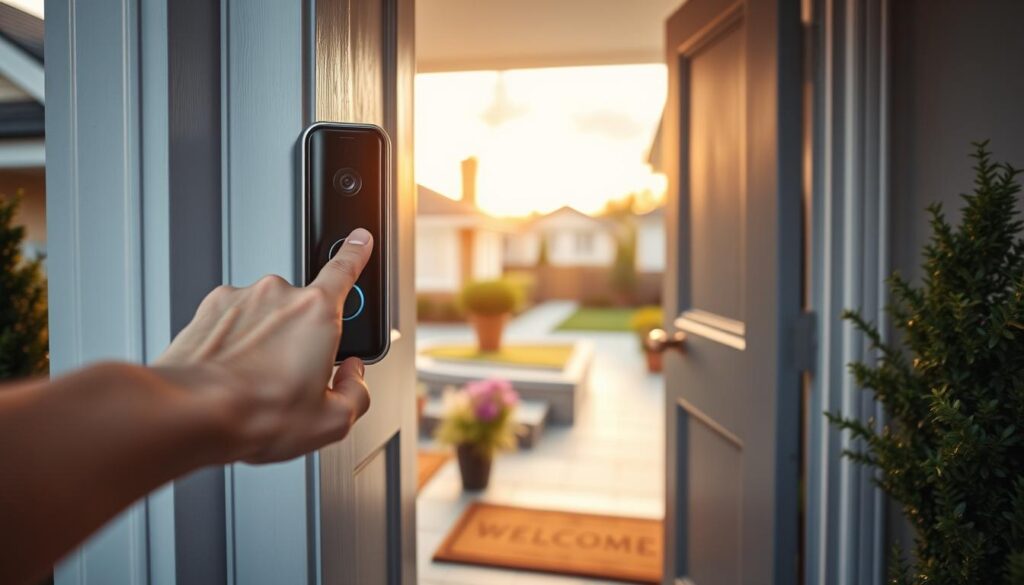
Have you seen devices at front doors that send live video and alerts to phones? A smart doorbell is a device that sends live video and alerts to your phone or tablet. It does this when someone presses the button or when it detects motion. It’s more than just a chime; it offers remote access, two-way audio, and recording.
At its core, a smart doorbell has an HD camera with night vision or IR. It also has a two-way microphone and speaker for talking, and a motion sensor for alerts. Many models come with a door or gate relay for unlocking remotely and an optional indoor chime.
The software connects everything through a mobile app like DoorBird App, SkyBell app, or Symphony Mobile Client. The app manages cloud or LAN connectivity, sends push notifications, and keeps a record of visitors. It also lets you set up motion zones to reduce false alarms.
- DoorBird provides HDTV live video, an ultra wide-angle lens, night vision, and secure remote access through its app.
- SkyBell offers HD streaming, smart motion detection, and One-Touch Home 9-1-1 for fast responses.
- Symphony Cloud client supports calls, unlocking doors or barriers, and activity lists for easy review.
Power and connectivity options vary. You can find battery-powered models, units wired to a doorbell transformer, and PoE (Power over Ethernet) devices. Network links include Wi-Fi for easy installs and Ethernet for stable, low-latency connections.
When choosing a smart doorbell, consider camera quality, motion settings, app reliability, and network connection. This helps you find a system that fits your life and keeps you in control from your phone or tablet.
Benefits of Using Smart Doorbells
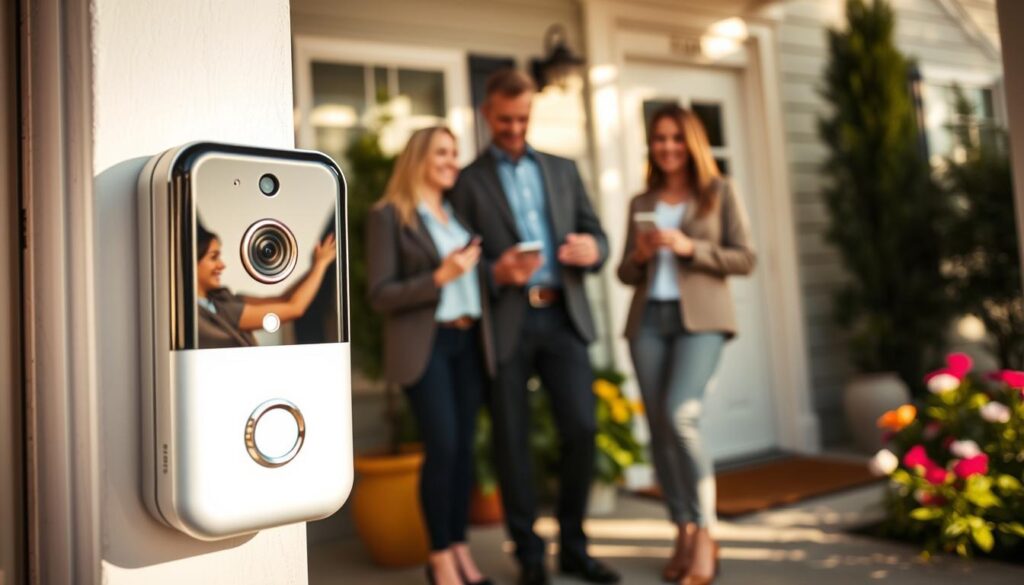
Smart doorbells make life easier for busy people. You can answer the door from anywhere, watch live video, and talk to visitors. Brands like DoorBird and SkyBell let you see and talk to guests worldwide. You can also unlock doors or gates for trusted visitors.
Smart doorbells boost security with real-time alerts and HD video. Night vision works in low light. You can set up motion zones to avoid false alarms. Some systems have seen a big drop in false alerts.
They also help in emergencies. With integrations like RapidSOS, you can quickly send help to your address. This can speed up the response time when you need it most.
Using smart doorbells makes daily life easier. You can manage security levels and unlock multiple doors with ease. You can also create favorites for quick access. A centralized activity list keeps you updated on who visited.
Smart doorbells are affordable and easy to use. Many models fit within most budgets. They are simple to install and have user-friendly apps. This means you can enjoy their features without hassle.
- Answer remotely and speak via two-way audio
- Receive motion alerts and store visitor history
- Use night vision and HD video for clear ID
- Integrate emergency services for faster response
- Manage multiple doors and create quick-access contacts
How Smart Doorbells Work
Most smart doorbells start when you press a button or when a sensor sees movement. This action sends a notification to your phone or tablet. It also starts a live video stream so you can see who’s at the door.
The video and audio quality is high, thanks to devices like DoorBird or SkyBell. You can talk to visitors through the app. You can also switch between different camera views if your system supports it.
These doorbells can connect locally or over the internet, keeping your data safe. Some save clips in the cloud for easy access. Others let you record locally to a NAS or microSD card.
Access to your feed is secure. Apps use PIN codes, Touch ID, or Face ID for login. Your data is encrypted, and accounts are protected against unauthorized access. Some systems even send verified alerts to emergency services.
Smart doorbells can do more than just stream video. They can unlock doors, gates, or garage doors. This is thanks to relay outputs and multi-step unlocking sequences for added security.
You can customize how you get notifications. Choose push notifications, custom ringtones, or geofencing rules. You can also review activity logs for missed or accepted calls. This way, you only get alerts that are important to you.
- Event triggers: button press, motion sensor
- Video/audio: HD camera, two-way conversation, multi-camera switching
- Connectivity: local LAN, PoE, cloud or local storage
- Security: PIN, biometric auth, encrypted data
- Control outputs: relays for locks and gates
- Notifications: push alerts, ringtones, geofencing, activity logs
Knowing how smart doorbells work helps you pick the right features. This ensures your system meets your security and convenience needs.
Installation Process for Smart Doorbells
First, do a quick pre-install checklist. Make sure Wi‑Fi is strong where the doorbell will go. Check the voltage of your doorbell transformer if you’re wiring it.
Decide between a battery model, wired unit, or PoE option. DoorBird offers Wi‑Fi and Ethernet/PoE for stable connections.
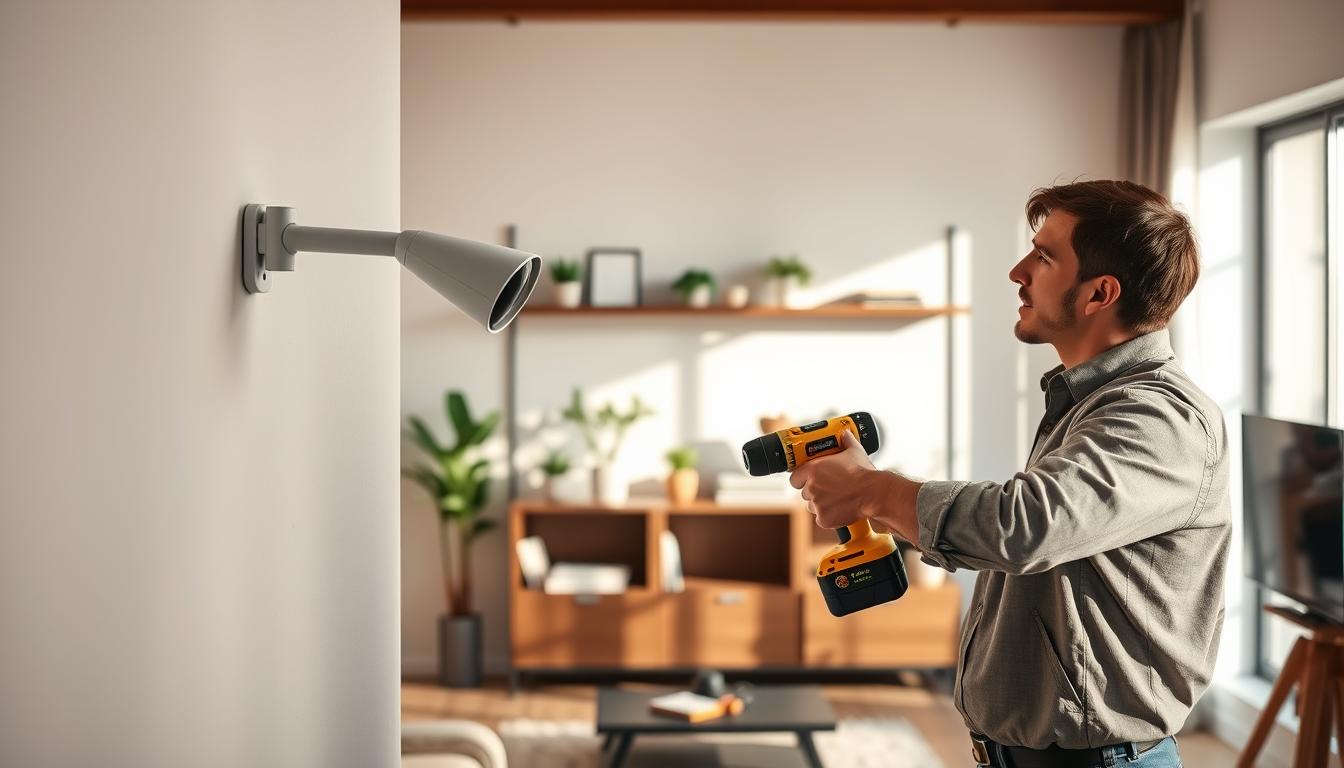
Get your tools and materials ready. You’ll need a drill, screwdrivers, a level, anchors, and wiring connectors. You might also need a chime adapter or a dedicated chime device. SkyBell sells compatible chime accessories for some systems.
Choose the wiring option that fits your home. Battery-powered units are easy to install and work well without wiring. Wired units use your existing doorbell transformer for power. PoE gives reliable power and network through Ethernet, and DoorBird offers PoE support.
- Mounting tips: use an angle wedge or a mounting plate to adjust camera orientation.
- Ensure clear sightlines and place the unit within Wi‑Fi range or near an Ethernet run.
- Seal any gaps to prevent moisture and check that the camera view covers entries and walkways.
After the hardware is secure, set up the software. Download the vendor app from the App Store or Google Play. Create your account, register the device, and name contacts for alerts. Set motion detection zones to reduce false alerts and choose push notification ringtones you will recognize.
Plan for multi-unit or complex installs if you manage multi-level buildings. Consider multi-camera switching and sequential door or gate unlocking for shared entryways. Enterprise and access systems, such as those used by property managers, often support these features and can simplify control across multiple entry points.
Follow these smart doorbell installation tips to speed the process and avoid common mistakes. Proper planning, the right tools, and careful positioning make smart doorbell installation smooth. Once set up, you will enjoy the benefits of using smart doorbells for secure, convenient access monitoring.
Connecting Your Smart Doorbell to Devices
First, download the app for your device from the Apple App Store or Google Play. Apps from DoorBird, SkyBell, and Symphony are available. Make sure to allow notifications, microphone, and camera access for audio and video.
Create a secure account with a strong password. Use PIN, Touch ID, or Face ID for extra security. Symphony supports these methods for better protection.
- Open the app and follow the pairing prompts to add your smartphone or tablet as a permitted device.
- Mark favorite contacts and create homescreen shortcuts for quick access; Symphony supports favorites for faster response.
- Allow multiple household members to receive alerts and answer calls, then manage permissions inside the app.
Customize your notifications to fit your schedule. Choose sounds, set up geofencing, and adjust motion detection zones. DoorBird lets you customize ringtones and motion sensor settings.
Connect your system to smart home platforms for voice control or automation. DoorBird and SkyBell work with Amazon Alexa and Google Assistant. Use these links to set up routines, make announcements, or include the doorbell in scenes.
When comparing smart doorbells, look at app reliability, security options, and integration depth. Focus on features you’ll use often, like multi-device access, notification controls, and easy pairing. This makes setup easy and secure.
Answering the Door Remotely
When you get a push notification or a ring, open the live feed in your app to see who is at the door. Most apps show a preview during call setup and let you tap the image for a larger view. This lets you quickly confirm identity before you interact.
Use HD video and two-way audio to speak with visitors without opening the door. Brands like DoorBird and SkyBell offer clear audio and crisp video so you can verify a delivery or tell a visitor where to leave a package. Two-way talk is one of the most helpful smart doorbell features for everyday use.
You can grant access from your phone by unlocking doors, gates, or garage openers through app controls. For multi-level access, open barriers in sequence when required. Symphony-style workflows support sequential openings so you keep control while letting trusted people in.
In an emergency, locate one-touch options such as SkyBell’s RapidSOS integration to contact first responders quickly. These emergency actions send location and critical details to help services when seconds matter.
Handle deliveries and service calls by instructing drivers through the app, triggering smart locks for secure dropoffs, or recording the visit in your visitor history. Smart doorbell features like recorded clips and timestamped logs give you proof if a parcel goes missing.
Follow safety measures every time you use remote access. Always confirm identity visually before you answer or unlock. Avoid opening for unknown or suspicious visitors. Set geofencing rules to limit automated unlocks and require biometric or PIN protection on your phone before you perform unlock actions.
- Open the live feed at first notice to assess the situation.
- Use two-way audio and HD video for clear communication.
- Grant timed or sequential access when needed.
- Use emergency one-touch features where available.
- Keep device security strong with biometric or PIN protection.
Privacy Considerations with Smart Doorbells
When you start using smart doorbells, look at how vendors handle your data. Many apps encrypt your video when it’s sent and stored. DoorBird, for example, uses secure encryption for its system.
Before agreeing, check the vendor’s privacy disclosures in the App Store or Google Play. Read their privacy policies. Apps might collect device IDs and personal info. Knowing this helps you share less.
Think about where your recordings will be stored. Some systems keep videos in the cloud, while others store them locally. SkyBell, for instance, stores videos tied to a SkyBell Account. Understand their retention rules and how to delete recordings if needed.
Only give the doorbell app the permissions it needs. Allow camera, microphone, and notification access only when necessary. Disable analytics or sharing features to enhance security.
Be mindful of local laws about recording public areas and neighbor property. Laws vary by state and municipality. Aim your camera to focus on your porch and entry path to avoid capturing adjacent properties.
Use strong, unique passwords and two-factor authentication to protect your account. Lock your phone with a PIN or biometrics. Products like Symphony support PIN, Touch ID, or Face ID for secure access.
Choose vendors known for reliability. SkyBell has been in North America for over a decade, and DoorBird brings German engineering to its devices. Read user reviews for app stability and missed-event reports before making a decision.
- Review encryption and data residency options.
- Limit app permissions and turn off unnecessary data sharing.
- Understand recording retention and deletion procedures.
- Position cameras to respect neighbor privacy.
- Enable two-factor authentication and strong passwords.
By keeping these tips in mind, you can control your privacy with smart doorbells. Thoughtful setup balances security features with convenience. This way, you protect your home and data effectively.
Troubleshooting Common Issues
If you miss notifications, check your phone’s app background data permissions. On Android, turn off aggressive battery optimization. Some DoorBird users report dropped events when optimization is active. Make sure push notifications are enabled and your device volume and media/notification settings allow alerts.
Poor video or audio often comes from a weak network. Test your Wi‑Fi signal near the doorbell and move your router if needed. If your model supports Ethernet or PoE, switch to a wired connection for better stability, as DoorBird recommends. Consider using a Wi‑Fi extender and check night‑vision or IR settings for low‑light clarity.
Frequent false motion alerts mean you should refine motion zones and sensitivity. Brands like SkyBell let you define detection areas to cut false positives dramatically. Adjust thresholds and test during different times of day to find the right balance.
If unlock or relay commands fail, verify wiring and relay mode in the app. Make sure the app has required permissions and that firmware is current. DoorBird and other vendors release firmware updates to fix bugs, so check for updates before diving deeper.
App instability often resolves with an update or reinstall. Keep the vendor app current and review support channels when issues persist. Some DoorBird users report “Action performed” messages that do not complete; collect logs and note timestamps to share with support.
When switching between multiple cameras during calls, ensure all cameras share the same network and have matching firmware. Systems that support second camera switching, like Symphony setups, need consistent network access to allow seamless transitions.
- Follow smart doorbell installation tips: secure mounts, correct wiring, and tight connections reduce faults.
- Keep a log of drops, unlock failures, and timestamps to speed diagnostics with vendor support.
- Check smart doorbell reviews for known model quirks before major troubleshooting steps.
Escalate to vendor support if you see persistent event drops, recurring connection failures, or nonworking unlock codes. Provide device details, firmware versions, and logs to get faster, accurate help.
Integrating Smart Doorbells with Other Devices
Start by checking if your smart doorbell is compatible with your home. Many models work with Amazon Alexa and Google Assistant. DoorBird and SkyBell offer options for cloud and local control.
Choose between cloud access for remote alerts or a local setup to reduce cloud dependency. Local setups can lower latency and keep video on your network. Cloud services make it easier to view remotely and have outsourced monitoring.
- Security system integration: Link doorbell events to alarm panels or a security company dashboard for immediate alerts. SkyBell has been used by professional monitoring firms for verified event reporting.
- Multi-camera systems: Switch between cameras during a call to get wider awareness. Advanced DoorBird configurations and multi-camera platforms like Symphony support camera switching and synchronized feeds.
- Automations: Use motion triggers to turn on lights, unlock smart locks, or record to an NVR. Geofencing adds convenience by silencing notifications when you’re home.
- Emergency integrations: Services like RapidSOS route verified location and incident details to first responders, speeding response when every second counts.
Consider the smart doorbell features you need and how they affect privacy and control. If recording to an NVR, check codecs and storage. If using cloud services, review retention and encryption policies.
Set up clear automations for actions to happen only when you want. For example, turn on porch lights on motion between sunset and sunrise. Link unlock commands to voice confirmation or a secondary app prompt.
Test your setup end-to-end. Verify voice responses with Alexa or Google Assistant and check if security panel events show up in your dashboard. Regular checks keep integrations reliable and reduce false alarms.
Choosing the Right Smart Doorbell for You
First, make a list of what you need. Look for HD or HTV video, night vision, and two-way audio. Also, motion detection and reliable app performance are key. Don’t forget visitor history and video storage for clear records.
Consider power and installation. Battery models are easy to install yourself. Wired or PoE units need professional wiring but offer steady performance. Make sure the new unit works with your existing doorbell.
Use a checklist to compare vendors. Check if the doorbell can unlock doors or gates. Look for emergency tools like One-Touch 9-1-1. Also, confirm LAN/PoE support for hardwired reliability.
Look at the brand’s reputation before buying. SkyBell is known for its long market presence and affordable options. DoorBird offers German engineering and LAN/PoE options. Symphony is great for enterprise-grade intercom and multi-barrier control.
Read smart doorbell reviews to learn about app stability and notification behavior. Some apps miss events, while others are reliable. Balance user feedback with technical specs in your comparison.
Consider subscription fees. Even if the doorbell is affordable, cloud recording or premium service may cost extra. Think about the total cost before deciding.
Make sure the doorbell fits your system. Check compatibility with your door, gate hardware, smart locks, and security providers. Also, confirm the app works on both iOS and Android.
- Feature checklist: HD/HTV, night vision, two-way audio, motion zones, app reliability.
- Power options: battery for DIY, wired/PoE for reliability.
- Brand picks: SkyBell, DoorBird, Symphony for different needs.
- Budget note: factor purchase price and subscription fees.
- Read user reviews: use smart doorbell reviews for real-world reliability.
Do a quick comparison of your top choices. Test the apps, check notification speed, and confirm video clarity at different times. These trials help you choose the best smart doorbell for your home.
Maintaining Your Smart Doorbell
Keep your smart doorbell’s firmware and app up to date. This fixes bugs and boosts performance. DoorBird and Ring often release updates. Make sure your phone updates apps automatically and check the doorbell’s firmware monthly.
If your doorbell runs on batteries, take care of them. Watch the battery level and follow the manufacturer’s recharge or replacement schedule. Keep a spare battery or charger, as cold weather can shorten battery life.
Clean the camera lens and motion sensors often. Use a soft cloth and mild cleaner to remove dirt and other substances. Also, check the mounting screws, seals, and gaskets to keep the doorbell weatherproof.
Ensure your Wi-Fi signal is strong and your router is healthy. A weak connection can lead to missed alerts and poor video quality. Move your router, add a mesh node, or switch to Ethernet/PoE if needed. Update your router’s firmware and check for channel interference if performance drops.
Manage your storage and backups to avoid losing important footage. Check your cloud plan and delete old recordings. Download important clips to local storage for long-term keeping. Organize your folder with dates and event descriptions.
Regularly check your doorbell’s security settings. Change passwords often and use two-factor authentication. Make sure multi-user permissions are correct and require biometric or PIN authentication on devices.
- smart doorbell installation tips: verify tight seals, level mounting, and correct wiring during setup.
- maintaining smart doorbell: schedule checks every 3 months for firmware, battery, and physical wear.
- using smart doorbells: test live view, two-way audio, and motion zones after updates or network changes.
Regular maintenance keeps your smart doorbell working well. It prevents common problems and keeps your home safe. A consistent care routine is key to enjoying your smart doorbell every day.
Future Trends in Smart Doorbell Technology
Smart doorbell tech is getting smarter and more private. AI and computer vision will reduce false alarms by better identifying people, vehicles, and packages. Motion zones will get smarter, and processing will stay local, keeping your footage private.
Edge computing and local encryption will become key in smart doorbells. More models will support LAN or PoE setups. This reduces latency and keeps your video on your network, making it faster and more secure.
Emergency integrations will get better, giving you quick, verified help when you need it. Expect more partnerships like RapidSOS for automated incident reporting. Your doorbell will also work better with other smart devices from brands like Ring and Nest.
Privacy and reliability will get a boost too. Look for easier deletion options, more sharing settings, and better app performance. This will address issues like dropped events and missed notifications. Prices will also vary, making advanced security features more affordable for everyone.