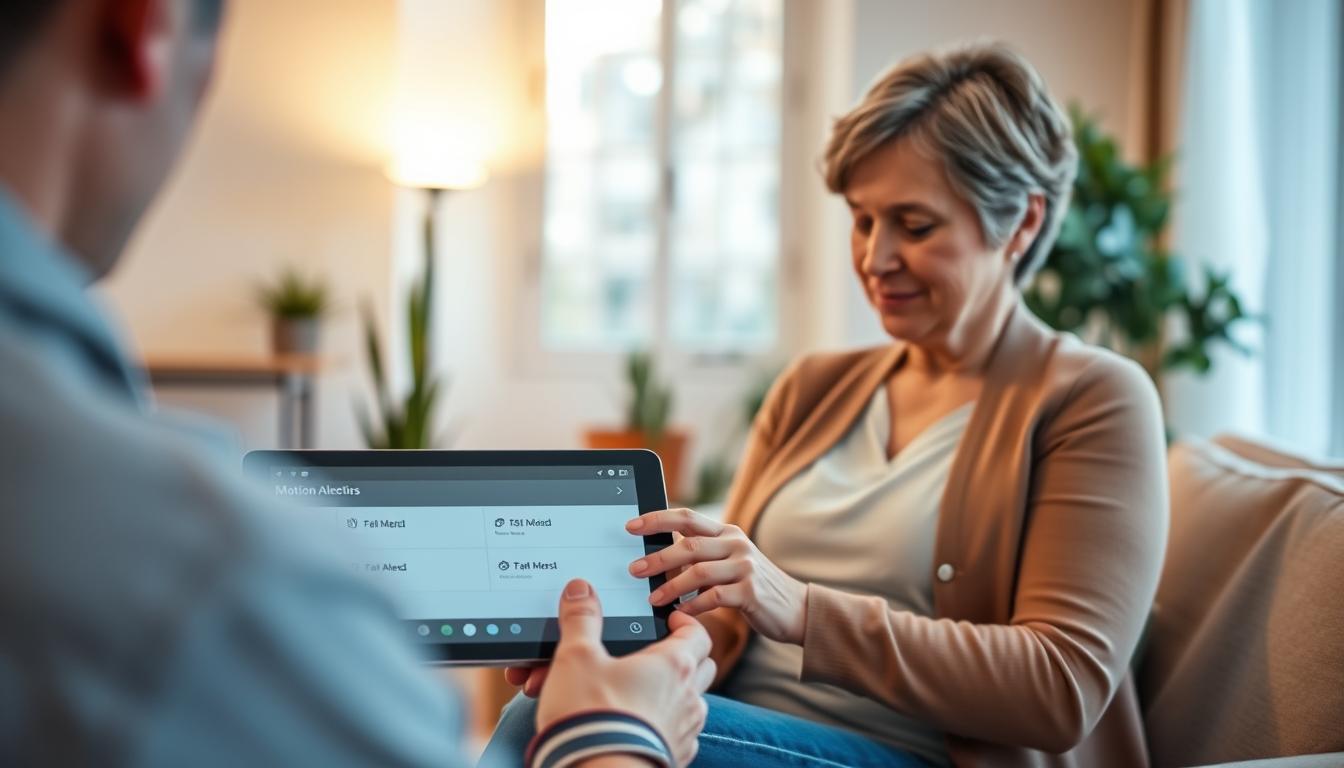
You want to check on a loved one without invading their privacy. Motion alerts for caregivers let you see their daily movement. This is done without cameras or devices they have to wear.
These systems are like a motion sensor for caregivers. They keep seniors safe at home while respecting their dignity. You get to see when someone gets out of bed or moves around. This helps you respond quickly to emergencies.
One method is Wi‑Fi sensing. It uses home Wi‑Fi signals to detect people and furniture. Software analyzes these signals to spot presence, breathing, falls, and inactivity.
Addison Aware (Electronic Caregiver) is a real example of this technology. It uses Wi‑Fi sensing to monitor rooms. It sends alerts for emergencies, tracks activity, and provides mobile app notifications.
Using this technology offers many benefits. You can monitor your loved one 24/7 and respond quickly to emergencies. It’s easy to set up and doesn’t use cameras, so it respects privacy. In the next sections, we’ll dive deeper into how it works, setting it up, privacy concerns, and its future.
Understanding Motion Alerts and Their Importance
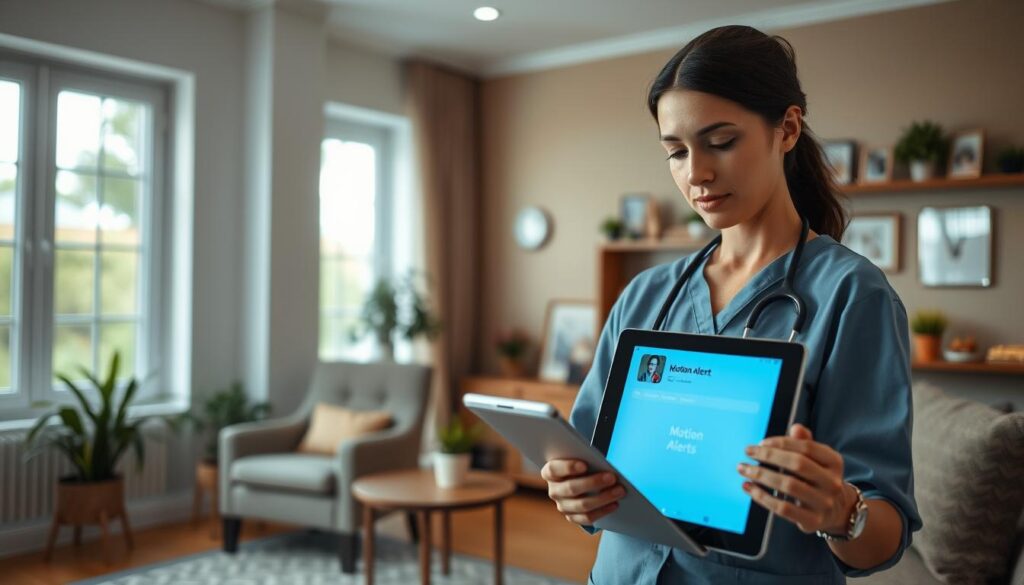
Motion alerts for caregivers are automated notifications. They happen when sensors detect movement or an unexpected pause in activity. This usually occurs in key rooms like the bedroom, bathroom, kitchen, or hallways.
It’s important to treat a sudden stop in routine like an unexpected movement. A lack of expected motion can signal a fall, disorientation, missed medication, or a sudden medical event. These situations need prompt attention.
Research from remote health monitoring shows that motion and bed sensors spot shifts in mobility, sleep patterns, and breathing. These shifts can point to infection, dehydration, worsening chronic illness, or rising fall risk. They can show these issues before more obvious symptoms appear.
Caregiver safety alerts give you timely, actionable signals. They let you check in or escalate care without constant in-person supervision. This reassurance lowers anxiety and helps you focus on higher-value tasks when nothing urgent is flagged.
- What sensors monitor: room entry, prolonged inactivity, bed exit and return.
- What you receive: real-time caregiver safety alerts or summaries you can act on.
- How you use them: verify status, contact the person, or call emergency services if needed.
In care homes and assisted living, consent and transparency matter. Clear rules about what is monitored, who can access data, and how escalation works build trust with residents and families.
When you combine caregiver motion detection with clear protocols and regular review, the system becomes a dependable layer of safety. It supports independence while protecting well-being.
How Motion Sensors Work in Caregiving
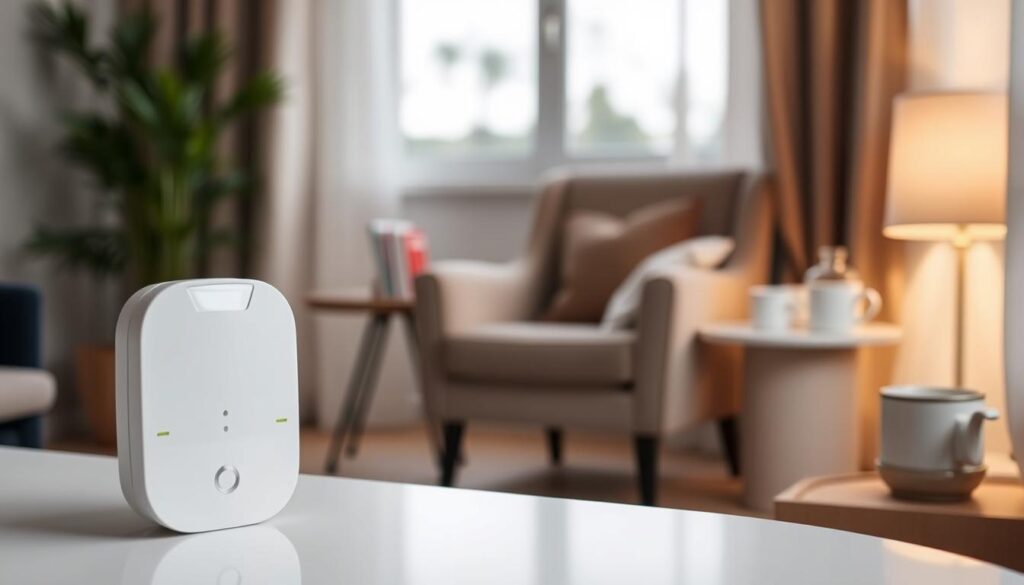
When you set up a caregiver motion tracking system, you’ll find different sensors. Passive infrared (PIR) units detect changes in heat and movement. Brands like Honeywell and Philips make these modules.
Bed and pressure sensors are placed under mattresses to track presence and movement. They help monitor sleep and alert you if someone doesn’t get up on time.
Wearable-triggered motion uses accelerometers in watches and pendants. Brands like Apple and Fitbit offer fall detection. But, it only works if the person wears the device all the time.
Wi‑Fi sensing uses radio waves instead of cameras or wearables. It plugs into home networks and analyzes signal changes. This makes it a discreet option for caregivers.
- Signal processing: systems build a baseline of daily routines and sleep cycles.
- Pattern recognition: algorithms flag deviations that could mean a fall or prolonged inactivity.
- Machine learning: models learn household habits to cut down on false alarms.
When sensors and software work together, the system turns data into useful alerts. It compares current movement to a baseline and highlights unusual events. Over time, it gets better at recognizing normal behavior.
Where you place sensors matters. Put Wi‑Fi sensing units in bedrooms and shared areas. Mount PIR sensors in hallways and at doorways. Place bed sensors under mattresses to track exits and restless nights.
Alerts are sent to you through mobile apps, SMS, or care management platforms. You can set rules for urgent events. This way, important alerts reach the right people at the right time.
Benefits of Using Motion Alerts for Caregivers
Motion alerts for caregivers help spot falls or long inactivity fast. When a sensor sees no movement or sudden changes, you get alerts. This lets you check in quickly, which can prevent hospital visits and improve health outcomes.
By tracking sleep and movement, you can catch early signs of illness. Caregiver monitoring technology collects data on activity and rest. This data helps you and doctors see trends related to infections, dehydration, or health decline.
For managing chronic diseases, ongoing data is key. Motion alerts provide weekly activity summaries and alerts for those who can’t get up. These insights help adjust care plans on time.
In care homes, remote monitoring reduces staff workload. Caregiver safety alerts help staff focus on urgent needs. This efficiency can lower emergency admissions and cut care costs.
Motion-based systems also respect dignity and independence. Seniors can stay home without feeling watched. You get peace of mind with discreet monitoring that keeps them safe while respecting privacy.
- Faster fall and inactivity detection through alerts.
- Trend data for clinicians and caregivers to spot decline.
- Operational savings and better staff allocation in care facilities.
- Improved quality of life and independence for those you care for.
Real-world products like Addison Aware show these benefits. It sends alerts for inactivity, weekly trends, and fail-to-rise notices. These features turn data into timely, useful actions.
Setting Up Motion Alerts Effectively
Begin by identifying high-risk areas in your home. Focus on the bedroom, bathroom, kitchen, living room, and main hallways. These spots are where most activity happens and falls are more likely.
Install Wi-Fi sensing units in outlets in these rooms. Make sure to mount PIR sensors at the right height and angle. This helps avoid blind spots.
Use bed sensors under the mattress or as a pad. They catch when someone gets up from bed and track sleep patterns. Combining these with room sensors offers a complete view of activity and lack thereof.
- Let the system learn typical patterns for several days to cut down on false alerts.
- Configure normal activity windows, like nighttime sleep hours, so you avoid unnecessary notifications.
- Set inactivity thresholds that match the resident’s routine before triggering an alert.
Choose who gets alerts and how they receive them. Give a primary caregiver immediate push notifications on a mobile app. Add backup family members or a home health agency for escalation by SMS or phone call. Set different alert levels: low-priority trend notices and high-priority alarms for falls or prolonged inactivity.
Run trial alerts and refine settings. Test sensitivity, tweak placement, and adjust thresholds until you find the right balance. Regular testing keeps motion detection devices for caregivers reliable.
Choose systems that are easy to install and manage. Many Wi-Fi-based motion detection devices for caregivers offer plug-and-play setup and caregiver apps. This way, you spend less time on hardware and more time on care.
Integrating Motion Alerts with Other Technology
You can make a caregiver alert system better by adding motion sensors with other devices. Use bed and door sensors to track sleep and exit patterns. Smart medication dispensers can link missed doses to when someone was inactive.
Link motion data with vital signs like blood pressure and pulse oximeters. This gives a complete view of daily health and trends. Reviewing all data together helps spot patterns and make better decisions.
- Use platforms that combine sensor data into one dashboard for easy viewing.
- Choose solutions that support API integration with electronic health records or home care management systems.
- Look for caregiver monitoring technology that offers mobile alerts and family access controls.
Real-world examples show how centralizing data works. Addison Aware and similar services mix motion detection with cloud alerts to keep families updated. These systems make sending alerts to the right person easier.
Set up rules for critical events to trigger automatic actions. Rules can send alerts to family caregivers or professionals based on the situation. This reduces delays and helps you act faster.
Share motion trends with doctors to improve care plans and telehealth visits. Doctors can adjust treatments or schedule visits when they see important changes. Integrating monitoring technology with telehealth improves clinical oversight.
Make sure to focus on data security and proper storage. Check that vendors use encrypted cloud storage and follow health data rules. In care homes, set clear consent and access controls to protect privacy and follow laws.
When setting up an integrated system, pick components that work well together and grow. A caregiver motion tracking system that connects with other devices makes monitoring easier and saves time.
Addressing Privacy Concerns with Motion Sensors
Protecting dignity is key. Opt for motion sensors that don’t have cameras. Options like passive infrared (PIR) sensors, bed sensors, and Wi‑Fi sensing detect presence without capturing video or identifiable images. These devices help avoid intrusive recordings while keeping caregivers safe.
Always get consent before installing any device. Explain what the system monitors, who gets alerts, and how data is handled. If the person can’t give consent, talk to their legal representative and document permissions.
Choose systems that encrypt data in transit and at rest. Store data on secure platforms like Microsoft Azure or Amazon Web Services. Enable role-based access to limit who can view trend data. A strong data governance policy builds trust.
Set clear access controls and keep audit trails. Limit who gets alerts and log every access and escalation. Audit logs help track decisions and show accountability.
Follow local rules for care homes and institutional settings. Align monitoring with HIPAA where it applies and with state privacy laws. Review facility consent policies and staff training to avoid regulatory gaps when deploying a motion sensor for caregivers.
- Choose non-video sensors to prioritize privacy.
- Get and document informed consent before monitoring.
- Encrypt data and use role-based access controls.
- Keep audit logs for all alert recipients and data views.
- Ensure compliance with HIPAA and state regulations in care settings.
Common Use Cases for Motion Alerts
Motion alerts help caregivers spot falls fast. They notice sudden stops or odd movements and alert you right away. This means your loved one gets help sooner after a fall.
They also track daily routines to catch health changes. By watching kitchen, bathroom, and sleep patterns, you can see if something’s off. For example, less kitchen activity might mean a loss of appetite or trouble moving.
Prevent wandering by setting up sensors at doors and hallways. These devices alert you when someone with memory loss tries to leave at night. This way, you can stop them without always watching them.
Bed sensors and Wi-Fi sensing help with sleep and breathing issues. They track restlessness and breathing problems, which can signal infections or COPD getting worse. This info helps you and doctors figure out if more tests are needed.
- Support medication adherence by cross-referencing motion data with smart dispenser logs.
- Flag missed doses when the expected activity around the medicine cabinet or kitchen is absent.
- Send timely reminders to keep treatment on schedule.
Manage long-distance caregiving with real-time alerts on your phone. Motion alerts give you updates and weekly trends. This reassures you about your parent’s life in another city, even when you can’t visit.
Use motion detection with other sensors for better monitoring. Door contacts, bed sensors, and appliance sensors give a fuller picture. This reduces false alarms and boosts your confidence in their care.
Potential Limitations of Motion Sensors
Motion alerts for caregivers can help by reducing response times and easing worries. Yet, they are not flawless. Sensors that use passive infrared (PIR) can sometimes trigger false alarms from pets, visitors, or even heating vents. If you set the sensitivity too low, you might miss slow or slight movements, like someone slowly falling in a chair.
Wi-Fi based systems can cut down on false alarms by learning patterns. But, they struggle with complex or unusual movements unless they have enough training data. You might see them misclassify behavior when it doesn’t fit the usual patterns.
The placement and coverage of sensors are key. A single sensor usually can’t cover every area. If sensors are not placed right or if there’s interference, there will be blind spots. You might need several devices to ensure a reliable system across your home.
Another risk is relying too much on infrastructure. Wi-Fi sensing needs a steady internet and power connection. Changes in routers, updates, or outages can stop monitoring. Think about backup power or local alternatives when reliability is a must.
How users feel about the technology also matters. Some older adults might be hesitant about new tech or feel uncomfortable being watched. It’s important to get their consent, show them how it works, and use devices from trusted brands to increase acceptance and respect their privacy.
- False positives from pets or environment
- False negatives for slow or subtle events
- Blind spots from poor placement
- Dependence on Wi‑Fi, power, and updates
- Resistance or privacy concerns from users
Remember, motion alerts for caregivers and a caregiver motion detection setup are tools to help care. They don’t replace personal checks, professional judgment, or emergency services in serious situations.
Ensuring Reliability in Motion Alert Systems
Creating a plan for a caregiver alert system is key. Regularly test sensors and the alert chain. Make sure app notifications, SMS, and escalation contacts work.
Check battery levels in devices and ensure plug-in units stay connected. Replace weak batteries and fix loose cables to avoid missed alerts.
Adjust sensor sensitivity and inactivity thresholds to fit your home’s daily life. Recalibrate after changes in furniture or routines to avoid false alarms.
- Use different detection methods like PIR motion, bed sensors, and Wi-Fi sensing to cover all areas.
- Have a plan for when the system shows gaps, like a manual check-in.
- Keep a list of contacts who can do in-person checks when needed.
Choose vendors that update their systems quickly and offer good support. Look into cloud reliability and version histories before you buy.
Share monitoring data with healthcare professionals to inform health decisions. This ensures alerts are clinically relevant and not just annoying.
Keep records of tests, incidents, and fixes. This makes your motion sensor system reliable and part of your safety routine.
Training Yourself and Your Loved Ones
Begin by teaching your loved one about the system. Explain how the sensors work and why they’re used. Make sure everyone knows who gets alerts.
It’s important to get clear consent from everyone involved. This ensures everyone understands the plan.
Learn how to understand alerts and use trend dashboards. Practice responding to different situations, from minor changes to urgent alerts. Doing drills helps make responses automatic.
- Assign roles among family members for who answers alerts at different times.
- Decide which scenarios require calling EMS or contacting the primary care clinician.
- Keep an updated escalation list with names, phone numbers, and backup contacts.
Explain to the person being monitored how the system respects their privacy. Show them how it works without cameras. Reassure them it’s designed to support their independence.
Regularly review the system’s settings. Update contacts, sensor placement, and rules as needed. Small changes can make a big difference in reducing false alarms.
When new caregivers join, give them the same training. Clear instructions and regular practice build confidence and respect for the system.
The Future of Motion Sensors in Caregiving
Motion alerts for caregivers will get smarter and less invasive. This is thanks to Wi‑Fi sensing and camera-free options. These sensors can detect breathing, falls, and presence through wireless signal changes. This makes them easier to install and keeps privacy intact.
Machine learning will make these systems better at spotting risks. They will learn your routines and reduce false alarms. This means you can get help sooner and have clearer guidance during telehealth visits.
These systems will also work better with electronic health records and clinician workflows. APIs will share important information with healthcare teams. This improves care coordination. At the same time, data will stay local and secure, respecting your privacy and dignity.
As costs drop and proven products become available, more families and care providers will use them. This means more people can safely stay in their homes. You’ll get a system that’s affordable, reliable, and respects your privacy.