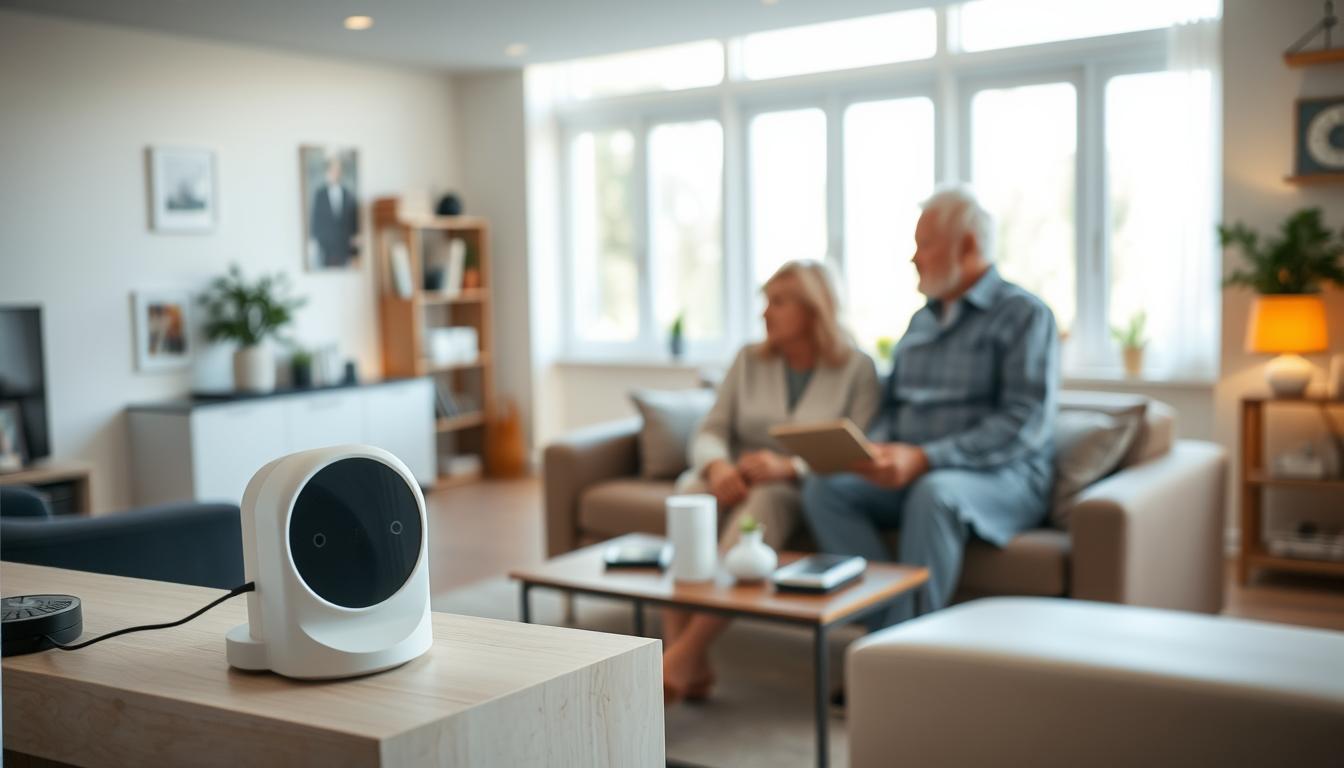
This section helps you set up smart home siren placement and alarm volume. It ensures seniors with hearing loss can reliably detect safety alerts. This way, they can keep their independence.
Creating a hearing-friendly home reduces listening fatigue. It improves daily communication and raises awareness of alarms and doorbells. Proper siren placement for smart home devices and smart home alarm siren positioning work together. They use softer furnishings and better lighting to make alerts more noticeable.
Several home factors change how well you hear alerts. Background noise from TVs and appliances, room layout and distance, lighting that supports lipreading, and hard surfaces that cause echoes are some. You can reduce these issues by adding rugs, curtains, and cushions.
Rearranging seating to shorten distance to sirens is also helpful. Creating quiet zones away from noisy machines is another good idea.
Consult hearing-care providers like Beltone, Decibel Hearing Services, or advanced hearing clinics for advice. They can help with hearing aids and alerting strategies. This article will guide you through smart home siren placement, adjusting alarm volume for hearing loss, and more.
Understanding Smart Home Sirens and Their Benefits
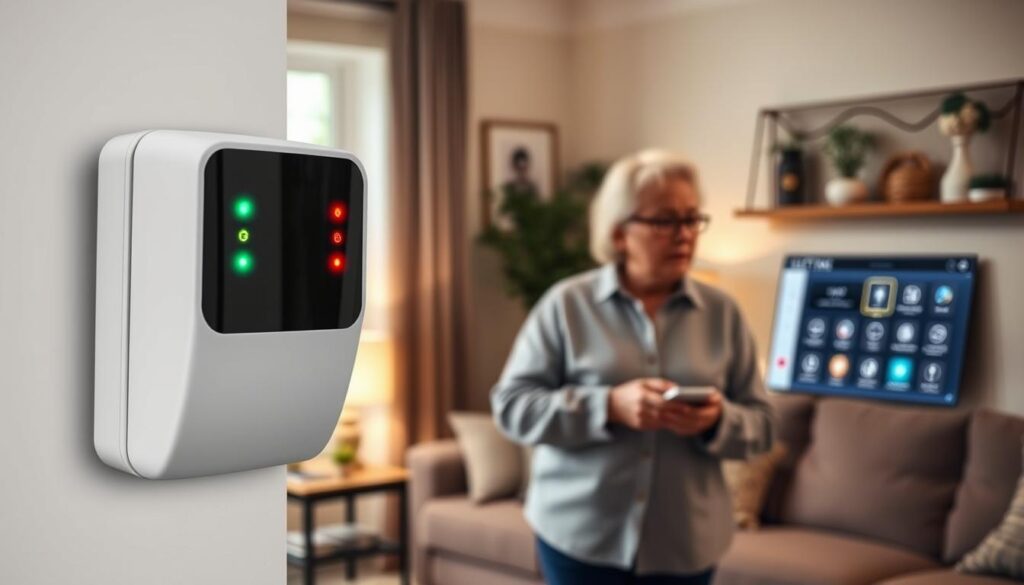
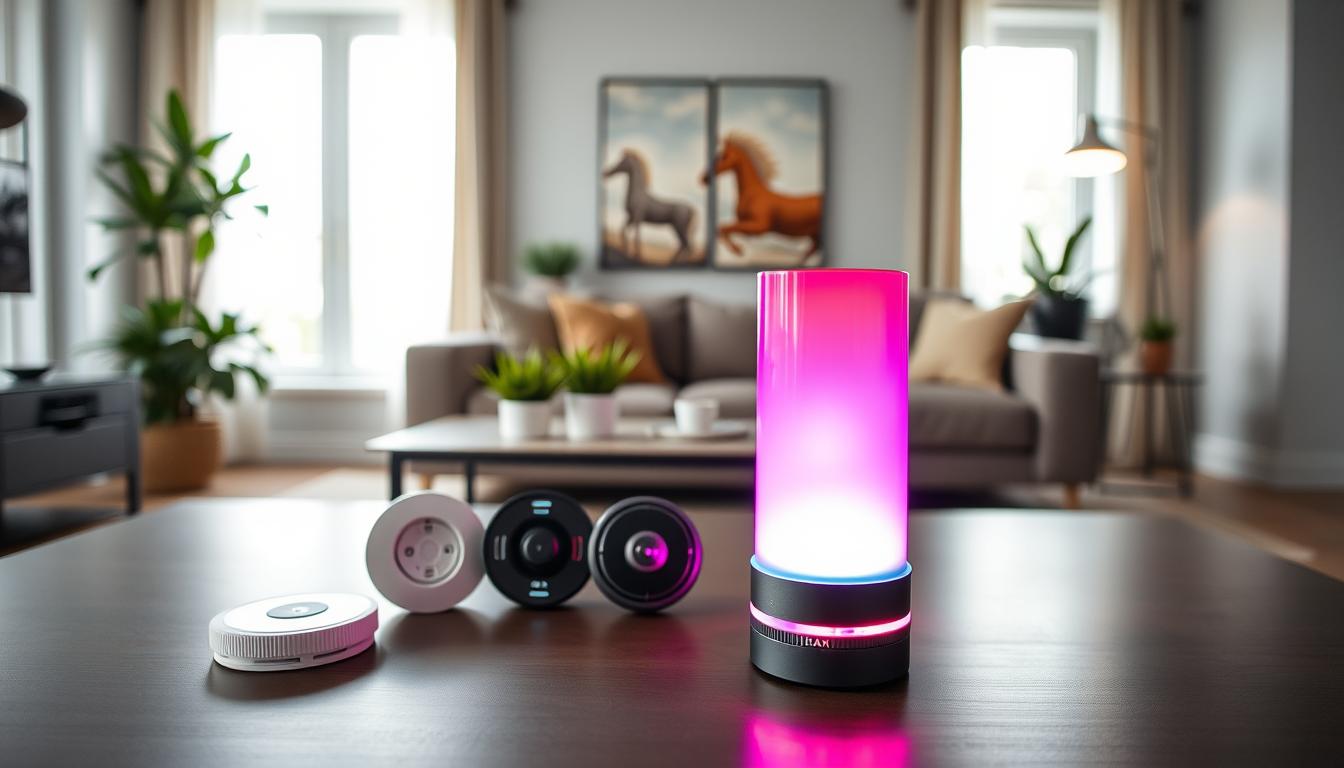
Smart home sirens are networked alarm devices. They produce loud, customizable alerts. They connect with smoke detectors, carbon monoxide sensors, security systems, and smart hubs like Ring, Nest Protect, Honeywell, and SimpliSafe.
They offer louder and more flexible alerts than standard alarms. Many sirens allow you to change the tone, frequency, and volume. This makes alerts more suitable for seniors’ hearing. Remote notifications can also reach caregivers on smartphones when an alarm goes off.
Interoperability is important. Most sirens work with Alexa, Google Home, and Apple HomeKit. This lets you combine sound with push notifications and smart lights for multi-modal alerting.
- Direct smartphone alerts that show where the alarm started.
- Smart speaker announcements that repeat critical messages.
- Light-based alerts that flash when sound may not be heard.
Hearing aids and assistive devices are key. Modern hearing aids with Bluetooth streaming can receive some alerts directly. Pairing hearing devices with a smart-home system improves detection and reduces missed events.
When planning Smart home security system siren placement, think about how sound travels. Consider where family spends most of their time and which rooms have hearing-friendly layouts.
Choosing the Best smart home siren location means more than just volume. Place sirens in areas like sleeping zones, living rooms, and hallways. Avoid echo-prone spots. Integrate sirens into a hearing-friendly home plan. This includes quieter zones, better lighting, and devices with adjustable volume and tone.
Why Placement Matters for Effective Alerts
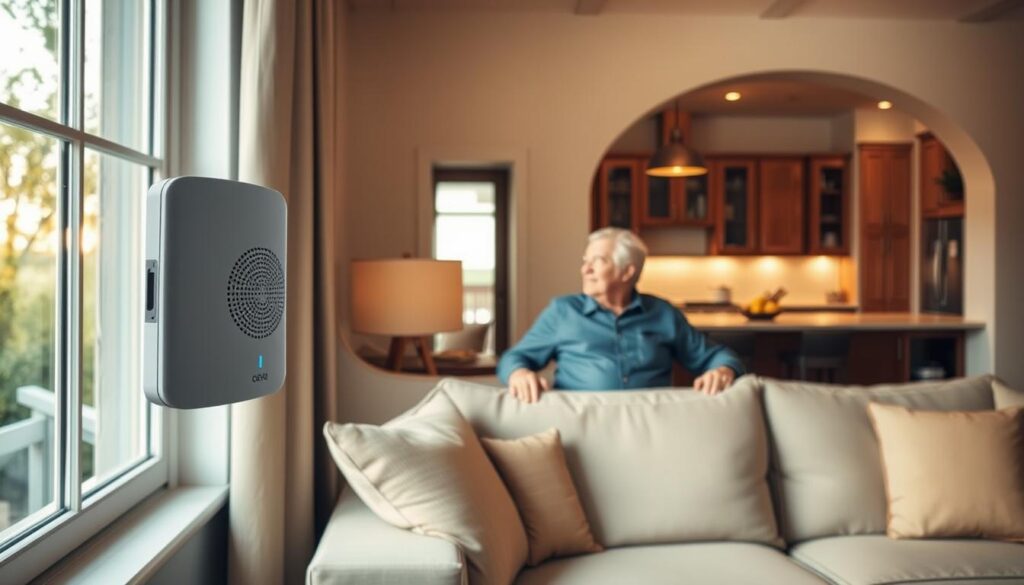
Sound weakens as it travels. The farther it goes, the quieter it seems. Walls, doors, and heavy furniture can block or bounce sound waves. Open spaces let noise spread out and fade quickly.
You should put sirens where sound can reach sleeping areas and main rooms with few barriers.
Everyday sounds can hide alarms. Kitchen appliances, HVAC systems, TVs, and radios make steady background noise. Outdoor traffic and many devices with tones add to the distractions. Think about these when choosing where to put smart home siren units to avoid missed alerts.
Visual cues are important for many seniors. Place devices so strobe lights or LEDs are seen from bedrooms, living rooms, and common areas. Clear lighting and unblocked views help those who rely on lipreading or visual cues to spot an alarm fast.
Bedrooms, hallways, and main living areas are key zones. Seniors are often asleep or in these rooms during emergencies. Smart home siren placement should focus on these spots to ensure timely warnings and responses.
- Avoid hiding sirens behind curtains, inside closets, or tucked behind large furniture.
- Do not place units too far from sleeping areas or high-use rooms.
- Mount units on walls or ceilings where sound projects into corridors and common spaces.
Bad placement raises the risk of missed alerts and delayed help. Plan placement with acoustics, common noise sources, and sightlines in mind. This way, you’ll have a system that reliably reaches you when it counts most.
Ideal Locations for Smart Home Sirens
Put sirens in spots where they can reach sleeping areas and busy zones. Use the Best smart home siren location list to plan. Even small changes in where you place them can make alerts much better for those with hearing loss.
- Central hallway near bedrooms — a top priority for night alerts and one of the Best smart home siren location choices.
- Ceiling or high-wall mounting in living rooms and kitchens — mount high and away from appliances that create constant noise.
- Entryways and main staircases — these cover arrivals and movement between floors and rank among Ideal spots for smart home siren placement.
- Near commonly used sleeping areas, including guest rooms — ensure every sleeping space has coverage or quick access to a nearby siren.
For bedrooms, mount a siren on the ceiling or high on a wall within clear line of sight of the bed. If the bedroom door is often closed, place a secondary siren in the adjacent hallway so alerts are not muffled.
Open floor plans need multiple devices or combination siren/strobe units to keep sound consistent across the space. Create smaller conversation zones with furniture and rugs to preserve sound clarity and make the Ideal spots for smart home siren placement more effective.
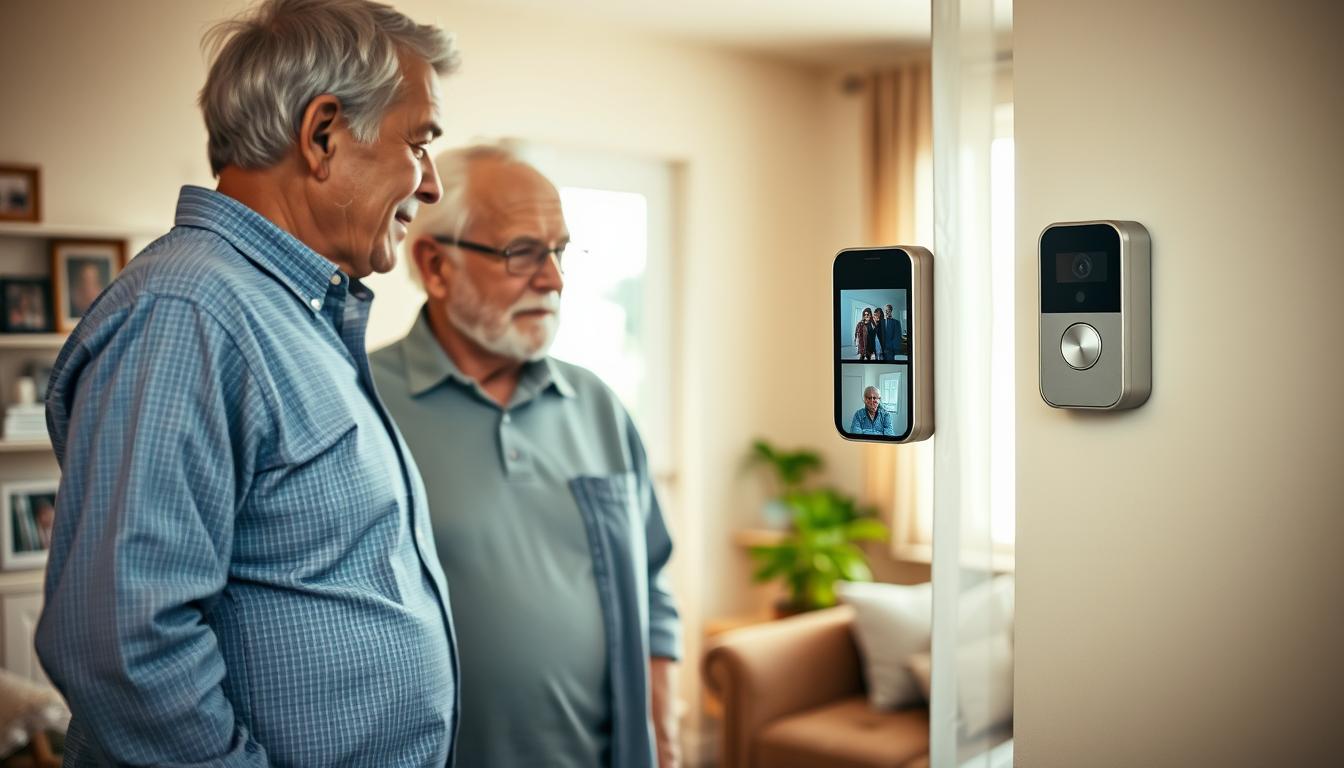
Pair doorbell and entry sensors with visual alerts near doorways and living areas. This helps you notice visitors and deliveries without relying only on sound. These placements complement the Best smart home siren location choices for overall home coverage.
Use vibrating bed shakers or wearable vibration devices as supplemental alerting for bedrooms when sound detection is unreliable. These devices work well with ceiling-mounted sirens and improve response for people with hearing loss.
Adjusting Alarm Volume for Hearing Loss
Start by checking how loud the alarm sounds from different places. Go to the bed, couch, and kitchen while someone sets off the siren. Turn up the volume until you can hear it clearly over background noise without discomfort.
Use short, intermittent sounds instead of a constant loud tone. This helps avoid tinnitus and reduces ear fatigue. Always avoid loud sounds for too long.
- Measure perceived loudness at each listening point.
- Test during normal conditions, like the TV or a running dishwasher.
- Stop increasing volume once the alert is clearly audible and not uncomfortable.
Safe maximums depend on how long you’re exposed. For quick alerts, keep it under 85–90 dB. For repeated sounds, aim even lower. If you need it louder, use patterns that limit exposure time.
Choose sounds that fit the user’s hearing. Many older adults lose high-frequency hearing. Alarms with multiple frequencies or sweeping tones help more. Lower-frequency sounds travel better through walls and furniture.
Do practical tests with real background noise. Turn on the TV, run appliances, and set off the siren. Ask the senior if they can hear it well. Adjust the tone, pattern, and level until they can respond reliably.
Consider pairing alarms with hearing aids or assistive devices. Many modern hearing aids, like Oticon and Phonak, support direct streaming or pairing with smart home systems. This lets alerts be amplified or sent directly to the user’s ear.
Match your volume adjustments with smart home siren placement. Follow simple tips for placing smart home sirens to ensure consistent coverage. Proper placement and tuned volume make alerts effective without harm.
Leveraging Smart Technology for Volume Control
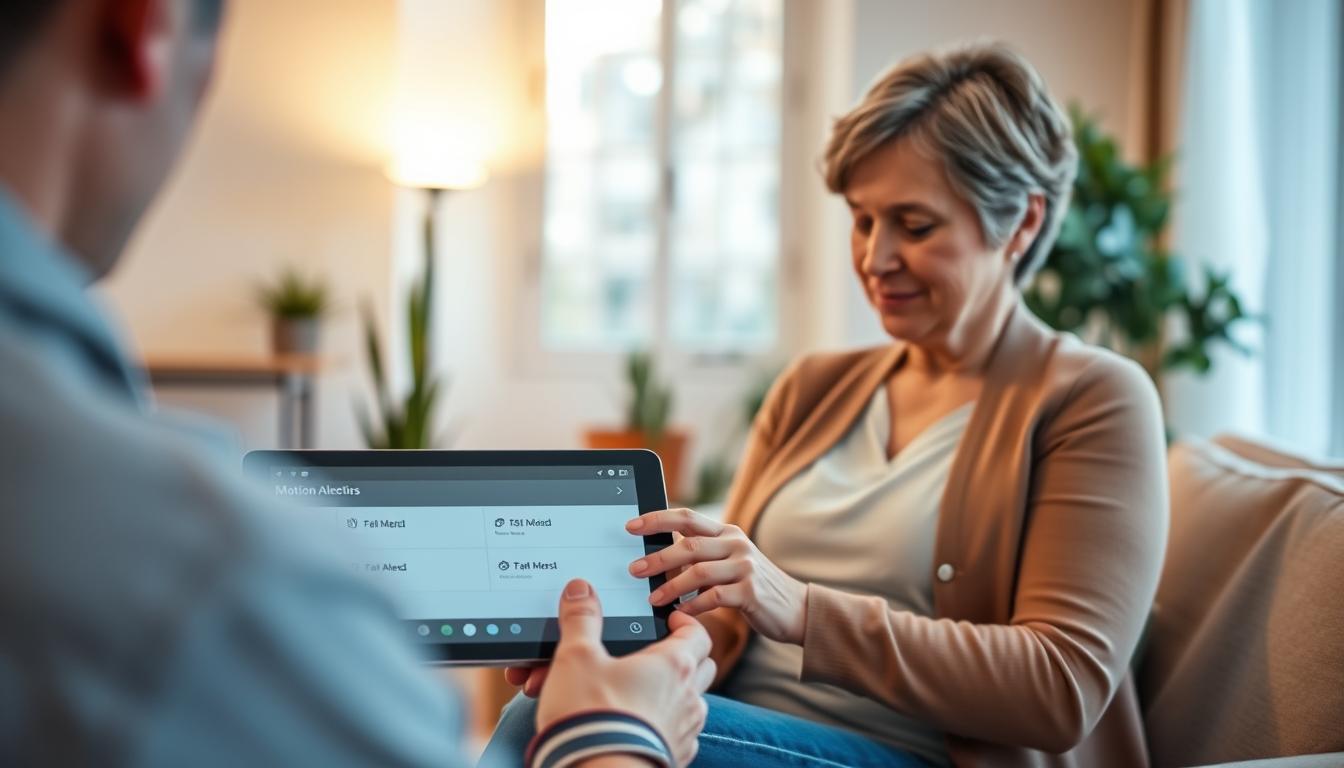
Smart features let you adjust alarm volume easily without using ladders. You can use smartphone apps to change siren levels. You can also set night-time profiles for louder alerts and softer sounds during the day.
Geofencing and profile-based settings adjust alerts based on your location and time. These settings work well with smart home siren placement. They ensure alerts are heard in the right places when volume is lower.
Smart ecosystems like Amazon Alexa, Google Home, and Apple HomeKit help create routines. These routines can mix sirens with lights and phone notifications. You can automate volume changes or repeat alerts, helping seniors who might miss a single tone.
- Use Alexa routines to trigger repeated alerts at set intervals.
- Use Google Home automations to link motion sensors with louder tones at night.
- Use HomeKit scenes to pair sirens with smart bulbs for multi-modal warnings.
When a siren goes off, push notifications and caregiver alerts can notify family members right away. Systems from Ring, ADT, and SimpliSafe send texts, app pushes, or calls to emergency contacts. This way, someone checks in if the senior doesn’t respond.
Cloud-based logs and analytics help you see when alarms went off and which notifications were seen. These records help you improve Smart home siren placement and positioning. You can make changes based on real events, not just guesses.
Have backup plans if a primary siren is muted or fails. Add extra alerts like phone calls, smart bulb flashing, or wearable vibrations. This way, important warnings reach the senior, even if one alert is missed.
Incorporating Visual Alerts Alongside Sound
When setting up smart home systems, add visual alerts to cover hearing gaps. Visual cues help those with hearing loss and lipreaders. They act as a backup when background noise hides sound.
Use a mix of visual devices to boost detection. Common options include:
- Strobe lights for smoke and carbon monoxide alarms.
- Smart bulbs that flash or change color on alert.
- Doorbell chimes with flashing modules for entry notifications.
- Wearable LED indicators and bed shakers for wake-up alerts.
- TV or monitor pop-up alerts that show messages on screen.
Place strobes and flashing devices where they are most visible. Install strobes in bedrooms, living rooms, and entryways. This way, you can see them from seating and sleeping areas. Position smart bulbs in fixtures that are visible across rooms.
Combine sound and light for the best results. Pair smart home alarm siren positioning with strobe lights and vibration devices like bed shakers or smartwatches. This increases the chance you will notice an alert during sleep or in noisy environments.
Use smart-device accessibility settings to fine-tune visual alerts. Many platforms let you customize flash patterns, brightness, and which devices receive notifications. Set preferences to reduce false alerts and keep visual signals effective for daily use.
Conducting an Effective Home Evaluation
Begin by mapping your home. Mark areas like high-use rooms, bedrooms, hallways, and entrances. This map will help you figure out the best spots for your smart home siren.
Make a list of noise sources in your home. Note things like kitchen appliances, HVAC vents, laundry machines, and street or rail noise. Also, count rooms with poor sightlines or low lighting. This will help you decide where to add visual alerts.
Measure the distance between bedrooms and common areas. Use a tape measure or a room app to get accurate measurements. Knowing these distances will help you determine how many devices you need and where to place them.
- Test alarms from each typical location while simulating normal background noise.
- Record whether the alert is heard, seen, or felt as vibration.
- Try different tones and volumes to see which are most noticeable in each spot.
Use simple tools for objective data. A smartphone decibel meter can give you ambient noise readings. You can also use floor plans or marking tape to sketch coverage zones and mark preferred mounting points.
Consider getting help from professionals. An audiologist can create a hearing profile for your family. A certified smart-home or security installer can recommend the right devices and mounting heights for your smart home siren.
Create an action plan based on your findings. List the devices you need, like sirens, strobes, and bed shakers. Note the exact mounting spots, volume, and tone settings to test. Also, plan a schedule for routine maintenance and testing.
Training Family Members to Respond to Alerts
First, make a clear plan for how everyone should react. Decide who checks on the senior, who calls 911, and what to do for each alarm. Keep it simple and easy to remember.
Practice drills with real equipment. Use the actual sirens and alerts to test everyone’s response. Make sure to practice checking sightlines and using wearable devices.
Set up good ways to communicate. Use apps for group messages and name two emergency contacts. Teach caregivers how to handle alarms safely.
Write down important details. Include the senior’s hearing needs, preferred alerts, and where devices are. Add notes on smart home siren placement for visitors.
Learn about the equipment you use, like Ring or Philips Lifeline. Go over how to check devices and test the backup power. Make sure motion sensors work right.
- Practice response steps for each alarm type.
- Rehearse assisting with vibratory devices and strobes.
- Confirm who contacts emergency services during drills.
Update training often. Refresh it when you change devices or move them. Include new caregivers in drills to keep everyone on the same page.
Routine Maintenance and Testing of Sirens
Keep your system reliable with a clear maintenance checklist. Test sirens and strobes every month. Replace batteries as the manufacturer suggests. Update firmware and app software when updates appear. Make sure each smart device can connect to the network for timely alerts.
Use practical testing methods to mirror real conditions. Test during normal household noise and at different times of day and night. Confirm that alarms wake sleeping areas and reach primary living positions. Check that visual alerts remain visible from bedside chairs and sofas.
- Testing best practices: simulate typical ambient sound and test both day and night.
- Check visibility: ensure strobes are seen from sleeping and main living spots.
- Log results: write test dates, outcomes, and fixes in a simple record.
If a siren sounds muffled or weak, try repositioning or remounting it higher or more central to the floor plan. Proper siren placement for smart home systems means avoiding closets and tight corners that block sound. If Wi‑Fi latency delays notifications, add a range extender or choose a hub with cellular backup where available.
Keep spare parts and backup power on hand. Store extra batteries, a replacement siren, and an uninterruptible power supply for routers or hubs. These items help maintain function during outages and reduce downtime for critical alerts.
- Monthly: test sirens and strobes; note any issues in your log.
- Quarterly: swap batteries if recommended; update firmware and apps.
- Annually: inspect mounting hardware and consider repositioning for optimal coverage.
Follow a simple logging routine to track maintenance. Record the date, test conditions, pass or fail, and corrective action. Over time this log reveals patterns and shows whether your Smart home security system siren placement needs adjustment to stay effective.
Staying Updated with Smart Home Technology
Make sure to install firmware and app updates right away. These updates often bring new tones and better device integration. They also fix security issues that could make your system less reliable.
Sign up for newsletters from Ring, Nest, SimpliSafe, and Honeywell. They share new features and safety updates. Also, follow hearing-care providers like Beltone and Decibel Hearing Services for tips on using devices with hearing aids.
Check out smart-home forums and community threads. They offer practical tips on placing smart home alarm sirens. You can also find advice on setting up devices for seniors with hearing loss.
- Emerging features to monitor: hearing-aid streaming compatibility for direct alerts.
- AI-driven false-alarm reduction that cuts nuisance alerts.
- Multi-sensory alert customization combining sound, strobe, and vibration.
- Improved low-power battery tech that extends device life.
Do a tech review every 12–24 months. Check if your sirens are loud enough and have the right tones. Think about getting devices that can send alerts through sound, light, and vibration.
Before buying, check if devices work with hearing aids and wearables. The right placement of smart home alarm sirens is key for sound reach and streaming to assistive devices.
Get help from electricians, smart-home integrators, and audiologists for expert advice. They can suggest top devices, test installations, and ensure everything is safe and accessible.
Stay on top of updates and reviews to keep your alerts reliable and accessible. This way, you can meet your loved one’s hearing needs.
The Future of Smart Home Sirens and Seniors
Technology is getting better, and smart home sirens will soon fit your hearing needs perfectly. They will use your audiogram to adjust sounds. This means alerts will go straight to your hearing aids from brands like Starkey and Phonak.
These sirens will also use light and vibration to get your attention. This makes it easier to find the best places for them in your home. They will fit into your daily life and devices.
Adaptive sirens will change their volume based on the noise around you. They will switch to visual and haptic alerts when it’s needed. They will also connect with health monitoring, like fall detection and medication reminders.
This integration will make alerts part of a bigger safety network. Smart home siren placement will use data from motion sensors and health apps. This will help you not miss any important alerts.
Quieter homes and low-noise appliances will make alarms more effective. They will also protect your hearing. You should check and update your siren’s settings as new features come out.
Testing different volumes, lights, and vibrations will help. This way, you can reduce false alarms and make sure you can hear them. By making small changes, you can keep your home safe and supportive.
Stay ahead by making adjustments to your siren’s placement and settings. This will keep your system up-to-date with the latest technology. It will help seniors with hearing loss stay safe and connected.