This guide will show you how to make lamps, kettles, and more smart using a simple plug. You’ll learn how to install a smart plug and set up your devices. This way, you can start using your home devices remotely without buying new ones.
Smart plugs are affordable, costing under $50. They’re a great way to modernize your home. You can control devices from anywhere, use voice commands, and save energy. Brands like Belkin WeMo, TP-Link Kasa, and Amazon Smart Plug are popular choices.
This article will cover everything from the basics to advanced uses. You’ll learn about installation, voice control, energy savings, and more. If you’re looking for a budget-friendly way to automate your home, this guide is perfect for you.
What is a Smart Plug?
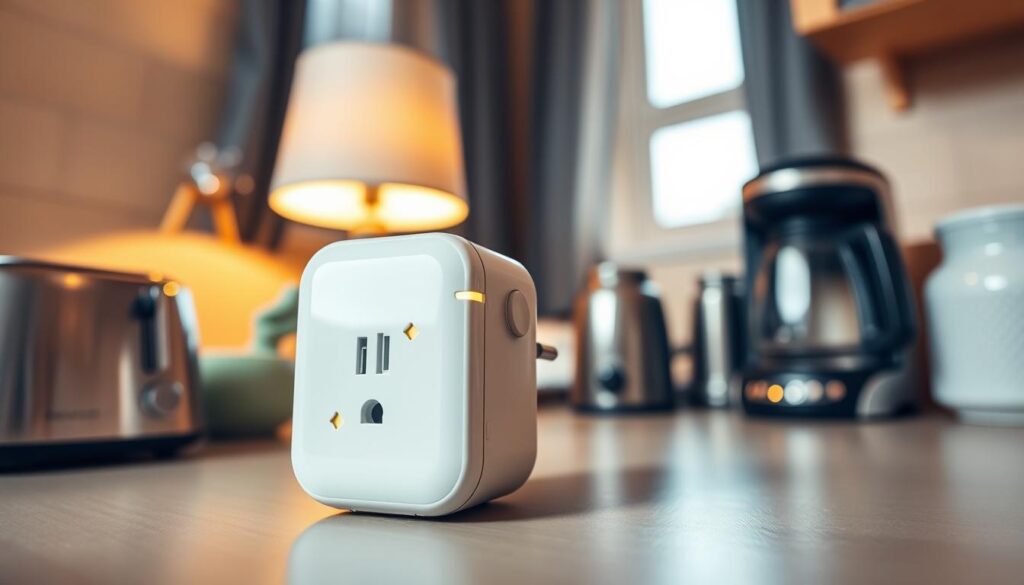
A smart plug is a small device that connects to your home network. It lets you control any appliance with a smartphone app, schedule, or voice assistant. It’s all about adding remote control and automation without replacing the device.
Smart plugs come with basic features. You can turn devices on and off remotely, set schedules, and control them with voice assistants. Some even work with Apple HomeKit. Look for Matter compatibility for easy integration with Kasa or TP-Link systems.
They also track energy use, helping you spot where you can save. Many smart plugs are under $50, making automation affordable.
- Remote on/off and app control
- Scheduling and timers for routines
- Voice control and platform integration
- Optional energy monitoring
They’re great for controlling lamps with your voice, setting up kettles or coffee makers for mornings, or timing humidifiers or air purifiers. Choosing a smart plug is often smarter than replacing a working appliance.
Before buying, check if the smart plug works with your Wi‑Fi and voice platform. Follow the app’s setup steps to connect it to your network. A quick check and proper setup make it easy to start using your smart plug.
Choosing the Right Smart Plug for Your Needs
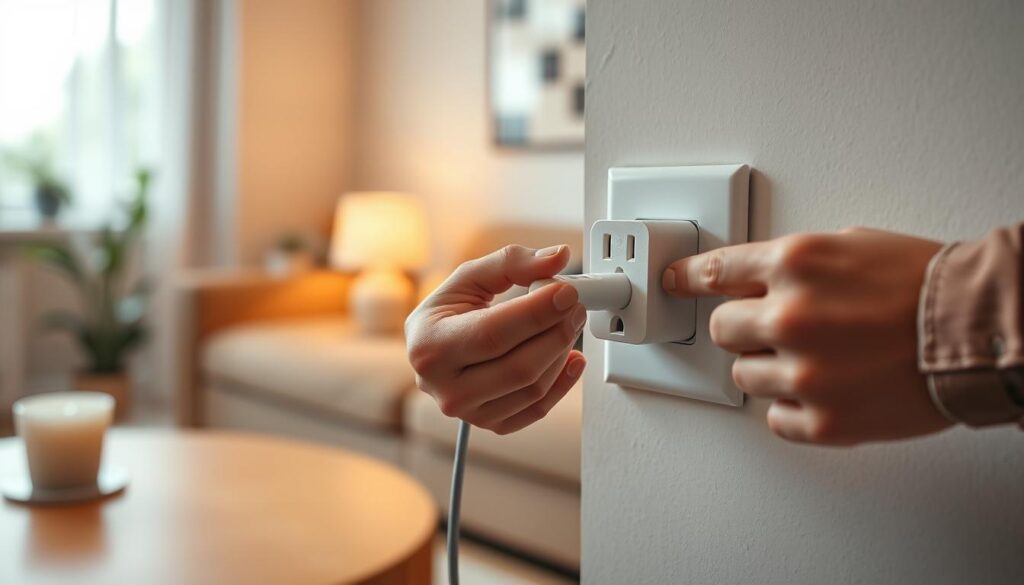
Before you buy, check if the smart plug fits your needs. Make sure its wattage and amp rating match your appliance. Big appliances like space heaters need strong plugs to avoid overheating or tripping breakers.
Choose the right communication protocol for your setup. Wi-Fi plugs work without a hub. For better cross-platform use, look for Matter, Zigbee, or Z-Wave support. Matter makes devices from brands like TP-Link Kasa and Eve work better together.
Make sure the plug works with your voice assistant. Check if it supports Amazon Alexa, Google Assistant, or Apple HomeKit. This ensures your voice routines work smoothly.
Think about energy monitoring and scheduling. Monitoring shows how much energy you use and can help save money. Scheduling lets you automate tasks like turning on lights or coffee makers.
Consider the plug’s size and if it blocks outlets. Slim plugs save space, while big ones might block other outlets. You might need to use an extension or move devices.
Choose a trusted brand for updates and privacy. Belkin, TP-Link, and Leviton are known for keeping devices secure. This is important for your data and device safety.
Think about the cost and what features you need. Basic plugs are cheap, but more advanced ones offer more features. Decide what’s most important to you.
If you need complex installations, get professional help. Electricians can install in-wall smart switches and handle complex setups safely.
Here’s a checklist to help you choose:
- Verify power ratings and load capacity.
- Confirm protocol and hub compatibility.
- Ensure voice assistant support for voice-controlled plug installation.
- Decide on energy monitoring and scheduling features.
- Pick a form factor that won’t block other outlets.
- Choose a reputable brand with firmware updates.
- Consider professional services for hardwired or complex installs.
Installation Process of Smart Plugs
First, check if the outlet works and fits the smart plug’s needs. Ensure your Wi-Fi signal is strong where you’ll place the plug. Also, set up your manufacturer account in apps from brands like Amazon or TP-Link Kasa before starting.
Then, do the physical setup. Plug the smart plug into the outlet and connect your appliance. For slim or stacked outlets, pick a compact model to avoid blocking other sockets. This step is key for a safe and easy installation.
Now, pair the plug with your app. Download the app, add a device, and put the plug in pairing mode. You’ll need to enter your Wi-Fi details. Make sure your network is on 2.4 GHz, as many devices require this.
- For Matter or hub-based systems, follow the hub instructions for Amazon Alexa, Google Home, or Zigbee/Z-Wave hubs.
- Name the device in the app, for example “Kitchen Kettle” or “Bedroom Humidifier.”
- Assign a room so grouping and voice control work smoothly.
Set up basic schedules to start using your plug right away. For example, turn on bedtime lamps or morning coffee. Use routines in Alexa or Google Home to control other devices with your plug.
Link your voice assistant to the plug’s account. Connect it to Alexa, Google Home, or Apple Home. Then, enable the skill or integration in the voice assistant app for voice commands and routines.
Remember safety at every step. Don’t use smart plugs with appliances that need manual on/off. Also, avoid low-amp plugs for high-draw heaters unless they’re certified for it.
If pairing fails, try basic troubleshooting. Reset the plug, check your Wi-Fi password, and ensure it’s on 2.4 GHz. These steps often fix common setup issues.
Integrating Smart Plugs with Home Automation Systems
First, choose between a hub-based or hub-free setup. Amazon Echo and Google Nest Hub are great for voice control. If you have lots of devices, consider a Zigbee or Z-Wave hub from Samsung SmartThings or Aeotec for better performance.
Many Wi-Fi smart plugs connect easily with cloud apps and voice assistants. Matter-certified products from Philips Hue, Wyze, and TP-Link make switching brands simpler.
Use routines and schedules in Alexa or Google Home apps for basic automations. For example, start a kettle in the morning or turn off a humidifier at night. You can also link sensors to control devices based on your presence.
- Bedtime routine example: dim lights, run humidifier for 30 minutes, then cut power.
- Away simulation: randomized lamp schedules to mimic occupancy and deter burglars.
- Energy saving: turn off chargers and idle appliances during peak rates.
For more control, use Home Assistant on a local server. It combines Zigbee, Z-Wave, and Wi-Fi devices. Home Assistant offers detailed control and local backups, reducing cloud service reliance.
Update firmware regularly and use consistent names and room assignments. Grouping devices by room makes voice commands clearer and avoids confusion.
For complex automations, link sensors and routines. For example, a motion sensor can turn on a lamp, then an environmental sensor can turn off a fan. Test each rule to ensure it works as expected.
Using Smart Plugs for Energy Management
Smart plugs can help you save energy by showing how much power devices use. They let you see which devices are big energy users. This includes things like space heaters, air purifiers, and entertainment systems.
Set devices to turn on only when you need them. For example, turn on a humidifier when you sleep and a kettle before you wake up. This saves time and cuts down on unnecessary use.
Find out which devices use power even when turned off. Use the smart plug to see which devices are always using power. Decide which ones should always be on and which can be turned off.
Use sensors to control devices automatically. For example, turn off fans or space heaters when no one is in the room. This saves energy and money without adding to your daily tasks.
- Compare your old utility bills with new ones to see how much you save.
- Figure out how long it will take to pay back the cost by dividing the price by your monthly savings.
- Focus on automating devices that use a lot of power or are always on for the best savings.
People have seen real benefits from using smart plugs. They’ve saved time and energy by automating devices like kettles and humidifiers. They’ve also cut down on the hours their air purifiers run.
Think about the network and privacy when choosing a smart plug brand. Some brands store your energy data online, so choose ones that keep your data safe. If you need help, a smart plug installation service can set it up for you.
Keep a list of simple steps to fix common problems with your smart plug. Check your Wi-Fi, make sure the software is up to date, and test it with a known working outlet. These steps can usually fix most issues.
Using an energy monitoring smart plug gives you control and visibility. With smart scheduling, cutting down on standby power, and occasional troubleshooting, you can save energy. You’ll also keep the convenience of smart devices.
Troubleshooting Common Smart Plug Issues
First, check if your smart plug is compatible with your appliance and hub. Make sure the plug’s wattage matches your appliance’s needs. Also, ensure it works with your chosen hub or voice assistant.
If your plug won’t pair, try putting it in pairing mode. Make sure your Wi‑Fi is set to 2.4 GHz. Then, re-enter your network password and reboot your router. Move the plug closer to the router for better connection.
When a device goes offline, check the signal strength. Try to reduce network congestion. Using a Wi‑Fi extender or moving the router can help. Also, keep your firmware and app versions up to date to avoid bugs.
- Voice commands not recognized: open your Alexa or Google Home app and verify the plug’s name and room. Relink the plug’s account or skill when recognition fails.
- Appliance won’t power on: confirm the appliance’s own switch is set to ON. Some devices won’t auto-restart when power returns for safety.
- Overload or tripped breaker: compare appliance draw with the plug’s rated watts. Avoid using space heaters, kettles, or high-wattage devices on undersized plugs.
If problems continue, reset the plug to factory settings. Most brands require holding the plug button until the LED signals reset. After resetting, remove and re-add the device in the app to restore normal operation.
If you notice electrical hazards like burning smells or heat from the plug, call support or an electrician. For complex hub integrations that fail consistently, consider a certified smart home technician or installer.
To prevent problems, keep firmware and apps updated. Maintain strong Wi‑Fi coverage where devices live. Use plugs rated for the appliances you control. Regular troubleshooting and a quick check of your Wi‑Fi smart plug configuration will save time and reduce interruptions.
Enhancing Home Security with Smart Plugs
Smart outlet installation can make your home look like it’s occupied when you’re away. Set your lamps to turn on and off at random times. This trick can scare off burglars without costing much, as experts in Dubai and Asurion suggest.
Connect smart plugs to motion or door sensors for a smart response. If a sensor goes off, the plug can turn on a light, start a camera, or set off an alarm. This setup makes your home safer without needing to rewire it.
Adding voice-controlled plugs makes emergencies easier to handle. Just tell Amazon Alexa or Google Assistant to turn on lights or flood a porch. This quick action can save time when every second matters.
- Use timed lighting and staggered schedules to avoid predictable patterns.
- Combine smart outlet installation with hubs or voice assistants for coordinated scenes.
- Test automations before travel to confirm rules trigger as expected.
Keep your system safe with strong passwords and two-factor authentication. Update your firmware regularly to stay secure. Choose brands known for their security to protect your data and devices.
Remember, smart plugs are just a part of your security system. They work best with alarms and cameras. They can make your home look occupied and automate responses. But, they shouldn’t replace professional monitoring systems.
Creative Uses for Smart Plugs
Turn simple devices into smart helpers with plug-in smart device setup. Set an electric kettle to heat water before you go downstairs. You can also make a Keurig or slow cooker start before work.
Make bedtime easier with smart plugs. They can turn on an alarm clock, humidifier, and lamps at the same time. This signals to your body that it’s time to sleep.
Use smart plugs for painting or projects that make fumes. Set an air purifier or fan to run while you’re away. This clears odors and keeps your space safe without you needing to remember.
- Limit late-night screen time by scheduling a child’s lamp or TV to power off at set hours.
- Automate aquarium feeding pumps on timers to keep fish fed when you travel.
- Create holiday light scenes with randomized on/off patterns for a lived-in look.
- Link coffee makers and slow cookers to morning departure routines so breakfast is ready on schedule.
- Run garden pond pumps or greenhouse lights on precise schedules to protect plants.
Before automating, check if your smart plug works with each device. Some appliances don’t like being turned off and on. Make sure your heater, medical equipment, or older electronics can handle it.
For tracking savings or device load, choose a smart plug with energy monitoring. This shows you real data for your automations. Use plugs with motion sensors or Alexa and Google Assistant for actions that respond to you or your presence.
Remember safety first. Use smart plugs rated for high-draw appliances. Test your automations in short runs before setting long schedules. A smart setup and compatibility check protect your devices and give you reliable routines.
Maintaining Your Smart Plug and Devices
Keep your smart plug’s firmware and app up to date. This improves stability, adds new features, and closes security holes. Regular updates also mean less need for troubleshooting and smoother device setup.
Regularly test your schedules and voice integrations. Try each automation and check voice commands with Alexa or Google Assistant. Note any odd behavior. If a plug gets hot, shows discoloration, or smells, unplug it and call a licensed electrician.
Ensure strong Wi-Fi for stable connections. In big homes, consider mesh systems or extenders. Change your account passwords often and use two-factor authentication for security. For complex tasks, hire a professional installation service or a licensed smart home installer.
Label each plug and keep a simple inventory. Include device name, location, model, and firmware version. This helps with future troubleshooting. Replace units showing wear, persistent issues, or no security updates. Upgrading to Matter-certified or higher-rated plugs can future-proof your system and increase your home’s value.